What electronics receipt templates are available?
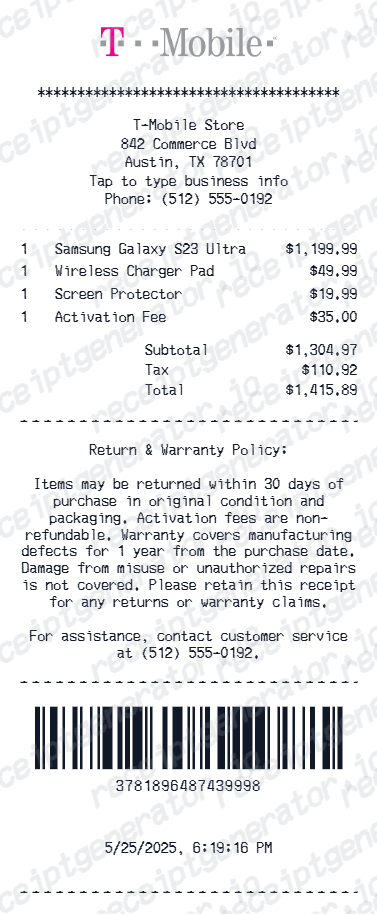
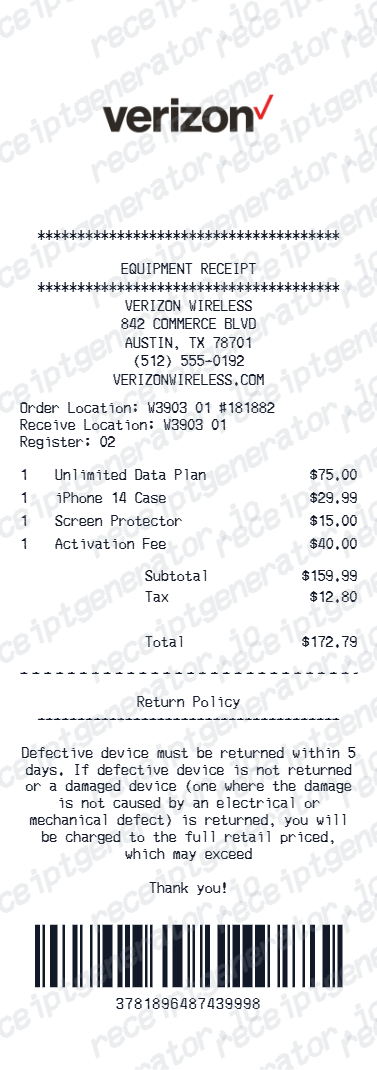
Templates include Apple Store, Best Buy, T-Mobile, and Verizon receipt formats - each with editable product, plan, payment, and store details matching the standard receipt format of those brands.
Can I add product name, model, and serial number?
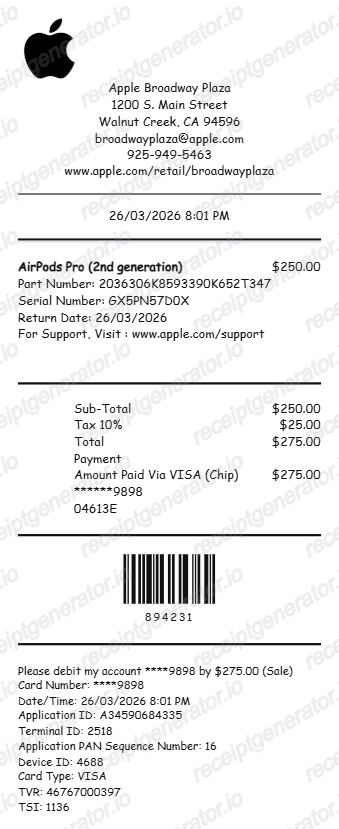
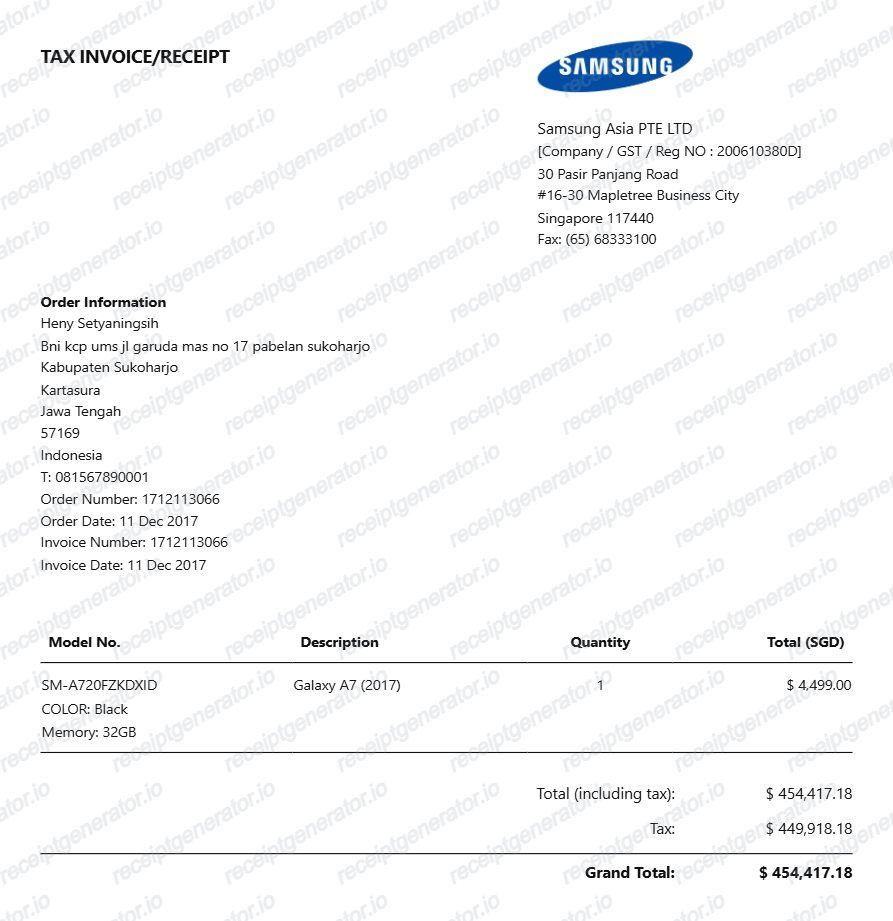
Yes. Add device name, model, storage/color variant, IMEI or serial number, and SKU as separate line items - common information on Apple Store and Best Buy receipts.
Can I create an Apple Store receipt?
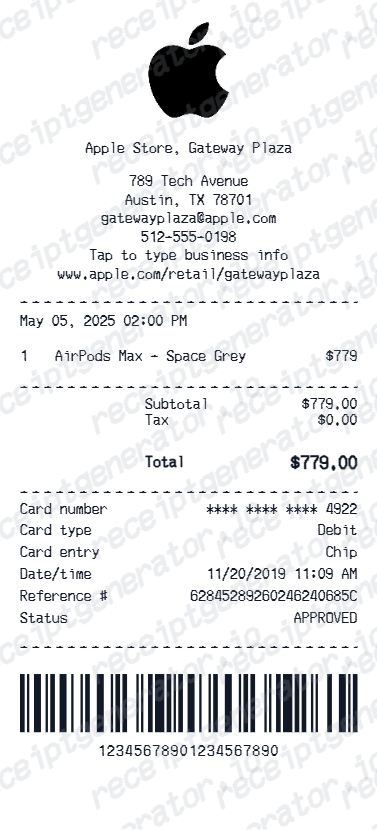
Yes. The Apple Store receipt template includes store address, Specialist name, product name, AppleCare+ option, trade-in credit, and Apple Card payment - matching Apple retail receipt format.
Can I create a Best Buy receipt?
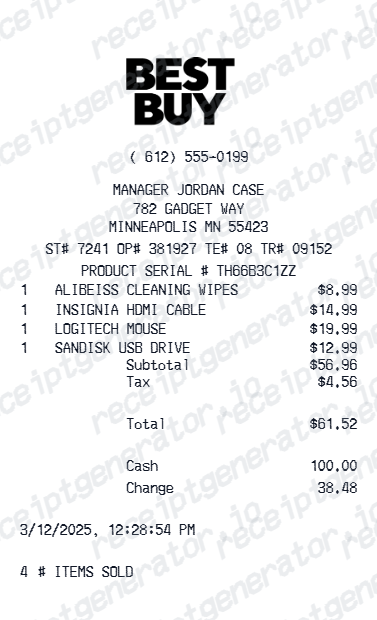
Yes. The Best Buy receipt template supports product SKU, model number, Geek Squad protection plan, Best Buy credit card payment, and store reward points - matching Best Buy POS receipt format.
Can I create a T-Mobile or Verizon receipt?
Yes. T-Mobile and Verizon templates include device price, plan agreement, activation fee, trade-in credit, down payment, and monthly installment summary - matching wireless carrier receipt formats.
Can I add trade-in credit and device promotions?
Yes. Add device trade-in value as a credit line item and promotional discounts as separate deductions - commonly needed for Apple, Best Buy, T-Mobile, and Verizon purchase receipts.
Are electronics receipts useful for warranty and insurance claims?
Yes. Electronics purchase receipts are required for manufacturer warranty claims, AppleCare registration confirmation, and device insurance coverage. Add model, serial number, purchase date, and price for complete documentation.
Can I export electronics receipts as PDF?
Yes. All electronics receipt templates download as print-ready PDF files - suitable for warranty documentation, device insurance claims, expense reimbursement, and personal purchase records.