Free Cafe & Coffee Shop Receipt Generator
Create Free Cafe & Coffee Shop Receipts Online - Add Coffee, Food & Tips. Preview free; watermark-free PDF export requires a paid plan.
Create a cafe receipt with coffee, pastries, tax, tip, and payment details. Download a print-ready PDF in seconds.

Choose
Cafe Receipt selected

Customize
Fill in your details

Download
Save or share receipt
Edit the details once and the preview updates instantly.
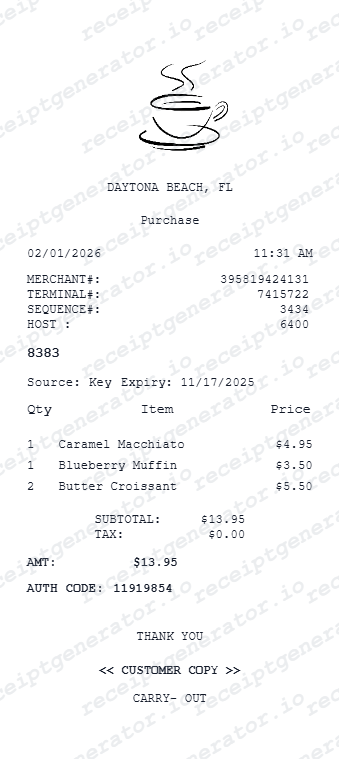
Quick summary
Cafe receipt template overview
Create Cafe & Coffee Shop Receipts Online - Add Coffee, Food & Tips. Preview the layout before choosing a PDF export plan.
What Is on a Real Cafe Receipt?
Independent cafes and small coffeehouses print receipts on the same style of thermal register as larger chains, and a credible replacement copy should follow the same structure.
Order number, not a full order ID
Most independent cafes use a small register-assigned order number (often 2-4 digits, resetting daily) rather than a long alphanumeric ID, since they typically run standalone POS systems instead of enterprise ordering platforms.
Modifier lines under each drink
Milk substitutions (oat, almond, skim), size (small/medium/large or 8oz/12oz/16oz), and shot count print as indented lines directly beneath the drink they modify, matching how the register groups an order.
Tip line as a separate step
Card-based cafe POS systems (Square, Toast, Clover) typically prompt for a tip after the subtotal is calculated, so the tip appears as its own line before the grand total rather than being built into the price.
Loyalty stamps or punch count, not points
Independent cafes commonly track loyalty with a stamp or punch count printed near the bottom (e.g., 'Stamps: 7/10') rather than a points balance, since few run a full digital rewards platform.
Tax line reflects local rate, not a flat percentage
Sales tax on prepared food and drinks varies by city and state/province, so the tax line reflects the specific local combined rate rather than a single national number.
Cafe name, address, and often a thank-you line
Small cafes print their business name, street address, and frequently a short personal thank-you or website/social handle at the footer, since this is often the receipt's only marketing touchpoint.
Print-ready cafe receipts
Edit the layout, watch it update live, then print, download PDF, or email.
Live cafe receipt preview
Watch your receipt update instantly as you add drinks, food items, and tip.
One-click print
Print your cafe receipt directly from the browser - no app or login needed.
Download cafe receipt as PDF
Save a clean, print-ready cafe receipt PDF for expense reports or personal records.
Mobile-friendly editing
Edit cafe receipts on desktop or mobile with the same live preview and clean export layout.
Get Your Original Cafe Receipt First
Most independent cafes run on Square, Toast, or Clover, which can text or email a digital receipt if you provide your number or email at checkout - check your inbox or the Square/Toast order lookup page first. If the cafe uses a paper-only register, ask the counter staff for a reprint with your approximate purchase time; many POS systems keep same-day transaction logs. Use this template when the original is unavailable - a lost paper receipt, a cash purchase with no digital copy, or a reimbursement form that needs a clean copy.
Lost cafe receipt
Recreate cafe receipts for expense reports.
Business coffee meetings
Generate receipts for client coffee and meeting expenses.
Travel expenses
Create cafe receipts for travel reimbursements.
Tax documentation
Build receipts for deductible meal and coffee expenses.
Cafe Receipt Types
Choose the cafe receipt format you need.
Coffee & Drinks Receipt
Use this format for beverages, espresso drinks, teas, and add-ons.
Cafe + Food Receipt
Combine drink orders with sandwiches, snacks, and full cafe meals.
Bakery Receipt
Track pastries, cakes, and baked goods with clear item-level pricing.
Related Guides
Explore related guides to understand the receipt details, lookup steps, and documentation workflows.
Editable template
Restaurant Receipt Generator template
Explore this editable receipt layout and its fields before opening the editor.
Explore Restaurant Receipt Generator templateReceipt guide
Restaurant Receipt for Taxes
Review the restaurant receipt fields that matter most for business meal documentation.
Explore Restaurant Receipt for TaxesRelated coffee and café orders templates
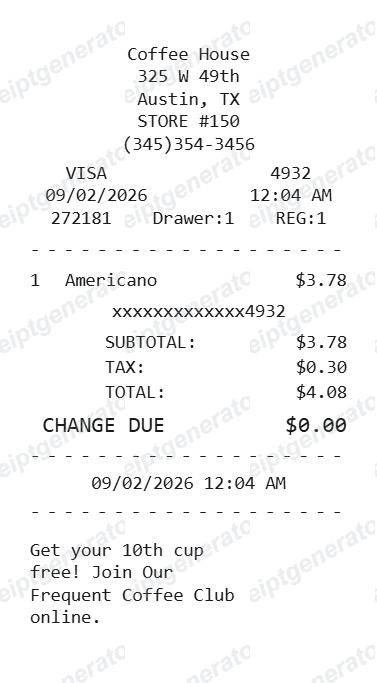
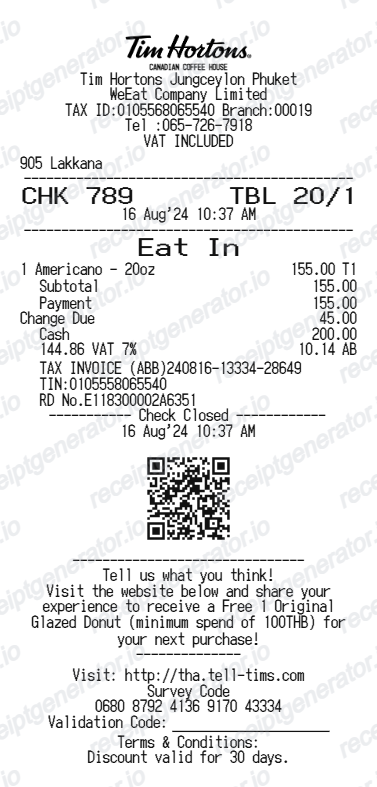
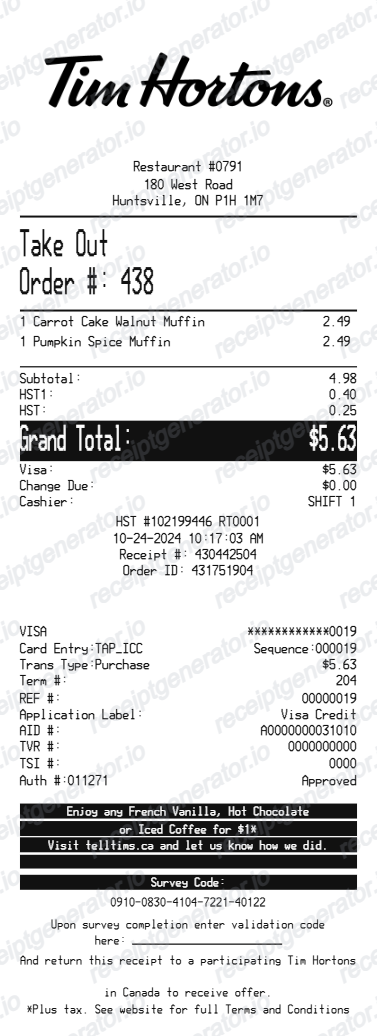
More free receipt templates for restaurants, food delivery, coffee shops, and cafes.
Cafe Receipt FAQ - Frequently Asked Questions
Get answers on how to create, customize, and download free cafe and coffee shop receipts online.
Choose the cafe receipt template, enter your cafe name, date, coffee and food items with prices, tax, and tip. Preview and download as PDF in seconds.
Yes. Add muffins, croissants, sandwiches, cakes, and other food items alongside your drink orders. Totals update automatically.
Yes. Add your cafe name, address, phone number, and logo for a professional, authentic-looking receipt.
Yes. Many users generate cafe receipts for business expense reports, travel reimbursements, and personal records. For accounting or tax purposes, check with your employer or accountant about documentation requirements.
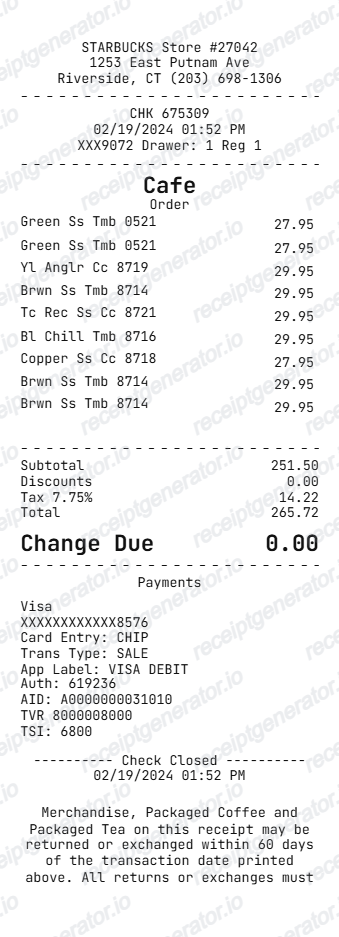
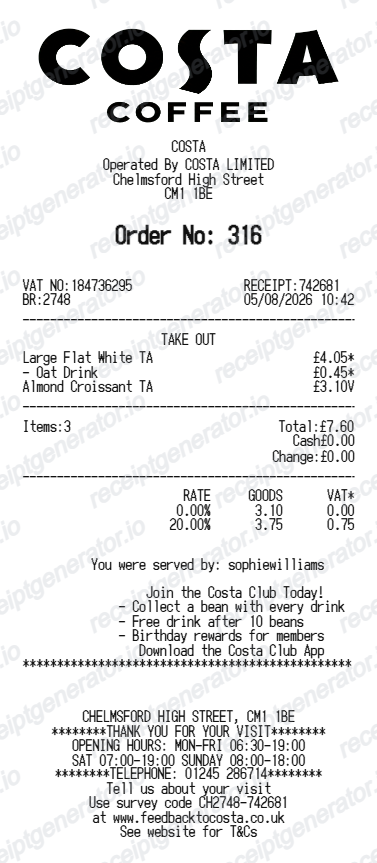
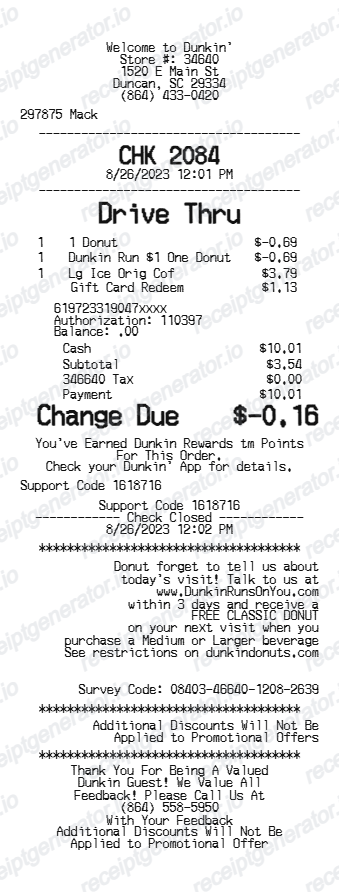
A real independent cafe receipt shows the cafe name and address, a short daily order number, itemized drinks and food with modifier lines (milk type, size, shots) indented underneath, subtotal, a separate tip line, local sales tax, total, and often a stamp or punch count for loyalty tracking.
Yes. Add lattes, cappuccinos, espressos, teas, cold brews, and any other drinks as line items with custom prices.
Yes. If you lost your cafe receipt, enter the cafe name, date, and items ordered to recreate it as a PDF for expense or reimbursement purposes.
Yes. The template works for any cafe, coffee shop, bakery, or pastry shop - add any combination of drinks, food, and extras.
If you paid by card through Square, Toast, or Clover and gave an email or phone number at checkout, a digital receipt is usually sent automatically or can be looked up on the processor's receipt lookup page. For cash purchases or cafes without digital receipts, ask staff for a reprint using your approximate visit time and order details.
A cafe receipt can support a business meal deduction only if it documents an actual, legitimate business expense - keep it alongside notes on who attended and the business purpose. Tax rules on meal deductions vary by country and change over time, so confirm current requirements with an accountant.
Receipt Generator · Receipt Maker · 300+ Free Templates
Create your Cafe receipt
Use the editable Cafe receipt generator to add items, tax totals, and payment details, then export a clean PDF.