Restaurant Receipt Template & Generator
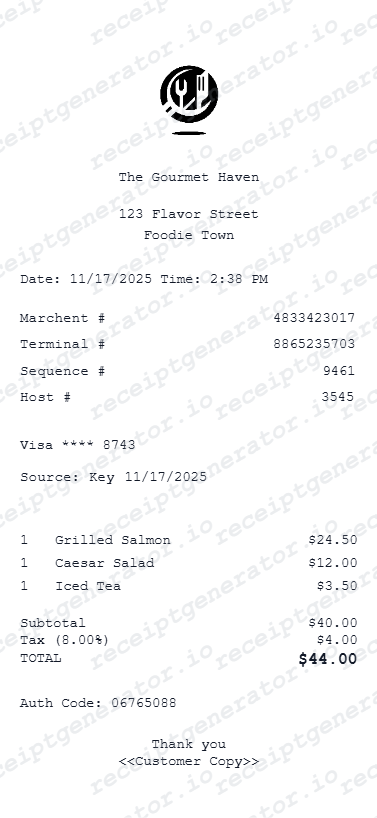
Use an itemized restaurant receipt layout to document a confirmed meal. List the food and drinks separately, then review discounts, tax, tips and the amount paid. A card slip with only a total does not show the individual items.
Create an itemized restaurant receipt with menu items, quantities, discounts, tax and tips. Preview online and review PDF export plans.

Choose
Restaurant Receipt selected

Customize
Fill in your details

Download
Save or share receipt
Edit the details once and the preview updates instantly.
Quick summary
Restaurant Receipt Generator template overview
Use an itemized restaurant receipt layout to document a confirmed meal. List the food and drinks separately, then review discounts, tax, tips and the amount paid. A card slip with only a total does not show the individual items.
Fields in the restaurant receipt generator template
Use an itemized restaurant receipt layout to document a confirmed meal. List the food and drinks separately, then review discounts, tax, tips and the amount paid. A card slip with only a total does not show the individual items.
Menu items and quantities
Use one line per dish or drink, including quantities and prices. Add known adjustments rather than hiding them in a single total.
Subtotal, tax and tip
Separate the food-and-drink subtotal from tax and any recorded tip. Check that the final payment total reconciles with the transaction.
Restaurant and order details
Record the restaurant, purchase date and known order or table reference. Avoid including details that are not established by the purchase.
Original meal receipts
If an employer or another reviewer requires a merchant-issued itemized receipt, request it from the restaurant. This editable record does not establish acceptance.
How to use the restaurant receipt generator template
Start with confirmed transaction information, then check the preview before export.
- 1
Enter the transaction details
Use one line per dish or drink, including quantities and prices. Add known adjustments rather than hiding them in a single total.
- 2
Review the individual charges
Separate the food-and-drink subtotal from tax and any recorded tip. Check that the final payment total reconciles with the transaction.
- 3
Check the totals and preview
Compare the completed record with the known transaction details and correct any differences.
- 4
Choose your export option
Creating and previewing is free. Review the available plan before downloading a watermark-free PDF.
Create a print-ready restaurant receipt
Edit the layout, watch it update live, then print, download PDF, or email.
Enter Restaurant Details
Enter your restaurant name, address, and contact details.
Add Line Items
Add menu items, quantities, and prices.
Set Tax and Tip
Set your tax rate and tip amount - totals update automatically.
Preview and Export
Preview your receipt live, then print or download as PDF.
Get Your Original Restaurant Receipt First
If an employer or another reviewer requires a merchant-issued itemized receipt, request it from the restaurant. This editable record does not establish acceptance.
Confirmed transaction records
Organise purchase or service information you already know.
Personal budgeting and review
Review itemised costs and keep the original document with your records.
Restaurant Receipt Formats
Choose the restaurant receipt layout that best fits your dining and documentation needs.
Itemized dining receipt
A full meal receipt with each menu item, quantity, price, tax, and gratuity.
Quick total receipt
A simpler restaurant receipt focused on subtotal, tax, tip, and final total.
Payment summary receipt
A receipt layout that emphasizes payment method, transaction details, and closing totals.
Receipt Guides
Read the supporting restaurant guides to recover meal details, handle reimbursement records, and keep dining documentation cleaner.
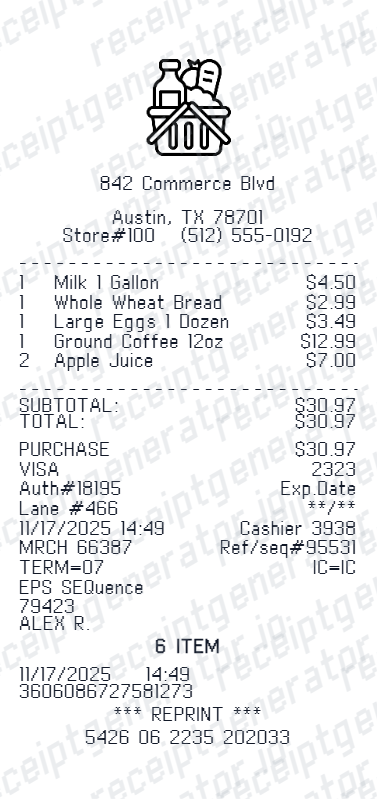
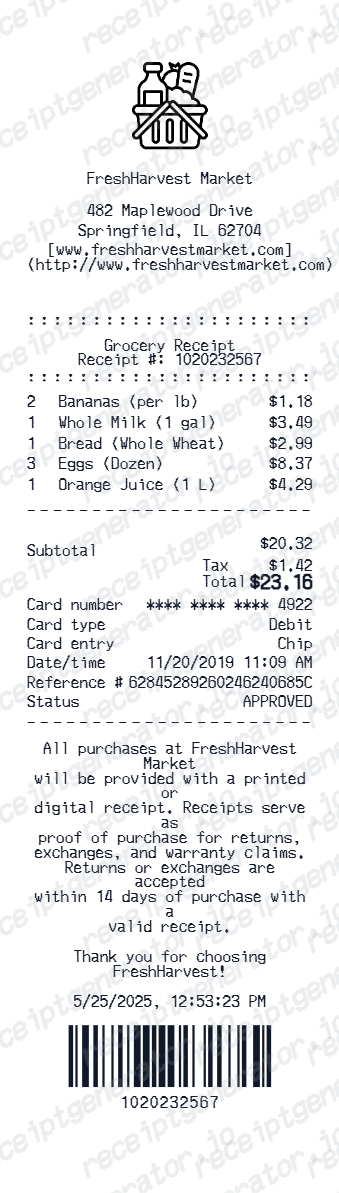
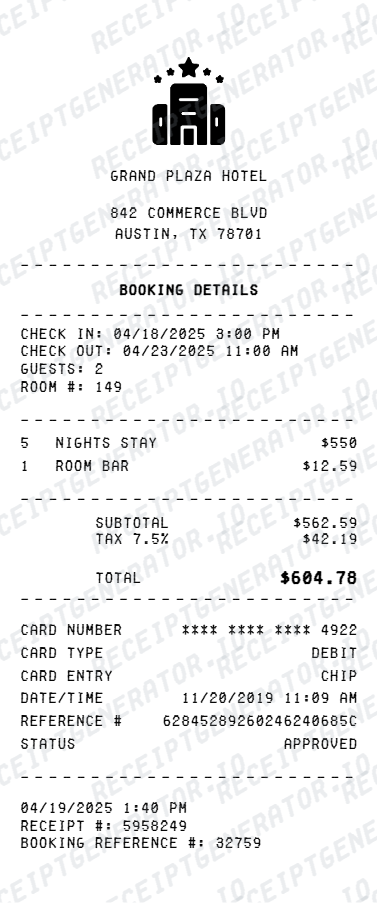
Explore related receipt layouts for confirmed purchases and personal records.
Restaurant Receipt FAQ
Questions about editing the restaurant receipt generator template, reviewing its fields and obtaining the original transaction record.
Enter your restaurant details, add menu items with prices, set your tax rate and tip - then preview and download as a PDF receipt instantly.
Yes. Core features are completely free. Premium plans unlock unlimited versions, branded exports, and advanced formatting.
Yes - add as many food and drink items as needed. Subtotals, tax, and tip recalculate automatically.
Store name, date, line items with prices, tax rate, payment method, and any optional notes.
A real dining receipt shows the restaurant name and address, the server name and table number, each food and drink item with modifiers, the subtotal, sales tax, an automatic gratuity line for large parties, and the grand total. The card merchant copy also includes a blank tip and signature line above the final total.
Yes. You can create and preview the layout for free. Watermark-free PDF exports require a paid plan; review pricing before exporting.
Enter a tip percentage or flat amount alongside your tax rate. The generator calculates and displays accurate totals automatically.
Yes. This tool is designed for documentation, reimbursements, bookkeeping prep, and business meal records.
Yes. Add your restaurant name, address, phone number, and logo details directly in the editor.
Contact the restaurant with the visit date, approximate time, table number, or server name - full-service POS systems can usually look up a closed check by any of these details. If you paid by card, your bank statement confirms the restaurant name, date, and total even without the itemized food list. See our full guide for a complete step-by-step walkthrough.
No. This is an independent editable template for known transaction details. It does not retrieve merchant records or replace merchant-issued evidence.
Receipt Generator · Receipt Maker · 300+ Free Templates
Create itemized restaurant receipts online in minutes.
Edit the known details in this restaurant receipt generator template and review the preview before choosing a PDF export plan.