Walmart Receipt Template & Generator
Create a Walmart-style record from known purchase details, including item descriptions, product references, discounts, tax and payment totals. If you need your original Walmart receipt, use Purchase History or Walmart’s official receipt lookup.
Edit a Walmart-style receipt template with item numbers, quantities, discounts and totals. Preview your purchase record and review PDF export plans.

Choose
Walmart Receipt selected

Customize
Fill in your details

Download
Save or share receipt
Edit the details once and the preview updates instantly.
Get Your Original Walmart Receipt First
Walmart provides its own lookup tool for supported purchases and Purchase History for account-linked transactions. Follow the official guidance to obtain a retailer-issued receipt.
Receipt retrieval and source guidance
Confirmed transaction records
Organise purchase or service information you already know.
Personal budgeting and review
Review itemised costs and keep the original document with your records.
Walmart Receipt Formats
Choose the Walmart-style receipt layout that best fits your purchase and documentation needs.
Walmart grocery receipt
An itemized receipt layout for groceries, pantry items, and household essentials.
Walmart mixed-cart receipt
A receipt format for carts that include groceries, apparel, household goods, and other departments.
Walmart transaction receipt
A clearer transaction-focused layout with store details, TC number, taxes, and payment summary.
Receipt Guides
Read the supporting Walmart guides to recover purchase details, handle reimbursement records, and keep store documentation cleaner.
Receipt guide
Walmart Return Receipt
See what a Walmart return receipt should include and how return-related purchase details are usually recovered.
Explore Walmart Return ReceiptReceipt guide
Walmart Online Receipt
Find where Walmart online receipts live in Purchase History and which order details to save first.
Explore Walmart Online ReceiptReceipt guide
How to Get a Grocery Receipt
Learn where grocery receipts usually come from and which details matter most for budgeting or reimbursement.
Explore How to Get a Grocery ReceiptDesign options
Choose a Walmart receipt design
Choose a layout to open it in the editor and customize your Walmart receipt.
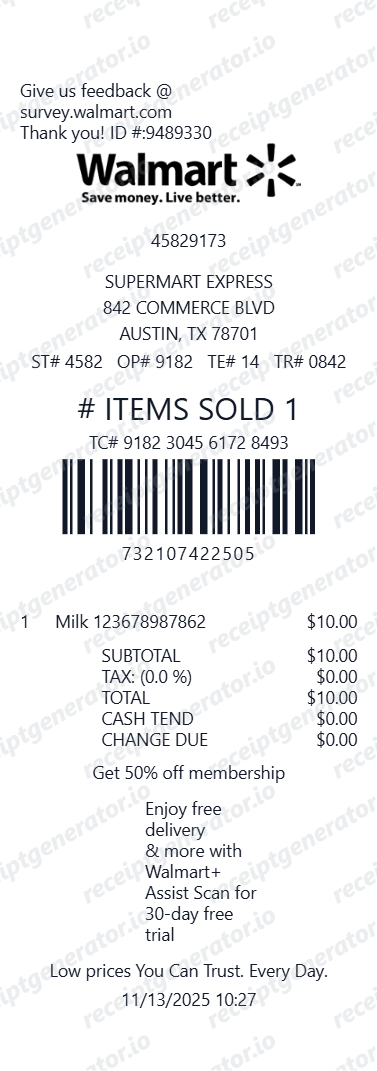 Classic StoreEdit designThe original itemized Walmart layout with savings, tax and TC number.
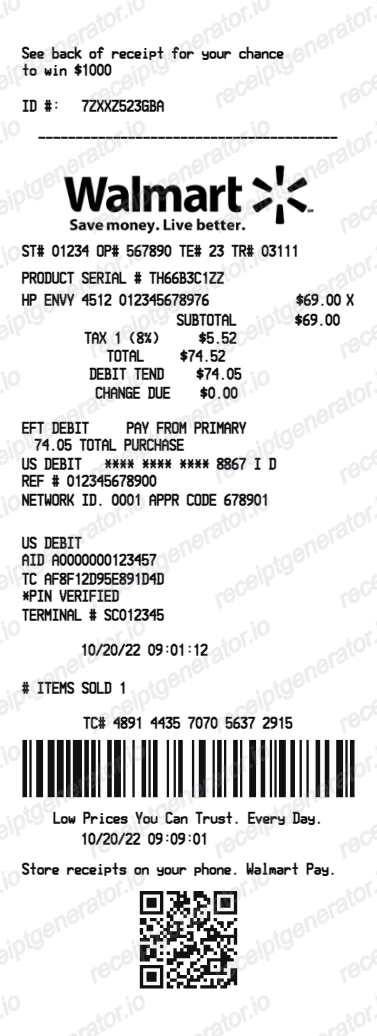 Detailed DebitEdit designA detailed store layout with debit authorization, barcode and QR code sections.
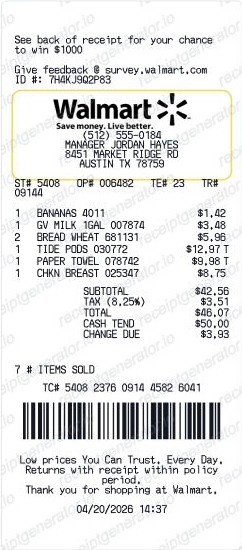 Thermal SurveyEdit designA thermal layout with itemized purchase lines, a TC barcode and survey footer.
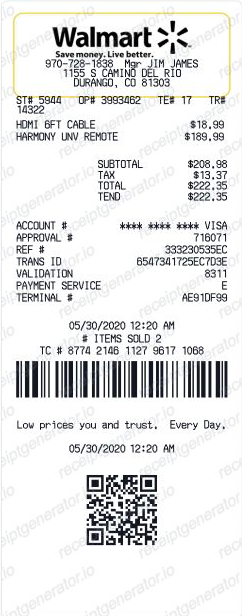 Card & QREdit designA thermal layout with card approval details, a TC barcode and QR footer.
Quick summary
Walmart Receipt template overview
Create a Walmart-style record from known purchase details, including item descriptions, product references, discounts, tax and payment totals. If you need your original Walmart receipt, use Purchase History or Walmart’s official receipt lookup.
Fields in the walmart receipt template
Create a Walmart-style record from known purchase details, including item descriptions, product references, discounts, tax and payment totals. If you need your original Walmart receipt, use Purchase History or Walmart’s official receipt lookup.
Products and item references
Enter the descriptions and product references from your purchase. Keep quantities and prices on separate item rows so the total is easy to check.
Discounts, tax and totals
Copy discounts and tax amounts from the confirmed transaction. Check the subtotal and final payment total before exporting your record.
Purchase date and store details
Use the actual location, date and payment information. Generated transaction identifiers cannot retrieve a purchase from Walmart.
Walmart receipt lookup
Walmart provides its own lookup tool for supported purchases and Purchase History for account-linked transactions. Follow the official guidance to obtain a retailer-issued receipt.
Official guidance
How to use the walmart receipt template
Start with confirmed transaction information, then check the preview before export.
- 1
Enter the transaction details
Enter the descriptions and product references from your purchase. Keep quantities and prices on separate item rows so the total is easy to check.
- 2
Review the individual charges
Copy discounts and tax amounts from the confirmed transaction. Check the subtotal and final payment total before exporting your record.
- 3
Check the totals and preview
Compare the completed record with the known transaction details and correct any differences.
- 4
Choose your export option
Creating and previewing is free. Review the available plan before downloading a watermark-free PDF.
Create a print-ready Walmart store receipt
Edit the layout, watch it update live, then print, download PDF, or email.
Live Walmart receipt preview
Watch the receipt update as you add items and store details.
One-click print
Print your Walmart receipt from the browser.
Download as PDF
Export a clean Walmart receipt PDF for records.
Mobile-friendly editor
Create Walmart receipts from any device.
Related Templates
Explore related receipt layouts for confirmed purchases and personal records.


Walmart Receipt FAQ
Questions about editing the walmart receipt template, reviewing its fields and obtaining the original transaction record.
Choose the Walmart receipt template, add store number, items, prices, Rollback savings, Walmart+ discount, cashier ID, TC number, taxes, and payment. Download as PDF.
Yes. Mark SNAP/EBT eligible items and add EBT payment as a separate payment method - matching Walmart's standard receipt format.
Yes. Download a clearly labeled PDF for personal budgeting, purchase organization, or layout testing. Use Walmart's official receipt for returns, claims, reimbursement, or taxes.
You can organize verified details from a Walmart+ or app purchase, but first open Purchase History and print or save the Walmart-issued receipt. The template cannot recreate Walmart's digital proof of purchase.
Yes. You can add the barcode and the access code (ATRN) area that Walmart prints near the bottom, which is the reference normally used to pull up a transaction for returns or records.
A real Walmart receipt shows the store address, phone number, and store manager name at the top, an ST#/OP#/TE#/TR# line identifying the store, cashier, register, and transaction, item lines with abbreviated names and UPC codes, a tax code letter such as N, X, or O next to each price, separate Tax 1 and Tax 2 lines, an '# ITEMS SOLD' count, and a TC# transaction code printed above the barcode at the bottom.
No. This is an independent editable template for known transaction details. It does not retrieve merchant records or replace merchant-issued evidence.
Yes. Add Walmart store number, store manager, cashier ID, register number, and TC (transaction code) number for a complete authentic receipt.
Yes. Add Rollback prices, Walmart+ member discounts, and price-match savings as deduction line items.
Yes. Self-checkout receipts use the same Walmart layout - add the store number, register/lane number, items, taxes, card payment, and TC number just as you would for a staffed register.
Yes. For an online order, add the order number, item list, shipping or pickup details, tax, and payment so the receipt reads like a complete Walmart.com purchase confirmation.
Use Walmart's official Receipt Lookup tool with the store location, purchase date, total, card type, and last four card digits. Also check Purchase History: Walmart says purchases made with Walmart Pay or a saved payment card can appear there, and a paper receipt can be scanned into the app.
Check Walmart's current return policy and try the official receipt lookup or Purchase History first. Return eligibility and refund method depend on the item and transaction. A generated personal record is not valid proof for a return.
Yes. You can create and preview the layout for free. Watermark-free PDF exports require a paid plan; review pricing before exporting.
Receipt Generator · Receipt Maker · 300+ Free Templates
Create your Walmart receipt
Edit the known details in this walmart receipt template and review the preview before choosing a PDF export plan.