Free Coffee Shop Receipt Generator
Build a cafe receipt with drinks, sizes, modifiers, tax, and tip.
Create a coffee shop receipt with drinks, modifiers, food items, tax, and tip. Download a clean PDF for cafe orders, reimbursements, or records.

Choose
Coffee Shop Receipt selected

Customize
Fill in your details

Download
Save or share receipt
Edit the cafe details once and the preview updates instantly.
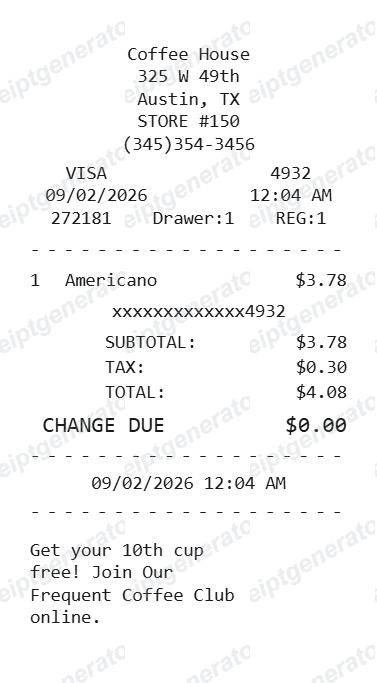
Quick summary
Coffee shop receipts built for cafe orders
Start with a receipt layout made for coffee orders, modifiers, tip lines, tax, and quick reimbursement records.
What Is on a Real Coffee Shop Receipt?
Coffee shop receipts are built around the espresso-based drink customization system most cafes share, and a credible replacement copy should match that structure field for field.
Espresso-based modifiers, not generic add-ons
Because most coffee shop menus are built on an espresso base, receipts print shot count (single/double/triple), milk type, and syrup pumps as separate modifier lines under each drink - a structure specific to espresso-based menus rather than generic food add-ons.
Size shown as shop-specific naming, not a standard unit
Independent and chain coffee shops each use their own size naming (Small/Medium/Large, 8/12/16oz, or shop-specific terms), so the size printed on a receipt reflects that shop's own menu structure rather than a universal standard.
Loyalty shows as either a punch count or an app points balance
Coffee shops split between two loyalty models: an old-style paper or digital punch card (e.g., 'Punches: 6/9') printed at the bottom, or an app-based points balance for shops running a full rewards platform - the receipt format differs depending on which system the shop uses.
Tip prompt happens at the point-of-sale terminal
Most coffee shop POS systems (Square, Toast, Clover) prompt for a tip on the customer-facing screen before the receipt prints, so the tip line reflects a percentage or amount chosen before the total was finalized, not an automatic service charge.
Order number resets daily per register
Coffee shops typically use a short numeric order code assigned per register that resets each day, rather than a long persistent order ID, since most run standalone or small-chain POS software.
Tax reflects the local combined rate
Sales tax on prepared beverages and food varies by city, county, and state, so the tax line reflects that specific local combined rate rather than one fixed percentage.
Print-ready coffee shop receipts
Edit the layout, watch it update live, then print, download PDF, or email.
Live coffee shop receipt preview
Watch your receipt update instantly as you add drinks, modifiers, food items, and tip.
One-click print
Print your coffee shop receipt directly from the browser. No app or login needed.
Download coffee shop receipt as PDF
Save a clean, print-ready PDF for expense reports, reimbursements, or personal records.
Auto tax & tip totals
Subtotal, tax, tip, and grand total calculate automatically as you edit.
Get Your Original Coffee Shop Receipt First
If the shop uses Square, Toast, or Clover and you gave an email or phone number at checkout, a digital receipt is usually available through that processor's lookup page or was sent automatically. Chains with a rewards app (points-based loyalty) typically keep an order history you can pull up directly. For a punch-card shop with no digital record, ask staff for a same-day reprint using your approximate visit time. Use this template when the original is unavailable - a lost paper receipt, a cash purchase, or a reimbursement form that needs a clean copy.
Lost coffee receipt
Recreate coffee purchases for expenses.
Meeting expenses
Generate receipts for coffee meetings.
Daily tracking
Build receipts for personal expense tracking.
Work reimbursement
Create receipts for office coffee runs.
Coffee Shop Receipt Types
Choose the format that matches your coffee order.
Single Drink Receipt
Quick receipt for one drink order.
Multi-Item Receipt
Full order with drinks and food items.
Group Order Receipt
Multiple drinks for team coffee runs.
Related Guides
Explore related guides to understand the receipt details, lookup steps, and documentation workflows.
Editable template
Restaurant Receipt Generator template
Explore this editable receipt layout and its fields before opening the editor.
Explore Restaurant Receipt Generator templateReceipt guide
Restaurant Receipt for Taxes
Review the restaurant receipt fields that matter most for business meal documentation.
Explore Restaurant Receipt for TaxesRelated coffee and café orders templates
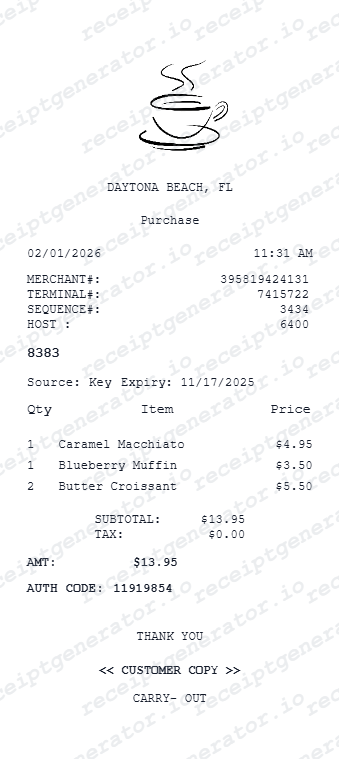
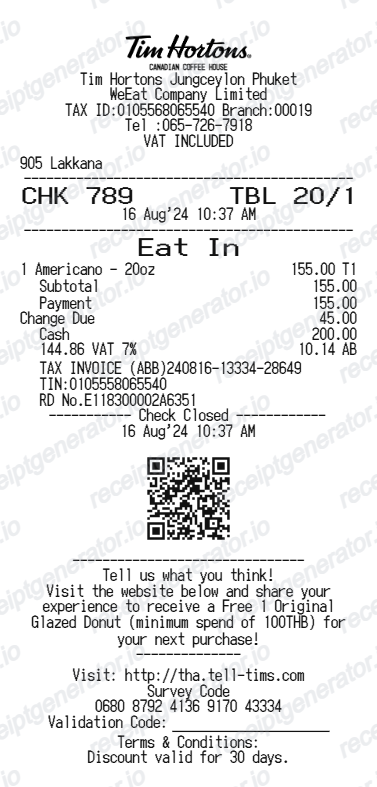
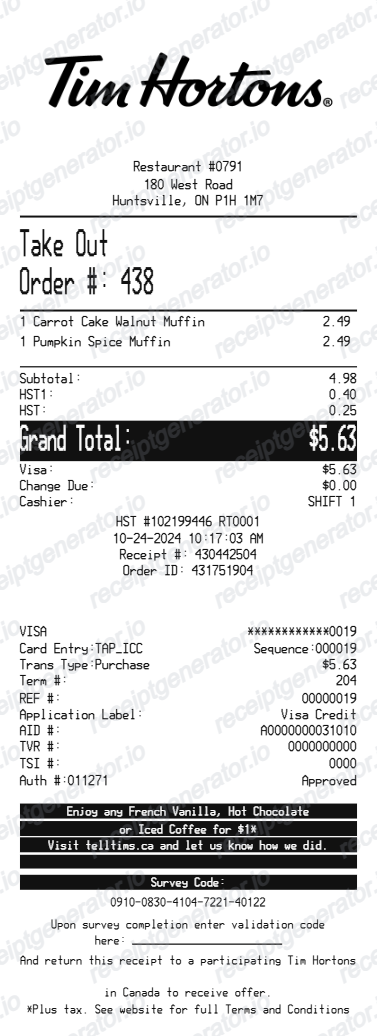
More free receipt templates for coffee shops, cafes, restaurants, and food delivery.
Coffee Shop Receipt FAQ - Frequently Asked Questions
Get answers on how to create, customize, and download free coffee shop receipts online.
Choose the coffee shop receipt template, enter your shop name, date, drink and food items with prices, tax, and tip. Preview and download as PDF in seconds.
Yes. Add modifiers as separate line items or include them in the item description with their extra charges.
Yes. If you lost your coffee shop receipt, enter the shop name, date, and items ordered to recreate it as a PDF for expense or reimbursement purposes.
Yes. Many users generate coffee shop receipts for business expense reports, work coffee runs, and travel reimbursements. Check with your employer or accountant about documentation requirements.
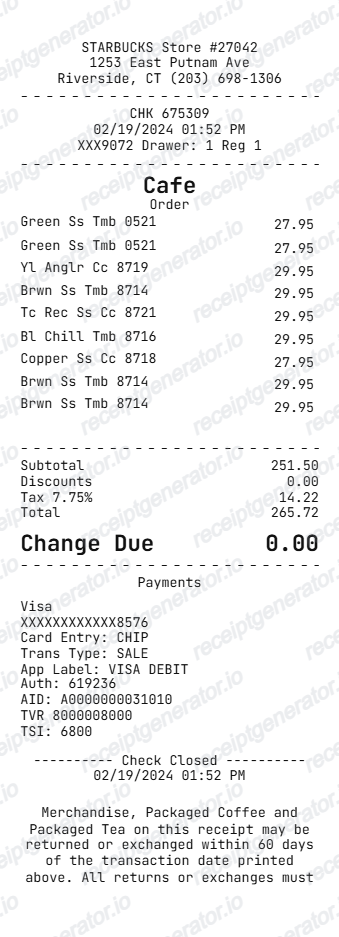
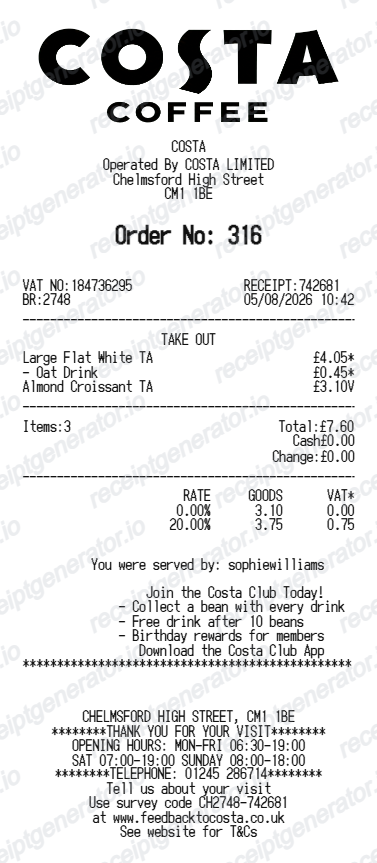
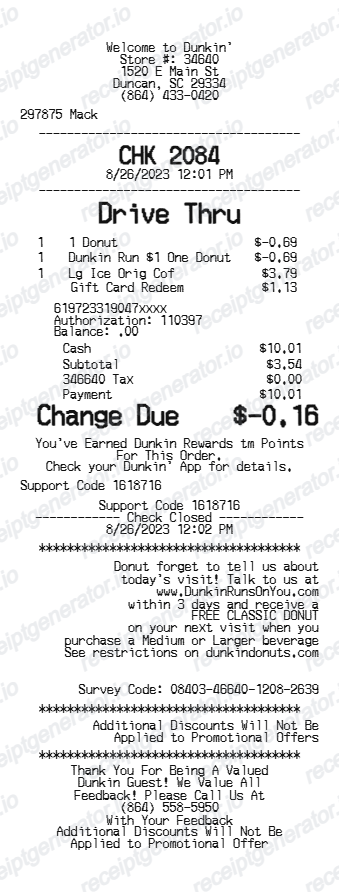
A real coffee shop receipt shows the shop name and address, a short daily order number, itemized drinks with espresso-based modifiers (shots, milk, syrup) indented underneath, size, subtotal, a tip line chosen at checkout, local sales tax, total, and either a punch-card count or app points balance for loyalty.
Both. Use it for personal expense tracking, business reimbursements, bookkeeping prep, and internal documentation workflows.
Yes. Add a discount line item to show loyalty rewards, promotional pricing, or coupons applied to the order.
Yes. The template works for any coffee shop, espresso bar, drive-through, or independent cafe - add any combination of drinks, food, and extras.
If you paid by card through a Square, Toast, or Clover terminal and provided contact details at checkout, look for an automatic digital receipt or use that processor's receipt lookup page. Shops with a rewards app typically show past orders in your account history. For cash purchases at shops without a digital system, ask staff for a same-day reprint.
A punch card is a physical or simple digital tally printed on the receipt (e.g., 'Punches: 6/9') that a customer redeems in person after enough visits. An app-based rewards program tracks points automatically tied to an account and often unlocks free items or discounts at specific thresholds - the receipt format differs depending on which system a given shop uses.
Receipt Generator · Receipt Maker · 300+ Free Templates
Create your Coffee Shop receipt
Use the editable Coffee Shop receipt generator to add items, tax totals, and payment details, then export a clean PDF.