Avis Receipt Generator
Create an Avis car rental receipt with agreement number, vehicle class, insurance, fuel charges, and payment details. Download a clean PDF for corporate expense claims.
Create an Avis-style rental receipt with agreement details, charges, insurance, fuel, and payment info. Download a PDF for travel records.
Choose
Avis Receipt selected
Customize
Fill in your details
Download
Save or share receipt
Edit the details once and the preview updates instantly.
Quick summary
Avis receipt template overview
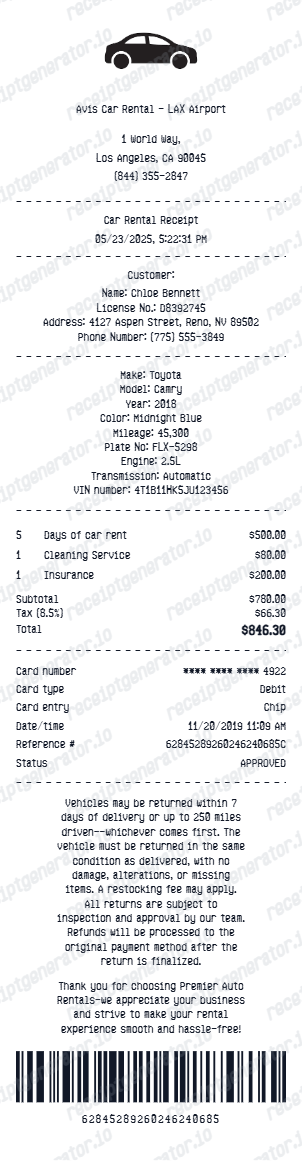
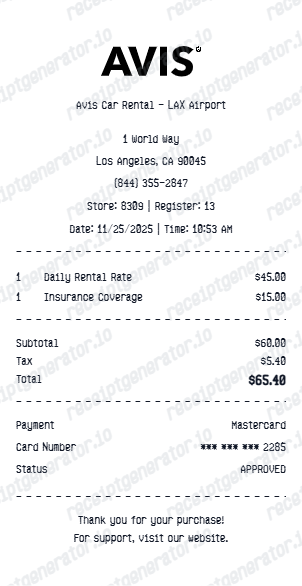
Use this Avis receipt template to create a car rental receipt with rental agreement number, vehicle class, Preferred discount, insurance options, fuel charges, and payment summary.
What Is on a Real Avis Receipt?
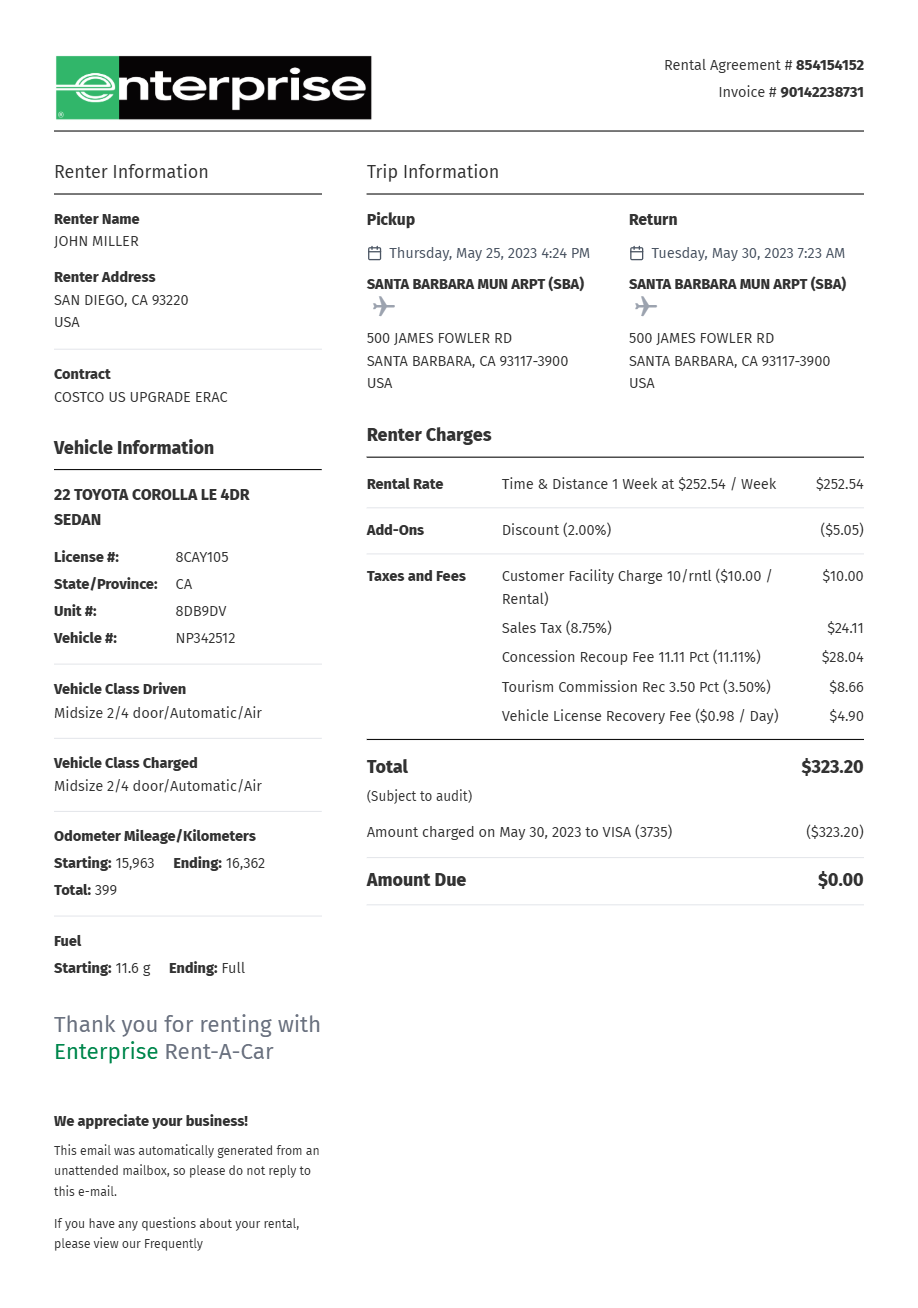
The e-receipt Avis emails after you return the car follows a fixed structure, and expense systems are tuned to it. If you are rebuilding a rental record, these are the fields the original contains - and the ones a reviewer will look for.
Rental Agreement (RA) number
The final receipt is keyed to the Rental Agreement number issued at pickup - a different number from the reservation confirmation (an 11-character code like 12345678US1). Either number, plus your last name, retrieves the receipt in Avis's online lookup tool.
Pickup and return with exact timestamps
The receipt shows the checkout and check-in locations and the exact date and time of each. Avis bills in 24-hour rental days measured from the pickup time, so a late return can add an extra hour or day charge that traces back to these timestamps.
Vehicle class and license plate
Rather than just a car model, the receipt records the vehicle group or class you were charged for (like Intermediate or Full-Size), plus the specific car's license plate and often the mileage driven between checkout and check-in.
Time & Mileage charges
The base rate appears as a Time & Mileage line - the daily or weekly rate times the rental days, plus any per-mile charge if the rate was not unlimited-mileage. Discounts like Avis Preferred or an AWD coupon code show as adjustments against this line.
Concession recovery and vehicle license fees
Airport rentals add an airport concession recovery fee - Avis's pass-through of the percentage it pays the airport - and a vehicle license fee that recovers the per-day cost of licensing the car. These pass-through lines are why an airport rental receipt runs noticeably higher than the quoted base rate.
Fuel or EV charge line
The receipt closes the fuel loop one of three ways: no charge if returned full, a prepaid fuel line if you bought the tank upfront, or a fuel service charge at a premium per-gallon rate if the tank came back short. EV rentals show a recharge fee instead when the battery is returned below the required level.
Print-ready Avis car rental receipts
Edit the layout, watch it update live, then print, download PDF, or email.
Live Avis receipt preview
Watch the receipt update as you add rental and vehicle details.
One-click print
Print your Avis receipt from the browser.
Download as PDF
Export a complete Avis rental receipt PDF.
Mobile-friendly editor
Create Avis receipts from any device.
Get Your Original Avis Receipt First
Avis has an online receipt tool: go to avis.com and open the Receipts page, then enter the country of rental, your last name, and the confirmation or rental agreement number to pull up the e-receipt. Avis Preferred members can also open Past Rentals in My Avis and click Get Receipt. Receipts stay available online for roughly six months after the return; after that, call Avis at 1-800-352-7900 with the rental agreement number. Use this template when the original is unavailable - a rental older than the online window, a receipt sent to a former work email, or a booking made under someone else's name.
Corporate travel expense claim
Submit Avis receipts for corporate car rental expense reimbursements.
Business road trip Avis billing
Document Avis rental costs for business road-trip expense claims.
Insurance accident rental claim
Create Avis receipts for insurance-covered rental car documentation.
Vacation car rental records
Archive Avis rental receipts for personal vacation records.
Avis Receipt Types
Choose the Avis receipt format for your car rental documentation.
Avis Standard Rental Receipt
Avis receipt for a standard daily rental with full breakdown.
Avis Preferred Receipt
Avis receipt with Preferred Plus member discount applied.
Avis Corporate Receipt
Avis rental receipt formatted for corporate expense submission.
Avis Receipt Guides
Read the supporting Avis guides to organize rental billing, reimbursement records, and printable PDF workflows.
Avis Receipt Lookup
Find or recover an Avis receipt online with just your last name and confirmation number.
Read guideAvis Rental Car Receipt
See which rental billing details matter most and how to keep the final receipt easier to review.
Read guideRental Car Receipt for Reimbursement
Learn which rental-car billing fields usually matter most for reimbursement review.
Read guideRental Car Receipt vs Invoice
Understand when a rental car receipt is different from an invoice and why the distinction matters.
Read guidePrintable Rental Car Receipt PDF
Check what a printable rental car receipt PDF should include before saving or printing it.
Read guideRental Car Receipt Lookup
Learn where rental-car receipts usually come from and which billing details matter most.
Read guideRelated Other Receipt Templates
Browse our collection of receipt templates for various purposes.
Avis Receipt FAQ - Car Rental Billing & Corporate Expense Documentation
Learn how to create Avis-style car rental receipts with agreement number, Preferred discount, insurance, and PDF export for corporate travel expense claims.
Choose the Avis receipt template, add rental agreement number, renter name, vehicle, pickup/return location and dates, daily rate, Avis Preferred discount, insurance, and payment. Download as PDF.
Yes. Add Avis supplemental liability insurance, collision damage waiver, and personal accident insurance as separate line items.
Yes. Creating and previewing is completely free - no login needed. Watermark-free PDF downloads are available on paid plans.
Use the online tool: open the Receipts page on avis.com, then enter the country of rental, your last name, and your confirmation or rental agreement number to view and download the e-receipt. Avis Preferred members can also click Get Receipt under Past Rentals in My Avis. Receipts stay online for about six months after the return; for older rentals, call Avis at 1-800-352-7900 with the rental agreement number. See our full guide for a complete step-by-step walkthrough.
Airport rentals carry pass-through lines - the concession recovery fee Avis remits to the airport and a per-day vehicle license fee - which is why the total exceeds the quoted base rate. Tolls are different: e-Toll charges are billed after the rental and get their own separate statement, retrievable at the Avis e-Toll receipts site, so they often will not appear on the main rental receipt at all.
Add the store name, purchase date, line items, totals, tax, payment method, and any optional notes you need on your Avis template.
Yes. Add Avis Preferred, Preferred Plus, or coupon discount as a deduction line item - matching Avis invoice format.
Yes. Add prepaid fuel option, fuel surcharge, GPS rental charge, and car seat fee as additional Avis billing line items.
Yes. Download a complete Avis rental receipt PDF for corporate expense claims, insurance documentation, or personal records.
An Avis e-receipt shows the Rental Agreement number, the renter's name, the pickup and return locations with exact dates and times, the vehicle class and license plate, a Time & Mileage line for the base rate, any coverages (LDW/CDW, SLI, PAI) as separate lines, taxes and pass-through fees like the airport concession recovery fee and vehicle license fee, fuel or EV charges, and the payment card's last 4 digits with the total.
Creating a receipt-style document for your own records is fine: recreating a lost receipt for personal bookkeeping, documenting a real rental, or testing layouts. Using a generated receipt to claim a refund, return, reimbursement, or tax deduction for a rental that did not happen is fraud and strictly prohibited. All template content is demo data and does not represent real transactions.
Receipt Generator · Receipt Maker · 300+ Free Templates
Create professional receipts online in seconds
Use the Receipt Generator editor with ready-made templates. Compare pricing or start generating print-ready PDF receipts in your browser no account required.