Free Barcode Receipt Generator
Create Free Barcode Receipts Online - Add Items, Barcodes, Store Name & Payment. Download PDF Instantly.
Create a barcode receipt with UPC items, discounts, taxes, and payment details. Download a PDF for retail documentation or inventory records.

Choose
Barcode Receipt selected

Customize
Fill in your details

Download
Save or share receipt
Edit the details once and the preview updates instantly.
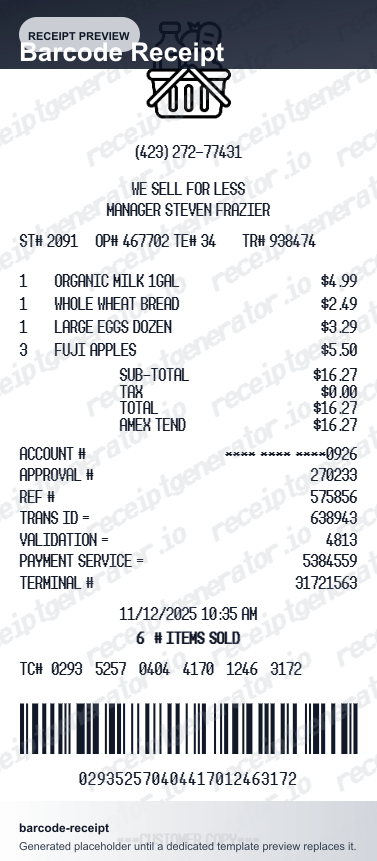
Design options
Choose a barcode receipt design
Use either barcode layout from one canonical receipt generator page.
Quick summary
Barcode receipt maker overview
Use this barcode receipt maker to build a retail-style receipt with scannable UPC line items, a bottom receipt barcode, discounts, tax, and payment summary — then download it as a PDF.
What Is on a Real Barcode Receipt?
Receipt barcodes follow real conventions that POS systems depend on. Knowing what the barcode actually encodes - and which symbology stores use - is what separates a credible receipt layout from a decorative one.
The barcode encodes the transaction, not the products
A receipt barcode carries a transaction reference - typically store number, register or lane, transaction number, and date packed into one string. Scanning it at a return counter pulls up the original sale from the POS database, including every item, price, and payment method.
Code 128 is the retail receipt standard
Most receipt barcodes use Code 128, a high-density 1D symbology that encodes both letters and digits, which suits variable-length transaction IDs. Product-style codes like UPC-A and EAN-13 are digits-only and fixed-length, so they appear on receipts mainly as item identifiers or loyalty card numbers.
Product UPC codes vs the transaction barcode
Per-item UPC codes on a receipt document what was scanned at the register - the same code printed on the product packaging - while the bottom transaction barcode is a separate, POS-generated reference for the sale as a whole. The two serve different lookup purposes.
Human-readable digits under the bars
The same reference is always printed as plain digits beneath the barcode so staff can key it in manually when a crumpled or faded thermal print will not scan.
Discounts and loyalty savings print as separate lines
Promotional discounts and loyalty deductions appear as their own line items above the subtotal, distinct from the item price - this is what lets a receipt double as proof of the exact discount applied for a return or price-match claim.
Standard receipt anatomy around the barcode
The barcode complements, never replaces, the standard fields: store name and number, register, cashier ID, date and time, itemized lines, tax, payment method with masked card digits, and the return policy footer.
Print-ready barcode retail receipts
Edit the layout, watch it update live, then print, download PDF, or email.
Live barcode receipt preview
Watch the receipt update as you add products and barcodes.
One-click print
Print your barcode receipt directly from the browser.
Download as PDF
Export a clean barcode receipt PDF for retail records.
Mobile-friendly editor
Create barcode receipts from any device.
Get Your Original Store Receipt First
If the purchase was recent, the retailer can usually recover it: customer service desks can look up transactions by the card used, the date, and the store, then reprint the receipt with its barcode. Purchases made with a loyalty card scanned at checkout are typically stored as e-receipts in the retailer's app or account. Use this template when the original is unavailable - a faded thermal print, a cash purchase with no loyalty link, or a store that cannot recall the transaction.
Retail store return documentation
Create barcode receipts for product return and exchange at retail stores.
Inventory reference records
Document product purchases with barcode and UPC for inventory tracking.
Customer purchase proof
Provide customers with a barcode receipt as proof of purchase.
Expense reimbursement documentation
Create barcode receipts for retail purchase expense documentation.
Barcode Receipt Types
Choose the barcode receipt format for your retail or inventory documentation.
Retail Barcode Receipt
Standard retail store receipt with product barcodes and transaction reference.
Supermarket Barcode Receipt
Grocery supermarket receipt with product UPC and loyalty savings barcode.
Return Documentation Receipt
Barcode receipt for product return and exchange documentation.
Receipt Guides
Helpful guides on creating and using receipts for records and reimbursement.
Related Other Receipt Templates
Browse our collection of receipt templates for various purposes.

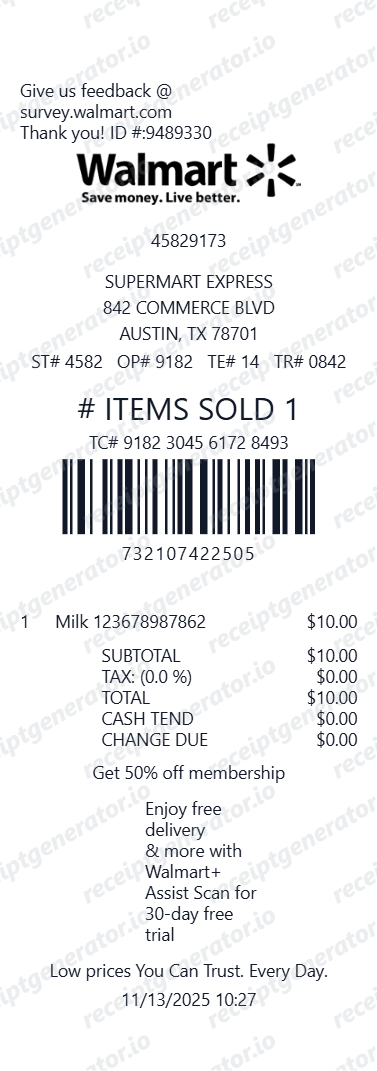
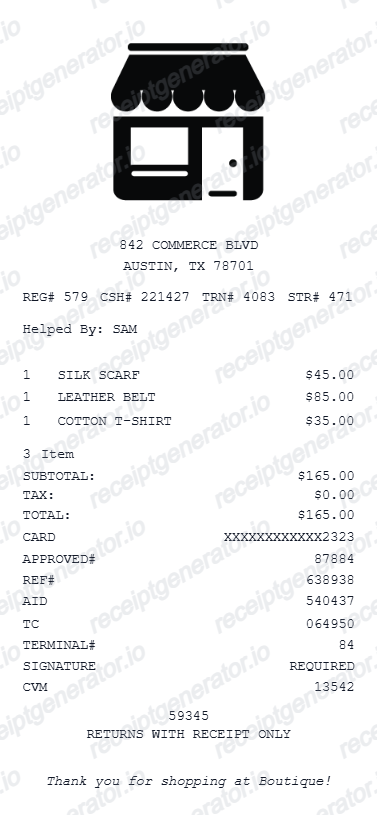
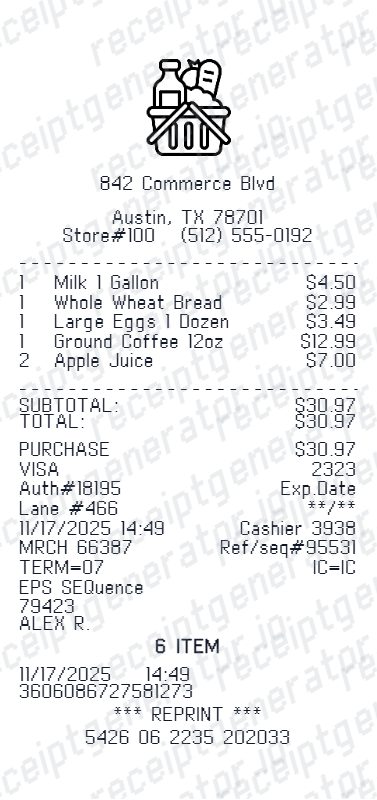
Barcode Receipt FAQ - Retail Transaction & Inventory Documentation
Learn how to create barcode receipts with product UPC codes, transaction barcodes, items, and PDF export for retail and inventory documentation.
Choose the barcode receipt template, add store name, items with product barcode or UPC, quantity, price, discount, tax, and payment method. Preview and download as PDF in seconds.
Yes. The barcode receipt template includes a scannable barcode at the bottom for transaction or receipt reference - similar to supermarket and retail store receipts.
Yes. Add discount amounts, promotional deductions, or loyalty savings as separate line items before the tax calculation.
Yes. Download a clean barcode receipt PDF for retail documentation, store return records, inventory reference, or personal purchase records.
Yes — small shops use it as a lightweight receipt template: set your store name, address, and tax rate once, then add items per sale and export the PDF. It works as a printable backup when your POS printer is down.
A real barcode receipt shows the store name and store number, register or lane number, cashier ID, the itemized purchase with taxes and payment method, and a machine-readable barcode - most often Code 128 - with the same reference printed in human-readable digits underneath so staff can key it in if the scan fails.
Add the store name, purchase date, line items, totals, tax, payment method, and any optional notes you need on your Free Barcode template.
Yes. Add product barcode numbers or UPC codes as line item identifiers on the receipt - matching how real retail POS receipts display item reference codes.
Yes. Add as many product line items as needed - each with product name, barcode, quantity, unit price, and subtotal.
Yes. Retail store receipts with barcodes are commonly used for product returns - the barcode references the original transaction for return processing.
Line items render standard UPC-A style barcodes, and the receipt footer barcode encodes the transaction number — the same layout retail POS systems print, so the receipt looks authentic when scanned visually.
Ask the retailer's customer service desk - most modern POS systems can look up a transaction by the card used, the date, and the store, then reprint the receipt with its barcode. If you scanned a loyalty card at checkout, the purchase is usually stored as an e-receipt in the retailer's app or account portal, which is the fastest retrieval path.
The barcode itself only proves the transaction happened - it does not substitute for a store's packaging or condition requirements. Most retailers still require the item to be in sellable condition for a full refund; the barcode just lets the return counter verify the price and date paid.
Receipt Generator · Receipt Maker · 300+ Free Templates
Create your Barcode receipt
Use the editable Barcode receipt generator to add items, tax totals, and payment details, then export a clean PDF.