Free Ola Receipt Generator
Build an Ola cab trip receipt with fare breakdown, GST, OlaPass discount, and payment details. Download a clean PDF for expense reimbursement or cab allowance records.
Create an Ola cab receipt with Trip ID, pickup, dropoff, fare breakdown, GST, OlaPass discount, and payment details. Download a PDF for expense reimbursement or cab allowance records.

Choose
Ola Receipt selected

Customize
Fill in your details

Download
Save or share receipt
Edit the details once and the preview updates instantly.
Quick summary
What does an Ola receipt include?
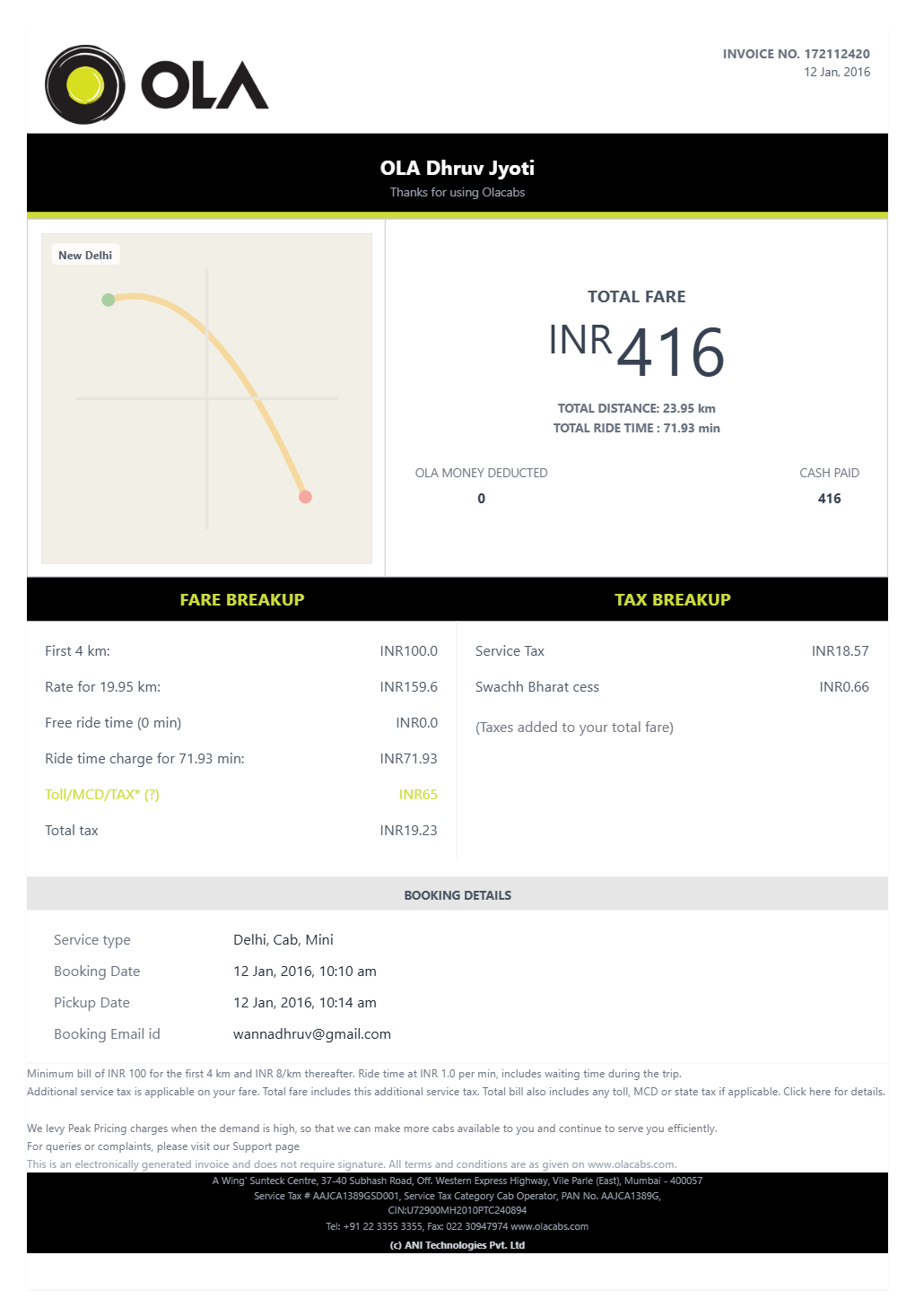
An Ola cab receipt records the key details of a completed trip — used most commonly for office cab expense claims and corporate travel reimbursement in India.
What Is on a Real Ola Receipt?
Before you rebuild an Ola receipt, it helps to know exactly what the official invoice contains. Ola invoices follow a consistent structure across cab categories, and a credible replacement copy should match it field for field.
CRN as the ride identifier
Every Ola invoice carries a CRN (Customer Reference Number), a 10-digit reference like CRN2853564056, printed at the top. It is the number Ola support and company finance teams use to identify the exact ride.
Route, driver, and cab category
The invoice shows the pickup and drop locations with times, the driver name, and the cab category booked - Mini, Micro, Prime Sedan, Prime SUV, or Electric - matching what the rider saw in the app.
Fare split into ride charges
Real Ola invoices itemize the ride fare: base fare, distance and time charges at the per-km rate, and any waiting charge. The total ride fare is never shown as a single unexplained number.
GST at 5% on the cab fare
Cab fares in India carry 5% GST collected by Ola as the aggregator, split into 2.5% CGST and 2.5% SGST on intrastate rides. These appear as separate tax lines on the invoice, which is why finance teams treat Ola invoices as GST-compliant fare documentation.
Convenience fee taxed separately
Ola's platform convenience fee is its own line item, and it is taxed at 18% GST (9% CGST + 9% SGST) - a different rate than the ride fare, shown with its own tax lines on the official invoice.
Discounts and payment mode
Coupon, OlaPass, or Ola Money discounts appear as deduction lines before the total, and the invoice records the payment mode - UPI, Ola Money, cash, or card - which most employer reimbursement forms require.
How to Create an Ola Receipt
Follow these steps to build an Ola-style ride invoice with the real fare and tax breakdown.
- 1
Enter the CRN and ride date
Add the CRN (ride reference number) Ola uses to identify the trip, along with the ride date.
- 2
Add route, driver, and cab category
Enter the pickup and drop-off points, driver name, and cab category (Mini, Prime, Auto, etc.).
- 3
Break the fare into charges and GST
Enter the ride charges, GST at 5% on the cab fare, and any convenience fee as a separate taxed line.
- 4
Add discounts and payment mode
Add any coupon, OlaPass, or Ola Money discount, and note the payment mode - UPI, Ola Money, cash, or card.
- 5
Review the live preview
Check the fare and GST breakdown before exporting.
- 6
Download as PDF
Export the finished Ola receipt for expense reimbursement or personal records.
Print-ready Ola cab trip receipts
Edit the layout, watch it update live, then print, download PDF, or email.
Live receipt preview
Watch the Ola receipt update in real time as you enter trip and fare details.
Fare calculation
Subtotals, GST, and discounts calculate automatically as you add line items.
One-click PDF download
Export a print-ready Ola receipt PDF for expense submission or personal records.
Mobile-friendly editor
Create and download your Ola receipt from your phone — no desktop needed.
Get Your Original Ola Receipt First
If the ride still shows in your account, the original is always better: open the Ola app, go to Your Rides, select the trip, and view or email the invoice from the ride details. Ola also emails the invoice with the CRN automatically to your registered email after every ride, so searching your inbox often recovers it. Use this template when the original is unavailable - a bounced invoice email, an old trip missing from app history, or a ride booked on someone else's account - and rebuild the record from your UPI history or bank statement.
Office cab allowance submission
Indian companies typically provide a daily or monthly cab allowance for commutes. Submit Ola receipts with booking ID, route, fare, and payment mode to qualify for the allowance.
Business travel reimbursement
Document Ola rides taken during client visits, office field work, or inter-city business travel. Finance teams in India usually require a receipted fare breakdown before approving reimbursement.
Replacing a missing trip receipt
If the original Ola receipt email bounced or the app trip history is unavailable, you can recreate the receipt from your UPI transaction record or bank statement — using your actual trip details.
Monthly cab expense tracking
Freelancers and self-employed professionals in India can use Ola ride receipts to document transport costs for income tax expense deductions.
Ola Receipt Types
Choose the Ola cab receipt format that matches your trip category — from daily commute records to corporate travel documentation.
Ola Mini / Micro Receipt
Economy cab receipt with base fare, per-km rate, and GST breakdown for daily commute reimbursement.
Ola Prime Sedan / SUV Receipt
Premium cab receipt with full fare breakdown, convenience fee, and GST — commonly used for business travel expense claims.
Ola Corporate Travel Receipt
Detailed Ola receipt with booking ID, cab category, GST, OlaPass discount, and payment confirmation formatted for corporate expense submission.
Ola Receipt Guides
Read the supporting guides on recovering Ola receipts, preparing them for reimbursement, and understanding what fields Indian company finance teams require.
How to Get an Ola Receipt
Learn the fastest ways to recover an Ola receipt from the app, email, and ride history.
Explore How to Get an Ola ReceiptUber Receipt for Reimbursement
Learn which trip details finance teams usually need from a rideshare receipt.
Explore Uber Receipt for ReimbursementLyft Receipt for Reimbursement
See how rideshare receipts are typically reviewed for travel and client-billing records.
Explore Lyft Receipt for ReimbursementTaxi Receipt Generator Guide
Explore the difference between taxi, rideshare, and airport-transfer receipt records.
Explore Taxi Receipt Generator GuideRelated Templates
Browse our collection of receipt templates for various purposes.

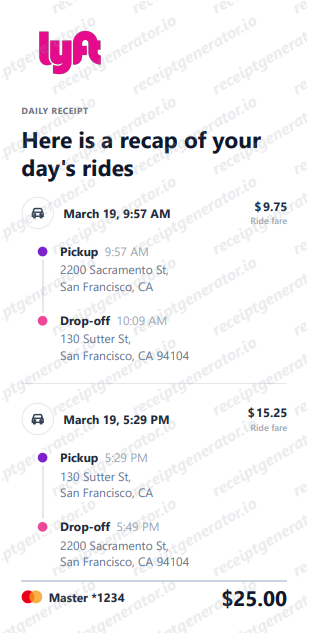
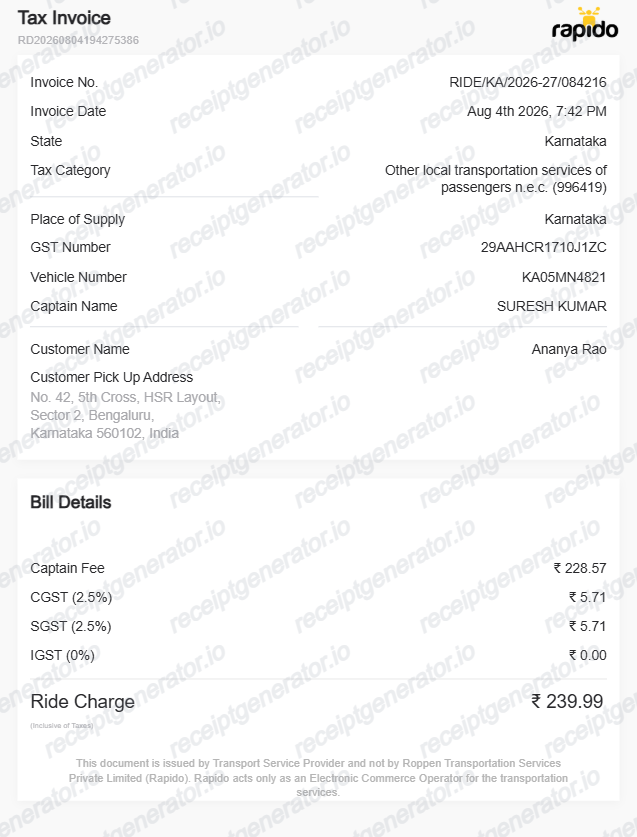
More India Receipt Templates
Browse our collection of receipt templates for various purposes.
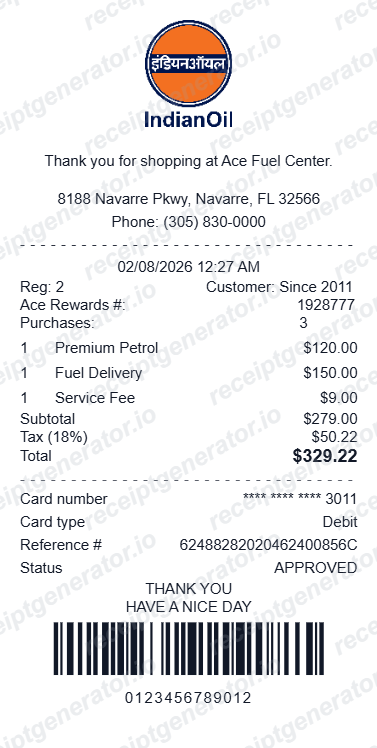
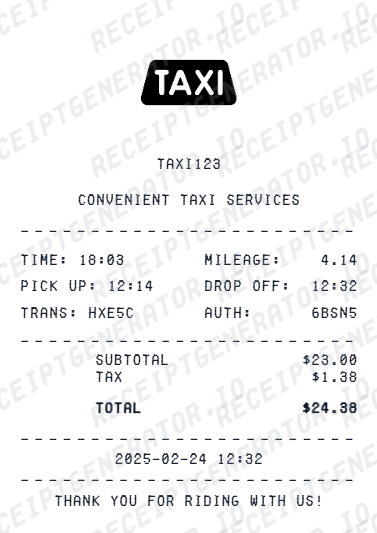
Ola Receipt FAQ — Cab Expense & Reimbursement Documentation
Common questions about creating Ola cab receipts for office commute allowance, business travel reimbursement, and GST-compliant fare documentation in India.
Open the Ola receipt template and fill in the trip details: booking ID, pickup location, drop location, cab category, distance, and duration. Then add the fare breakdown — base fare, per-km charges, waiting charges, OlaPass discount, convenience fee, and GST. Choose the payment mode (UPI, Cash, Ola Money, or card) and download the completed receipt as a PDF.
Ola receipts in India show GST split into CGST and SGST components applied to the cab fare. You can add both as separate line items in the fare breakdown section to match the standard Ola receipt format used for GST-compliant expense documentation.
Yes. This template is designed for Indian professionals who need to submit cab ride records for office commute allowance, business travel, or client visit reimbursements. Fill in your actual trip details, fare, and payment method, and download the PDF for your expense submission.
Open the Ola app, go to the menu, tap Your Rides, select the completed trip, and view or email the invoice from the ride details screen. Ola also emails the trip invoice automatically to your registered email after every completed ride, so searching your inbox for 'Ola' or the CRN often recovers it. If you need a GST invoice for a business ride, request it through the app soon after the trip. See our full guide for a complete step-by-step walkthrough.
For reimbursement, most Indian employers accept the emailed Ola invoice or a PDF showing the CRN, route, fare breakdown, GST, and payment mode. On the tax side, the cab fare carries 5% GST (2.5% CGST + 2.5% SGST on intrastate rides) collected by Ola as the aggregator, while the platform convenience fee is taxed at 18%. Businesses that need a GST-compliant invoice with registration details should use an Ola corporate profile or request the GST invoice in the app.
You can select from Ola Mini, Ola Micro, Ola Prime Sedan, Ola Prime SUV, Ola Electric, or Ola Share. The cab category appears on the receipt and is often required by company HR or finance teams when submitting cab allowance claims.
Ola charges a platform convenience fee on most rides, shown as a separate line item on the receipt. You can add this charge to match the official receipt format — it is typically required when submitting receipts to company finance teams.
Yes. Once you have filled in all the trip and fare details, download a clean PDF. The PDF is print-ready and formatted for expense reimbursement, office cab allowance submissions, or personal ride records.
A real Ola invoice carries a CRN (Customer Reference Number) as the ride identifier, the pickup and drop locations with times, the driver name and cab category (Mini, Prime Sedan, Prime SUV, and so on), a fare breakdown with base fare, distance and time charges, and any waiting charge, the convenience fee as a separate line, GST split into CGST and SGST, any coupon or Ola Money discount, and the payment mode.
Add the store name, purchase date, line items, totals, tax, payment method, and any optional notes you need on your Free Ola template.
Receipt Generator · Receipt Maker · 300+ Free Templates
Create your Ola receipt
Use the editable Ola receipt generator to add items, tax totals, and payment details, then export a clean PDF.