Enterprise Receipt Generator & Past Rental Guide
Use Enterprise's official Get a Receipt service first. If the original cannot be recovered, organize verified rental details in the editable template below.
Find the official Enterprise rental receipt first, then use an editable template to organize verified rental details when the original is unavailable.

Choose
Enterprise Receipt selected

Customize
Fill in your details

Download
Save or share receipt
Edit the details once and the preview updates instantly.
Get Your Original Enterprise Receipt First
Open Enterprise's official Get a Receipt page and follow the prompts for the completed rental. If the receipt cannot be found, use Enterprise Help or contact the rental branch rather than guessing transaction details. The editable template on this page is for organizing details you can verify; it is not a receipt issued by Enterprise.
Receipt retrieval and source guidance
Rental cost review
Organize verified rate, mileage, fuel, fee, and coverage details for an internal travel-cost review.
Lost rental receipt recovery
Recreate a rental receipt when the original is missing or was never printed at the return counter.
Charge reconstruction
Reconstruct verified rental charges for personal bookkeeping while retaining the Enterprise-issued receipt for taxes.
Travel expense reports
Keep a personal summary of verified vehicle and charge details while locating the Enterprise-issued receipt required for an expense report.
Enterprise Rental Receipt Formats
Choose the Enterprise rental car receipt format that best matches your expense, travel, or documentation needs.
Standard Rental Receipt
An Enterprise-style receipt with renter details, vehicle info, rental period, and total charges.
Itemized Charges Receipt
A detailed rental receipt showing daily rate, insurance, fuel, taxes, and all individual charge lines.
Rental Cost Summary
A clearly labeled personal summary of verified Enterprise rental and charge details.
Car Rental Receipt Guides
Read supporting guides for rental car receipts, reimbursement records, and travel documentation.
Quick summary
Enterprise receipt template overview
Use this Enterprise-style receipt template to build a complete car rental receipt with renter info, vehicle details, rental dates, mileage, itemized charges, and payment summary.
What Is on a Real Enterprise Receipt?
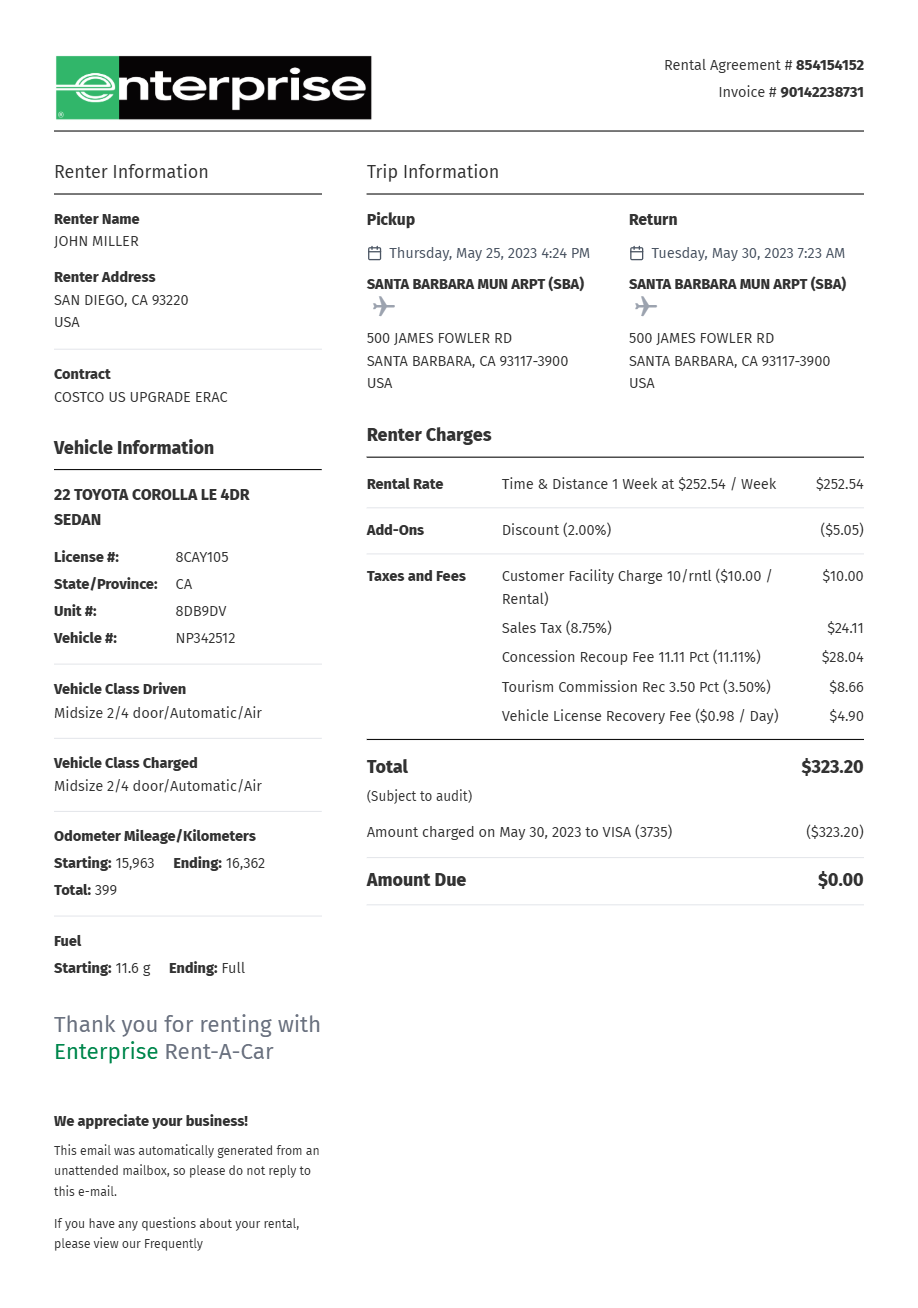
The Enterprise-issued receipt contains agreement, branch, vehicle, timing, rate, fee, and payment details. Use these fields to understand the billing layout and organize verified information without presenting a personal template as an Enterprise receipt.
Rental agreement number
The receipt is keyed to the rental agreement number issued at pickup. Enterprise's online receipt search tool retrieves it using the renter's last name and driver's license number rather than the agreement number alone.
Pickup and return with exact timestamps
The receipt shows the checkout and check-in branch locations with exact date and time for each, since Enterprise bills in full rental days measured from the pickup time.
Vehicle class, not a guaranteed model
Enterprise reserves and bills by vehicle class or group (Economy, Compact, Standard SUV, etc.), so the receipt records the class charged along with the specific car's license plate and mileage.
Time & Mileage base charge
The base rate appears as a Time & Mileage line - the daily or weekly rate times rental days - with any per-mile overage charge if the plan wasn't unlimited-mileage.
Airport and license fee pass-throughs
Airport pickups add a concession recovery fee and a per-day vehicle license fee as separate pass-through lines, which is why an airport rental total runs higher than the quoted base rate.
Enterprise Plus number and auto-emailed receipt
When an Enterprise Plus number is attached to the rental, the receipt is automatically emailed to the address on file and stays available in the online account for 360 days starting about 48 hours after return.
Create a print-ready Enterprise rental receipt
Edit the layout, watch it update live, then print, download PDF, or email.
Live rental receipt preview
Watch the Enterprise receipt update instantly as you edit renter info, vehicle details, dates, and charges.
Itemized charge editor
Add, remove, or edit each charge line — daily rate, insurance, fuel, taxes, and surcharges.
Download as PDF
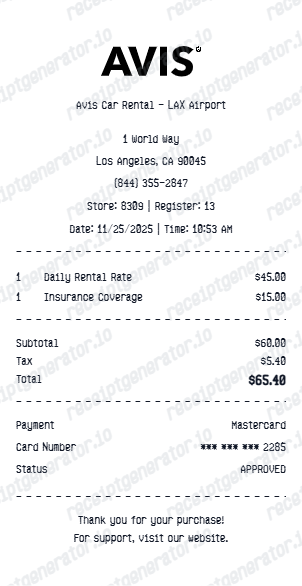
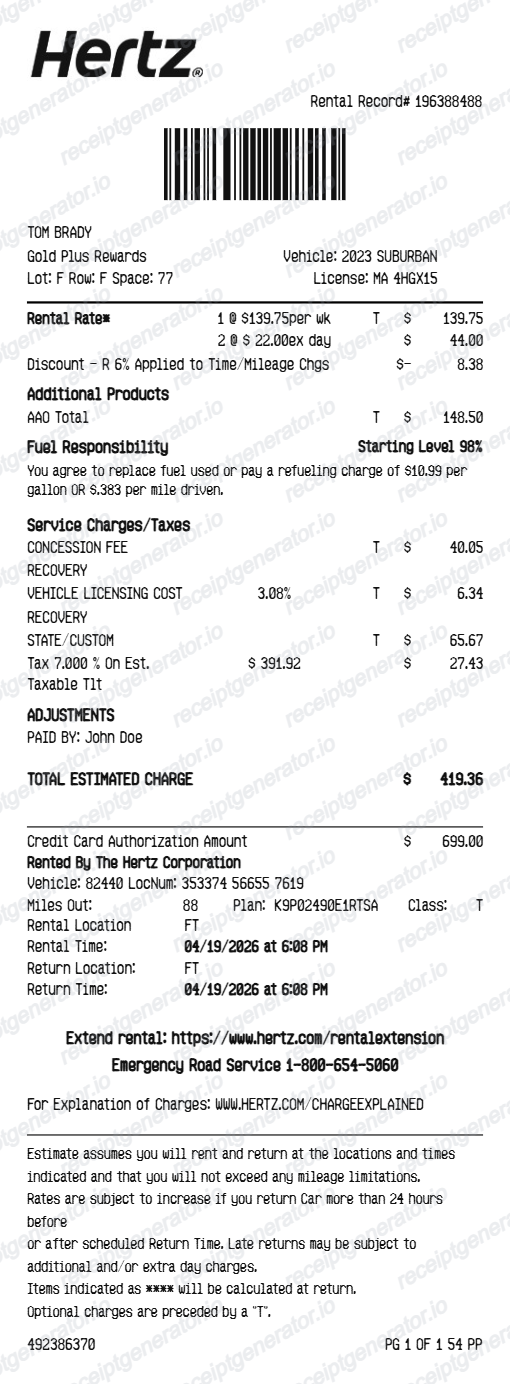
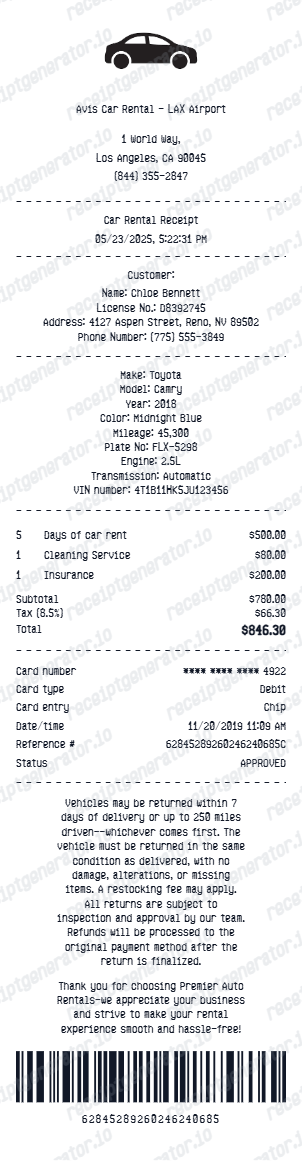
Export a clearly labeled Enterprise-style PDF for personal rental-cost organization or layout testing.
Mobile-friendly editor
Create and edit the rental receipt from desktop or mobile.
More free receipt templates for car rentals, travel, and transportation expense records.
Enterprise Car Rental Receipt FAQ
Common questions about retrieving an Enterprise-issued rental receipt and organizing verified rental details in a personal template.
Choose the Enterprise receipt template, add renter name, driver's license, vehicle details, pickup and drop-off locations, rental dates, daily rate, mileage, additional charges, taxes, and payment method. Download as PDF.
Yes. Add base rental rate per day, additional driver fee, fuel service charge, loss damage waiver, roadside assistance, state surcharge, taxes, and any other line items.
Yes. Add odometer out, odometer in, total miles driven, and mileage charge per mile if applicable.
An Enterprise receipt shows the rental agreement number, renter name, pickup and return branch locations with exact dates and times, the vehicle class and license plate, a Time & Mileage line for the base rate, coverage or add-on lines, airport pass-through fees where applicable, taxes, an Enterprise Plus number if attached, and the payment card's last 4 digits with the total.
Yes. Add rental start and end dates, pickup and return locations, and the exact return time to match a standard Enterprise rental agreement.
Yes. Add vehicle make, model, year, license plate, vehicle class (economy, compact, SUV, etc.), and odometer readings for pickup and return.
Use the Search for a Past Rental Receipt tool on enterprise.com and enter your last name and driver's license number. Enterprise Plus members have receipts auto-emailed after return and can view rental history in their account for 360 days, starting about 48 hours after drop-off. For rentals older than roughly six months, contact the branch that handled the rental directly or call 1-855-266-9565. See our full guide for a complete step-by-step walkthrough.
Airport locations add pass-through charges not included in the quoted rate, such as the concession recovery fee and vehicle license fee. Optional extras like loss damage waiver, an additional driver, or fuel service charges also appear as separate lines and increase the final total.
Receipt Generator · Receipt Maker · 300+ Free Templates
Create your Enterprise rental receipt
Use the editable Enterprise receipt generator to add renter details, vehicle info, charges, and payment, then export a clean PDF for your records.