Free Costco Receipt Generator
Create Free Costco Wholesale Receipts Online - Add Member #, Bulk Items, Executive Reward & Payment. Download PDF Instantly.
Create a Costco-style receipt with membership details, bulk items, savings, and totals. Download a PDF for expense records, returns, or business purchases.

Choose
Costco Receipt selected

Customize
Fill in your details

Download
Save or share receipt
Edit the details once and the preview updates instantly.
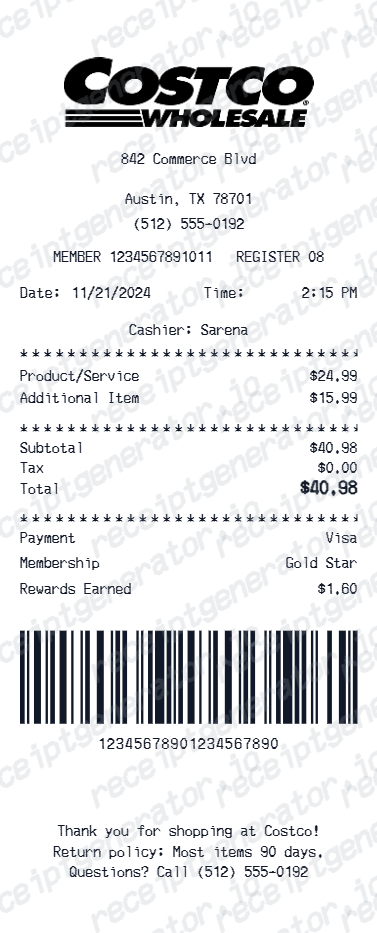
Quick summary
Find the official Costco receipt before recreating one
Check Orders & Purchases for the original in-warehouse or online record first. Use this editable template only when the original is unavailable.
What Is on a Real Costco Receipt?
Before you rebuild a Costco receipt, it helps to know what the warehouse register actually prints. Costco receipts follow a consistent structure, and a credible replacement copy should match it field for field.
Warehouse name and number header
The receipt opens with the warehouse location name and its warehouse number (for example, a city name followed by #629) plus the street address - Costco identifies locations by warehouse number, not a generic store ID.
Membership number on the transaction
Every warehouse purchase is rung up against a membership number, and that number prints on the receipt. It is also how Costco retrieves the transaction later - member services can look up what you bought without the paper copy.
Item numbers instead of full product names
Each product prints its Costco item number with a short description. That item number is the key reference for price adjustments, returns, and purchase-history lookups.
Separate discount lines and tax flags
Instant savings and member discounts appear as their own negative lines referencing the item, and taxable items carry a letter code next to the price so the tax line can be reconciled.
Items sold count and cashier footer
The bottom of the receipt shows the transaction date and time, cashier and operator details, and a total items sold count - the number the door checker compares against your cart on the way out.
The exit receipt check
Costco marks receipts at the door as a condition of membership. Checkers verify the item count and confirm you were charged correctly, which is why a real Costco receipt often carries a highlighter or pen mark from the exit.
Print-ready Costco wholesale receipts
Edit the layout, watch it update live, then print, download PDF, or email.
Live Costco receipt preview
Watch the receipt update as you add items and member details.
One-click print
Print your Costco receipt from the browser.
Download as PDF
Export a clean Costco wholesale receipt PDF.
Mobile-friendly editor
Create Costco receipts from any device.
Get Your Original Costco Receipt First
Costco keeps two years of in-warehouse receipts in your online account: sign in to Costco.com, open Orders & Purchases, select the In-Warehouse tab, and view or print the receipt. For older purchases, the membership counter at any warehouse can reprint a receipt with your photo ID, membership number, and purchase date. Use this template when the original is unavailable - a lapsed membership, a purchase on someone else's card, or a record older than the lookup window.
Business bulk supply claims
Submit Costco receipts for office pantry and supply expense claims.
Executive member reward tracking
Document Costco purchases to track 2% executive reward rebate.
Household bulk purchase records
Archive Costco receipts for household wholesale purchase tracking.
Insurance item documentation
Create Costco receipts for electronics or appliance insurance claims.
Costco Receipt Types
Choose the Costco receipt format for your purchase documentation.
Costco Gold Star Receipt
Costco receipt for standard Gold Star members.
Costco Executive Receipt
Costco receipt with 2% executive member reward rebate.
Costco Business Receipt
Costco receipt for business membership bulk purchase records.
Receipt Guides
Read the supporting Costco guides to recover purchase details, handle reimbursement records, and keep warehouse documentation cleaner.
Costco Receipt Lookup
Learn the fastest ways to find a Costco receipt in your online history or through member services.
Read guideLost Costco Receipt
Recover the key purchase details when the original Costco receipt is missing from your files.
Read guideCostco Purchase History
Learn how Costco purchase history helps recover older warehouse receipts and item details.
Read guideHow to Get a Grocery Receipt
Learn where grocery receipts usually come from and which details matter most for budgeting or reimbursement.
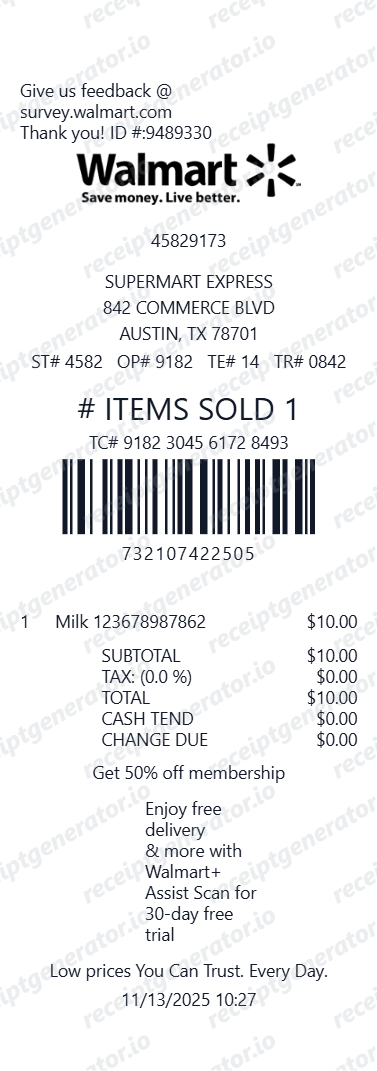
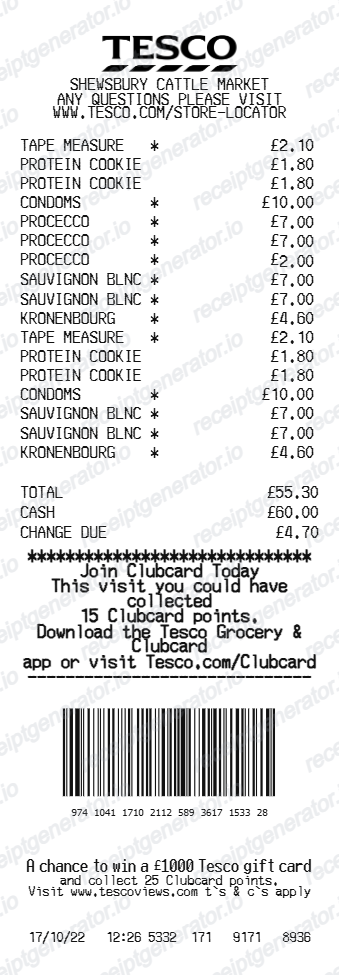
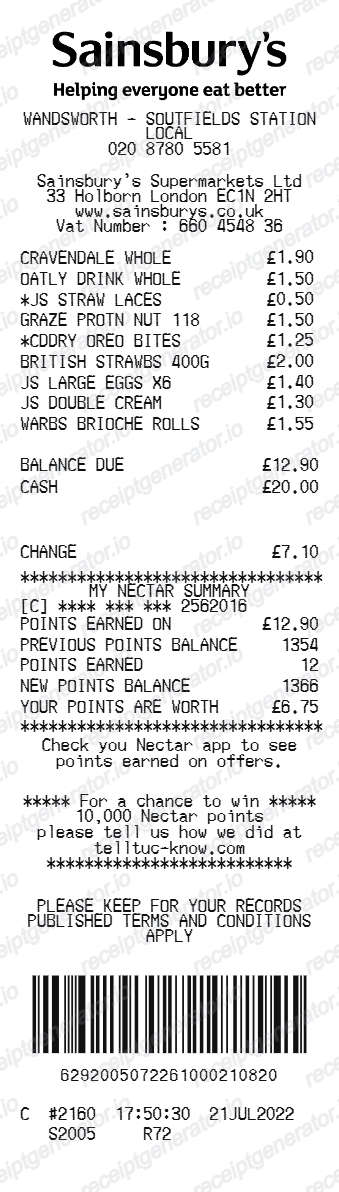
Read guideRelated Other Receipt Templates
Browse our collection of receipt templates for various purposes.

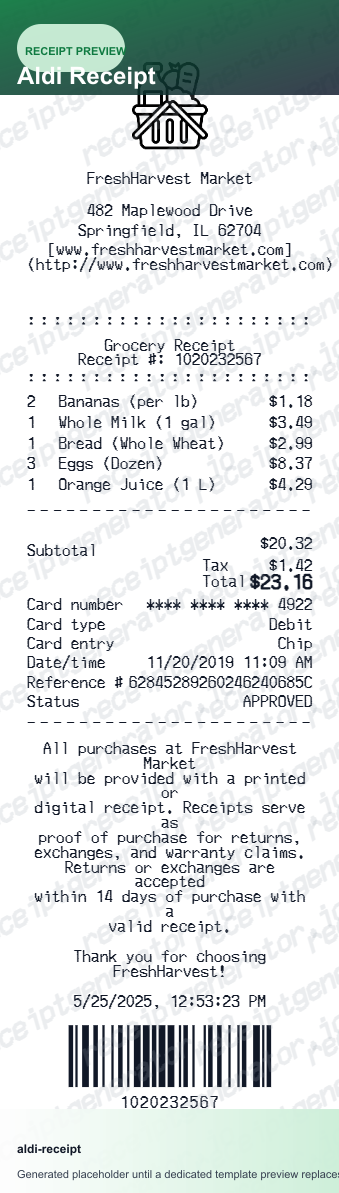
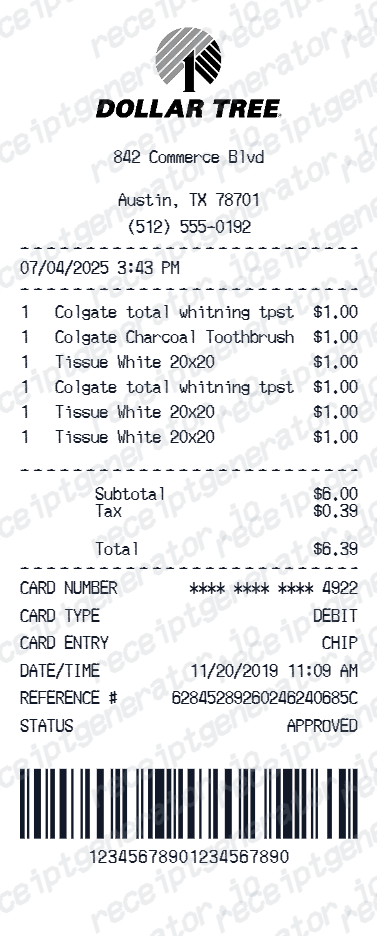
Costco Receipt FAQ - Wholesale Member Purchase Documentation
Learn how to create Costco wholesale receipts with membership number, item number, executive reward, and PDF export for expense reimbursement and bulk purchase documentation.
Choose the Costco receipt template, add membership number, warehouse location, bulk items with item number, price, Costco Next savings, executive reward, taxes, and payment. Download as PDF.
Yes. Add the Executive Member 2% annual reward rebate as a separate receipt line item - matching Costco's receipt format.
Yes. Download a clean PDF for expense reimbursement, business supply records, or personal bulk purchase documentation.
A real Costco receipt starts with the warehouse name and number plus the address, prints your membership number on the transaction, lists each product by its Costco item number with a short description, shows instant savings and discounts as separate negative lines, flags taxable items with a letter code next to the price, and ends with the sales tax, total, payment method, date and time, cashier details, and a total items sold count near the bottom.
Add the store name, purchase date, line items, totals, tax, payment method, and any optional notes you need on your Free Costco template.
Yes. Add Costco item number (7-digit code), product name, quantity, and unit price for each bulk item.
Yes. Many businesses shop at Costco for supplies - create Costco receipts for office pantry, supply, and equipment expense reimbursement.
Sign in to Costco.com, open Orders & Purchases, and select the In-Warehouse tab - receipts for warehouse purchases from the last two years can be viewed and printed there, shown in six-month increments. For older purchases, visit the membership counter at any warehouse with your photo ID, membership number, and the purchase date, and they can look up and reprint the receipt on the spot. See our full guide for a complete step-by-step walkthrough.
Usually no. Costco's return policy is tied to your membership rather than the paper receipt - every purchase is recorded against your membership number, so the returns counter can look up the transaction with just your membership card. Most items can be returned at any time under Costco's satisfaction guarantee, with limited exceptions such as electronics (90 days).
Receipt Generator · Receipt Maker · 300+ Free Templates
Create professional receipts online in seconds
Use the Receipt Generator editor with ready-made templates. Compare pricing or start generating print-ready PDF receipts in your browser no account required.