Home Depot Receipt Template & Generator
Organise a confirmed tools or building-materials purchase with item references, quantities, prices and payment totals. Keep job or project notes in your own record; use Home Depot’s official receipt lookup for the original receipt.
Build a Home Depot-style receipt with tools, materials, quantities, tax and payment totals. Preview online and review PDF export plans.

Choose
Home Depot Receipt selected

Customize
Fill in your details

Download
Save or share receipt
Edit the details once and the preview updates instantly.
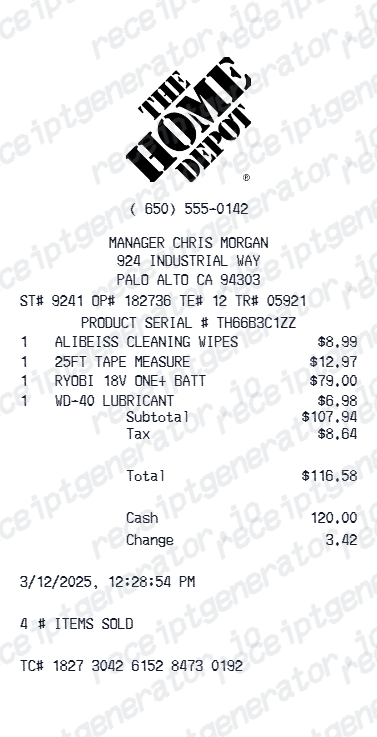
Get Your Original Home Depot Receipt First
Use the official receipt lookup or purchase-history guidance when you need an original receipt, return document or warranty evidence.
Receipt retrieval and source guidance
Source guidance
Official Home Depot Purchase History Guide
See how purchase history helps Pro customers review in-store and online spending.
Open Official Home Depot Purchase History GuideSource guidance
Home Depot official receipt lookup
Use the retailer’s own guidance when you need an original transaction record.
Open Home Depot official receipt lookupConfirmed transaction records
Organise purchase or service information you already know.
Personal budgeting and review
Review itemised costs and keep the original document with your records.
Home Depot Receipt Types
Choose the Home Depot receipt format for your home improvement purchase.
Building Materials Receipt
Home Depot receipt for lumber, hardware, and construction materials.
Pro Xtra Contractor Receipt
Home Depot receipt with Pro Xtra savings and bulk pricing for contractor billing.
Appliance & Tool Receipt
Home Depot receipt for appliances, power tools, and tool rental fees.
Related Guides
Explore related guides to understand the receipt details, lookup steps, and documentation workflows.
Design options
Choose a Home Depot receipt design
Choose a Home Depot receipt layout to open it in the editor.
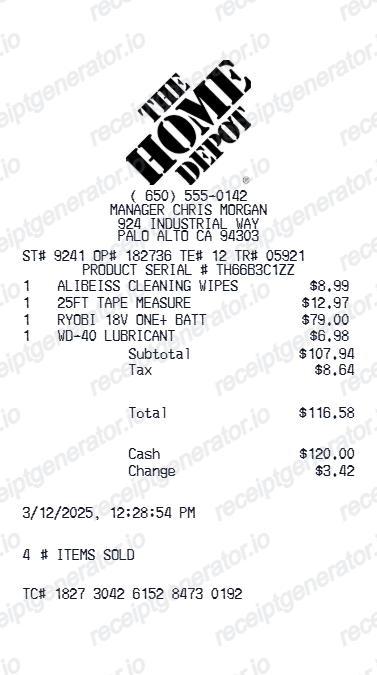
Quick summary
Home Depot Receipt template overview
Organise a confirmed tools or building-materials purchase with item references, quantities, prices and payment totals. Keep job or project notes in your own record; use Home Depot’s official receipt lookup for the original receipt.
Fields in the home depot receipt template
Organise a confirmed tools or building-materials purchase with item references, quantities, prices and payment totals. Keep job or project notes in your own record; use Home Depot’s official receipt lookup for the original receipt.
Tools and materials
List each tool, fitting or building material with its known product reference and quantity. Keep different purchases on separate rows.
Project purchase costs
Record confirmed discounts, tax and totals so the purchase can be reconciled with your project records.
Store and transaction details
Copy the store location, purchase date and known payment details. This independent template does not connect to Home Depot purchase history.
Original Home Depot receipts
Use the official receipt lookup or purchase-history guidance when you need an original receipt, return document or warranty evidence.
Official guidance
How to use the home depot receipt template
Start with confirmed transaction information, then check the preview before export.
- 1
Enter the transaction details
List each tool, fitting or building material with its known product reference and quantity. Keep different purchases on separate rows.
- 2
Review the individual charges
Record confirmed discounts, tax and totals so the purchase can be reconciled with your project records.
- 3
Check the totals and preview
Compare the completed record with the known transaction details and correct any differences.
- 4
Choose your export option
Creating and previewing is free. Review the available plan before downloading a watermark-free PDF.
Print-ready Home Depot receipts
Edit the layout, watch it update live, then print, download PDF, or email.
Live Home Depot receipt preview
Watch the receipt update as you add materials and savings.
One-click print
Print your Home Depot receipt from the browser.
Download as PDF
Export a clean home improvement receipt PDF for records.
Mobile-friendly editor
Create Home Depot receipts from any device.
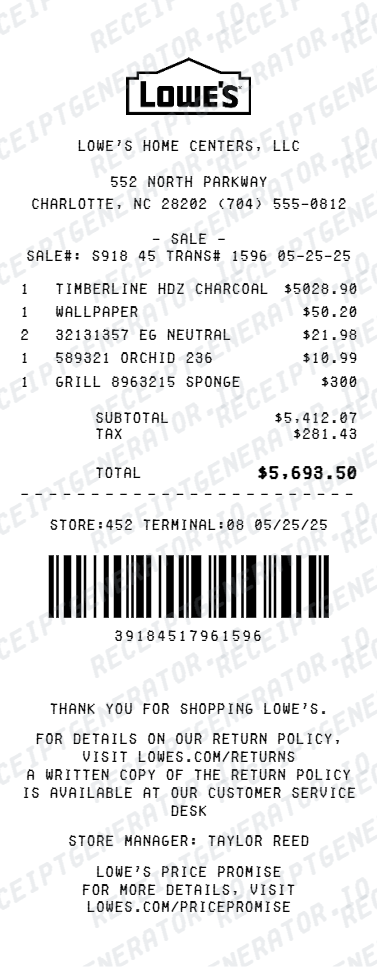
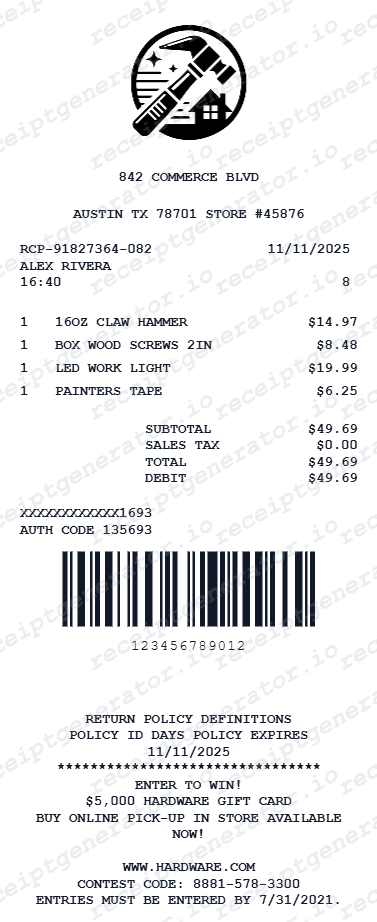
Related hardware and home improvement templates
Explore related receipt layouts for confirmed purchases and personal records.
Home Depot Receipt FAQ - Contractor Billing & Home Improvement Records
Questions about editing the home depot receipt template, reviewing its fields and obtaining the original transaction record.
Choose the Home Depot receipt template, add product names, SKUs, quantities, prices, taxes, and payment method. Preview and download as PDF in seconds.
Yes. It can organize verified SKUs, quantities, prices, and project references for internal job-cost tracking. Use Home Depot Purchase History or the merchant-issued receipt for client billing, reimbursement, returns, warranties, or taxes.
Yes. Download a clearly labeled PDF for renovation budgeting, a personal project log, or layout testing. It is not Home Depot-issued proof of purchase.
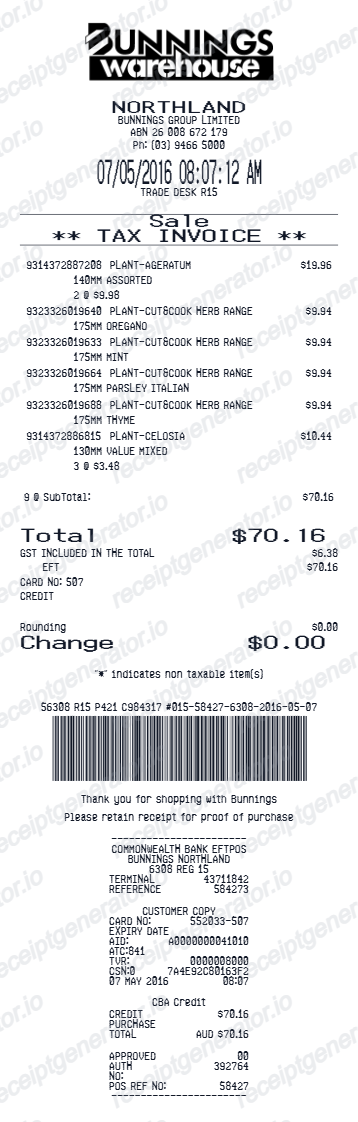
A Home Depot receipt shows store and transaction details, item lines with SKUs and prices, sales tax, total, payment information, and a barcode or transaction reference used by the merchant. Layout and policy text can change.
No. This is an independent editable template for known transaction details. It does not retrieve merchant records or replace merchant-issued evidence.
Yes. Add Home Depot Pro Xtra discount, bulk pricing, or in-store promotions as savings line items.
Yes. Include store name, store number, cashier, register, and transaction ID for a professionally formatted Home Depot receipt.
Start with Home Depot's official receipt-lookup guidance. If the purchase was linked to Pro Xtra using the member phone number at checkout, check Purchase History online. Contact Home Depot for transactions that are missing.
Check Home Depot's current return policy and use its official receipt-lookup process. A generated or reconstructed document is not proof of purchase and should not be used for a return.
Yes. You can create and preview the layout for free. Watermark-free PDF exports require a paid plan; review pricing before exporting.
Receipt Generator · Receipt Maker · 300+ Free Templates
Create your Home Depot receipt
Edit the known details in this home depot receipt template and review the preview before choosing a PDF export plan.