Free DoorDash Receipt Generator
Create Free DoorDash-Style Food Delivery Receipts Online - Add Fees, Tips & Items. Download PDF Instantly.
Create a DoorDash receipt with food items, delivery fees, service fees, tip, and tax. Download a clean PDF for meal or order records.

Choose
DoorDash Receipt selected

Customize
Fill in your details

Download
Save or share receipt
Edit the details once and the preview updates instantly.
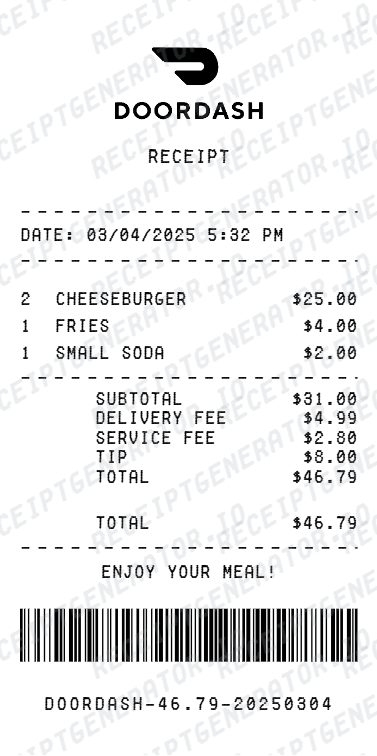
Quick summary
DoorDash receipt template overview
Use this DoorDash receipt generator to create authentic itemized receipts with editable products, tax calculations in $, and printable PDF export.
What Is on a Real DoorDash Receipt?
Before you rebuild a DoorDash receipt, it helps to know exactly what the original contains. DoorDash order receipts follow a consistent structure, and a credible replacement copy should match it line for line.
Itemized order with options
Every item appears with its quantity, the options or modifiers chosen (size, sides, add-ons), and its price, under the restaurant's name. The item subtotal is the sum of these lines before any fees.
Delivery fee as its own line
The delivery fee varies by restaurant, distance, and demand, and prints separately from the food. On eligible DashPass orders it shows as reduced or $0, with the membership savings visible on the receipt.
Service fee calculated on the subtotal
DoorDash charges a service fee as a percentage of the item subtotal, with a flat minimum on small orders. It is always a separate line from the delivery fee - a real receipt never merges the two.
Small-order fee on low subtotals
Orders below the restaurant's minimum subtotal pick up an extra small-order fee, shown as its own line. Larger orders will not have this line at all, so include it only when the subtotal is genuinely small.
Dasher tip listed separately
The tip goes to the Dasher and prints as a distinct line after fees and taxes. If the tip was adjusted after delivery, the final emailed receipt reflects the updated amount.
Order ID, addresses, and payment
Real receipts carry the order ID, the order date and delivery time, the delivery address, taxes based on that address, the total charged, and the payment method - the fields expense reviewers check first.
Print-ready DoorDash receipts
Edit the layout, watch it update live, then print, download PDF, or email.
Live DoorDash receipt preview
Watch your receipt update instantly as you add food items, fees, and tip.
One-click print
Print your DoorDash receipt directly from the browser - no app or login needed.
Download DoorDash receipt as PDF
Save a clean, print-ready PDF for expense reports, reimbursements, or personal records.
Auto fee & tip totals
Subtotal, delivery fee, service fee, tip, and grand total calculate automatically as you edit.
Get Your Original DoorDash Receipt First
If the order still shows in your account, the original is always better: open the DoorDash app, tap the Orders tab, select the order, and tap View Receipt - or sign in at doordash.com, open Orders, and download the receipt from the order page. DoorDash also emails a receipt automatically when you place an order, so check your inbox for 'DoorDash' or the restaurant name. Use this template when the original is unavailable - a deleted account, an order placed on someone else's profile, or a receipt email that never arrived.
Lost DoorDash receipt
Recreate DoorDash delivery receipts for expense reports.
Business meal expenses
Generate receipts for client lunches ordered through DoorDash.
Work reimbursements
Create receipts for work lunch or team meal delivery orders.
Tax documentation
Build receipts for deductible meal delivery expenses.
DoorDash Receipt Types
Choose the format that matches your delivery order.
Single Order Receipt
Quick receipt for one food delivery order with items and fees.
Group Order Receipt
Full itemized receipt for team or office lunch delivery orders.
Business Meal Receipt
Detailed receipt showing meals, fees, tip, and tax for expense filing.
Receipt Guides
Read the supporting DoorDash guides to recover order details, handle reimbursement records, and keep delivery documentation cleaner.
DoorDash Receipt for Drivers
Learn how to get DoorDash receipts for both customers and Dashers.
Explore DoorDash Receipt for DriversRestaurant Receipt for Reimbursement
Learn which meal details usually matter most for expense review.
Explore Restaurant Receipt for ReimbursementRestaurant Receipt for Taxes
Review the restaurant receipt fields that matter most for business meal documentation.
Explore Restaurant Receipt for TaxesRelated Other Receipt Templates
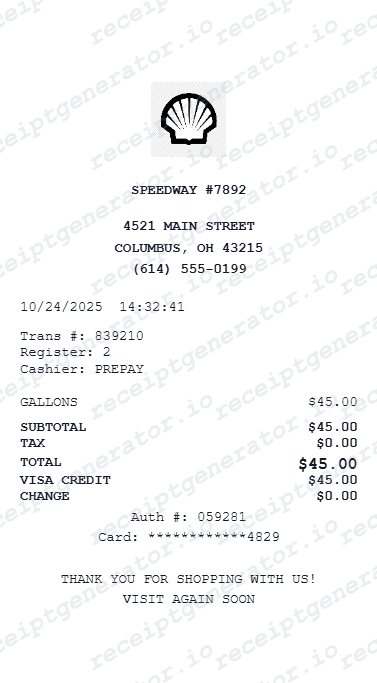
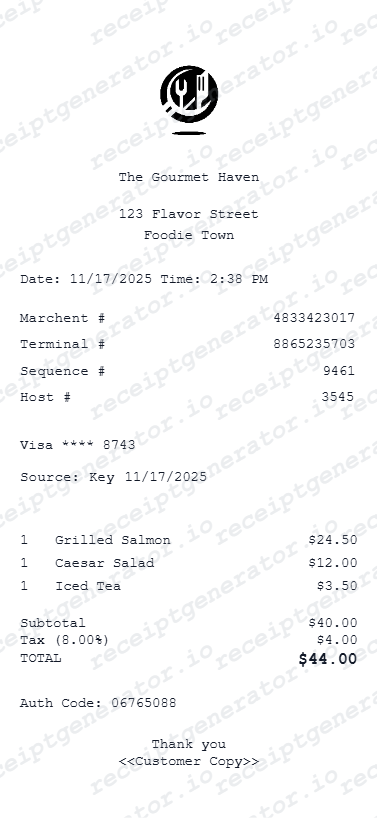
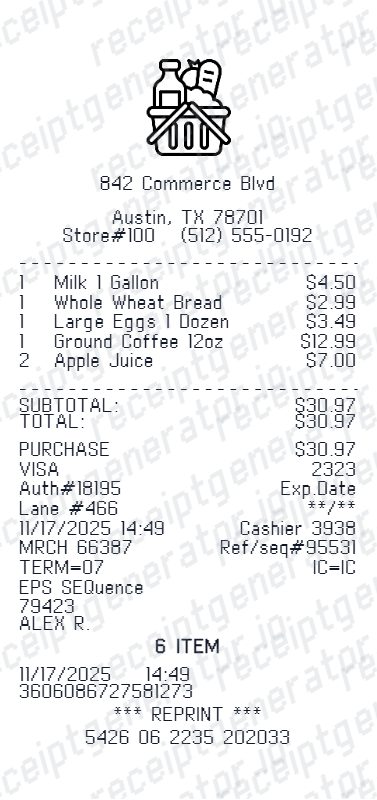
More free receipt templates for food delivery, restaurants, fast food, and takeout.

DoorDash Receipt FAQ - Frequently Asked Questions
Get answers on how to create, customize, and download free DoorDash-style food delivery receipts online.
Choose the DoorDash receipt template, enter the restaurant name, order date, food items with prices, delivery fee, service fee, and tip. Preview and download as PDF in seconds.
Free previews include all editing features. Watermark-free PDF downloads are available on paid plans. Check the pricing page for details.
Yes. The generator works on mobile and desktop - edit details, preview changes, and export from any device.
Yes. Many users generate DoorDash receipts for business meal expense reports, work lunch reimbursements, and travel food allowances. Check with your employer or accountant about documentation requirements.
A real DoorDash receipt shows the restaurant name, the order date and delivery time, the order ID, each item with its options and price, and then the charges stacked separately: item subtotal, delivery fee, service fee, any small-order fee, taxes, the Dasher tip, the total charged, and the payment method. Delivery, service, and tip always appear as their own lines rather than one combined fee.
Add the restaurant name, order date, food items, quantities, prices, delivery fee, service fee, tax, tip, and payment method.
Both. Use it for personal expense tracking, business meal reimbursements, bookkeeping prep, and internal documentation workflows.
Yes. If you lost your DoorDash receipt, enter the restaurant name, order date, and items to recreate it as a PDF for expense or reimbursement purposes.
Open the DoorDash app, tap the Orders tab, select the order, and tap View Receipt. On doordash.com, sign in, open Orders, select the order, and download the receipt. DoorDash also emails a receipt automatically when you place an order, so searching your inbox for 'DoorDash' or the restaurant name usually recovers it.
Several charges stack on top of the item subtotal: a delivery fee that varies by restaurant and distance (reduced or $0 on eligible DashPass orders), a service fee calculated as a percentage of the subtotal with a flat minimum, a small-order fee when the subtotal falls below the restaurant's minimum, local taxes, and the Dasher tip. Some restaurants also price menu items higher in the app than in-store.
Receipt Generator · Receipt Maker · 300+ Free Templates
Create your DoorDash receipt
Use the editable DoorDash receipt generator to add items, tax totals, and payment details, then export a clean PDF.