Avis Rental Car Receipt: What to Keep
Ready to create your own? Use our free receipt generator — no account needed.
Generate Rental Car Receipt →On this page
Keep the original Avis invoice for a completed rental, along with the agreement and relevant payment records. A reservation confirmation and a final invoice serve different purposes; use the document that records the charges you need to explain.
Quick Answer
Start with the original invoice. Match its rental reference, dates and locations, then check the itemized charges and final amount. Ask Avis about any unexplained line before preparing a separate copy.
Download the Original Avis Invoice
For a UK rental, use Avis UK's invoice download help. Have the reservation or rental agreement reference and surname available. Follow that service's current availability instructions if the invoice is not ready.
For rentals booked through another country's service or a separate provider, use the corresponding Avis help or contact the location that handled the rental. A third-party receipt generator cannot retrieve an Avis invoice.
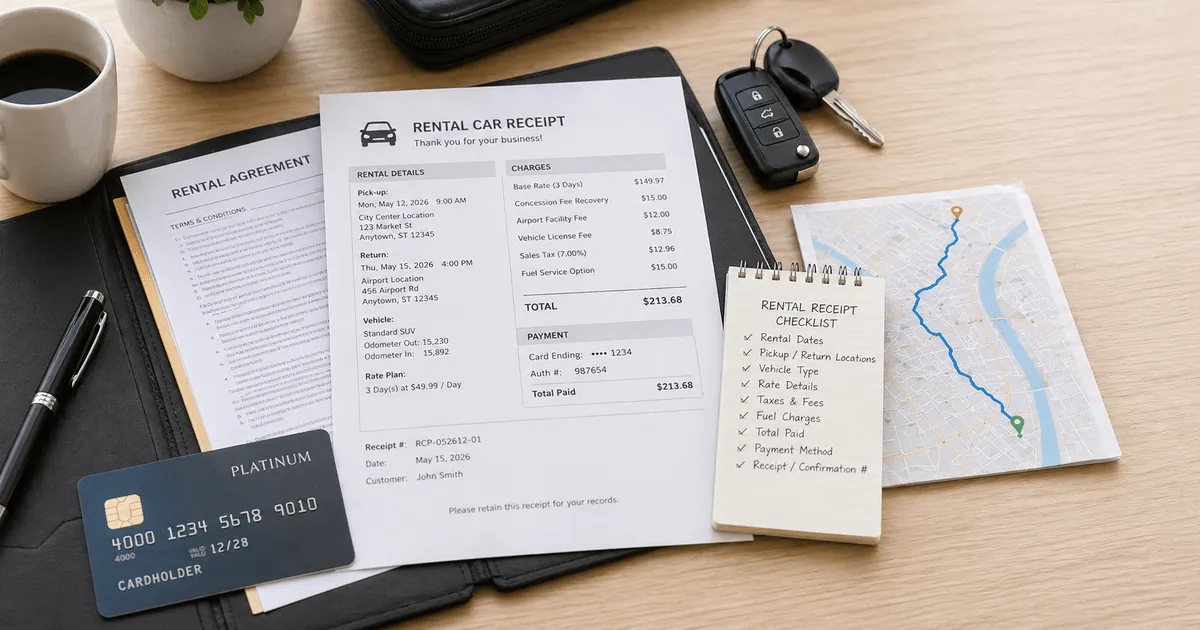
Check the Rental and Charge Details
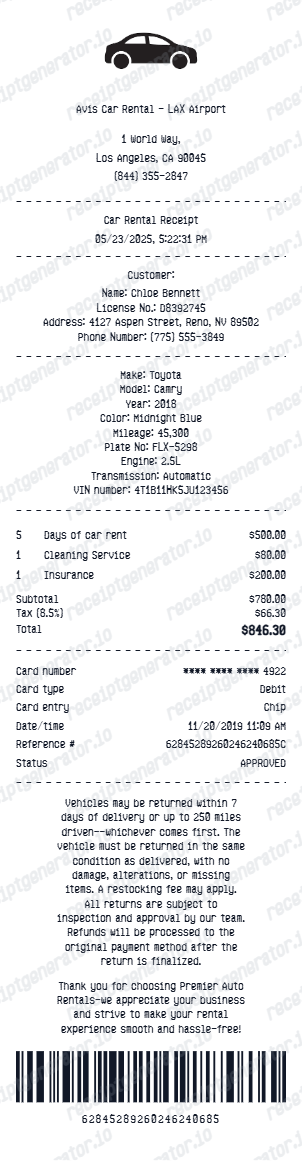
Compare the document with your agreement and payment records:
- reservation or rental agreement reference;
- pickup and return dates and locations;
- vehicle class or other vehicle details shown;
- base rental charge and any applicable extras;
- taxes, location fees and other itemized charges;
- fuel, mileage or protection charges when included;
- the final amount and payment details recorded.
Avis UK's invoice explanation provides a reference for reading its invoice. Your document may use a different layout depending on the rental market. Do not assume that every listed fee applies to every rental.
Prepare a Travel or Reimbursement File
Save the original invoice and any supporting agreement or payment evidence your employer requests. For a disputed charge, retain correspondence with Avis. A clearer copy can make a record easier to read, but does not guarantee reimbursement, insurance acceptance or tax treatment.
Organize a Separate Editable Copy
The Avis receipt template helps organize verified rental details. Keep the original invoice alongside the copy. Preview is free; PDF export requires a paid plan.
Open the Avis Receipt Template
Review verified rental details in the preview before paid PDF export.
Related Templates
FAQ
Use Avis UK's invoice help and the reservation or rental agreement reference and surname it requests. Check that the downloaded invoice corresponds to the completed rental.
Compare the rental reference, dates, locations, vehicle details, itemized fees and taxes, and final amount with your original rental and payment records. Your employer or reviewer decides which supporting documents it requires.