Free Detailed Receipt Generator
Create Free Detailed Receipts Online - Add Full Item Breakdown, Taxes & Notes. Preview free; watermark-free PDF export requires a paid plan.
Create a detailed receipt with SKU, quantity, tax, discounts, and payment breakdowns. Download a PDF for billing, records, or reimbursement.

Choose
Detailed Receipt selected

Customize
Fill in your details

Download
Save or share receipt
Edit the details once and the preview updates instantly.
Quick summary
Detailed receipt template overview
Create Detailed Receipts Online - Add Full Item Breakdown, Taxes & Notes. Preview the layout before choosing a PDF export plan.
What Is on a Real Detailed Receipt?
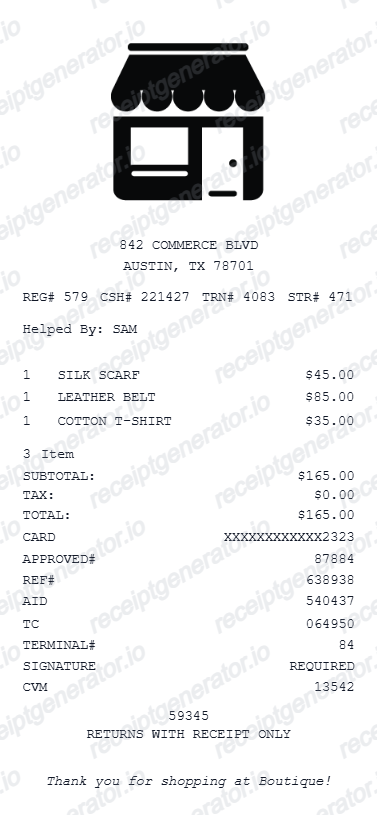
Expense teams, auditors, and insurers do not just want proof you spent money - they want proof of what you bought. A detailed receipt earns acceptance by carrying specific fields that a card slip or bank statement never shows.
The five audit data points
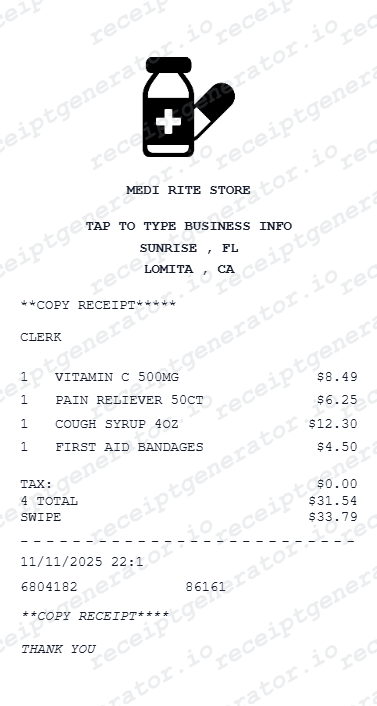
A receipt that survives an audit shows the payee (vendor name and location), the amount including tax, the date, an itemized description of what was purchased, and - added by you - the business purpose. The IRS requires documentary evidence for business expenses of $75 or more, and lodging always needs an itemized receipt.
One line per item, not one total
Real itemized receipts print each product or service on its own line with a description, quantity, and unit price. Expense systems routinely reject the short card slip that shows only a total - reviewers want the itemized version to confirm nothing personal or prohibited was in the basket.
Tax broken out from the subtotal
Detailed receipts show the subtotal, then tax as its own line. Retail receipts often add per-item taxability flags (T, F, or N codes next to each line) because groceries, clothing, and prepared food are taxed differently in many states.
Discounts and adjustments as negative lines
Coupons, member discounts, and price adjustments appear as negative line items rather than silently reduced prices. Auditors and insurers use these lines to reconcile the item prices against the total actually paid.
Payment method with card last 4
The payment section names the tender type and, for cards, the last 4 digits and an authorization code. Finance teams match these digits against the corporate card statement, so a detailed receipt without them creates follow-up questions.
Reference numbers that tie the record together
Transaction ID, register or terminal number, cashier ID, and - on business purchases - a PO number or vendor reference. These identifiers are what let a merchant, employer, or insurer verify the purchase against their own records.
Print-ready detailed purchase receipts
Edit the layout, watch it update live, then print, download PDF, or email.
Live detailed receipt preview
Watch the receipt update as you add full item and payment details.
One-click print
Print your detailed receipt from the browser.
Download as PDF
Export a comprehensive receipt PDF for documentation.
Mobile-friendly editor
Create detailed receipts from any device.
Get Your Original Itemized Receipt First
The merchant who sold you the item can almost always re-issue the detailed version: retail POS systems reprint itemized receipts from transaction history using the card last 4 and date, hotels re-send folios, and online stores keep itemized order invoices in your account. A bank or card statement is not a substitute - it lacks the item lines reviewers require. Use this template when the original is unavailable - the merchant's history has been purged, the store has closed, or the purchase was made in cash with no lookup trail.
Insurance claim documentation
Submit detailed receipts with descriptions for insurance loss or theft claims.
Business expense audit
Create detailed receipts for business expense audit and compliance records.
Customer billing with full breakdown
Generate detailed receipts for professional customer invoicing.
Tax deduction documentation
Document purchases with detailed receipts for IRS tax deduction records.
Detailed Receipt Types
Choose the detailed receipt format for your documentation.
Full Itemized Receipt
Detailed receipt with complete item descriptions and payment breakdown.
Insurance Documentation Receipt
Detailed receipt with SKU and descriptions for insurance claims.
Business Expense Receipt
Detailed receipt with PO reference for business expense records.
Related Guides
Explore related guides to understand the receipt details, lookup steps, and documentation workflows.
Related itemized and general receipts templates
More free receipt templates for store and retail expense records.

Detailed Receipt FAQ - Full Itemized Documentation & Insurance Records
Learn how to create detailed receipts with SKU, full payment breakdown, and PDF export for insurance claims and expense documentation.
Choose the detailed receipt template, add items with SKU, description, quantity, unit price, and per-item tax. Include payment breakdown and notes. Download as PDF.
Yes. Show subtotal, discount, tax, tip, and total paid as separate line items in the full payment breakdown.
Yes. Download a fully detailed receipt PDF for insurance claims, expense reporting, audit records, or customer billing.
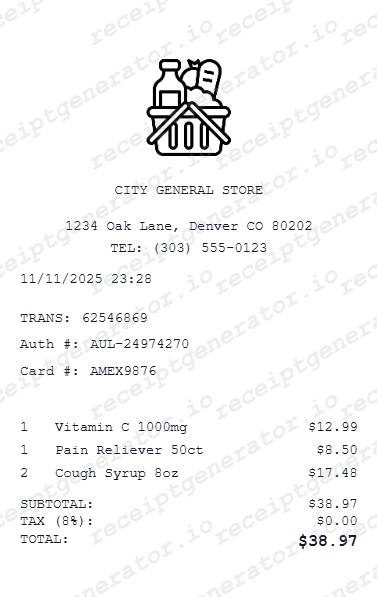
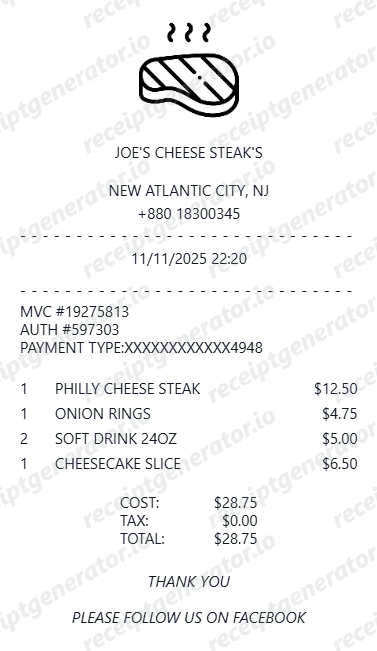
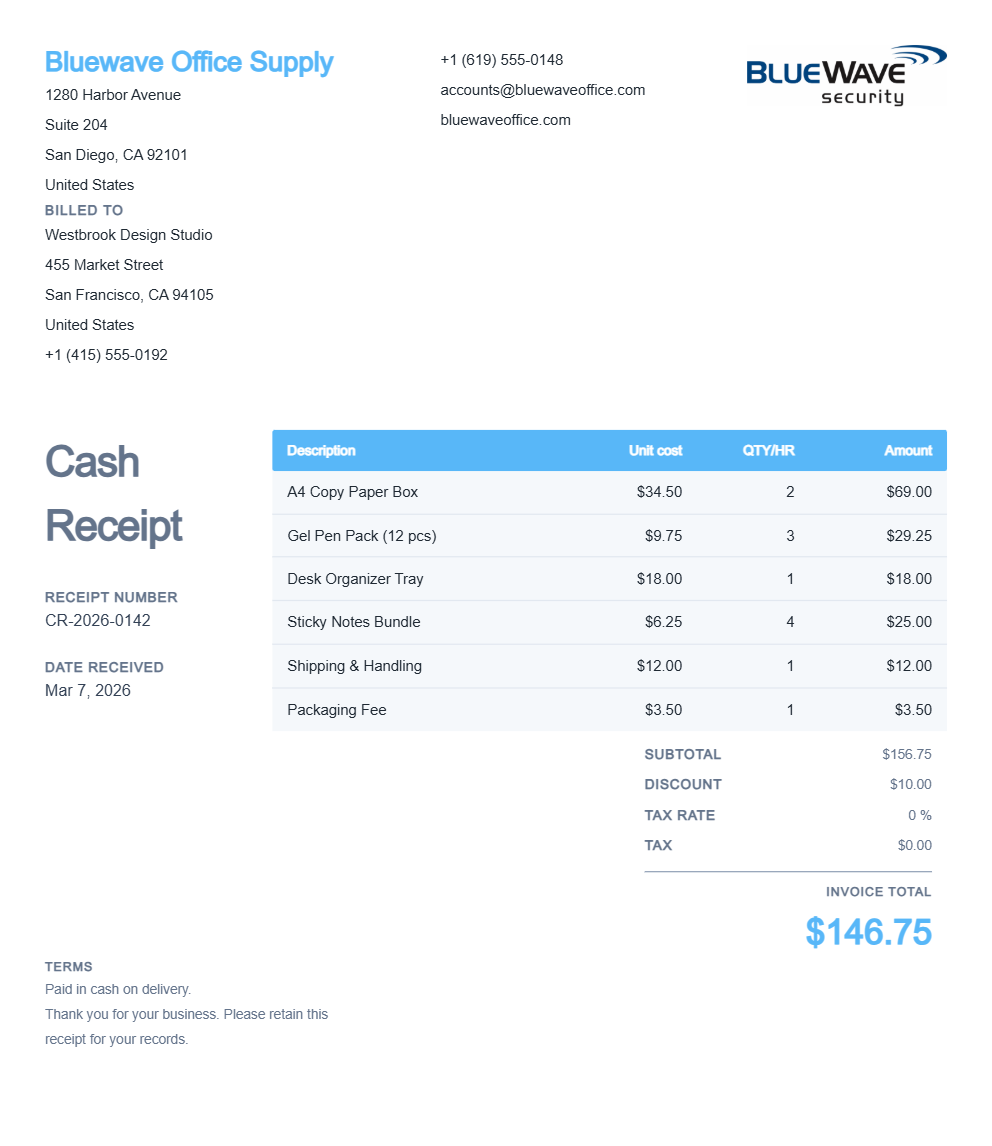
A real itemized receipt shows the vendor name and address, the date and time, each item on its own line with a description, quantity, and unit price, any discounts as negative lines, sales tax broken out from the subtotal, the grand total, the payment method with the last 4 digits, and a transaction or register reference number.
Yes. Add SKU, full description, category, and quantity for each line item - all displayed in the detailed receipt.
Yes. Insurance companies often require detailed receipts with item descriptions, SKUs, and amounts - this template meets those requirements.
Go back to the merchant. Retail POS systems can reprint an itemized receipt from transaction history using the card's last 4 digits and the purchase date, hotels can re-issue a folio, and restaurants can reprint the itemized check. Note that a card statement is not an itemized receipt - it shows only the merchant and total, which most expense and insurance reviewers will not accept on its own.
Often, yes. The IRS requires documentary evidence for business expenses of $75 or more, and lodging always needs an itemized receipt regardless of amount. A valid record shows the payee, amount, date, place, and what was purchased - which is why company expense policies routinely reject card slips that show only a total and demand the itemized version.
Receipt Generator · Receipt Maker · 300+ Free Templates
Create your Detailed receipt
Use the editable Detailed receipt generator to add items, tax totals, and payment details, then export a clean PDF.