Sephora Receipt Example
See exactly what a Sephora receipt looks like — Beauty Insider account number, SKU, shade and color variant, Beauty Insider points earned and balance, sale price vs. original price, tax, and payment details. Use the editable template to recreate or customize one.
See what a real Sephora receipt looks like with all fields explained — Beauty Insider account number, product SKU, shade and color variant, points earned and balance, sale price compared to original, tax, and payment. Use the editable template to recreate a Sephora receipt.

Choose
Sephora Receipt Example selected

Customize
Fill in your details

Download
Save or share receipt
Edit the details once and the preview updates instantly.
Quick summary
Sephora receipt example overview
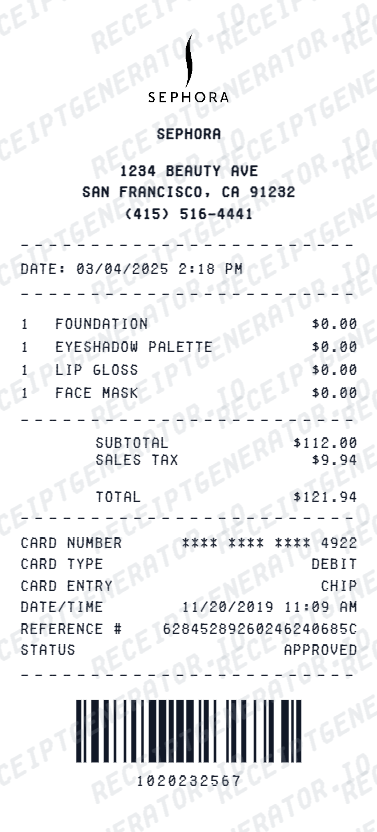
A standard Sephora receipt includes the store name and number, transaction number, associate ID, date and time, itemized product rows with SKU and shade variant, original and sale prices, subtotal, tax, total, Beauty Insider points earned and balance, and payment method.
What's on a Sephora Receipt?
A standard Sephora receipt follows a detailed retail format that captures product SKUs, shade variants, Beauty Insider rewards, sale pricing, and all charges. Understanding each section helps you verify a purchase, document a beauty expense, or recreate a receipt when the original is missing.
Store header and identification
Sephora store name, address, city, state, zip, phone number, and internal store number printed at the top. Associate or cast member name and register number are listed below the header.
Transaction number and timestamp
Unique transaction number for the purchase, date, and time stamp. This number is required for returns, exchanges, and customer service inquiries at any Sephora location.
Product rows with SKU and shade variant
Each product listed with the full product name, SKU number, shade or color variant name, original retail price, and sale price if discounted. Multiple shades of the same product appear as separate line items.
Subtotal, tax, and total
Subtotal for all items at their final prices, applicable sales tax at the local rate, and final total charged. Promotional discounts and promo code savings appear as negative line items before the subtotal.
Beauty Insider points and payment
Beauty Insider account number (if linked), points earned on the purchase based on tier, updated total points balance, and any points redeemed. Payment method, change for cash, or masked card number printed at the bottom.
See what a Sephora receipt looks like
Edit the layout, watch it update live, then print, download PDF, or email.
See a real Sephora receipt format
Preview a complete Sephora receipt layout with store header, product rows with SKU and shade variants, sale pricing, Beauty Insider points, tax, and payment in a standard retail receipt style.
Editable field-by-field
Edit any field in the Sephora receipt example — store number, transaction number, product SKUs, shade variants, sale vs. original prices, Beauty Insider points, and payment — to match your actual purchase.
Download as PDF
Export the completed Sephora receipt example as a clean PDF for personal records, gift documentation, or return reference.
Mobile-friendly editor
View and edit the Sephora receipt example from desktop, tablet, or phone with no login required.
Looking for a Sephora Receipt Example?
This Sephora receipt example shows the standard format — store header, transaction number, product rows with SKU and shade variants, sale pricing, Beauty Insider points, tax breakdown, and payment. Use the generator to build your own editable Sephora receipt.
Verify a receipt format
Use this Sephora receipt example to check that a receipt has the correct fields — store number, transaction number, product SKU and shade, Beauty Insider points, tax, and payment.
Understand receipt fields
Learn what each section of a Sephora receipt means — from the store header and transaction number to product SKU rows, shade variants, Beauty Insider points balance, and payment summary.
Recreate a lost Sephora receipt
Use the receipt example as a reference to fill in the generator with your store, product SKUs with shades, sale prices, and payment details when the original is missing.
Gift or return documentation
Use a Sephora receipt example as a reference when recreating a receipt for a gift purchase or preparing documentation for a return or exchange.
Sephora Receipt Formats
Sephora receipts follow the same detailed product format across regular, sale, and rewards redemption transactions with differences in pricing and points fields.
Sephora In-Store Receipt
A standard in-store Sephora receipt with store header, transaction number, product SKU and shade rows, Beauty Insider points, tax, and payment summary.
Sephora Sale Receipt
A Sephora receipt from a sale or promotional event showing original retail prices alongside discounted sale prices and any promo code savings applied before tax.
Sephora Beauty Insider Redemption Receipt
A Sephora receipt where Beauty Insider points or rewards have been redeemed, showing the points used as a credit line item alongside the remaining points balance.
Retail Receipt Guides
Read supporting guides for retail receipts, return documentation, and expense records.
Retail Receipt for Returns
See what information is required on a retail receipt to process a return or exchange at major beauty and retail stores.
Read guideLost Retail Receipt
How to recover or recreate a retail receipt when the original is lost before a return window closes.
Read guideRetail Receipt for Expense Reports
Review what retail receipt fields are needed when submitting beauty or personal care purchases on a business expense report.
Read guideRelated Other Receipt Templates
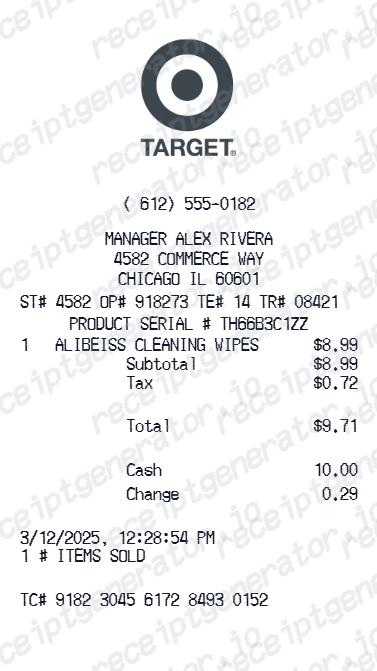
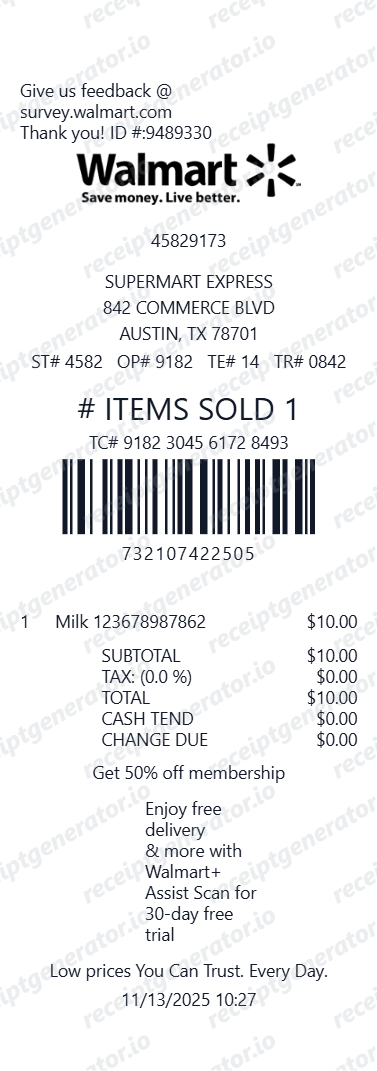
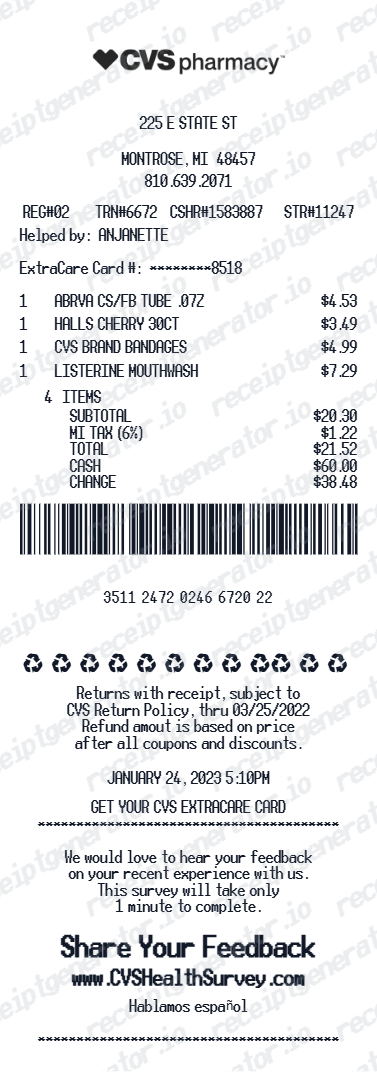
More receipt examples showing the format, fields, and layout of popular retail and beauty store receipts.
Sephora Receipt Example FAQ
Common questions about what a Sephora receipt looks like, what each field means, and how to recover or recreate one.
A Sephora receipt shows the store name and address at the top, followed by the store number, transaction number, associate name, date and time, and an itemized list of products with SKU, shade or color variant, original price, and sale price where applicable. The receipt ends with subtotal, tax, total, Beauty Insider points earned, updated points balance, and payment method.
Yes. If your Beauty Insider account is linked at checkout, the receipt will show your account number, the points earned on the current purchase, and your updated total points balance. Points accrue at different rates depending on your Beauty Insider tier — Insider, VIB, or Rouge.
Sephora receipts typically include a brief return policy notice at the bottom stating the number of days within which items can be returned for a full refund. Sephora's standard return window is 30 days for a refund and 60 days for store credit, though the details shown may vary by promotion period.
Add the store name, purchase date, line items, totals, tax, payment method, and any optional notes you need on your Sephora Receipt Example template.
The transaction number on a Sephora receipt is a unique reference number assigned to each purchase. It is used for returns and exchanges at any Sephora location and can also be referenced when contacting Sephora customer service about a specific order.
Each product on a Sephora receipt is listed with the full product name, SKU number, and shade or color variant such as a specific foundation shade number or lipstick color name. If an item is on sale, both the original retail price and the discounted sale price are shown on the receipt.
Use the Sephora Receipt Generator to enter your store number, transaction number, product SKUs with shade variants, sale and original prices, Beauty Insider points, tax, and payment method. Preview and export a PDF that matches the standard Sephora retail receipt format.
Both. You can use these templates for reimbursements, bookkeeping prep, and internal documentation workflows.
Receipt Generator · Receipt Maker · 100+ Free Templates
Need to recreate a Sephora receipt?
Use the editable Sephora Receipt Generator to enter your store details, transaction number, product SKUs with shade variants, Beauty Insider points, and payment information, then export a clean PDF.