McDonald's Receipt Example
See exactly what a McDonald's receipt looks like — restaurant number, order number, item rows, tax, total, and payment details. Use the editable template to recreate or customize one.
See what a real McDonald's receipt looks like with all fields explained — restaurant number, order number, itemized food rows, tax, total, and payment. Use the editable template to recreate a McDonald's receipt.

Choose
McDonald's Receipt Example selected

Customize
Fill in your details

Download
Save or share receipt
Edit the details once and the preview updates instantly.
Quick summary
McDonald's receipt example overview
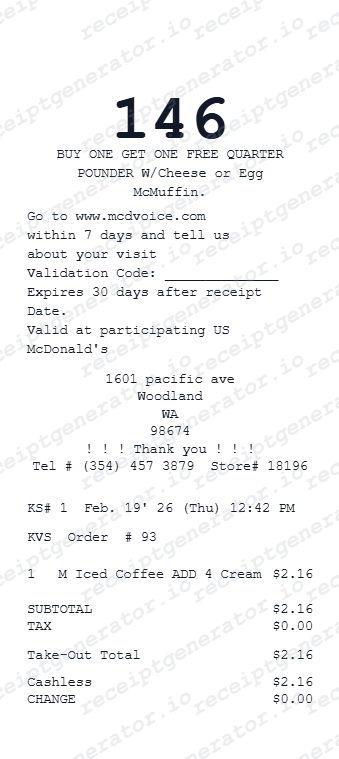
A standard McDonald's receipt includes the restaurant name and number, order number, server ID, date and time, itemized item rows with prices, subtotal, tax, total, payment method, and a survey code at the bottom.
What's on a McDonald's Receipt?
A standard McDonald's receipt follows a compact thermal format. Understanding each section helps you verify a purchase, document a meal expense, or recreate a receipt when the original is missing.
Restaurant header
Restaurant name, address, city, state, zip, phone number, and internal restaurant number printed at the top of the receipt.
Order and server details
Order number (sequential per shift), server name or ID, register number, purchase date, and time stamp.
Item rows
Each menu item appears on its own row with the item name and price. Combo meals, add-ons, and modifications are listed individually with their adjustments.
Subtotal, tax, and total
Subtotal before tax, tax amount calculated at the local rate, and total charged. Some locations show a tax-exempt line for certain items.
Payment and survey footer
Payment method, change given for cash, or masked card number for card payments. Most receipts also include a survey code at the bottom.
See what a McDonald's receipt looks like
Edit the layout, watch it update live, then print, download PDF, or email.
See a real McDonald's receipt format
Preview a complete McDonald's receipt layout with restaurant header, order number, item rows, tax, payment, and survey footer in a thermal receipt style.
Editable field-by-field
Edit any field in the McDonald's receipt example — restaurant number, order number, items, prices, and payment — to match your actual purchase.
Download as PDF
Export the completed McDonald's receipt example as a clean PDF for meal expense records or reimbursement documentation.
Mobile-friendly editor
View and edit the McDonald's receipt example from desktop, tablet, or phone.
Looking for a McDonald's Receipt Example?
This McDonald's receipt example shows the standard format — restaurant header, order number, item rows, tax breakdown, payment, and survey footer. Use the generator to build your own editable McDonald's receipt.
Verify a receipt format
Use this McDonald's receipt example to check that a receipt has the correct fields — restaurant number, order number, tax, and payment details.
Understand receipt fields
Learn what each section of a McDonald's receipt means — from the restaurant header and order number to the tax breakdown and survey code.
Recreate a lost McDonald's receipt
Use the receipt example as a reference to fill in the generator with your restaurant, items, and payment details when the original is missing.
Meal expense documentation
Use a McDonald's receipt example as a reference when documenting fast food purchases for travel or work meal reimbursement.
McDonald's Receipt Formats
McDonald's receipts follow the same thermal format across counter, drive-thru, and mobile order channels with minor differences in order reference fields.
McDonald's Counter Receipt
A standard in-store McDonald's receipt with restaurant header, order number, item rows, tax, and payment summary.
McDonald's Drive-Thru Receipt
A McDonald's receipt from a drive-thru order, identical in format to the counter receipt with drive-thru lane notation.
McDonald's Mobile Order Receipt
A McDonald's receipt for mobile app orders showing mobile order number, MyMcDonald's Rewards points, and redemption details.
Restaurant Receipt Guides
Read supporting guides for restaurant receipts, meal reimbursement records, and tax documentation.
Restaurant Receipt for Reimbursement
See what expense teams require from a restaurant receipt for meal reimbursement approval.
Read guideLost Restaurant Receipt
How to recover or recreate a restaurant receipt when the original is lost or not printed.
Read guideRestaurant Receipt for Taxes
Review what meal receipt fields are needed for business meal tax deductions.
Read guideRestaurant Receipt vs Invoice
Understand which restaurant document is stronger for billing and expense records.
Read guideRelated Other Receipt Templates
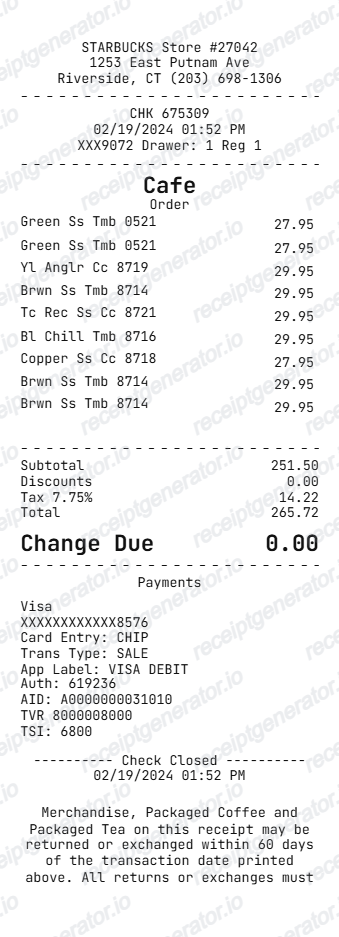
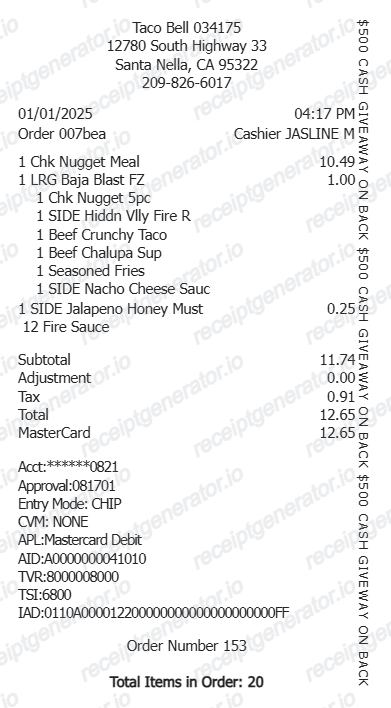
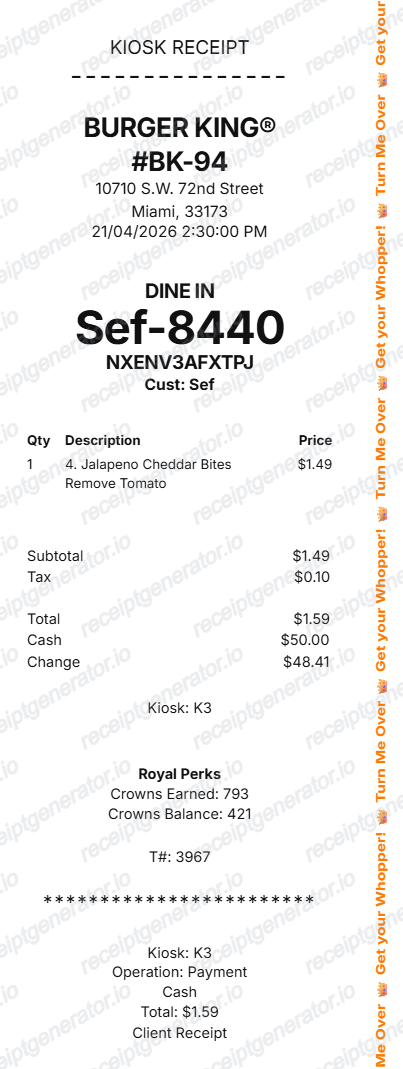
More receipt examples showing the format, fields, and layout of popular fast food and restaurant receipts.
McDonald's Receipt Example FAQ
Common questions about what a McDonald's receipt looks like, what each field means, and how to recover or recreate one.
A McDonald's receipt shows the restaurant name and address at the top, followed by the order number, server name, date and time, itemized food and drink rows with individual prices, subtotal, tax, and total. Payment method and change are printed at the bottom.
A McDonald's receipt includes the restaurant name and address, restaurant number, server ID, order number, date and time, item names, individual prices, subtotal, tax, total, payment method, and change or card last four digits.
McDonald's does not offer a public receipt lookup tool. If you paid with a credit or debit card, your bank statement will show the transaction amount. Mobile app orders can be reviewed in the McDonald's app order history.
Add the store name, purchase date, line items, totals, tax, payment method, and any optional notes you need on your McDonald's Receipt Example template.
The order number on a McDonald's receipt is a short sequential number (typically 1–999) assigned to each transaction during a shift. It resets throughout the day and is used to call out orders at the counter or drive-thru.
Yes. Most McDonald's receipts include a survey invitation at the bottom with a validation code. Completing the survey typically earns a free item or discount on the next visit.
Use the McDonald's Receipt Generator to enter restaurant details, order number, item rows, tax, and payment information. Preview and export a PDF that matches the standard McDonald's thermal receipt format.
Both. You can use these templates for reimbursements, bookkeeping prep, and internal documentation workflows.
Receipt Generator · Receipt Maker · 100+ Free Templates
Need to recreate a McDonald's receipt?
Use the editable McDonald's Receipt Generator to enter your restaurant details, order number, items, and payment information, then export a clean PDF.