Jordan Receipt Example
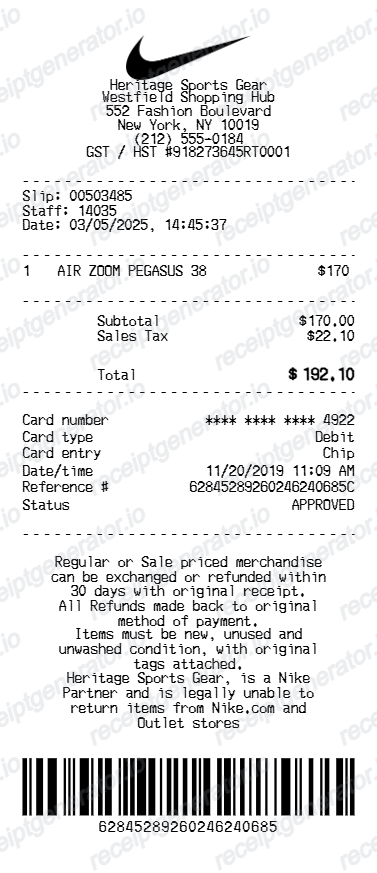
See exactly what a Jordan Brand receipt looks like — order number, Air Jordan model name with colorway and size, NikePlus or Jordan member discount, exclusive access launch note, shipping, Nike promo code applied, tax, and payment. Use the editable template to recreate or customize one.
See what a real Jordan Brand receipt looks like with all fields explained — order number, Air Jordan model name with official colorway and size, NikePlus or Jordan member discount, exclusive access launch note, shipping cost, Nike promo code applied, sales tax, and payment summary. Use the editable template to recreate a Jordan receipt.

Choose
Jordan Receipt Example selected

Customize
Fill in your details

Download
Save or share receipt
Edit the details once and the preview updates instantly.
Quick summary
What Does a Jordan Brand Receipt Look Like?
A Jordan Brand receipt is an order confirmation that includes the following key fields:
What's on a Jordan Brand Receipt?
A Jordan Brand order confirmation shares Nike's order system infrastructure but includes Jordan-specific details that collectors and resellers need to understand. Knowing each field helps you verify a member discount, document an exclusive launch purchase, or recreate a receipt when the original is unavailable.
Order Number and Air Jordan Model Details
The order number appears prominently at the top of every Jordan Brand confirmation. The item is listed with the full Air Jordan model name (e.g., Air Jordan 4 Retro), the official Nike colorway descriptor (e.g., 'Military Blue / White-French Blue'), and the exact size purchased — the same product details used across Nike and Jordan Brand systems for tracking, authentication, and inventory.
NikePlus or Jordan Member Discount
Member-exclusive pricing is one of the primary benefits of the NikePlus and Jordan Brand membership programs. When a member discount is applied, it appears as a distinct line item on the receipt showing the discount label, the percentage off, and the dollar amount deducted from the retail price. This confirmation is important for expense reporting and verifying that the correct member pricing was applied.
Exclusive Access Launch Note
High-demand Jordan releases — including OG retros, collaborative colorways, and anniversary editions — are frequently restricted to NikePlus members or invite-only access. The receipt includes an 'Exclusive Access' or 'Jordan Member Exclusive' notation confirming that the purchase required and met the access criteria, which is a key detail for sneaker provenance documentation.
Nike Promo Code Applied
Nike promo codes, including Jordan Brand promotional offers, appear as a dedicated discount line on the receipt showing the code string and the amount deducted from the subtotal. Because Jordan Brand shares Nike's promotional infrastructure, Nike-wide promo codes are often applicable to Jordan purchases and are tracked the same way on the receipt.
Shipping, Tax, and Payment Method
The receipt closes with the selected shipping method and cost, applicable state sales tax, and the final order total. The last four digits of the credit card, Nike gift card balance used, or digital wallet payment are confirmed at the bottom of the confirmation email.
See what a Jordan Brand receipt looks like
Edit the layout, watch it update live, then print, download PDF, or email.
Air Jordan Model Name and Colorway Fields
Enter the full Air Jordan model name and official Nike colorway descriptor exactly as they appear on Jordan Brand order confirmations, including collaboration and retro edition naming.
Member Discount and Exclusive Access Toggle
Add a NikePlus or Jordan member discount line with the exact percentage and dollar amount, and toggle the exclusive access launch note to match a restricted-release purchase confirmation.
Nike Promo Code Line
Enter any Nike or Jordan Brand promo code and the discount amount, and it appears as a dedicated line item just as it does on a real Jordan Brand order confirmation.
PDF Export
Download a print-ready PDF of your Jordan receipt for resale documentation, sneaker collection provenance, expense reporting, or return initiation records.
Looking for a Jordan Brand Receipt Example?
Whether you need to document an exclusive Air Jordan purchase for resale, verify a NikePlus member discount was applied, file an insurance claim, or understand every field on a Jordan Brand order confirmation, this receipt example covers it all.
Sneaker Resale and Exclusive Launch Provenance
Collectors and resellers use Jordan Brand receipts to document that a pair was purchased at retail through an official exclusive access launch, which establishes provenance and confirms the item was not sourced through bots or unauthorized channels — a key selling point on StockX, GOAT, and Flight Club.
Member Discount Verification
If a NikePlus or Jordan member discount was not correctly applied during checkout, the order confirmation showing the expected discount line is the reference document for contacting Nike Customer Service to request a price adjustment or promotional credit.
Insurance Documentation for Rare Colorways
Limited Jordan retros and collaboration colorways can carry significant resale value. The Jordan Brand receipt establishing retail purchase price, alongside current market valuation data, supports insurance claims for collectors who insure their sneaker collections against theft or loss.
Return or Exchange Initiation
Jordan Brand purchases through Nike.com are eligible for returns within 30 days of delivery for unworn items. The order number from the receipt is required to start the return process through Nike.com or when contacting Nike Member Services by phone.
Jordan Brand Receipt Formats
Jordan Brand receipts are issued through Nike's retail infrastructure, including Nike.com, the SNKRS app, and physical Nike and Jordan Brand stores. Each channel produces a slightly different receipt format while sharing the core order and product details.
Jordan Brand Online Order Confirmation
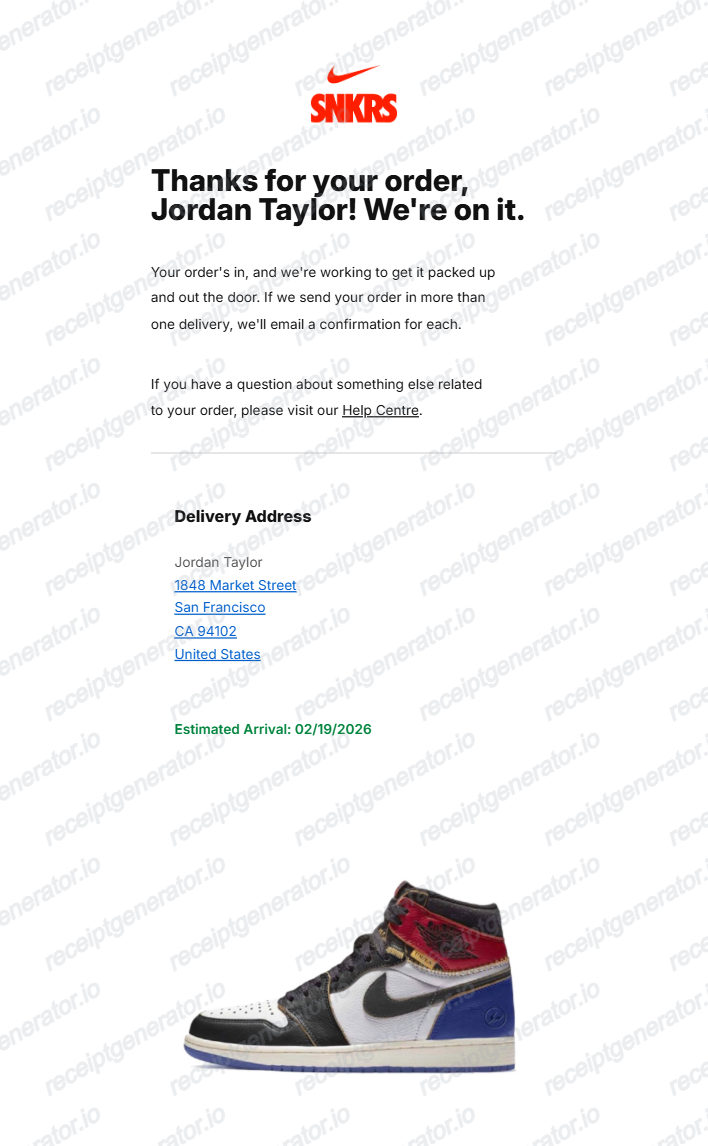
Email confirmation for purchases made on Nike.com or the Nike app under the Jordan Brand category. Includes order number, Air Jordan model with colorway and size, NikePlus member discount (if applied), exclusive access note, promo code line, shipping, tax, and payment details.
SNKRS Jordan Exclusive Receipt
Order confirmation for Jordan Brand releases sold exclusively through the SNKRS app, including Draw events and member-only access windows. Includes the same base fields as a Nike.com confirmation with the addition of the SNKRS launch type note (Draw, Launch Calendar, or Exclusive Access).
Jordan Brand In-Store Receipt
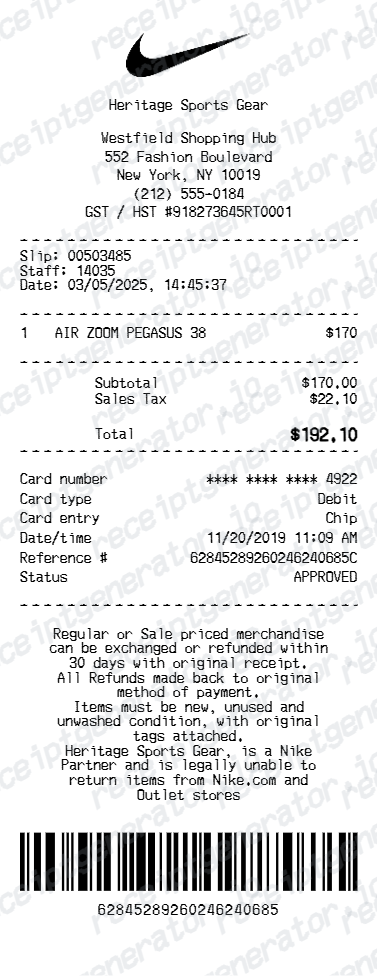
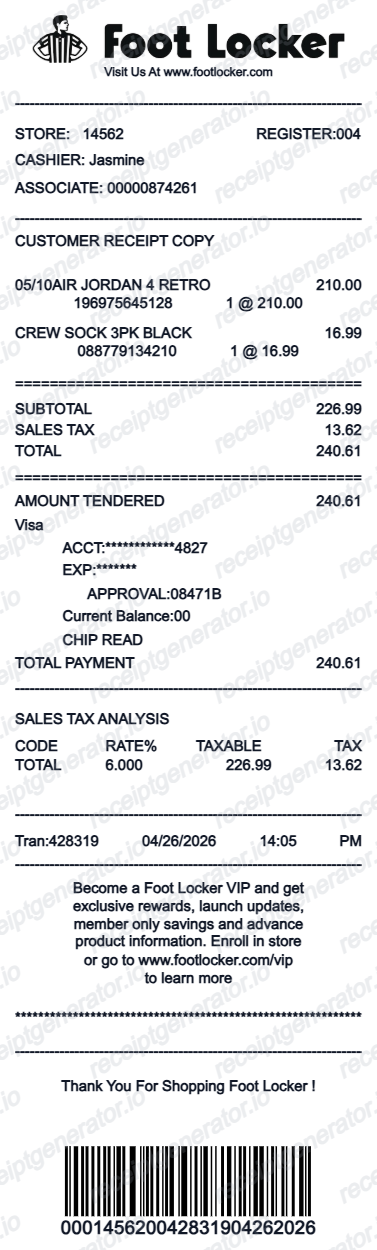
Printed receipt from a Nike or Jordan Brand retail store. Shows the store number, cashier ID, register number, Air Jordan model with colorway and size, any in-store NikePlus member scan discount applied, tax, total, and the Nike 30-day return policy printed at the bottom.
Jordan Brand Receipt Guides
Learn how Jordan Brand order confirmations are structured, what NikePlus member discounts look like, how exclusive access launches appear on receipts, and how to use a Jordan receipt for returns and resale.
How to Read a Jordan Brand Order Confirmation
A field-by-field walkthrough of the Jordan Brand receipt, from order number and Air Jordan colorway to NikePlus member discount, exclusive access note, promo code, and payment method.
Read guideJordan Brand Exclusive Access Launches Explained
How Jordan Brand exclusive access launches work, who qualifies for restricted releases, and what the exclusive access note on the receipt means for resale documentation.
Read guideNikePlus Member Discounts on Jordan Brand Purchases
How NikePlus and Jordan member discounts are applied, how the discount appears on the order receipt, and how to ensure the correct pricing is reflected in your confirmation.
Read guideRelated Other Receipt Templates
Explore receipt examples from Nike Brand and major sneaker retailers to compare formats and fields.
Jordan Receipt Example FAQ
Common questions about what a Jordan Brand receipt looks like, how NikePlus member discounts appear, what the exclusive access launch note means, and how to recreate one.
A Jordan Brand order confirmation shows the order number at the top, followed by the Air Jordan model name (e.g., Air Jordan 1 Retro High OG), the official colorway descriptor (e.g., 'Chicago / White-Varsity Red-Black'), and the selected size. The receipt then shows any NikePlus or Jordan member discount applied, an exclusive access launch note for restricted releases, shipping method, Nike promo code applied, sales tax, and the payment method used.
Jordan Brand releases many of its most sought-after colorways through restricted access launch events — available only to NikePlus members, SNKRS app users, or buyers who received a personal invitation link. When such a purchase is completed, the receipt includes a note such as 'Jordan Member Exclusive' or 'Exclusive Access Launch' to confirm the buyer had the required access credentials for that specific release.
Jordan Brand purchases made through Nike.com or the SNKRS app are covered by Nike's standard 30-day return policy for unworn items in their original packaging. The return policy and the associated order number required to initiate a return are referenced on the order confirmation email.
Add the store name, purchase date, line items, totals, tax, payment method, and any optional notes you need on your Jordan Receipt Example template.
NikePlus and Jordan Brand offer periodic member-exclusive discounts on select styles, typically ranging from 10% to 25% off retail price. When a member discount is applied at checkout, it appears as a separate line item on the receipt labeled 'Member Discount' or 'NikePlus Discount,' showing the exact percentage and dollar amount deducted from the item's retail price before tax.
Yes. Nike and Jordan Brand share the same checkout system, and promo codes entered during a Jordan Brand purchase appear as a dedicated discount line on the receipt. The receipt shows the promo code string, the discount amount applied, and the adjusted subtotal after the code was redeemed.
Use the Jordan Receipt Generator to enter your order number, Air Jordan model name with colorway and size, NikePlus member discount, exclusive access launch note, shipping method, any Nike promo code applied, tax, and payment method. Preview and export a PDF that matches the standard Jordan Brand order confirmation format.
Both. You can use these templates for reimbursements, bookkeeping prep, and internal documentation workflows.
Receipt Generator · Receipt Maker · 100+ Free Templates
Create a Jordan Brand Receipt in Seconds
Use the Jordan Receipt Generator to build a receipt with your order number, Air Jordan model colorway and size, NikePlus member discount, exclusive access launch note, Nike promo code, tax, and payment details. Export as PDF instantly.