Free Foot Locker Receipt Generator
Create Free Foot Locker Purchase Receipts Online - Add Sneaker, Order & Store Details. Download PDF Instantly.
Create a Foot Locker-style receipt with sneaker details, order number, store info, and payment. Download a PDF for records or purchase documentation.

Choose
Foot Locker Receipt selected

Customize
Fill in your details

Download
Save or share receipt
Edit the details once and the preview updates instantly.
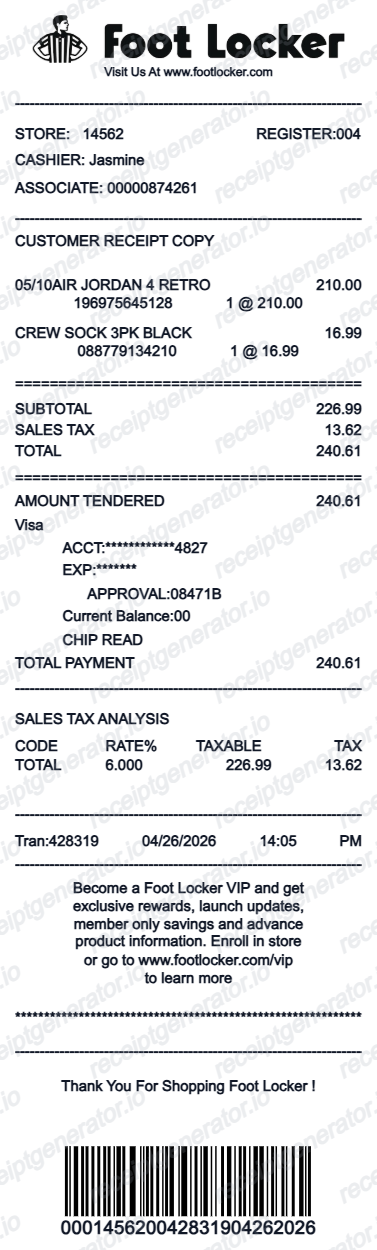
Quick summary
Foot Locker Receipt template overview
Use this Foot Locker Receipt template to build a clean, editable receipt record with the merchant, date, line items, tax, totals, and payment details already laid out for faster review.
What Is on a Real Foot Locker Receipt?
Foot Locker's in-store and online receipts follow a consistent structure, and knowing what belongs on each helps you rebuild a credible copy or judge one used as purchase records.
Store, register, and transaction numbers
In-store receipts print a store number, register number, transaction ID, cashier ID, and the date and time - the reference set Foot Locker support uses to look up a sale.
FLX Rewards points on every line
FLX Rewards members earn 100 points per $1 spent, and the points earned on that purchase print directly on the receipt alongside any FLX Cash or rewards redeemed.
Style number and size/width per item
Each item line shows the shoe's style number plus size and width - the same identifiers resale buyers check against StockX or GOAT listings for Jordan and Nike pairs.
45-day return window printed on the receipt
Foot Locker's standard return and exchange window is 45 days from purchase, and that policy line is printed at the bottom of in-store receipts. FLX members get free returns; non-members pay a return shipping fee.
Online orders use a separate order number
FootLocker.com purchases generate an order confirmation number distinct from an in-store transaction ID, with shipping address and delivery details tracked in account Order History rather than on a printed receipt.
Sister-brand formats differ slightly
Champs Sports, Kids Foot Locker, and House of Hoops use the same underlying receipt system but print their own store branding and header, while keeping the same store/register/transaction structure.
Print-ready Foot Locker sneaker receipts
Edit the layout, watch it update live, then print, download PDF, or email.
Live Foot Locker receipt preview
Watch the receipt update as you enter sneaker and store details.
One-click print
Print your Foot Locker receipt from the browser.
Download as PDF
Export a clean sneaker purchase receipt PDF.
Mobile-friendly editor
Create Foot Locker receipts from any device.
Get Your Original Foot Locker Receipt First
For in-store purchases, ask an associate to look up the transaction with your payment card, purchase date, and store location, or check FLX Rewards order history if you scanned your account. For FootLocker.com orders, sign in and open Order History, or search your inbox for the confirmation email. Use this template when the original is unavailable - for example, documenting an old purchase for resale or a return after losing the paper receipt.
In-store purchase records
Recreate Foot Locker in-store receipts with full store, associate, and transaction details.
Online order documentation
Generate Foot Locker online order receipts with order number and shipping details.
Returns and exchanges
Create Foot Locker receipts for returns, exchanges, and warranty documentation.
Foot Locker Receipt Types
Choose the Foot Locker receipt format for your purchase type.
In-Store Purchase Receipt
Foot Locker retail receipt with store number, associate, and transaction details.
Online Order Receipt
Foot Locker.com order confirmation with order ID, shipping address, and delivery info.
Related Guides
Explore related guides to understand the receipt details, lookup steps, and documentation workflows.
Related Other Receipt Templates
Browse our collection of receipt templates for various purposes.
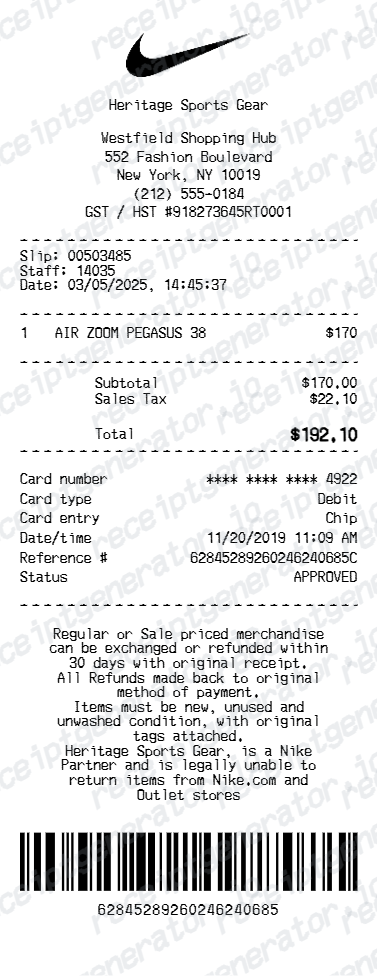
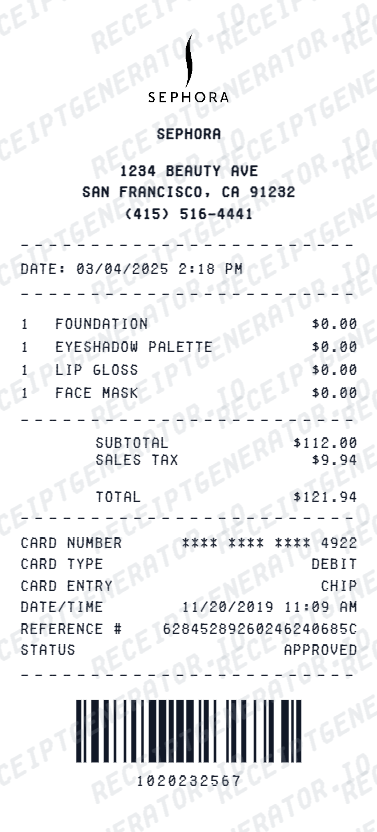
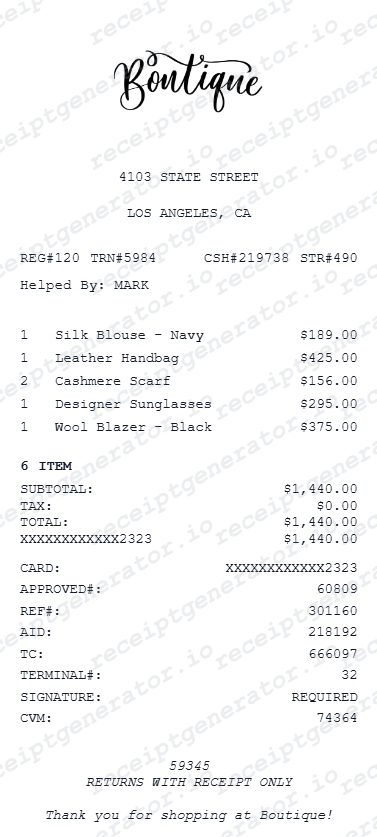
Foot Locker Receipt FAQ - Sneaker Purchase Documentation & purchase records
Learn how to create Foot Locker receipts with store details, order ID, sneaker specs, and PDF export for purchase and purchase documentation.
Choose the Foot Locker receipt template, add sneaker name, size, style code, store location, order ID, and payment details. Preview and download as PDF.
Yes. Add item price, member discount, sales tax, and total as separate line items — totals update automatically.
Yes. The template can be customized to match Champs Sports, Kids Foot Locker, and Foot Locker House of Hoops formats.
An in-store receipt shows the store number, register and transaction number, cashier ID, date and time, each item with its style number and size/width, FLX Rewards points earned, sales tax, the 45-day return policy printed at the bottom, and the payment method. Online orders instead show an order number, shipping address, and delivery details in the confirmation email and account order history.
Add the store name, purchase date, line items, totals, tax, payment method, and any optional notes you need on your Free Foot Locker template.
Yes. Include store number, store address, associate name, register number, and transaction ID for a complete Foot Locker store receipt.
Yes. Create both in-store and online order receipts with order confirmation number, shipping address, and delivery details.
For in-store purchases, Foot Locker can look up a transaction using the card used to pay, the date, and store location, or via your FLX Rewards account if you scanned it at checkout. For FootLocker.com orders, sign in and check Order History, or search your email for the order confirmation sent at checkout.
Yes, informally - resale platforms and private buyers often accept a Foot Locker receipt as evidence a pair was bought at retail, since it shows the style number and purchase date. It is not a substitute for a platform's own authentication process, which judges the physical shoes.
Receipt Generator · Receipt Maker · 300+ Free Templates
Create professional receipts online in seconds
Use the Receipt Generator editor with ready-made templates. Compare pricing or start generating print-ready PDF receipts in your browser no account required.