Free Nike Receipt Generator
Create Free Nike Store Receipts Online - Add Shoes, Style Code & Price. Download PDF Instantly.
Create a Nike-style receipt with product names, style codes, sizes, prices, and taxes. Download a PDF for sneaker purchase records.

Choose
Nike Receipt selected

Customize
Fill in your details

Download
Save or share receipt
Edit the details once and the preview updates instantly.
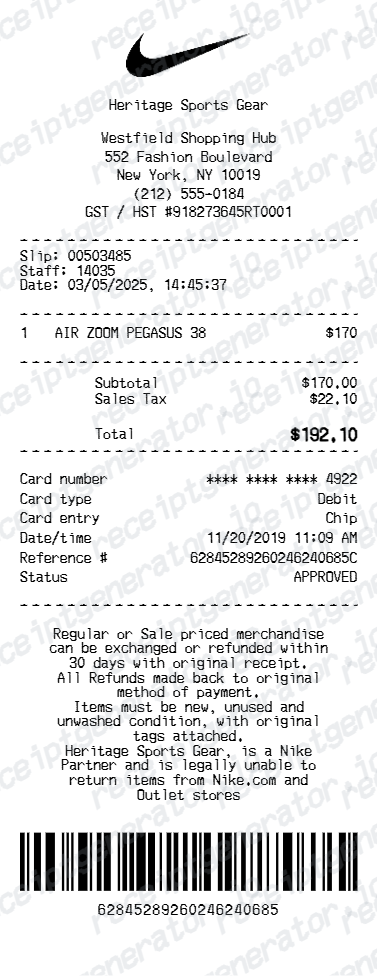
Quick summary
Nike Receipt template overview
Use this Nike Receipt template to build a clean, editable receipt record with the merchant, date, line items, tax, totals, and payment details already laid out for faster review.
What Is on a Real Nike Receipt?
Nike purchases split between a printed in-store receipt and a digital order confirmation for Nike.com and the Nike App - and Nike Members can tie both to one order history. Knowing what each contains helps you rebuild an accurate personal record.
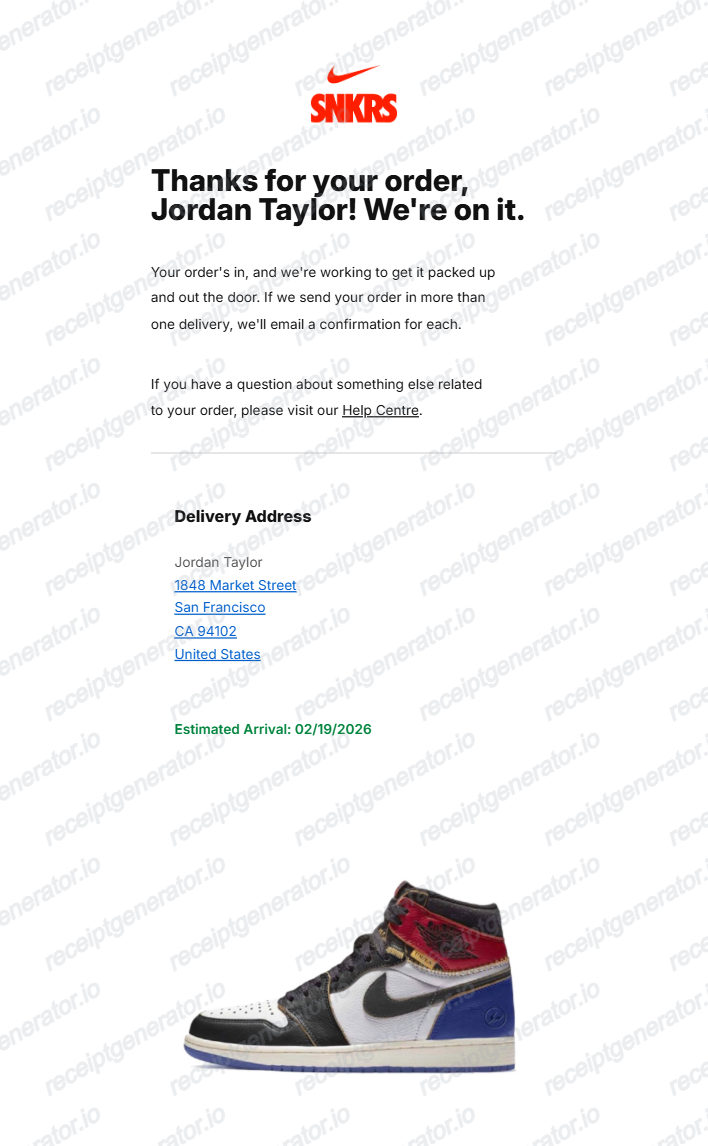
Digital order confirmation for online and app orders
Nike.com and Nike App purchases generate an order confirmation email and an entry in account order history rather than a mailed paper invoice - that digital record functions as the receipt for Members.
Style number and colorway on every item
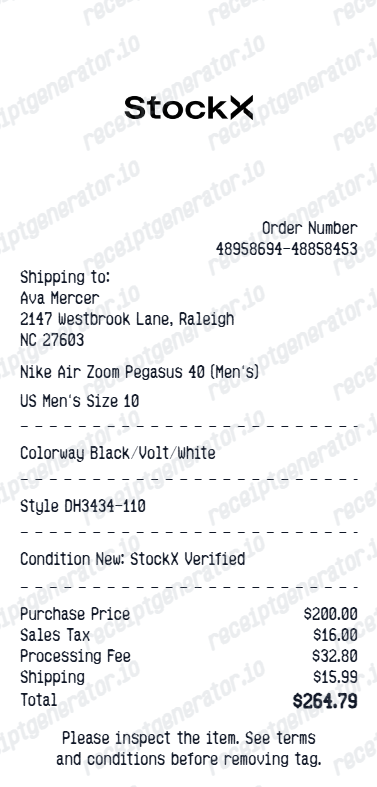
Each item line shows the shoe or apparel's style number, colorway, and size - the identifiers resale buyers and sellers reference when listing on GOAT or StockX.
Nike Pass unifies in-store and online history
Members who scan their Nike Pass at a physical register get that purchase recorded in the same digital order history as online orders, even though a paper receipt still prints at checkout.
60-day return window, free for Members
Nike's return window for purchases made through stores, Nike.com, or the Nike App is a flat 60 days, with Members able to generate a free UPS return label from order history.
Nike Refurbished carries a condition grade
Returned pairs resold through Nike Refurbished are inspected and graded - Like New, Slightly Imperfect, or Gently Worn - with that grade shown on the listing and covered by the same 60-day return policy.
What it cannot prove
A Nike receipt shows a purchase happened - it does not verify that a specific pair in a secondhand listing is that exact item. StockX and GOAT authenticate the physical sneakers, not the buyer's paperwork.
Print-ready Nike receipts
Edit the layout, watch it update live, then print, download PDF, or email.
Live Nike receipt preview
Watch the receipt update instantly as you add shoe details and prices.
One-click print
Print the Nike receipt from your browser.
Mobile-friendly editor
Create Nike receipts from any device.
Get Your Original Nike Receipt First
Sign in to your Nike Member account and check Orders in the Nike App or nike.com/orders - purchases scanned to your Nike Pass in-store show up there too, alongside online orders. Also check your email for the original confirmation. Use this template when the original is unavailable - for example, documenting a purchase for insurance or resale after losing access to the account or email it was placed under.
Personal purchase records
Document Nike shoe and apparel purchases for personal records.
Return or exchange
Generate a Nike receipt for return or exchange at a Nike store.
Nike Receipt Types
Choose the Nike receipt format for your purchase.
Single Sneaker Receipt
Basic Nike receipt for one shoe purchase with style code and payment.
Multi-Item Purchase Receipt
Itemized Nike receipt for shoes, apparel, and accessories.
sneaker purchase records Receipt
Nike receipt with complete style details for GOAT/StockX resale auth.
Related Guides
Explore related guides to understand the receipt details, lookup steps, and documentation workflows.
Related Other Receipt Templates
Browse our collection of receipt templates for various purposes.

Nike Receipt FAQ - sneaker purchase records & Purchase Documentation
Learn how to create Nike receipts with style codes, store details, and PDF export for sneaker purchase records and purchase records.
Choose the Nike receipt template, add store name, item names, style codes, sizes, prices, taxes, and payment method. Preview and download as PDF in seconds.
Yes. Include Nike store name, location, store number, and transaction ID for a complete, authentic-looking Nike receipt.
Sign in to your Nike Member account and open Orders in the Nike App or nike.com/orders to see the full order history, or search your email for the order confirmation. In-store purchases scanned to your Nike Pass in the app are also recorded in the same order history, whether or not a paper receipt was printed at the register.
No. StockX and GOAT authenticate the physical sneakers through their own inspection process - they do not verify a listing by checking the seller's original Nike receipt. A receipt is still useful as your own purchase record and supporting context, but it is not part of either platform's authentication step.
Yes. Include style number, colorway, size, and description for each Nike shoe or apparel item purchased.
Yes. Add Member discount, promotional code savings, or rewards credits as line items - the total updates automatically.
Online and app orders are a digital order confirmation - not a paper invoice - listing each item's style number, colorway, size, price, shipping, and tax, plus the order and shipping status in account order history. In-store purchases print a physical receipt at the register, and if you scanned your Nike Pass, that same purchase also appears digitally in your Nike Member order history.
Add the store name, purchase date, line items, totals, tax, payment method, and any optional notes you need on your Free Nike template.
Receipt Generator · Receipt Maker · 300+ Free Templates
Create professional receipts online in seconds
Use the Receipt Generator editor with ready-made templates. Compare pricing or start generating print-ready PDF receipts in your browser no account required.