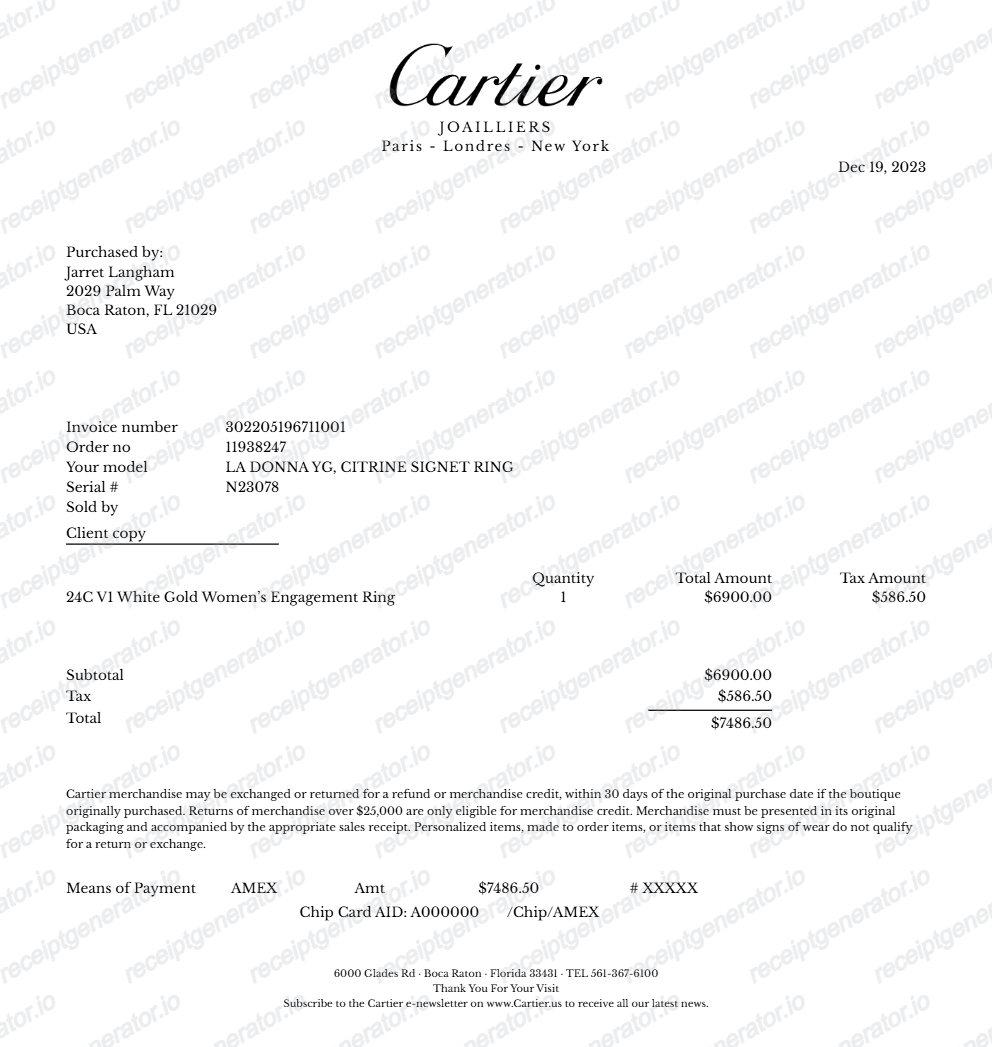
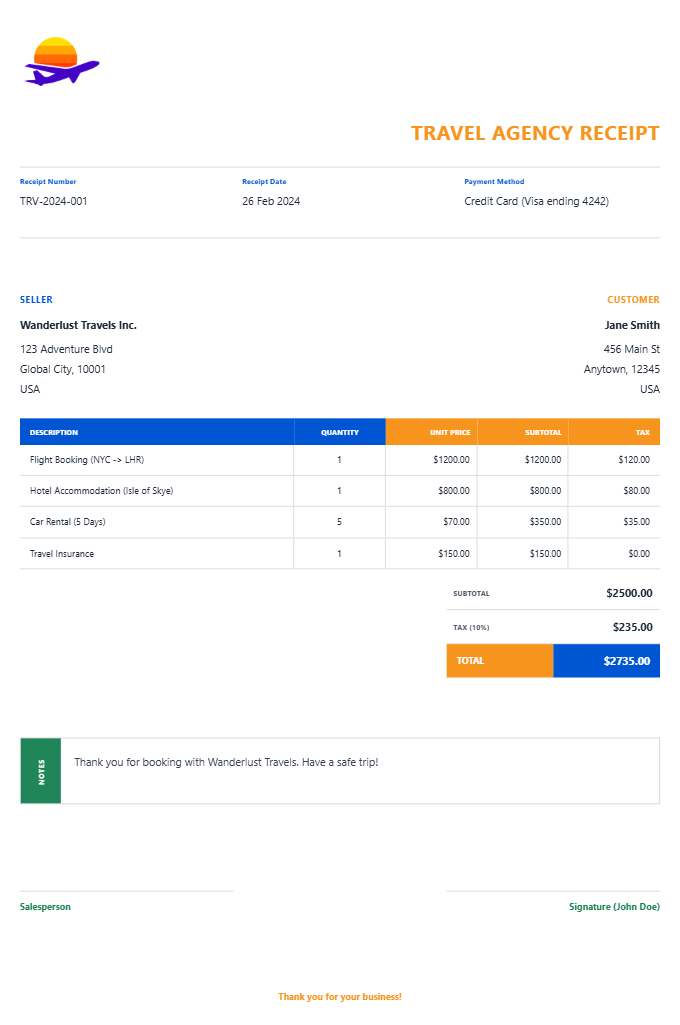
Printable Travel Receipt PDF
Ready to create your own? Use our free receipt generator — no account needed.
Generate Travel Receipt →On this page
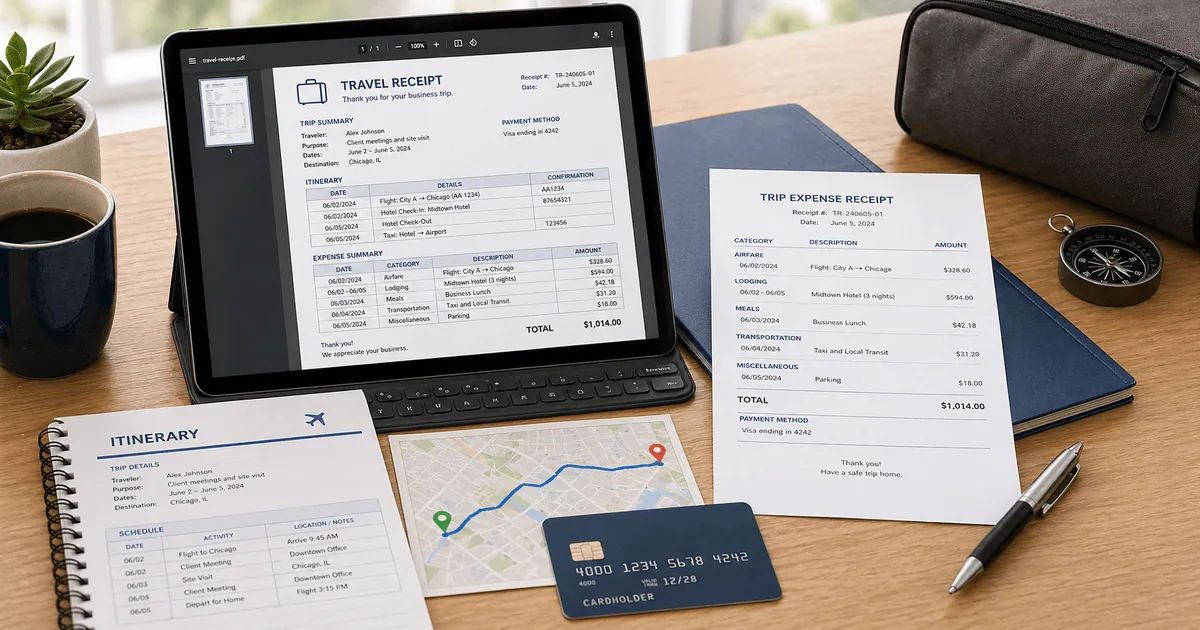
A printable travel receipt PDF should be simple to review and easy to archive. That usually means one clear itinerary summary and one clear expense section.
Best Fields to Keep in the PDF
- Traveler name
- Trip dates
- Destinations
- Expense categories
- Cost breakdown
- Final total
Before You Export
Double-check:
- traveler details
- itinerary dates
- expense categories
- grand total
- any payment or booking references
For business-travel documentation, that structure matters because the IRS expects the record to preserve the amount, dates, place, and business purpose of the trip. A printable travel PDF works best when those fields remain easy to verify. See IRS Publication 463.
Generate a Printable Travel Receipt PDF
Related Guides
FAQ
It should include traveler details, trip dates, itinerary details, major expense categories, and the final total.
Yes. PDF keeps the layout stable and is easier to archive, print, and attach to reimbursement systems.