Shein Receipt Generator
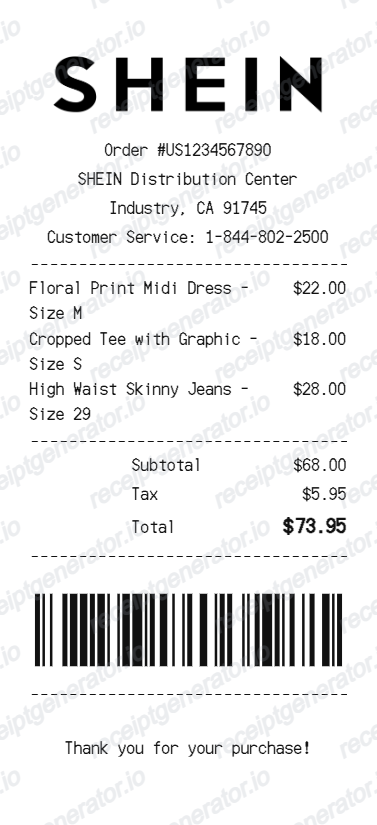
Create a Shein-style receipt with logo, order details, distribution center information, fashion item rows, subtotal, tax, total, barcode, and thank-you footer. Preview live and export a PDF.
Create a Shein-style receipt with editable order details, fashion item rows, subtotal, tax, total, barcode, and footer message. Download a clean PDF for records, examples, or receipt mockups.

Choose
Shein Receipt selected

Customize
Fill in your details

Download
Save or share receipt
Edit the details once and the preview updates instantly.
Quick summary
Shein receipt template overview
Create a Shein-style receipt with logo, order details, distribution center information, fashion item rows, subtotal, tax, total, barcode, and thank-you footer. Preview live and export a PDF.
What Is on a Real Shein Receipt?
Shein never puts a paper receipt in the package - the real purchase record is digital, living in the app and your email. A credible replacement copy should match what that order record actually contains.
Long alphanumeric order number
Shein order numbers are long alphanumeric codes that start with GS (for example GSU1UE353001FNU). The order number ties together the confirmation email, the in-app invoice, and the shipment tracking, so it is the single most important field on any Shein record.
Digital-only documentation
There is no printed receipt in a Shein parcel. The invoice is retrieved in the app under My Orders, then View Details, then View Invoice, or requested by email through Customer Service chat - which is why lost Shein receipts usually mean a deleted email or an inaccessible account.
Items listed with size and color
Each line shows the product name with its size and color variant and the unit price. Because most Shein orders use promo codes, the invoice shows the original prices with coupons and discounts applied as separate deductions rather than silently reduced prices.
Order invoice vs. commercial invoice for customs
Customs authorities often refuse the discounted order invoice and ask for a commercial invoice showing pre-discount item values. Shein provides one on request via Customer Service, and the packing list is viewable under the order's tracking screen.
Import charges on the order record
After the US ended the $800 de minimis exemption for low-value imports, duties on US Shein orders are generally collected at checkout, so import charges appear as a line on the order total rather than as a surprise carrier bill.
Payment and currency by market
The record shows the payment method, shipping fee, any tax collected for the destination, and the total in the local storefront currency - Shein runs separate regional sites, so the same item can show different currencies and tax treatment.
Create a print-ready Shein receipt
Edit the layout, watch it update live, then print, download PDF, or email.
Live Shein receipt preview
Watch the receipt update as you edit order details, items, totals, barcode, and footer text.
Editable fashion receipt layout
Use a compact layout with divider lines, fashion items, totals, barcode, and a centered footer.
Download as PDF
Export a clean Shein-style receipt PDF for records, examples, or mockups.
Mobile-friendly editor
Create and edit Shein receipts from desktop, tablet, or phone.
Get Your Original Shein Receipt First
If the order is still in your account, the original is always better: open the Shein app, go to My Orders, tap View Details, then View Invoice to download the PDF - or ask Customer Service chat to email it to your registered address. The order confirmation email is also an accepted purchase record. Use this template when the original is unavailable - a deleted account, a lost email, or an order placed by someone else.
Personal purchase records
Document clothing purchases with item names, sizes, prices, tax, total, and barcode details.
Lost receipt recovery
Recreate a Shein-style receipt when the original record or printed copy is unavailable.
Receipt mockups
Use the Shein-style layout for demos, examples, training, or design mockups.
Shein Receipt Template Types
Create Shein-style receipts for fashion purchase records, examples, and compact receipt mockups.
Shein purchase receipt
A compact receipt for clothing purchases with item rows and totals.
Fashion store receipt
A simple receipt layout for clothing and accessory transactions.
Thermal receipt
A narrow receipt format with divider lines, barcode, and footer text.
Related Guides
Explore related guides to understand the receipt details, lookup steps, and documentation workflows.
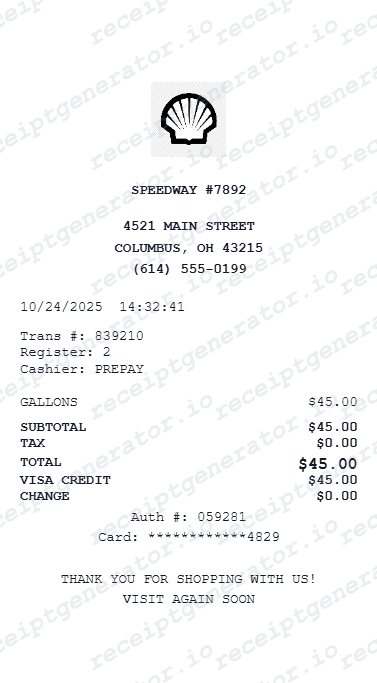
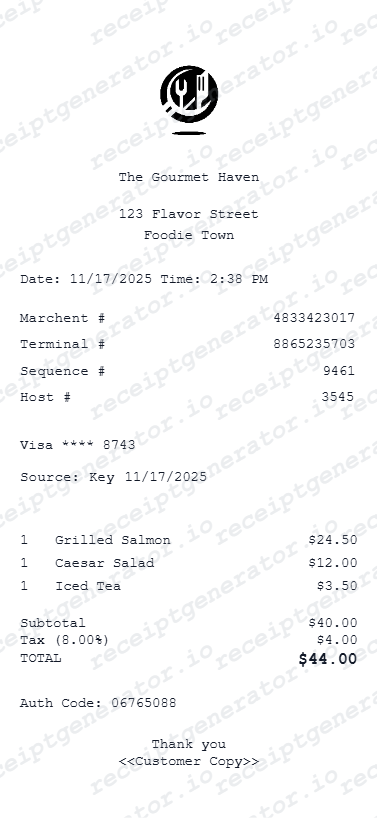
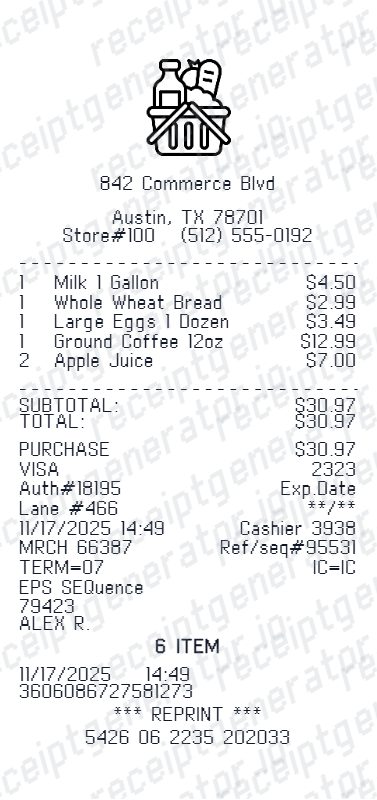
More free receipt templates for store and retail expense records.

Shein Receipt FAQ
Common questions about creating, editing, and downloading a Shein-style receipt for records, examples, and fashion receipt mockups.
Open the Shein receipt generator, edit the logo, order details, item rows, subtotal, tax, total, barcode, and footer text, then preview and download as a PDF.
Yes. The totals section supports editable subtotal, tax, and final total rows.
Open the Shein app or site, go to My Orders, tap View Details on the order, then View Invoice at the bottom of the order detail screen and download the PDF. If the invoice option is hidden, tap the three-dot menu for more options, or ask Customer Service chat (Me, then Support) to email the invoice PDF to your registered address.
Sometimes. If customs holds a parcel, they usually want a commercial invoice showing pre-discount item values, not the discounted order total - request one from Shein Customer Service, or use the packing list under the order's tracking view. Since the US ended its low-value import exemption, duties on Shein orders are typically collected at checkout and appear on the order record.
Yes. You can customize clothing item names, sizes, and prices directly in the receipt editor.
Yes. The barcode value and display settings can be customized in the barcode section.
Shein is digital-only - there is no paper receipt in the package. The real record is the order confirmation email and the in-app invoice, showing a long alphanumeric order number starting with GS, each item with its size and color, promo codes and discounts as deductions, shipping, any tax collected, and the total charged. The template on this page mirrors that compact fashion-receipt layout.
Receipt Generator · Receipt Maker · 300+ Free Templates
Create your Shein receipt
Use the editable Shein receipt generator to add items, tax totals, and payment details, then export a clean PDF.