Tesco Receipt Generator
Create a Tesco UK supermarket receipt with editable item rows, Clubcard Prices savings, VAT details, and payment summary. Export a clean PDF in minutes.
Create a Tesco-style receipt with grocery items, Clubcard savings, VAT breakdown, cash/card payment, and barcode. Download a print-ready PDF for records.

Choose
Tesco Receipt selected

Customize
Fill in your details

Download
Save or share receipt
Edit the details once and the preview updates instantly.
Quick summary
Tesco receipt template overview
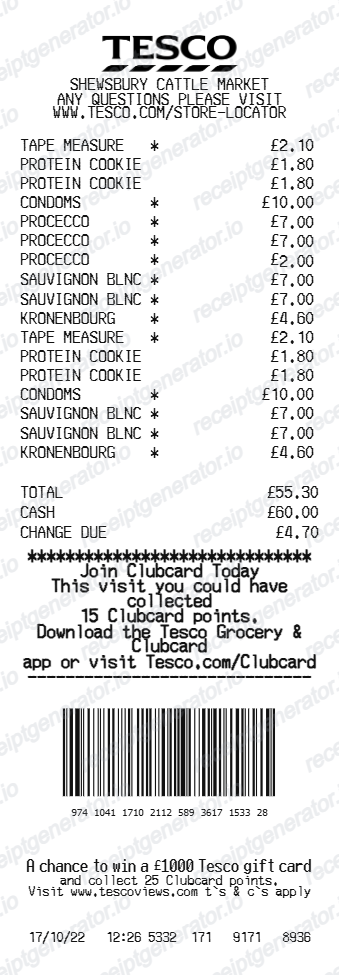
Use this Tesco-style receipt template to build a compact UK supermarket receipt with editable grocery items, Clubcard Prices savings, VAT breakdown, barcode, and footer text.
What Is on a Real Tesco Receipt?
Tesco till receipts combine UK VAT conventions with Clubcard Prices and points, the same loyalty system used at Tesco's petrol filling stations. A credible recreation should match what the original prints field for field.
Star markers on Clubcard Price items
Items discounted under Clubcard Prices print with a star or asterisk marker next to the line, distinguishing member pricing from the regular shelf price shown alongside it.
Clubcard points and savings summary
The receipt totals section shows Clubcard points collected on the shop and the total amount saved through Clubcard Prices that visit - separate figures from the payment total.
Cash tendered and change due, or card details
Cash transactions print the amount tendered and change due as their own lines; card payments instead show the card type and approval reference, matching the same payment-block convention used on Tesco fuel station receipts.
VAT is included in the price, not itemized by default
UK grocery VAT is 0% on most food and 20% standard rate on non-food and confectionery, but a standard till receipt shows VAT-inclusive prices without a rate breakdown - a separate VAT receipt from Customer Service is needed for a full VAT invoice.
Missed Clubcard points claimable for 14 days
If a Clubcard scan was missed at checkout, Tesco will add the points and refund any missed Clubcard Prices discount if the receipt and Clubcard are brought to a Customer Service Desk within 14 days - up to 2 receipts per day.
Store details and barcode footer
The header carries the specific store name and address, and the footer shows a scannable barcode with printed digits alongside the date, time, and till number - useful for returns or price queries.
Create a print-ready Tesco grocery receipt
Edit the layout, watch it update live, then print, download PDF, or email.
Live Tesco receipt preview
See the Tesco receipt update instantly as you edit items, totals, messages, and barcode text.
PDF download
Export a clean Tesco-style receipt PDF for digital or printed records.
Mobile-friendly editor
Create and edit Tesco receipts from desktop, tablet, or phone.
Clubcard and barcode support
Customize Clubcard points text, barcode digits, and footer messaging for a complete Tesco receipt layout.
Get Your Original Tesco Receipt First
For online grocery orders, sign in to your Tesco account and check order history for the emailed eCDN. For in-store till receipts, a Customer Service Desk can trace a transaction with your card statement or issue a VAT receipt if you still have the original slip. Use this template when the original is unavailable - a faded thermal receipt, a cash purchase, or a receipt that never made it home.
Grocery budget tracking
Keep a clear itemised record of Tesco supermarket spending.
Lost receipt replacement
Recreate a Tesco till slip from confirmed purchase and bank statement details.
VAT expense documentation
Prepare an itemised grocery receipt record with 20% VAT and 0% zero-rated foods for bookkeeping.
Tesco Receipt Formats
Choose the Tesco-style format that best matches your grocery and expense recordkeeping needs.
Standard Supermarket Till Slip
A Tesco-style supermarket receipt with grocery item rows, Clubcard Prices, and cash/card payment details.
Clubcard Loyalty Receipt
A Tesco receipt layout with Clubcard points collected, promotional savings, and member barcode.
HMRC-Compliant UK VAT Receipt
A Tesco-style receipt configured with GBP (£) currency, 20% standard VAT for non-food items, and zero-rated grocery totals.
Grocery Receipt Guides
Read supporting guides for grocery receipts, supermarket records, and shopping expense documentation.
Grocery Receipt for Reimbursement
See what expense teams require from a grocery receipt for reimbursement approval.
Explore Grocery Receipt for ReimbursementHow to Replace a Lost Tesco Receipt (UK)
Lost your Tesco receipt? Learn how to get a copy from Clubcard or bank records, and how to recreate a Tesco-style receipt for your files.
Explore How to Replace a Lost Tesco Receipt (UK)Related Other Receipt Templates
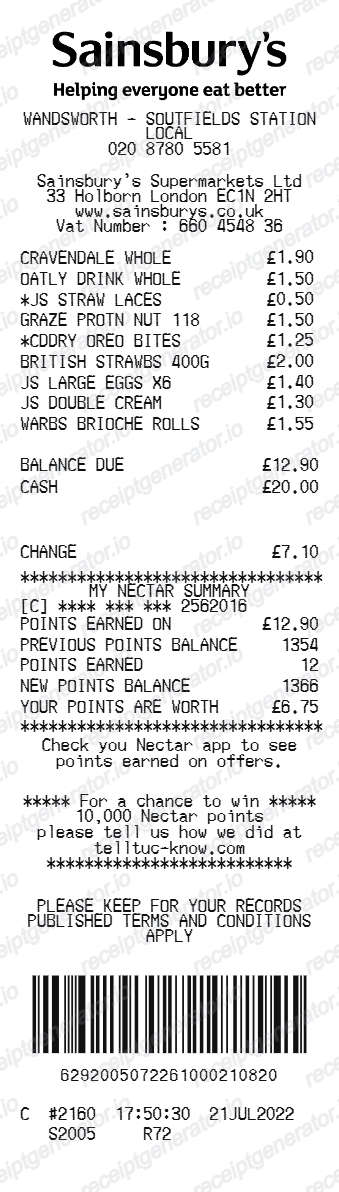
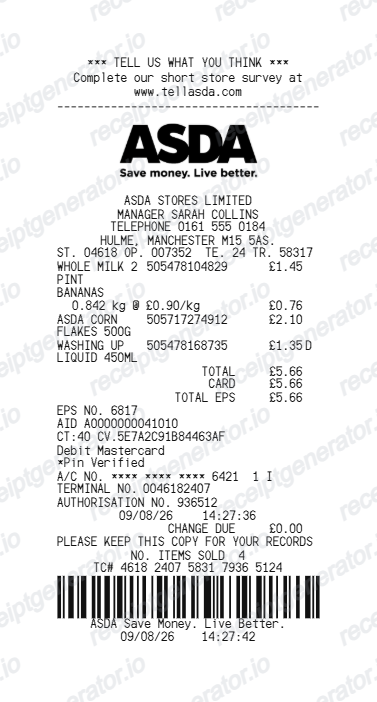
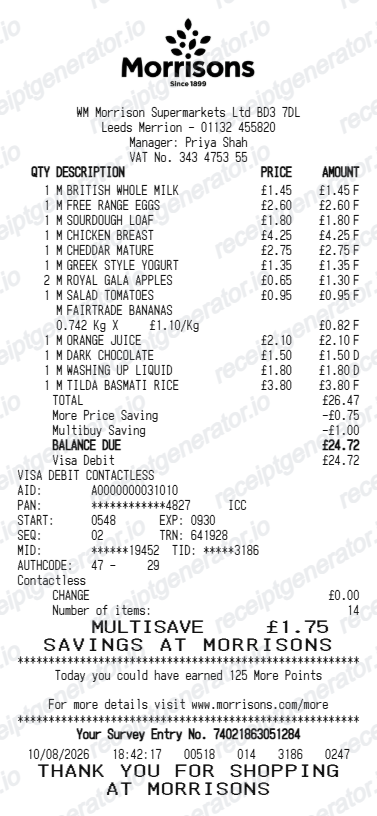
More free receipt templates for UK supermarkets, grocery shopping, and retail expense records.
More United Kingdom Receipt Templates
Browse our collection of receipt templates for various purposes.

Tesco Receipt FAQ
Common questions about creating Tesco-style grocery receipts for personal records, budgeting, and documentation.
Choose the Tesco receipt template, edit the store header, add grocery items and prices, set the cash paid and change due, then download the receipt as a PDF.
Yes. The barcode value and the printed barcode digits can be customized to match your receipt record.
Yes. You can create and preview Tesco receipts for free. Watermark-free PDF downloads are available with paid plans.
For in-store purchases, Tesco keeps no customer-facing till receipt archive - a Customer Service Desk can trace a transaction with the date, time, and card statement, or issue a VAT receipt on request if you bring the original till receipt. For online grocery orders, sign in to your Tesco account and check order history for the eCDN (electronic customer delivery note) emailed after delivery.
Take your original till receipt to the Customer Service Desk in a large Tesco store, and staff will issue a VAT invoice with Tesco's VAT registration number while you wait - useful for business expense claims and input VAT recovery. A standard till receipt does not show the VAT registration number on its own.
Yes. The Clubcard promotional message, points text, and footer details are editable in the receipt builder.
Yes. The Tesco receipt template is configured with the pound symbol and UK-style receipt details.
Yes. After editing the receipt details, you can preview and download the Tesco-style receipt as a clean PDF for records or budgeting.
A real Tesco till receipt shows the store name and address, item lines with star markers next to Clubcard Price items, the total, cash tendered and change due (or card payment details), a Clubcard points summary showing points collected and Clubcard Prices savings, and a barcode with printed digits at the bottom.
Add the store name, purchase date, line items, totals, tax, payment method, and any optional notes you need on your Tesco template.
Receipt Generator · Receipt Maker · 300+ Free Templates
Create your Tesco receipt
Use the editable Tesco receipt generator to add grocery items, totals, Clubcard text, and barcode details, then export a clean PDF for your records.