Free Home Depot Receipt V2 Generator
Create Free Home Depot Receipts Online - Add Materials, Pro Xtra Savings & Tax. Download PDF Instantly.
Create a Home Depot-style receipt with tools, materials, tax, savings, and payment details. Download a PDF for records or reimbursement.

Choose
Home Depot Receipt V2 selected

Customize
Fill in your details

Download
Save or share receipt
Edit the details once and the preview updates instantly.
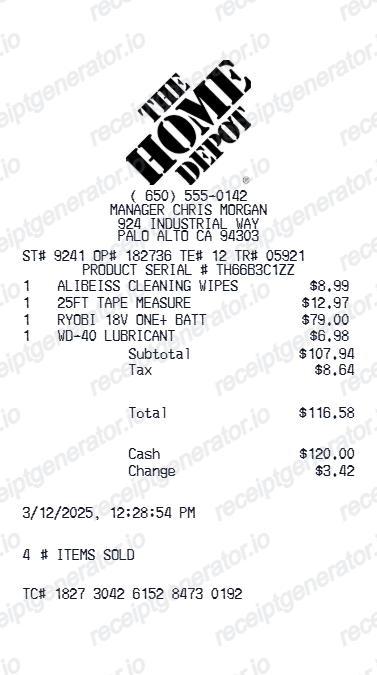
Quick summary
Home Depot Receipt V2 template overview
Use this Home Depot Receipt V2 template to build a clean, editable receipt record with the merchant, date, line items, tax, totals, and payment details already laid out for faster review.
What Is on a Real Home Depot Receipt?
A convincing rebuild starts with knowing what Home Depot's registers actually print. Every store follows the same receipt structure, so each field below should appear in the same place on your copy.
Header with store number and address
The first lines print the Home Depot store number alongside the store's street address and phone number, followed by a long numeric transaction code - it begins with the store number and uniquely identifies the purchase.
Date, cashier, and register details
One line carries the purchase date in MM/DD/YYYY format with a 12-hour timestamp down to the second, plus the cashier's shortened name and ID number and the register station that rang the sale.
SKU-based item lines
Home Depot prints each product by its SKU number with a short abbreviated description rather than a full product name, and the price sits in a right-hand column - a receipt with long, spelled-out item names does not match the register format.
90-day return window in the footer
The printed footer spells out the return policy - 90 days with receipt for most merchandise - so the receipt itself tells you the return deadline for the items on it.
Return barcode at the very bottom
The final element is a barcode that encodes the store number, transaction ID, and purchase date. Returns associates scan it to pull the transaction up instantly instead of keying details by hand.
Pro Xtra and PO tracking
When the purchase runs through a Pro Xtra membership, it stays on the account's purchase history for two years, and Pro checkouts can attach a job or PO reference so contractors can tie the receipt to a specific project.
Print-ready Home Depot receipts
Edit the layout, watch it update live, then print, download PDF, or email.
Live Home Depot receipt preview
Watch the receipt update as you add materials and savings.
One-click print
Print your Home Depot receipt from the browser.
Download as PDF
Export a clean home improvement receipt PDF for records.
Mobile-friendly editor
Create Home Depot receipts from any device.
Get Your Original Home Depot Receipt First
Home Depot can reprint most card purchases: hand the card to any service desk and associates can pull the transaction, generally for 90 days on standard cards, about a year on the Home Depot Consumer Credit Card, and up to two years with a Pro Xtra membership. Signed-in homedepot.com and Pro Xtra purchases also appear under Purchase History online. Use this template when the original is unavailable - a cash purchase outside the lookup window, a canceled card, or a receipt someone else is holding.
Contractor material billing
Document Home Depot material purchases for client billing.
Insurance damage documentation
Create Home Depot receipts for home repair after insurance claims.
Renovation project budgeting
Track Home Depot spending for home renovation project cost management.
Return documentation
Generate a Home Depot receipt for product return or exchange.
Home Depot Receipt V2 Types
Choose the Home Depot receipt V2 format for your home improvement purchase.
Building Materials Receipt
Home Depot receipt for lumber, hardware, and construction materials.
Pro Xtra Contractor Receipt
Home Depot receipt with Pro Xtra savings and bulk pricing for contractor billing.
Appliance & Tool Receipt
Home Depot receipt for appliances, power tools, and tool rental fees.
Related Guides
Explore related guides to understand the receipt details, lookup steps, and documentation workflows.
How to Get a Home Depot Receipt for Returns or Records
Need a Home Depot receipt? Find it in your homedepot.com Purchase History, your Pro Xtra account, or with an in-store receipt lookup using the card you paid with and the date.
Read guideRetail Receipt for Expense Reports
See which fields a store receipt needs to qualify for expense report or reimbursement submission.
Read guideRelated Other Receipt Templates
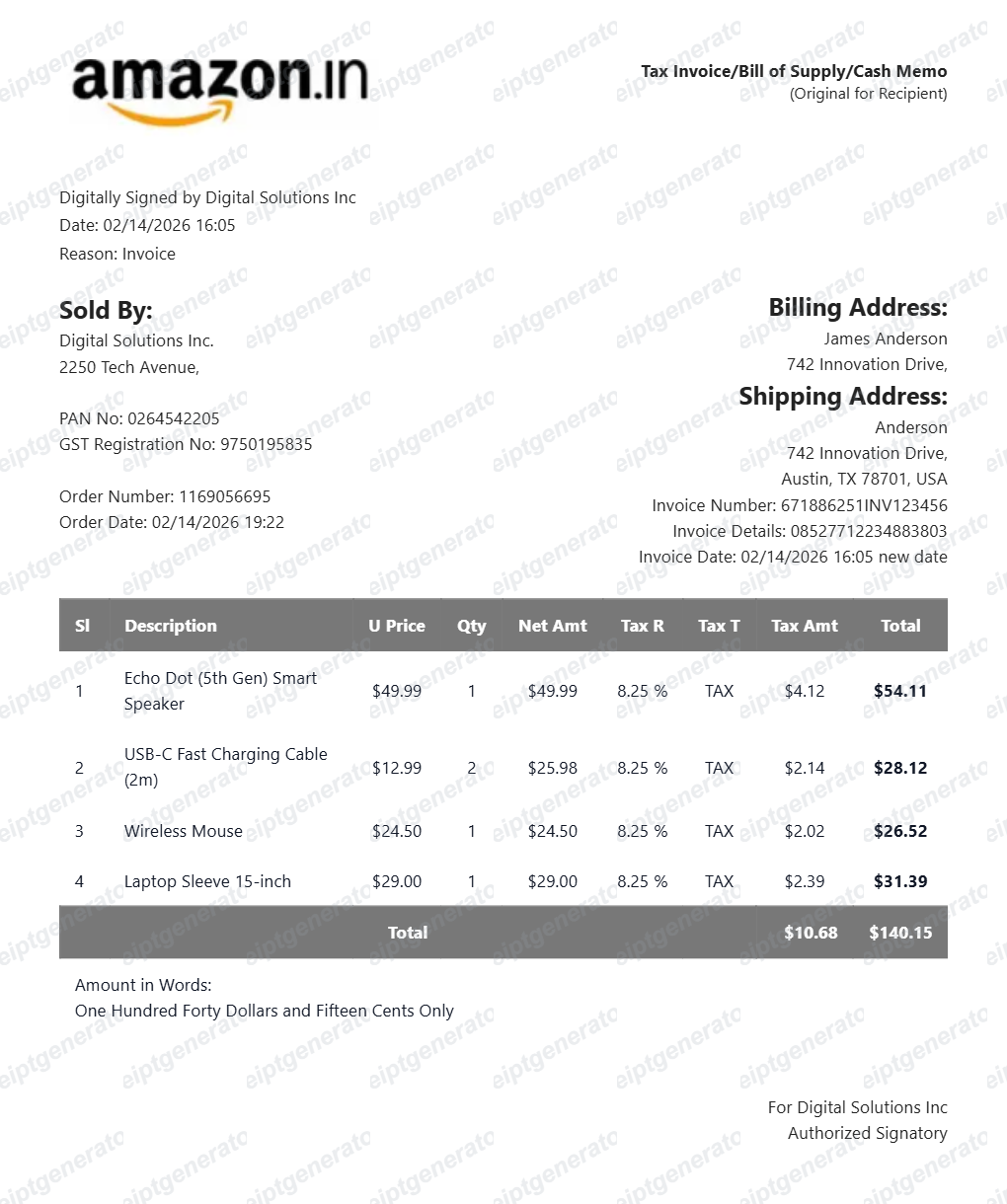
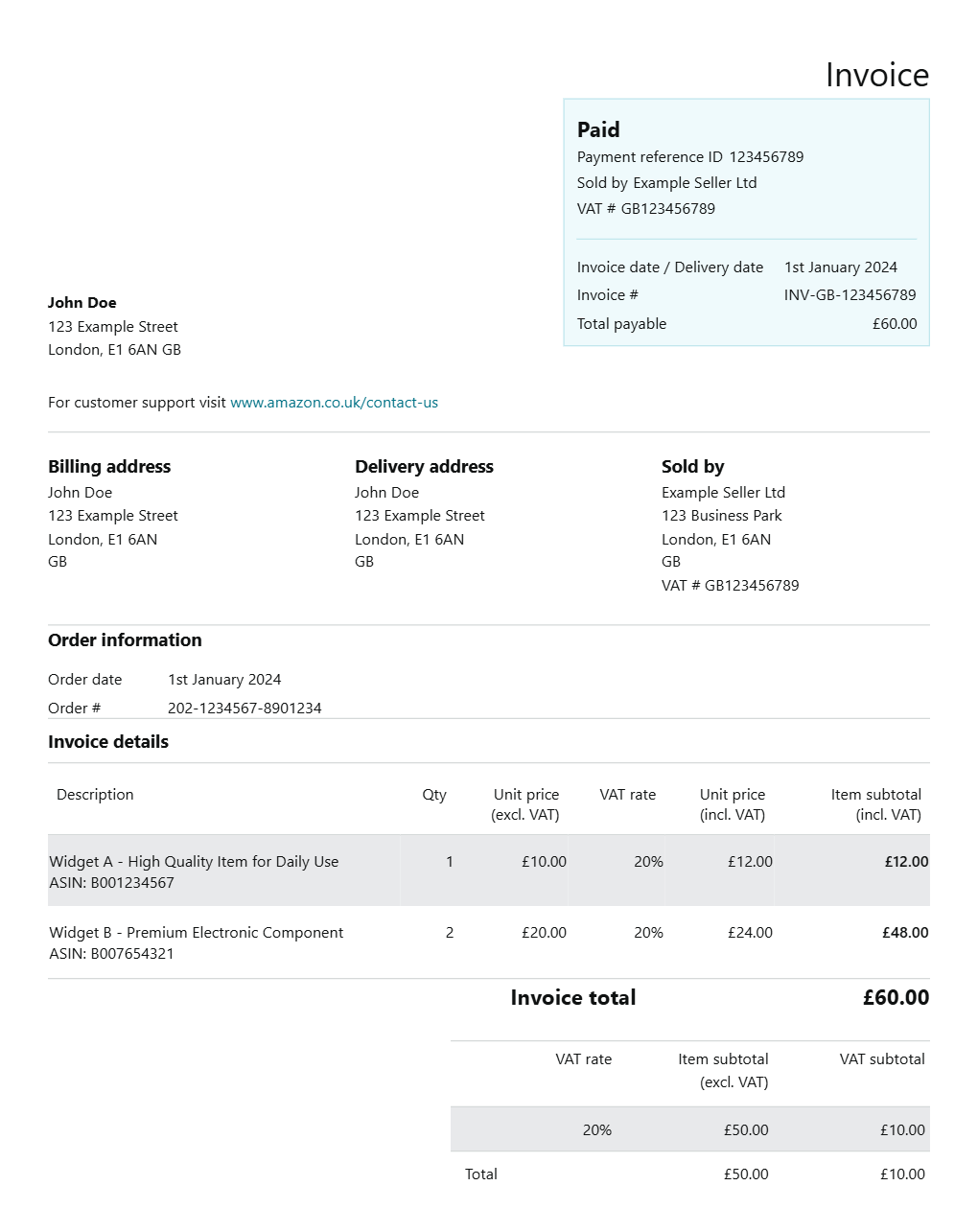
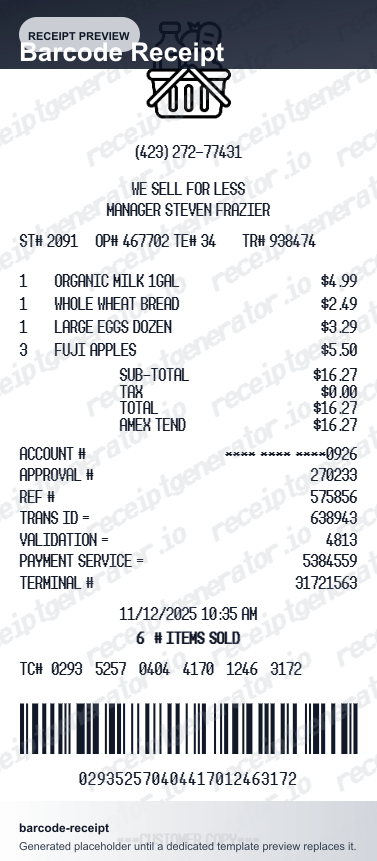
Browse our collection of receipt templates for various purposes.
Home Depot Receipt V2 FAQ - Contractor Billing & Home Improvement Records
Learn how to create Home Depot receipts V2 with material details, Pro Xtra savings, and PDF export for contractor billing and home improvement documentation.
Choose the Home Depot receipt V2 template, add product names, SKUs, quantities, prices, taxes, and payment method. Preview and download as PDF in seconds.
Yes. Contractors use Home Depot receipt templates to document material purchases for client invoicing, subcontractor billing, and job cost tracking.
Yes. Creating and previewing is completely free - no login needed. Watermark-free PDF downloads are available on paid plans.
Bring the card you paid with to any Home Depot service desk - the system can locate the transaction from the card and reprint the receipt, generally within 90 days for standard credit and debit cards, around one year for the Home Depot Consumer Credit Card, and up to two years for Pro Xtra members. Orders tied to a homedepot.com login or Pro Xtra account are also listed under Purchase History online, and 1-800-HOME-DEPOT can often email a copy.
Usually, yes - for card purchases, the returns desk can scan the card, find the original transaction, and refund to the same payment method. If no record of the purchase can be found, Home Depot may still take the return with a valid government-issued photo ID, but expect store credit at the item's lowest advertised price rather than a cash refund.
Add the store name, purchase date, line items, totals, tax, payment method, and any optional notes you need on your Free Home Depot Receipt V2 Generator template.
Yes. Add Home Depot Pro Xtra discount, bulk pricing, or in-store promotions as savings line items.
Yes. Include store name, store number, cashier, register, and transaction ID for a professionally formatted Home Depot receipt.
Yes. Download a clean PDF for contractor billing records, insurance damage claims, home renovation budgeting, or tax expense documentation.
The header carries the store number with the store's address and phone, then a line with the date, time, cashier name and number, and register. Items print by SKU number with short abbreviated descriptions and prices in the right column, followed by sales tax and the total. The footer states the 90-day return policy and ends with a return barcode encoding the store number, transaction ID, and date for scanning at the returns desk.
Creating a receipt-style document for your own records is fine: recreating a lost receipt for personal bookkeeping, documenting a real purchase, or testing layouts. Using a generated receipt to claim a refund, return, reimbursement, or tax deduction for a purchase that did not happen is fraud and strictly prohibited. All template content is demo data and does not represent real transactions.
Receipt Generator · Receipt Maker · 300+ Free Templates
Create professional receipts online in seconds
Use the Receipt Generator editor with ready-made templates. Compare pricing or start generating print-ready PDF receipts in your browser no account required.