American Airlines Receipt Template & Generator
Edit an American Airlines receipt template with passenger, ticket, booking and flight details. Preview free; PDF export requires a paid plan.
American Airlines receipt template for confirmed transaction details. Edit the passenger name, e-ticket number, booking reference and frequent-flyer field. Preview the editable layout free; watermark-free PDF export requires a paid plan.

Choose
American Airlines Receipt selected

Customize
Fill in your details

Download
Save or share receipt
Edit the details once and the preview updates instantly.
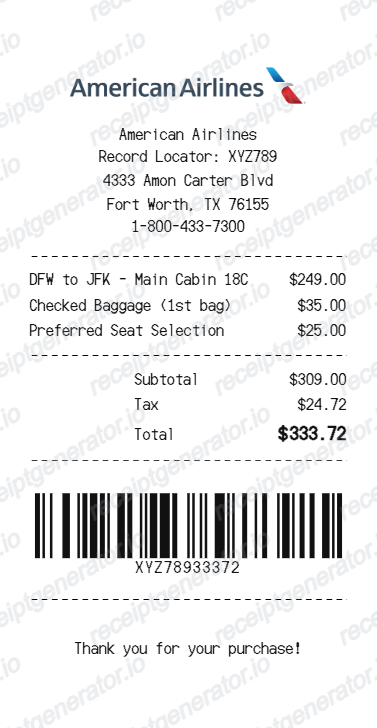
Quick summary
American Airlines receipt template: what can I edit?
Edit the passenger name, e-ticket number, booking reference and frequent-flyer field. Review the departure/arrival information, flight number, date and status fields in the flight section.
Editable fields in the American Airlines receipt template
Review these fields against the source transaction before exporting your personal record.
Passenger and booking
Edit the passenger name, e-ticket number, booking reference and frequent-flyer field.
Flight and itinerary
Review the departure/arrival information, flight number, date and status fields in the flight section.
Fare and ticket amounts
Use the charge and total fields for your confirmed flight record; keep any separate fee receipts with their own transaction details.
Ticket and barcode references
Copy the ticket reference from your source document. Editing a reference or barcode does not create a booking or a valid ticket.
Create a print-ready American Airlines receipt
Edit the layout, watch it update live, then print, download PDF, or email.
American Airlines live preview
Edit the passenger name, e-ticket number, booking reference and frequent-flyer field.
Review the editable fields
Review the departure/arrival information, flight number, date and status fields in the flight section.
PDF export plans
Preview the layout free; watermark-free PDF export requires a paid plan.
Mobile and desktop editing
Open the same receipt layout on mobile or desktop and check the preview before exporting.
Original American Airlines records and this editable template
American Airlines provides a Your receipts page for tickets and fees, with help finding the ticket number. Use that airline service for an original receipt; the template is a separate editable record.
Receipt retrieval and source guidance
Reconcile confirmed details
Use the charge and total fields for your confirmed flight record; keep any separate fee receipts with their own transaction details.
Review the layout
Copy the ticket reference from your source document. Editing a reference or barcode does not create a booking or a valid ticket.
American Airlines Receipt Formats
Compare this editable layout with the original transaction record.
American Airlines editable purchase record
Review the departure/arrival information, flight number, date and status fields in the flight section.
Original records and related layouts
Use the merchant’s guidance for original documentation and the templates for editable records.
Receipt guide
Repair Receipt for Insurance Claims
See which service and payment fields make a repair or service record easier to review.
Explore Repair Receipt for Insurance ClaimsEditable template
Repair Receipt template
Explore this editable receipt layout and its fields before opening the editor.
Explore Repair Receipt templateCompare related receipt layouts and their editable fields.
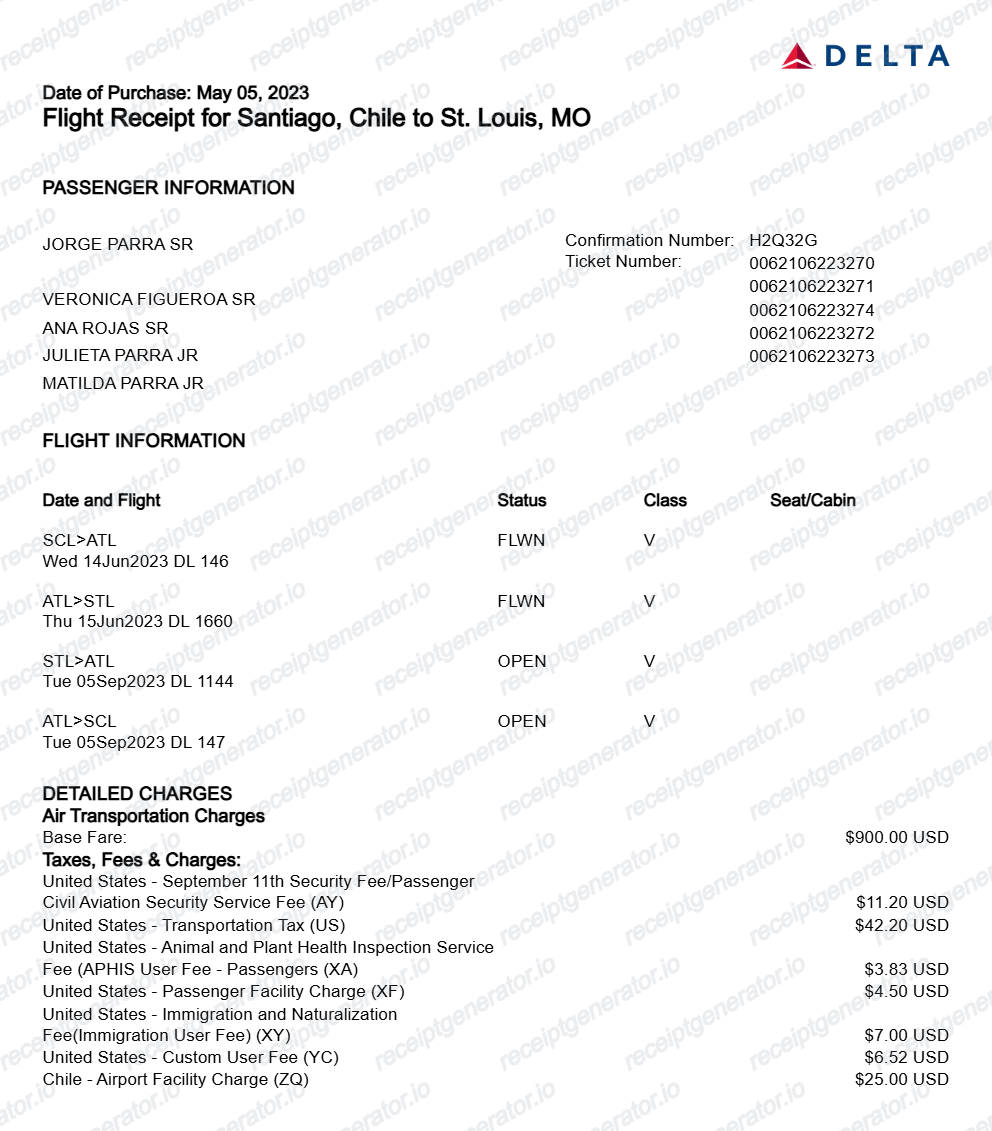
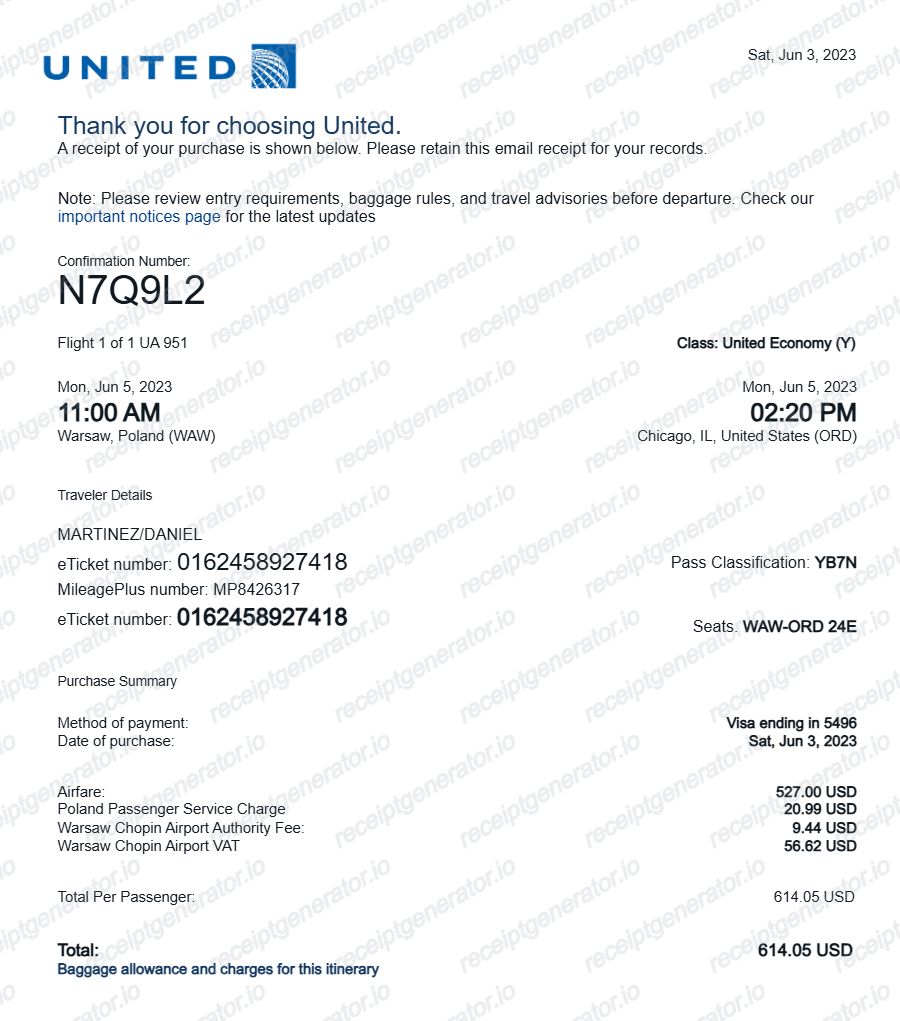
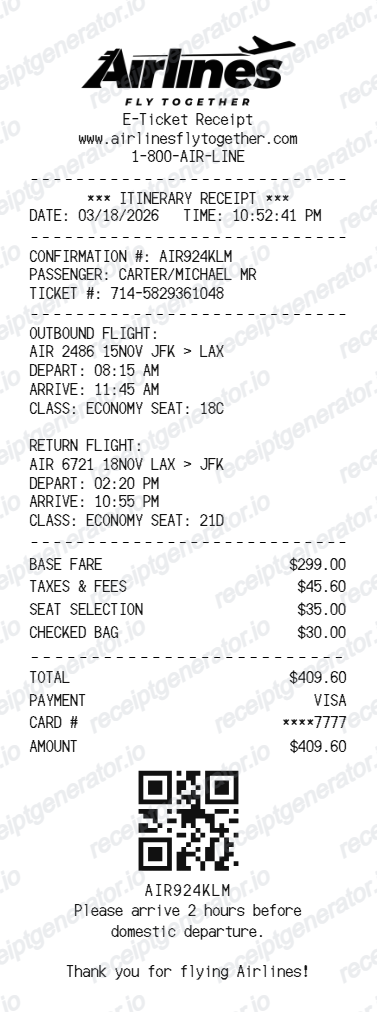
American Airlines Receipt Template: Fields and Original Records
Answers about this layout, confirmed transaction details and the original purchase record.
Open the editor, enter the confirmed transaction details, review flight and itinerary and check the totals in the live preview. Watermark-free PDF export requires a paid plan.
American Airlines provides a Your receipts page for tickets and fees, with help finding the ticket number. Use that airline service for an original receipt; the template is a separate editable record.
This layout is for an editable airline record with passenger, e-ticket, booking and itinerary fields. It does not use retail cashier or register details, and it cannot issue or validate a flight ticket.
Receipt Generator · Receipt Maker · 300+ Free Templates
Edit the American Airlines receipt template
Enter confirmed details, check the free preview and review paid PDF export plans.