How to Get a Nike SNKRS Receipt
Ready to create your own? Use our free receipt generator — no account needed.
Generate Nike SNKRS Receipt →On this page
If you need a Nike SNKRS receipt, the fastest path is your order history in the SNKRS app or the order confirmation email Nike sends at the time of purchase.
Quick Answer
To get a Nike SNKRS receipt, open the SNKRS app or Nike.com order history and locate the original order confirmation. Nike also emails the receipt to the address on your Nike account.
Where Nike SNKRS Receipt Records Come From
SNKRS receipts are available from three main sources:
- SNKRS app — order history tab shows all past drop purchases
- Nike.com account — order history section under your profile
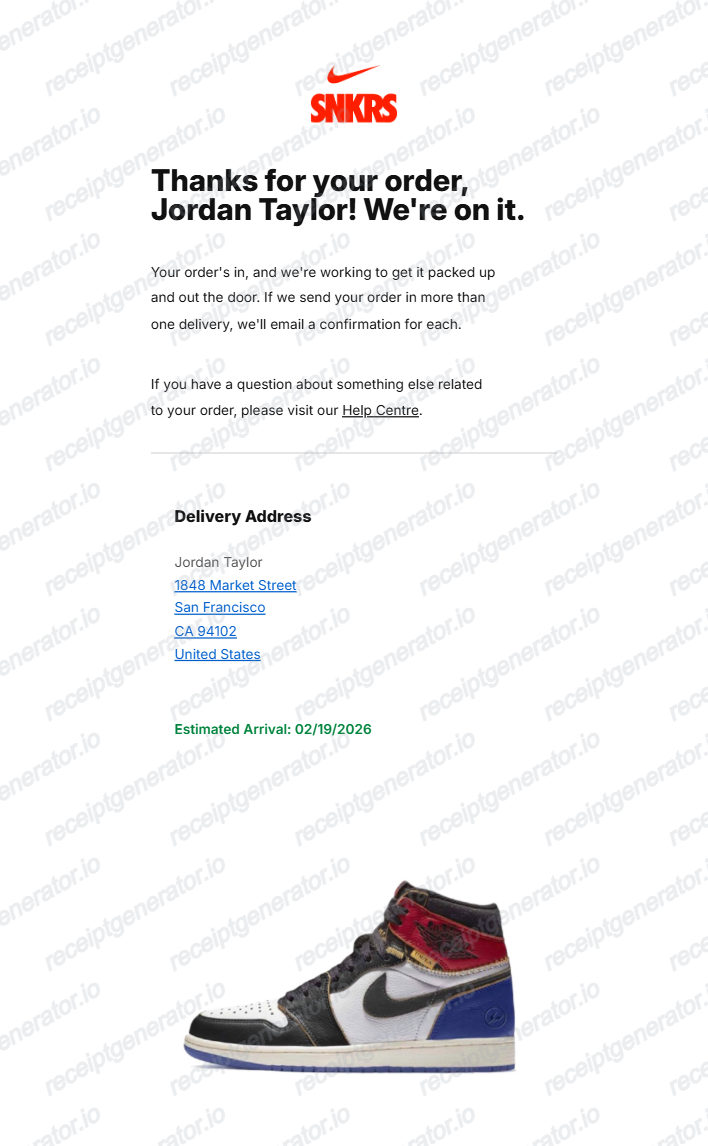
- Email confirmation — Nike sends an order confirmation email for every SNKRS purchase
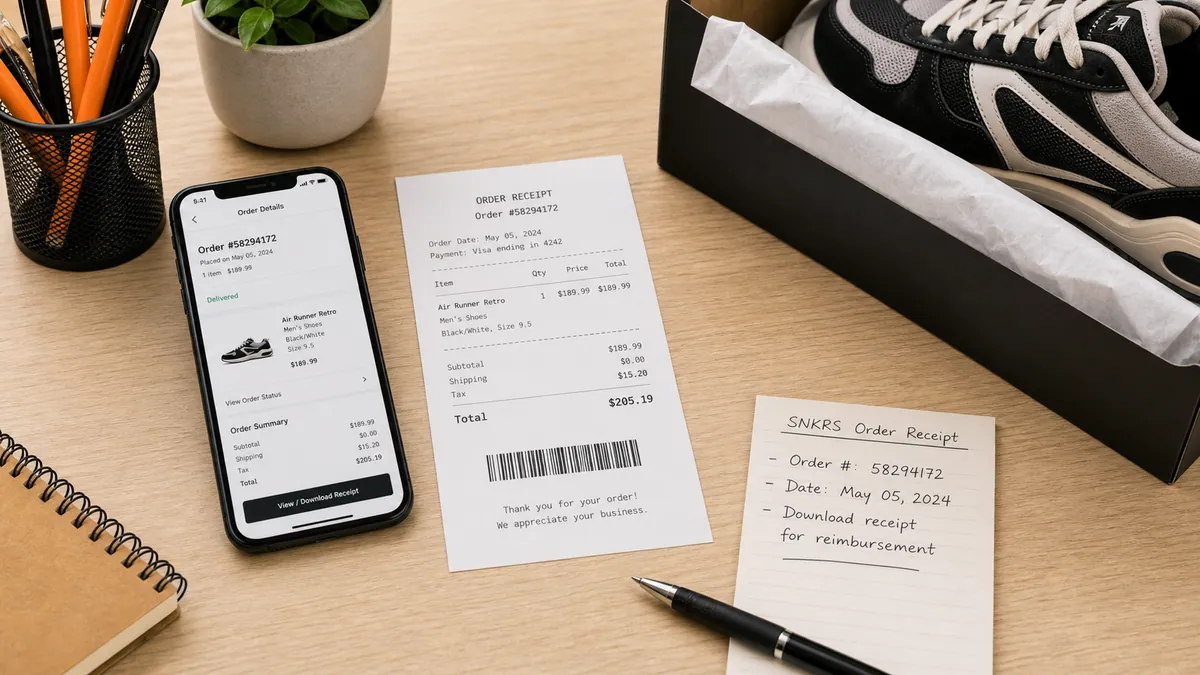
For resale documentation, the email confirmation is usually the most complete — it includes order number, item details, style code, size, and full pricing breakdown.
What a Nike SNKRS Receipt Should Include
A useful SNKRS receipt for resale or collection records includes:
- order number
- sneaker name and colorway
- style code (e.g., DZ5485-612)
- size
- release date or purchase date
- item price
- shipping fee
- sales tax
- total paid
- shipping address
The style code is the most important field for resale authentication — it confirms the exact colorway and model variant.
SNKRS Drop Types and How They Affect Your Receipt
Nike SNKRS uses several drop methods and each produces a slightly different order flow:
| Drop Method | How It Works | Receipt Source |
|---|---|---|
| FCFS (First Come First Served) | Instant checkout on release | Order confirmation email |
| Draw / Raffle | Enter window, winner selected | Win notification + order email |
| SNKRS Stash | Location-based drop | App notification + order email |
| In-App Launch | Timed launch in app | Order confirmation email |
All drop types generate an order confirmation email and an order history entry in the app.
Using Your SNKRS Receipt for Resale
If you plan to resell on StockX, GOAT, or Grailed, buyers may ask for proof of purchase. Your SNKRS receipt supports:
- Authenticity context — confirms the pair was purchased through an official Nike channel
- Price history — confirms the retail price paid vs. the resale ask
- Style code match — confirms the style code matches the shoe in hand
Always verify the style code on the shoe's tag matches the style code on the receipt before creating any documentation.
Need a Cleaner SNKRS Receipt Record?
If you have the original order details and want a cleaner, structured version for your files, use the Nike SNKRS Receipt Generator.
Open the Nike SNKRS Receipt Generator
Create a structured SNKRS-style receipt using the verified order details from your Nike account.
Related Guides
- How to Get a StockX Receipt
- GOAT Receipt Guide
- Sneaker Receipt Generator Guide
- Sneaker Resale Documentation Guide
Final Takeaway
Getting a Nike SNKRS receipt is straightforward — start with your SNKRS app order history or the original confirmation email. Once you have the order details, you can organize them into a clean structured record for resale documentation or collection tracking.
FAQ
Open the SNKRS app or Nike.com, go to your order history, and find the order confirmation for your drop purchase.
Nike also sends an order confirmation email — that email is usually the fastest source for your SNKRS receipt details.
A complete SNKRS receipt should show order number, sneaker name, style code, colorway, size, release date, item price, shipping, tax, and total paid.
Those details are what resale buyers and collection trackers need most.
Yes. A SNKRS order receipt is the standard proof of purchase for Nike drop acquisitions and supports resale listings on StockX, GOAT, and Grailed.