Lost Ola Receipt: How to Recover It

Ready to create your own? Use our free receipt generator — no account needed.
Generate Ola Receipt →On this page
If you lost your Ola receipt, do not assume it is gone. Most missing Ola receipts can still be recovered from the app or the email used for the booking.
Quick Answer
If your Ola receipt is missing, check the trip in the Ola app first, then search your email for the ride summary or receipt.
Step 1: Check Ride History
Your first stop should be the Ola app ride history. It is usually the fastest way to match the ride by date, route, and amount.
Step 2: Search Your Email
Search for:
Ola receiptOla trip- the date of the ride
- the amount charged
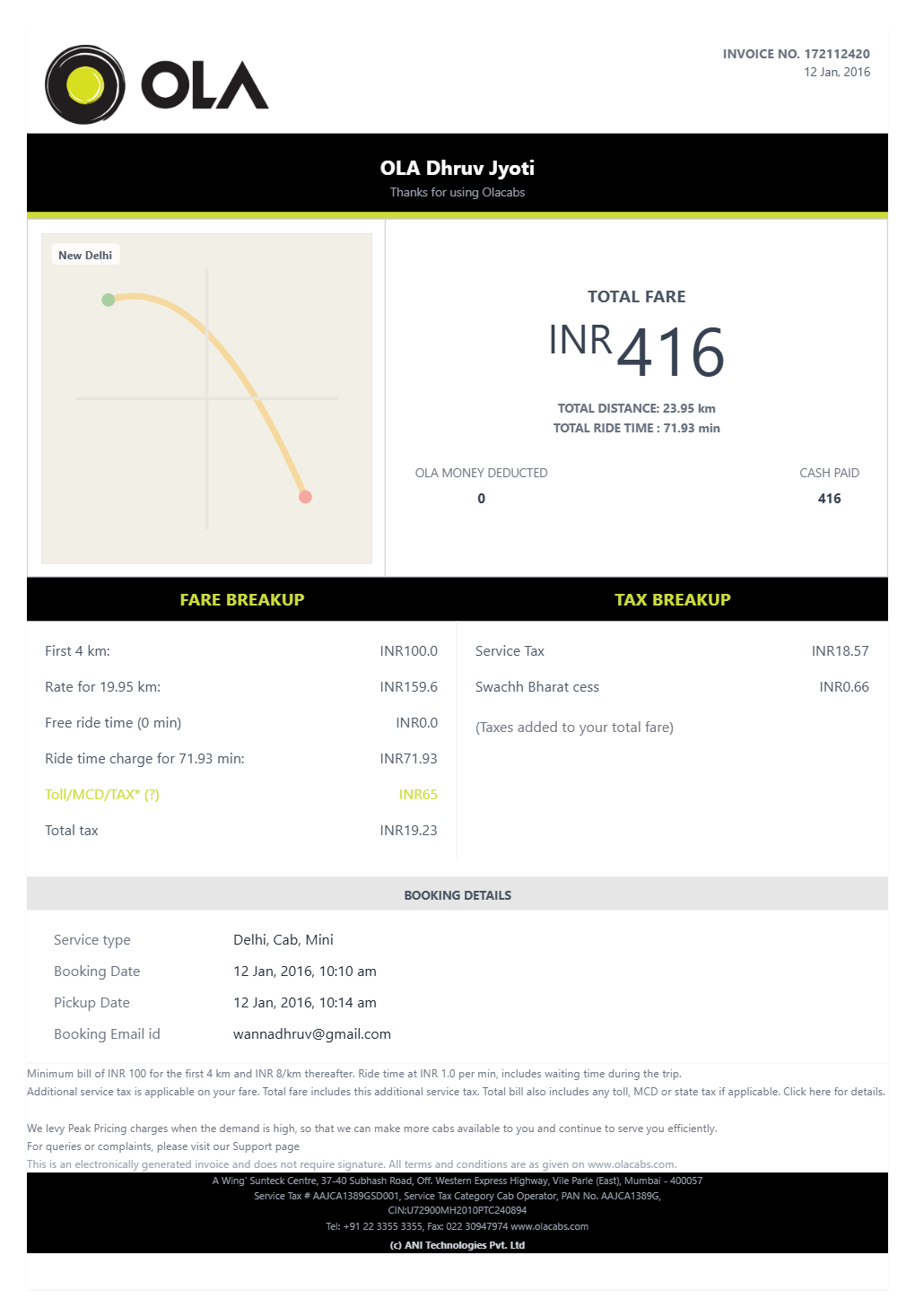
That matches how Ola exposes ride records in its own systems, where invoices are tied to the ride CRN and app history rather than a paper slip. See Ola Corporate: Download Invoice and Olacabs blog: Ola invoice/ride screen.
What If You Still Need a Record?
If the ride details are confirmed and you want a cleaner version for your files, use the Ola Receipt Generator to organize the trip into a structured receipt-style record.
Open the Ola Receipt Generator
Create an Ola-style receipt using the verified details from your trip.
Related Guides
Final Takeaway
If you lost your Ola receipt, check the app and email first. Recover the original details before creating any backup record for your files.
FAQ
Start by checking the Ola app ride history and the email connected to your Ola account.
Those two sources solve most lost receipt problems.