Free Downloadable Receipt Generator
Create & Download Free Receipts Online - Add Business Name, Items & Tax. Preview free; watermark-free PDF export requires a paid plan.
Create a downloadable receipt with items, tax, and payment details, then export a PDF. Ideal for billing, expense claims, or purchase records.

Choose
Downloadable Receipt selected

Customize
Fill in your details

Download
Save or share receipt
Edit the details once and the preview updates instantly.
Quick summary
Downloadable receipt template overview
Create & Download Free Receipts Online - Add Business Name, Items & Tax. Preview the layout before choosing a PDF export plan.
What Is on a Real Downloadable Receipt?
Receipts are going digital for a practical reason: paper does not last, and reviewers accept files. Here is how real downloadable receipts differ from the thermal slip in your pocket - and what they must still contain.
Thermal paper fades - PDFs do not
Store receipts are printed on heat-sensitive thermal paper, and the print fades within months to a few years, faster with heat, light, or a wallet. That is why accountants advise scanning receipts immediately - a downloadable PDF is the permanent version of a record that is physically designed to disappear.
Digital records have full legal standing
The IRS accepts electronic records for tax documentation, so a downloaded, scanned, or photographed receipt carries the same weight as the paper original as long as it is legible and shows the complete transaction details.
The same required fields as paper
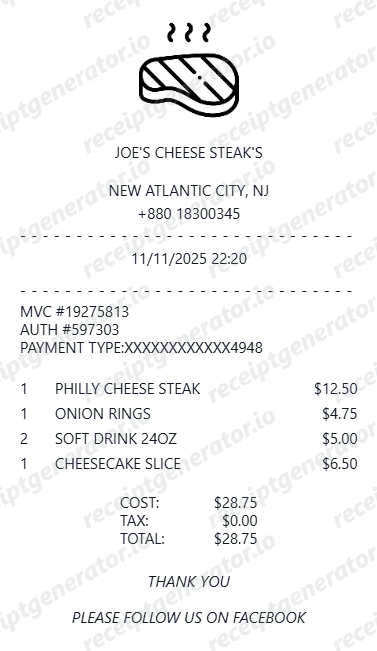
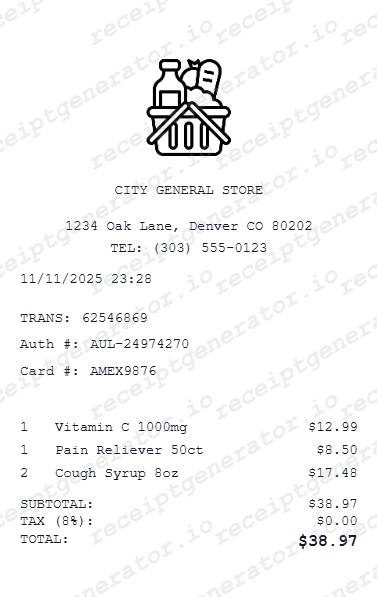
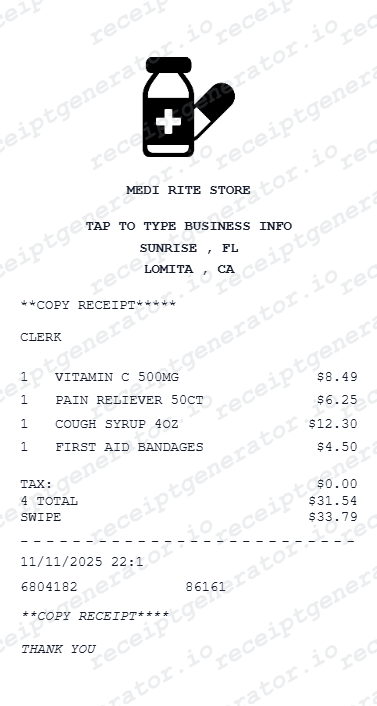
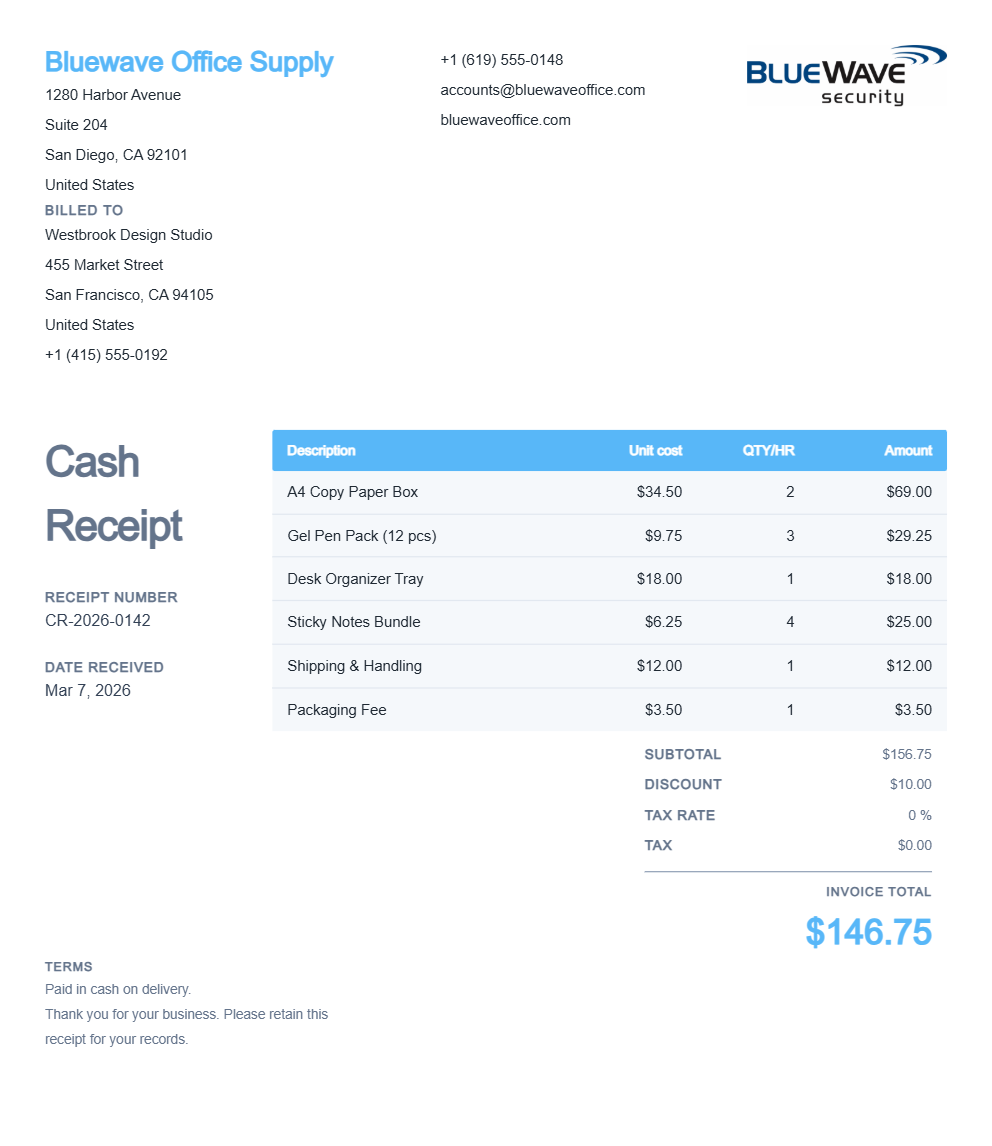
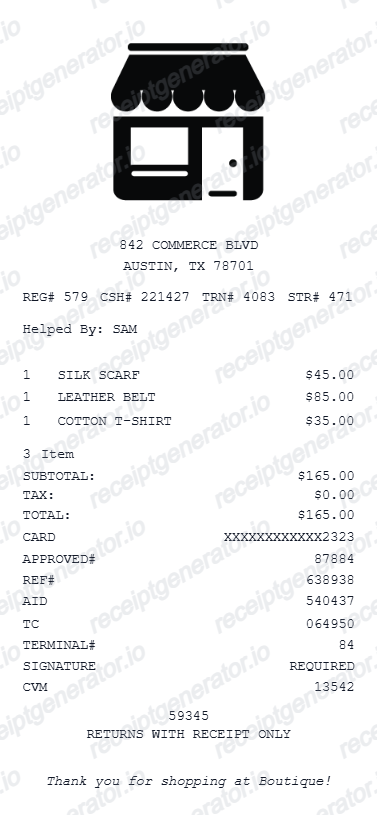
Format changes, anatomy does not: a valid downloadable receipt still shows the merchant name and contact details, date and time, itemized purchases with prices, tax as its own line, the grand total, and the payment method with the card's last 4 digits.
E-receipts carry extra data
Because they are not limited to 80mm paper, digital receipts from modern POS systems add return barcodes or QR codes, order and tracking links, loyalty balances, and itemized modifiers - details that make them more useful than the printed slip for returns and records.
PDF is the archive standard
Expense platforms like Expensify and SAP Concur ingest PDF receipts and read them with OCR, and finance teams prefer PDF because the layout is fixed and printable. Screenshots work but crop badly; a clean single-page PDF is the safest submission format.
Retention rules favor downloads
The IRS generally expects supporting records to be kept for at least 3 years, and longer in some situations. A named, dated PDF archive survives that window; a drawer of thermal receipts usually does not.
Download print-ready receipts as PDF
Edit the layout, watch it update live, then print, download PDF, or email.
Live receipt preview
Preview your receipt before downloading.
One-click PDF download
Download a clean PDF receipt in one click.
Print-ready PDF
Downloaded PDFs are ready to print or share instantly.
Mobile-friendly editor
Create and download receipts from any device.
Get Your Original Digital Receipt First
The original is usually retrievable: online purchases keep a downloadable receipt or invoice in your account order history, emailed e-receipts can be found by searching your inbox for the merchant name, and stores using modern POS systems can re-send a digital receipt from transaction history using your card last 4 and the purchase date. Use this template when the original is unavailable - the email was deleted, the account is closed, or the thermal receipt has faded past legibility.
Business expense claim download
Download receipts to submit for business expense reimbursements.
Customer billing PDF
Download branded receipt PDFs for customer billing.
Insurance documentation download
Download receipts for insurance loss or damage claim submissions.
Personal purchase archive
Download and archive purchase receipts for personal records.
Downloadable Receipt Types
Choose the downloadable receipt format for your billing or records.
Downloadable Business Receipt
Business receipt ready to download as PDF for customer billing.
Downloadable Expense Receipt
Receipt download formatted for business expense claim submission.
Downloadable Insurance Receipt
Detailed download receipt for insurance documentation.
Receipt Creation Guide
Compare editable receipt styles and choose the right format before opening the full builder and PDF workflow.
Editable template
Free Online Receipt Maker
Compare downloadable, generic, itemized, and branded receipt formats in one guided overview.
Explore Free Online Receipt MakerReceipt guide
Retail Receipt for Expense Reports
See which fields a store receipt needs to qualify for expense report or reimbursement submission.
Explore Retail Receipt for Expense ReportsRelated itemized and general receipts templates
More free receipt templates for store and retail expense records.

Downloadable Receipt FAQ - PDF Download & Expense Documentation
Learn how to create and download receipts as PDF for expense claims, customer billing, and personal purchase documentation.
Choose the downloadable receipt template, add your store name, items, prices, tax, and payment method. Click download - a clean PDF is ready in seconds.
Receipts download as clean, print-ready PDF files compatible with any device, browser, or PDF viewer.
Yes. Downloaded receipt PDFs are accepted for business expense reimbursement, insurance documentation, and personal records.
A real digital receipt carries the same fields as its paper counterpart: merchant name and contact details, the date and time, itemized purchases, tax, total, and the payment method with the card's last 4 digits. E-receipts typically add extras a thermal slip cannot - a return barcode or QR code, order links, and loyalty details - and export as a fixed-layout PDF.
Previewing and creating are free. Watermark-free download is available on paid plans. No account or software needed.
Yes. Fully customise business name, items, discounts, tax, payment, and notes before downloading the PDF.
Start with the merchant: online stores keep downloadable receipts or invoices in your account order history, and merchants using Square or similar POS systems can re-email a digital receipt from their transaction history using your card's last 4 digits and the purchase date. If the original arrived by email, search your inbox for the merchant name - most e-receipts include a printable or PDF version.
For taxes, yes - the IRS explicitly accepts electronic records, so a scanned or downloaded PDF has the same standing as the paper original as long as it is legible and complete. This matters because thermal receipt paper fades badly within months when exposed to heat or light. For store returns, most major retailers accept the emailed e-receipt or order confirmation in place of the printed slip.
Receipt Generator · Receipt Maker · 300+ Free Templates
Create your Downloadable receipt
Use the editable Downloadable receipt generator to add items, tax totals, and payment details, then export a clean PDF.