Free Standard Receipt Generator
Create Free Standard Business Receipts Online - Add Items, Tax & Payment Details. Download PDF Instantly.
Create a standard business receipt with items, tax, payment method, and contact details. Download a PDF for billing or expense records.

Choose
Standard Receipt selected

Customize
Fill in your details

Download
Save or share receipt
Edit the details once and the preview updates instantly.
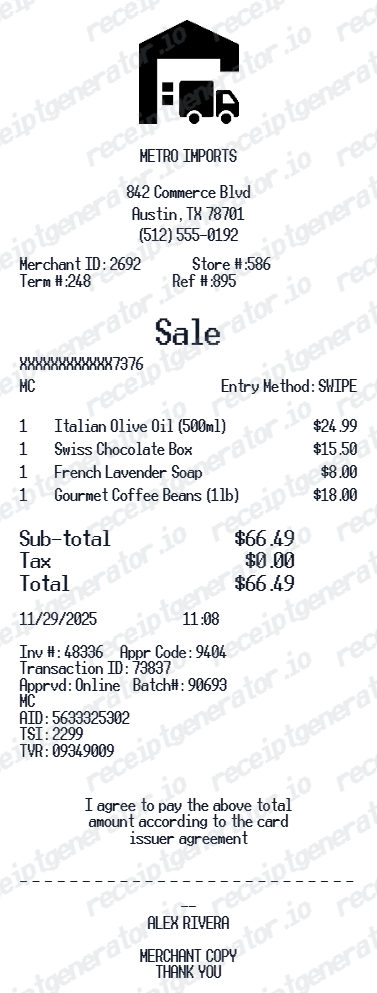
Quick summary
Standard Receipt template overview
Use this Standard Receipt template to build a clean, editable receipt record with the merchant, date, line items, tax, totals, and payment details already laid out for faster review.
Why Use Our Free Standard Receipt Generator?
Create professional standard business receipts with business name, line items, taxes, and payment summary - download as PDF for customer billing or expense records.
Custom business name & address
Add your business name, address, phone, and email for professional branding.
Line items with quantities
Add any item or service with quantity and unit price - totals auto-calculate.
Custom tax rate
Set a tax rate and let the receipt calculate tax and total automatically.
Receipt number & date
Add a unique receipt number, date, and time for organized documentation.
PDF export in seconds
Download a clean standard receipt PDF for billing or records.
Print-ready standard business receipts
Edit the layout, watch it update live, then print, download PDF, or email.
Live receipt preview
Watch the receipt update as you add items and business details.
One-click print
Print your standard receipt from the browser.
Download as PDF
Export a clean PDF receipt for billing or expense records.
Mobile-friendly editor
Create standard receipts from any device.
Standard Receipt Lookup Alternative
Need a standard receipt for customer billing or expense records? Use this free receipt generator - add business name, items, tax, and payment - download a clean PDF in seconds.
Small business customer billing
Create standard receipts for retail or service customer billing.
Freelance invoice replacement
Generate quick standard receipts for freelance project payment records.
Personal expense tracking
Document personal purchases with standard receipt records.
Business expense reimbursement
Create business receipts for employee expense submission.
Standard Receipt Types
Choose the standard receipt format for your business or purchase.
Standard Business Receipt
Clean standard receipt for any business or retail purchase.
Service Receipt
Standard receipt for professional service billing.
Expense Claim Receipt
Standard receipt formatted for business expense reimbursement.
Related Guides
Explore related guides to understand the receipt details, lookup steps, and documentation workflows.
Thermal vs Standard Receipt: What's the Difference?
Compare thermal receipts and standard paper receipts — how they're printed, when to use each, and which is better for your business or vendor setup.
Read guideHow to Make a Receipt for Taxes
Review the fields that make a purchase receipt easier to use for business recordkeeping.
Read guideStore Receipt Generator Guide
Compare standard, itemized, and barcode-style receipt formats for everyday store records.
Read guideRelated Other Receipt Templates
Browse our collection of receipt templates for various purposes.
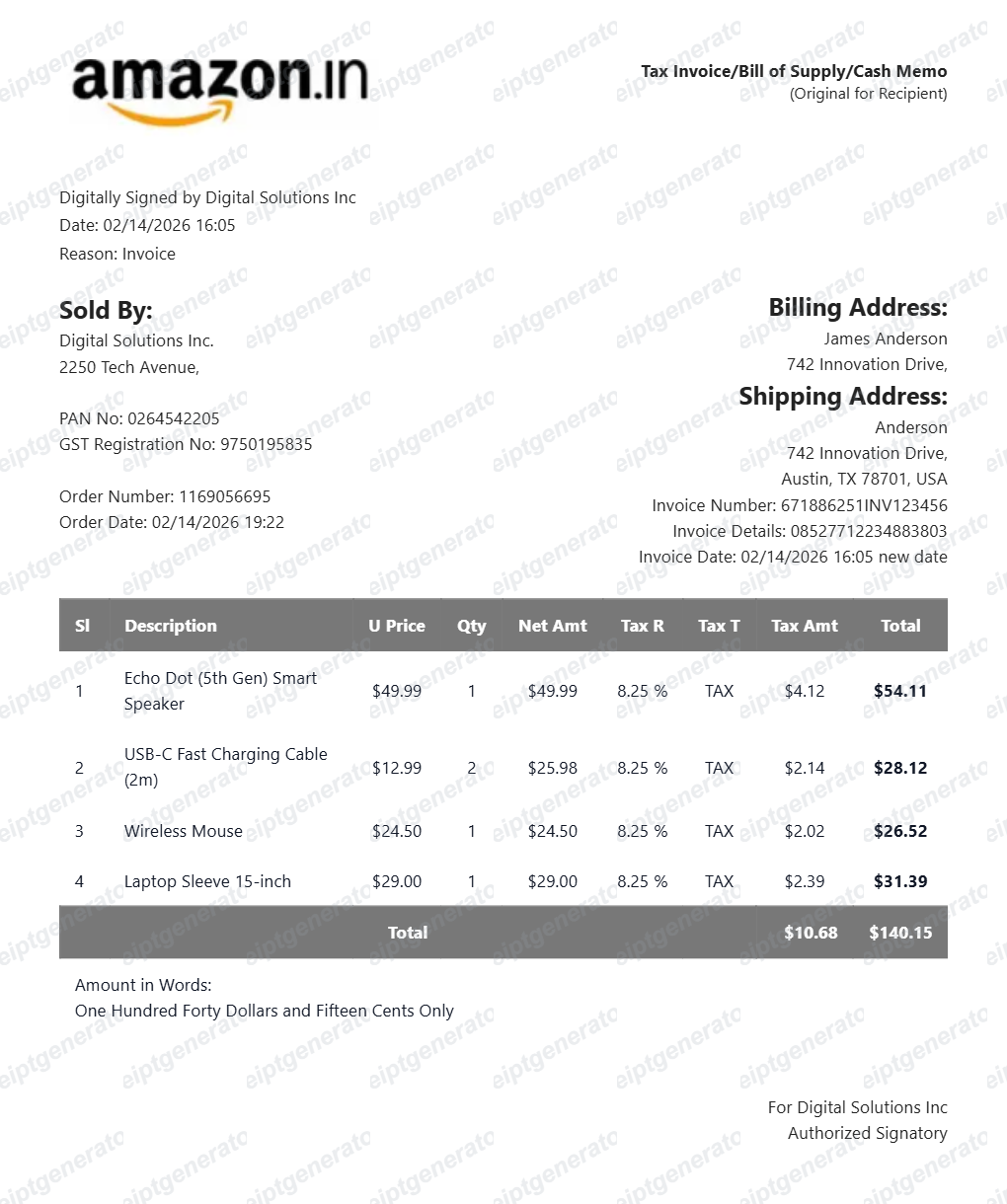
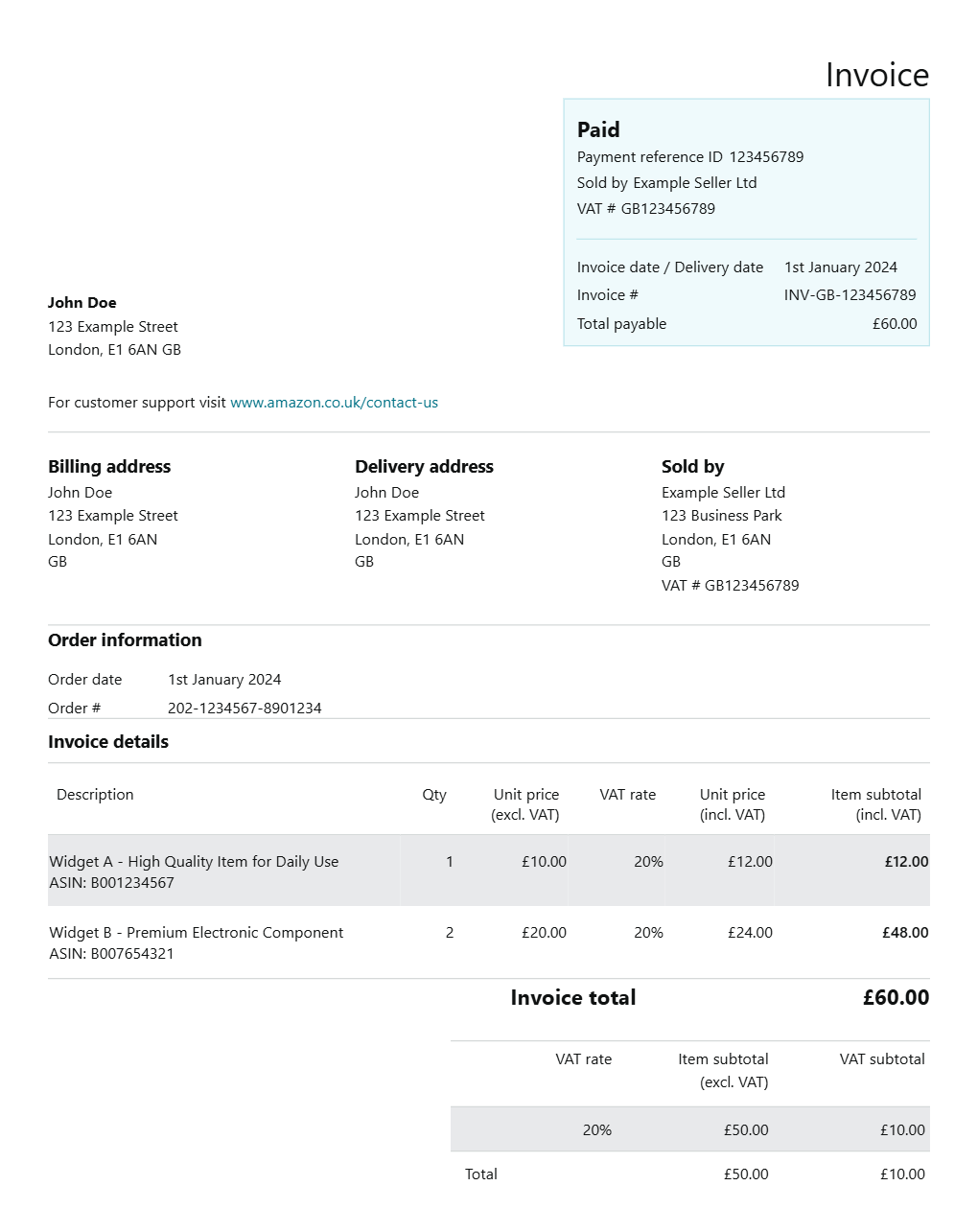
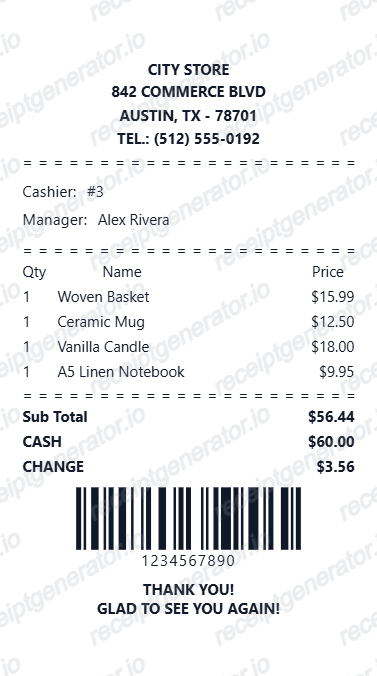
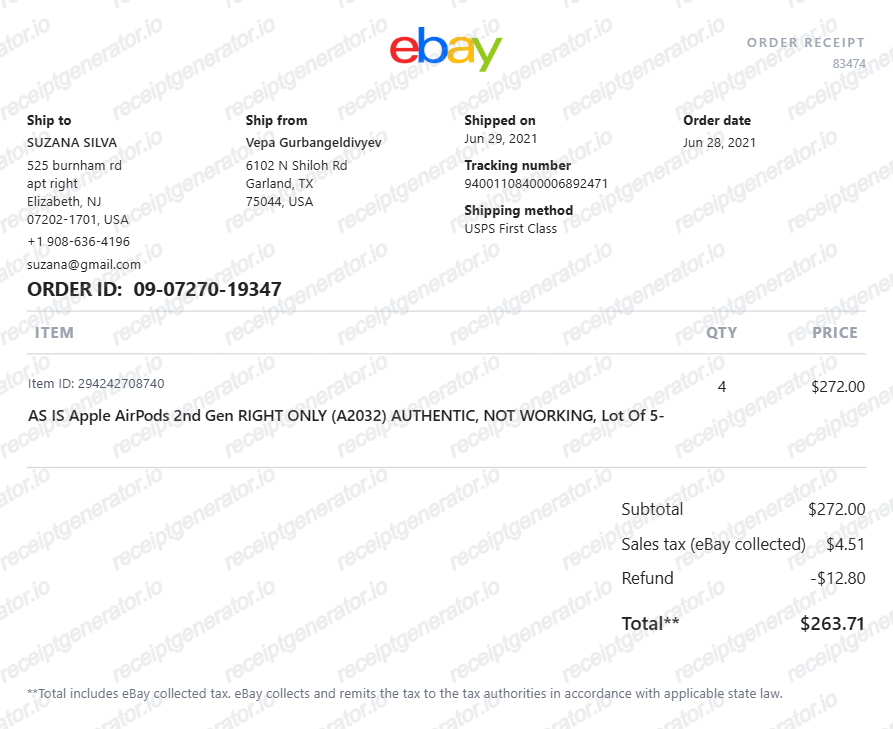
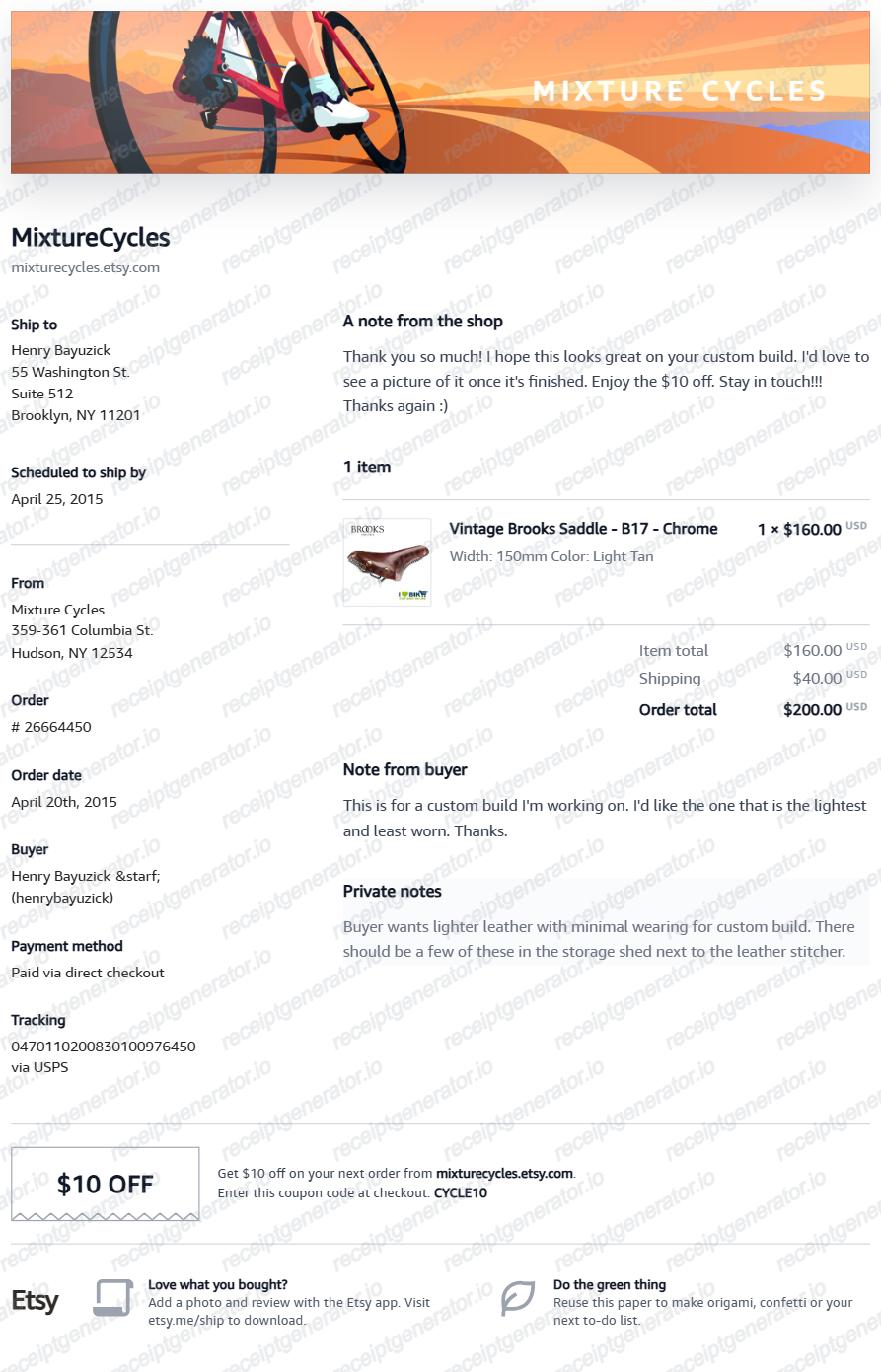
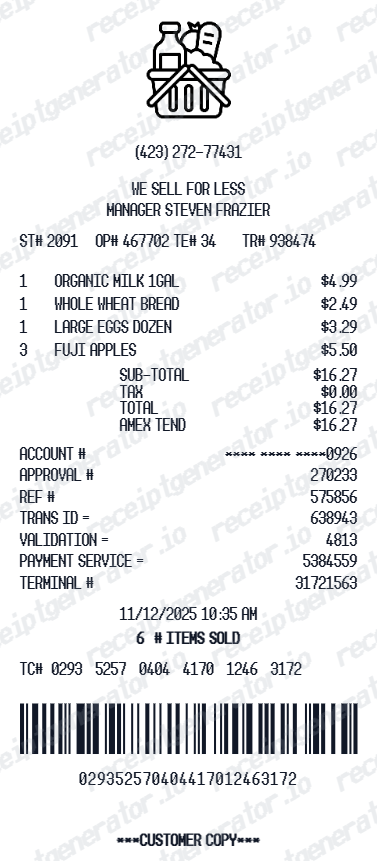
Standard Receipt FAQ - Business & Customer Receipt Documentation
Learn how to create professional standard receipts with business details, items, tax, and PDF export for customer billing and expense documentation.
Choose the standard receipt template, add business name, items, prices, tax rate, and payment method. Preview and download a clean PDF receipt instantly.
Yes. Add any item or service as a line item with description, quantity, and unit price - totals calculate automatically.
Yes. Small businesses, freelancers, and service providers use standard receipt generators to create professional customer receipts quickly.
Yes. Creating and previewing is completely free - no login needed. Watermark-free PDF downloads are available on paid plans.
Add the store name, purchase date, line items, totals, tax, payment method, and any optional notes you need on your Free Standard template.
Yes. Add your own business name, address, phone, and email for a fully customized standard receipt.
Yes. Set a specific tax rate percentage - tax amount and total calculate automatically.
Yes. Add a unique receipt number, transaction date, and time for complete business receipt documentation.
Yes. Download a clean, print-ready PDF for customer billing, expense reimbursement, or personal purchase records.
Receipt Generator · Receipt Maker · 200+ Free Templates
Create professional receipts online in seconds
Use the Receipt Generator editor with ready-made templates. Compare pricing or start generating print-ready PDF receipts in your browser no account required.