Hertz Car Rental Receipt Generator
Create a Hertz-style rental car receipt with renter details, vehicle info, rental agreement number, pickup and drop-off dates, charges, and payment summary. Export a clean PDF instantly.
Create a Hertz rental car receipt with renter info, vehicle details, rental dates, itemized charges, taxes, and payment. Download a PDF for expense reimbursement or travel records.

Choose
Hertz Receipt selected

Customize
Fill in your details

Download
Save or share receipt
Edit the details once and the preview updates instantly.
Quick summary
Hertz receipt template overview
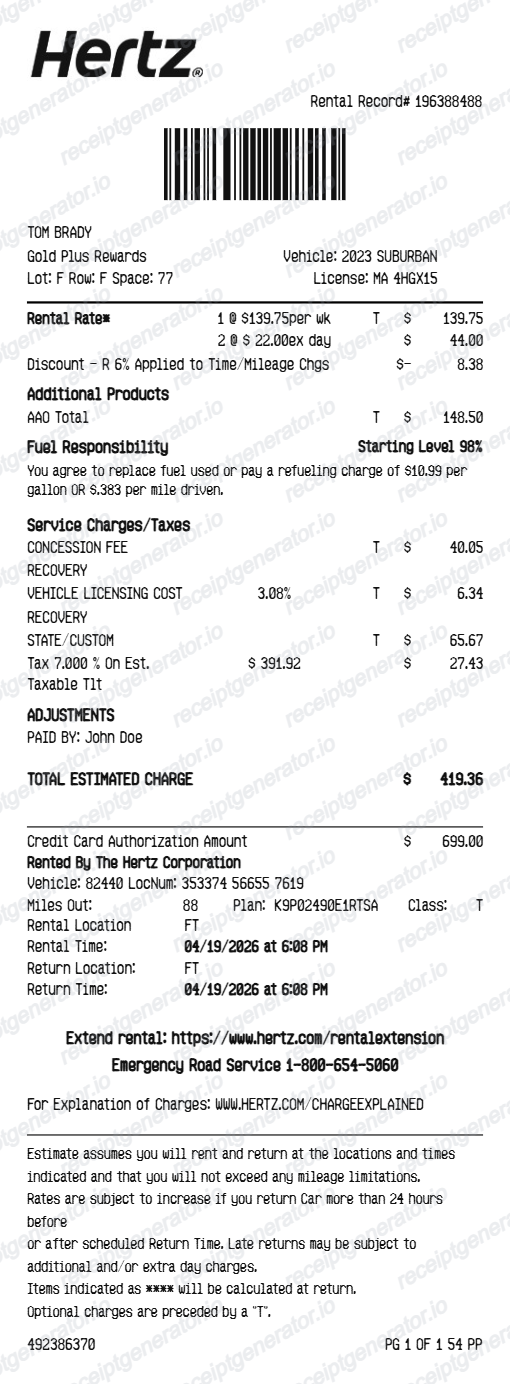
Use this Hertz-style receipt template to build a complete rental car receipt with agreement details, vehicle info, rental dates, itemized charges, and payment summary.
What Is on a Real Hertz Receipt?
The e-receipt Hertz sends within 24 to 48 hours of a return follows a fixed structure, and it's what expense reviewers and the Hertz app both key off of. These are the fields the original contains.
Rental record number
The receipt is keyed to the rental record number - an alphanumeric code starting with a letter, like H12345678 - printed on the paperwork signed at pickup and referenced in the booking confirmation email. Hertz's online Get a Receipt tool accepts either the record number or last name plus driver's license number.
Pickup and return with exact timestamps
The receipt shows the checkout and check-in locations with exact date and time for each, since Hertz bills in full rental days measured from the pickup time.
Vehicle class, not a guaranteed model
Hertz reserves and bills by vehicle class (Economy, Midsize, Full-Size, SUV, luxury tiers like Prestige or Adrenaline Collection), so the receipt lists the class charged along with license plate and mileage.
Time & Mileage base charge
The base rate appears as a Time & Mileage line - the daily or weekly rate times rental days - with any per-mile overage if the plan was not unlimited.
Airport concession and vehicle license fees
Airport pickups add a concession recovery fee and a per-day vehicle license fee as pass-through lines, which is why an airport rental total exceeds the quoted base rate.
Hertz Gold Plus Rewards number and app access
If a Gold Plus Rewards number is attached, it appears on the receipt near the renter's name. Members can also open the Hertz app, sign in, go to My Rentals or Rental History, and tap View Receipt to see the full breakdown without waiting for the email.
Create a print-ready Hertz rental receipt
Edit the layout, watch it update live, then print, download PDF, or email.
Live Hertz receipt preview
Watch the receipt update instantly as you edit renter details, vehicle info, rental dates, and charges.
Full charge itemization
Add every charge line — daily rate, insurance, fuel, concession fee, taxes, and surcharges.
Download as PDF
Export a clean Hertz-style rental car receipt PDF instantly for expense submission.
Mobile-friendly editor
Create and edit the Hertz receipt from any device.
Get Your Original Hertz Receipt First
Hertz has an online Get a Receipt tool at hertz.com: enter your last name and driver's license number, or the rental record number, to pull up the e-receipt. Gold Plus Rewards members can sign in to the Hertz app, open My Rentals or Rental History, and tap View Receipt. Receipts typically arrive by email within 24-48 hours of return and stay in the account after that. Use this template when the original is unavailable - a rental that dropped off the app history, or a booking made under someone else's name.
Business travel reimbursement
Submit a fully itemized Hertz rental receipt with all required fields for corporate travel expense approval.
Lost receipt recovery
Recreate a Hertz rental receipt when the original was lost, not printed, or not emailed at return.
Tax and mileage records
Generate a detailed rental receipt for self-employed or business mileage and tax deduction documentation.
Travel expense reports
Attach a clear Hertz receipt to corporate travel expense reports with complete vehicle and rental details.
Hertz Rental Receipt Formats
Choose the Hertz car rental receipt format that best matches your expense submission, travel record, or documentation needs.
Standard Hertz Receipt
A Hertz-style receipt with renter info, vehicle details, rental period, and total charges.
Itemized Charges Receipt
A detailed Hertz receipt listing every charge — daily rate, LDW, fuel, concession fee, taxes, and surcharges.
Gold Plus Rewards Receipt
A Hertz receipt with Gold member number, rewards points, and loyalty booking details.
Car Rental Receipt Guides
Read supporting guides for rental car receipts, reimbursement workflows, and travel documentation.
Related Other Receipt Templates
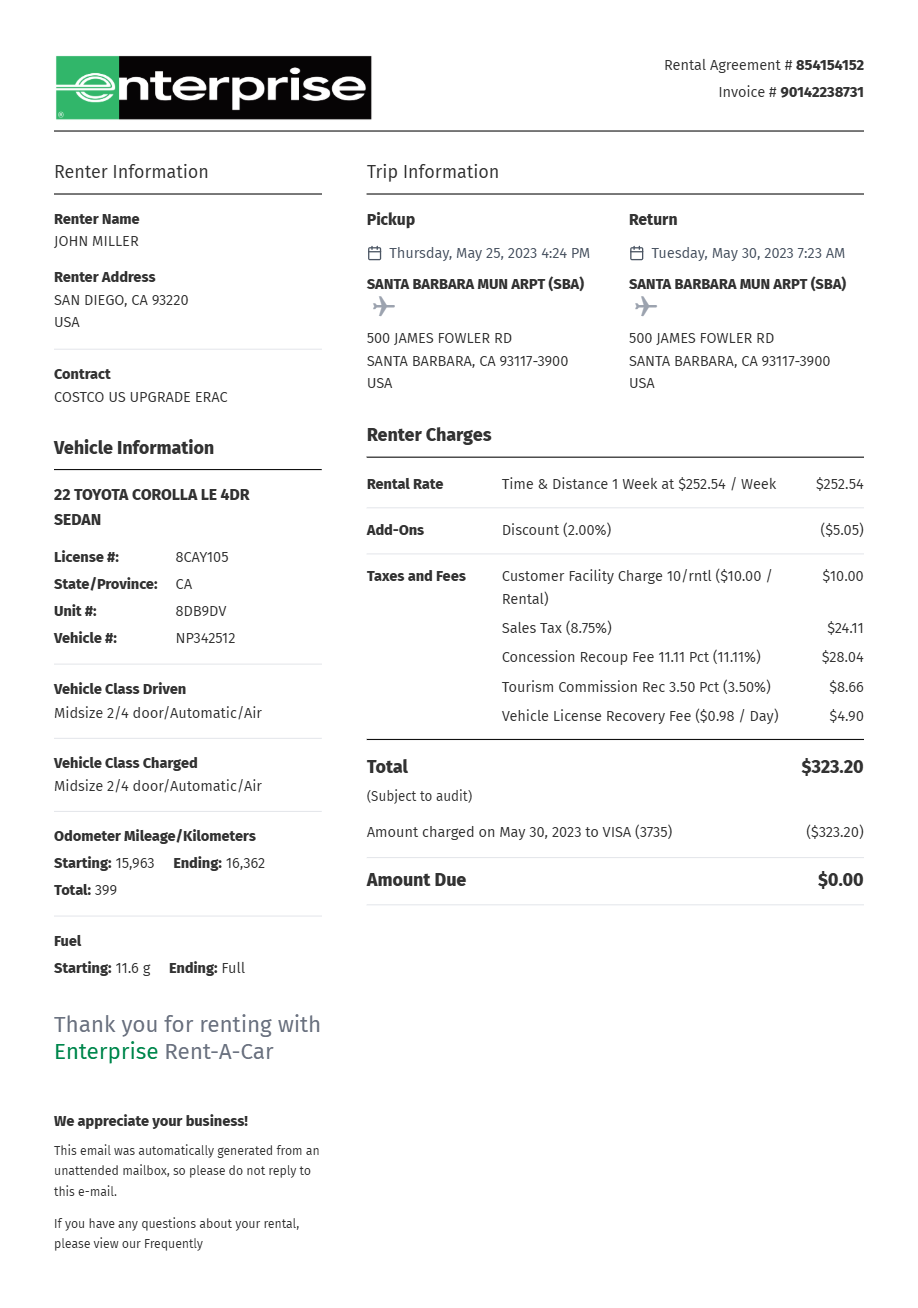
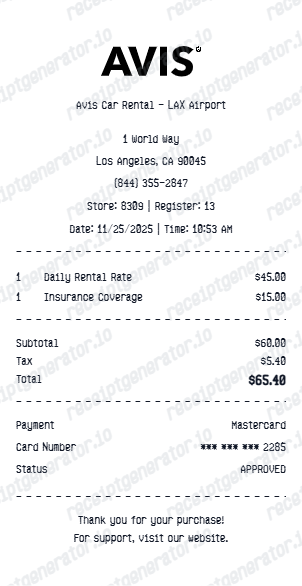
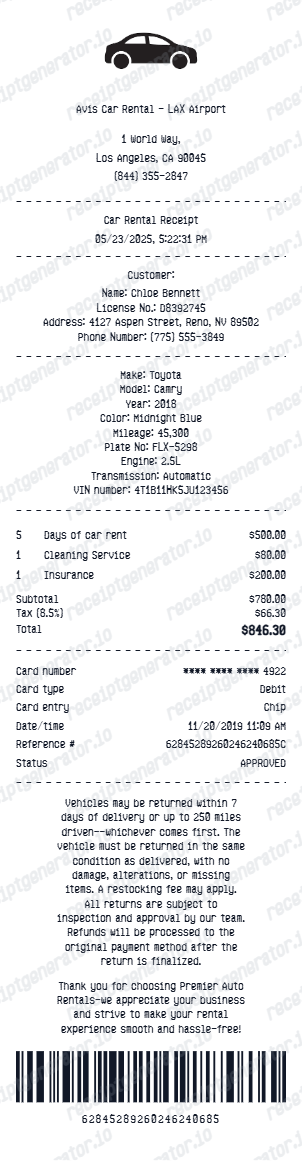
More free receipt templates for car rentals, travel, and transportation expense records.
Hertz Car Rental Receipt FAQ
Common questions about creating a Hertz-style rental car receipt for expense reimbursement, travel records, and documentation.
Choose the Hertz receipt template, fill in the renter name, rental agreement number, vehicle class and details, pickup and drop-off dates, itemized charges, taxes, and payment method. Download as PDF.
Yes. Add the pickup location, return location, rental start date, return date, and exact return time.
Yes. Add a Gold Plus Rewards number and points earned line to match the Hertz loyalty receipt format.
A Hertz e-receipt shows the rental record number, renter name, pickup and return locations with exact dates and times, the vehicle class and license plate, a Time & Mileage line for the base rate, coverage or add-on lines, the airport concession recovery fee and vehicle license fee where applicable, taxes, a Gold Plus Rewards number if attached, and the payment card's last 4 digits with the total.
Add the store name, purchase date, line items, totals, tax, payment method, and any optional notes you need on your Hertz Car Rental template.
Yes. Add the rental agreement number, record locator, and barcode reference to match a standard Hertz rental document.
Yes. Add time and mileage base rate, loss damage waiver, personal accident insurance, fuel purchase option, additional driver fee, airport concession fee, taxes, and any other charge lines.
Open the Get a Receipt tool on hertz.com and enter your last name and driver's license number, or the rental record number found on your pickup paperwork or confirmation email. Gold Plus Rewards members can instead open the Hertz app, sign in, go to My Rentals or Rental History, select the completed rental, and tap View Receipt for the full breakdown. See our full guide for a complete step-by-step walkthrough.
Airport rentals add pass-through charges not in the quoted rate, including the concession recovery fee and vehicle license fee. Optional extras like loss damage waiver, personal accident insurance, an additional driver, or a fuel service charge also show as separate lines and add to the final total.
Receipt Generator · Receipt Maker · 300+ Free Templates
Create your Hertz rental receipt
Use the editable Hertz receipt generator to add renter details, vehicle info, charges, and payment, then export a clean PDF for expense records.