Best BuyView template details
Choose a US store, itemized, vehicle-service or travel layout. Add confirmed transaction details in USD, check the preview and review the available PDF export plan.
Start Here
Choose the purchase type first, then compare every available retailer template for United States in that category.
6 categories · 17 templates
Most Searched
Compare US retailer and service receipt layouts for your confirmed purchase.
All United States Formats
Choose a category, open a retailer page for details, or start generating directly from a template card.
17 templates · 6 categories
1 template
6 templates
2 templates
1 template
1 template
6 templates
Export Without Limits
Start free, then upgrade to remove the watermark and unlock every template. Prices shown in USD; you're charged in your local currency at checkout.
Compare all features on the pricing page.
Save 37%
Sales Tax field layout
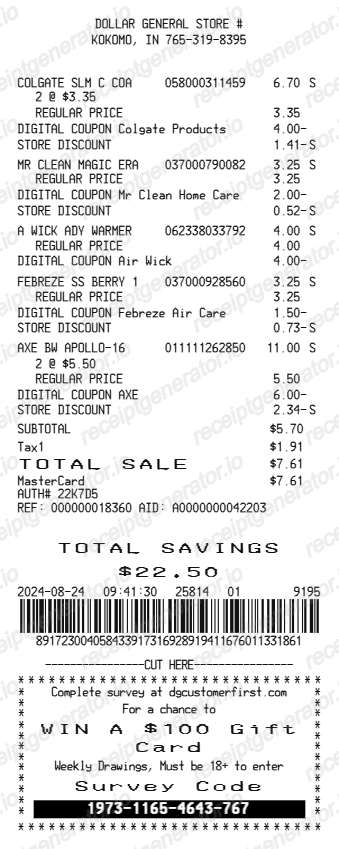
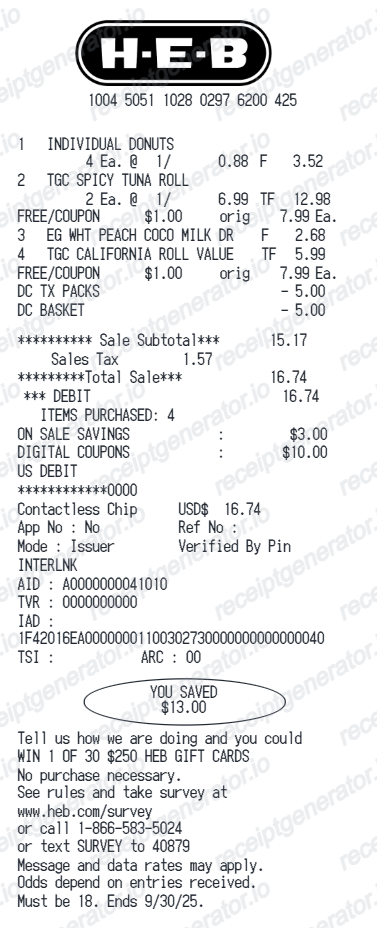
Start with an editable layout for merchant details, item rows, USD totals, payment information, and applicable state and local sales-tax fields.
The template is a record-building tool, not an original merchant-issued receipt, invoice, or proof of purchase.
Check the state and local tax treatment for the actual purchase rather than applying one national rate. Keep the merchant's original item and tax breakdown.
IRS Publication 463 generally requires documentary evidence for travel expenses, with exceptions including non-lodging expenses below $75. Lodging has different evidence requirements; check the publication and retain the supporting records.
Use US dollars and copy the merchant, date, items, payment details, and sales-tax treatment from the confirmed transaction.
United States Sales Tax FAQs
For travel expenses covered by Publication 463, keep records of the amount, date, place and business purpose, with supporting documentary evidence where required. The below-$75 exception does not apply to lodging. Consult the IRS guidance for other exceptions and the rules applicable to your expense.
Tax treatment depends on the state, locality and product. Groceries, prepared meals, drinks and non-food items can have different treatment. Copy the item and tax breakdown from the original receipt.
These are transaction identifiers used in the retailer's receipt layout. Keep them from the original purchase record and use the retailer's own support or lookup tools for purchase verification.
Follow your plan administrator's documentation requirements. Request an itemised record from the provider showing the patient, service date, service description and amount as required. An editable receipt template does not establish eligibility or guarantee that a claim will be accepted.
Related guidance: IRS Publication 463: travel expense recordsOptum Bank: FSA claim documentation
Quick Answer
A US receipt template is an editable store-receipt layout for organising merchant details, purchase dates, itemised prices in USD, discounts, payment information, and applicable sales-tax fields. It can be used for legitimate personal recordkeeping, but it is not an original retailer-issued receipt, invoice, or proof of purchase.
Simple Workflow
Follow these 4 simple steps to create an itemized US purchase record with state sales tax and printable PDF download.
Choose the exact store template (Walmart, Target, Home Depot, Apple, CVS, Costco, Best Buy, or general retail).
Add store number, city, state, cashier/register ID, transaction barcode numbers, and purchase date.
Specify line items with SKUs, quantity pricing in USD ($), and applicable state + municipal sales tax.
Check the free preview and payment details, then choose a paid plan for watermark-free PDF export.
Choose by Purchase Type
Choose the purchase sector first, then select the US retailer whose layout best matches the confirmed transaction.
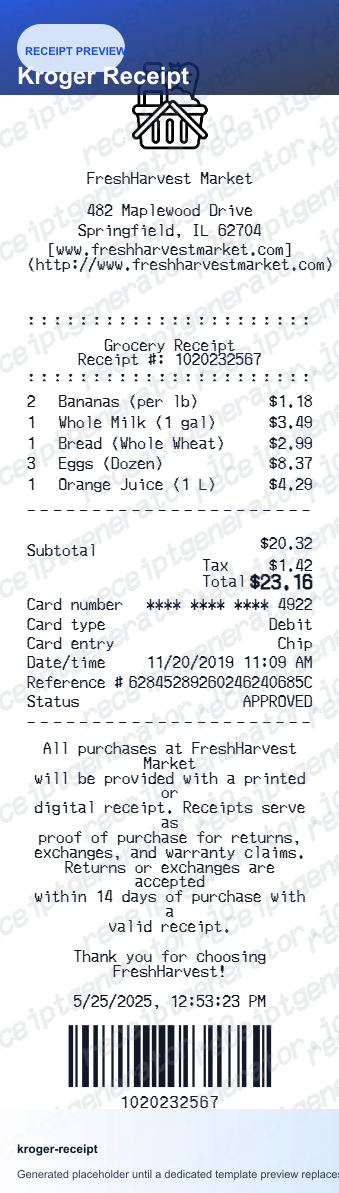
High-density thermal receipts with department itemizations, grocery tax exemptions, membership numbers, and TC lookup barcodes.
Browse supermarket templates →Contractor and DIY purchase receipts featuring SKU lookup numbers, pro rewards member IDs, project itemizations, and return barcodes.
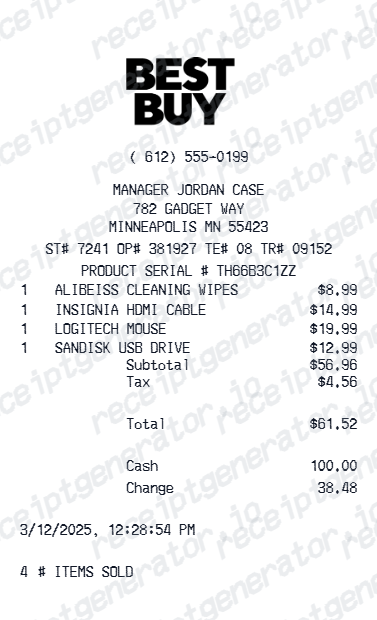
Browse home improvement templates →Detailed tech purchase receipts with device serial numbers, AppleCare/Geek Squad warranty protection plans, and payment authorization records.
Browse electronics templates →ExtraCare/myWalgreens loyalty slip formats with prescription Rx numbers, FSA/HSA eligible item markers, and coupon savings summaries.
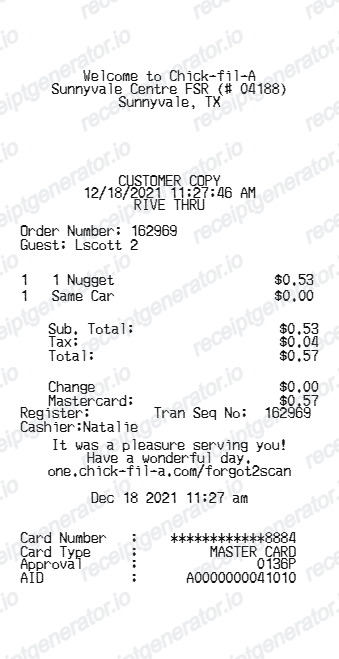
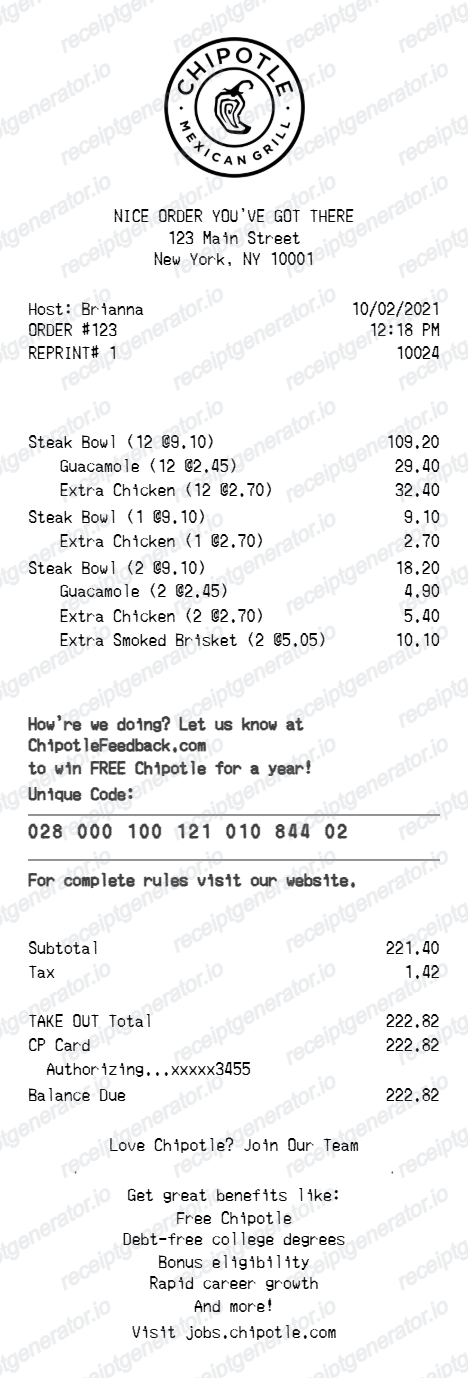
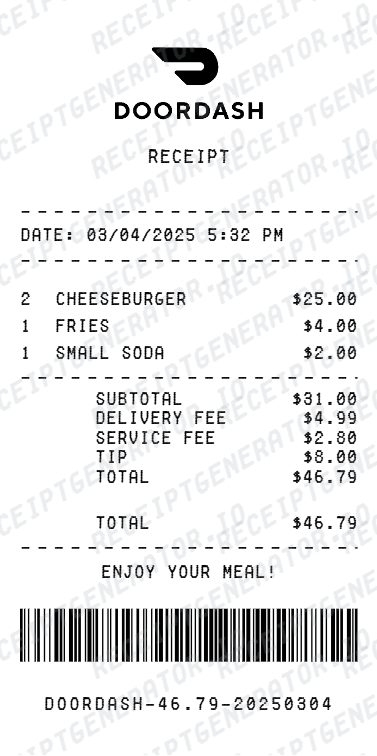
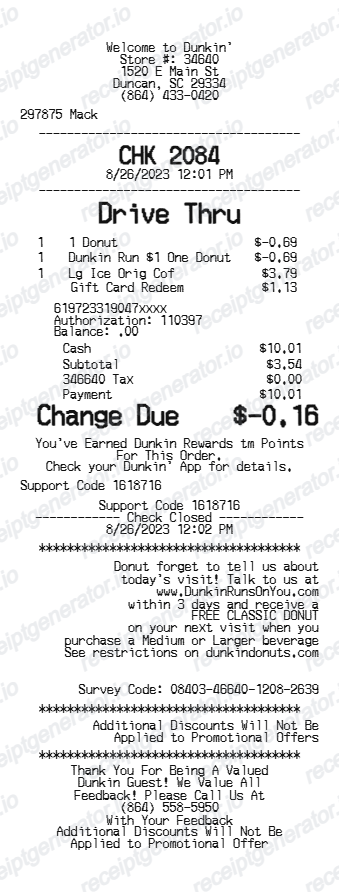
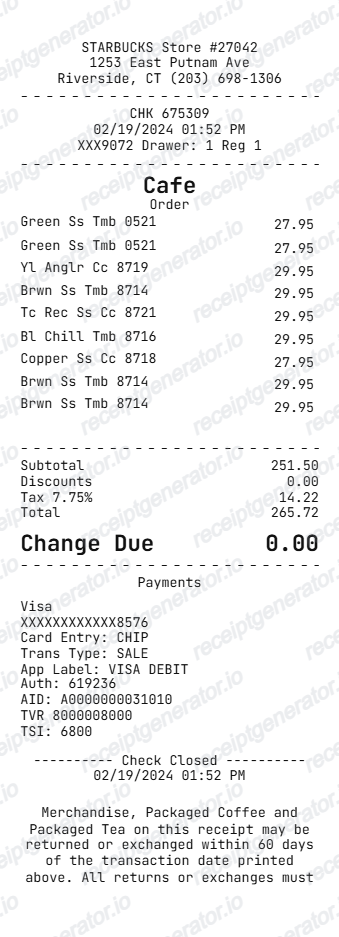
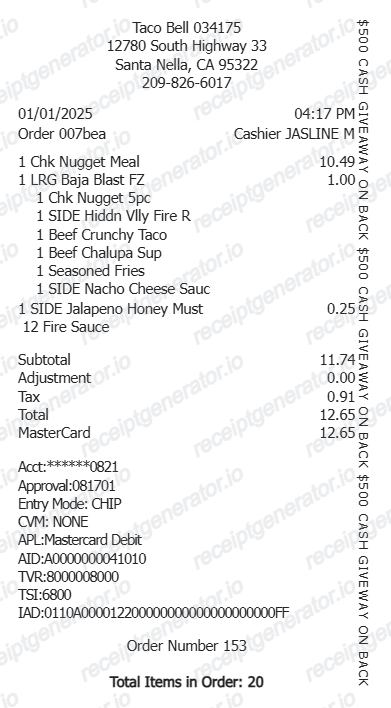
Browse pharmacy templates →Dine-in and drive-thru order slips with order numbers, meal customization lines, and tip/gratuity breakdowns.
Browse fast food & cafés templates →Use the Right Document
Choose a line-by-line layout when a payment total alone is not enough to organise your records.
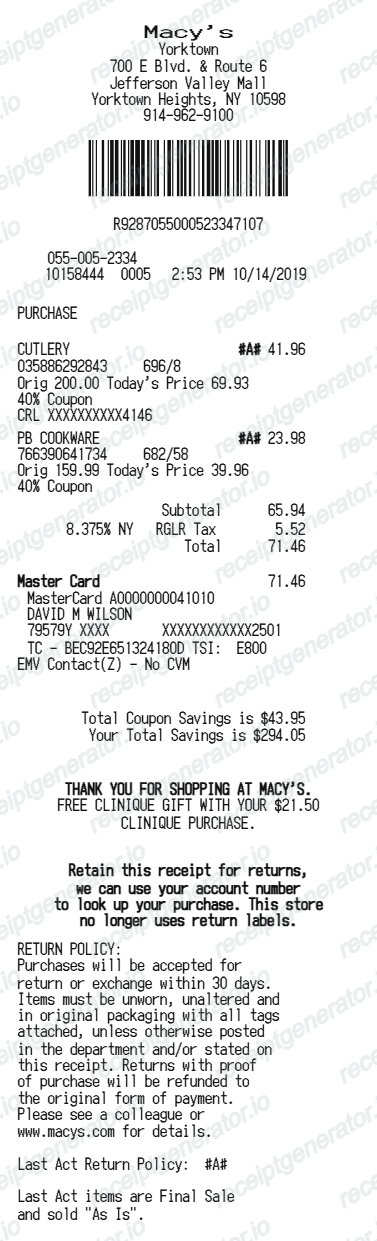
Start with the matching store layout for known items, quantities, discounts and payment totals. Use the retailer’s own tools for an original receipt.
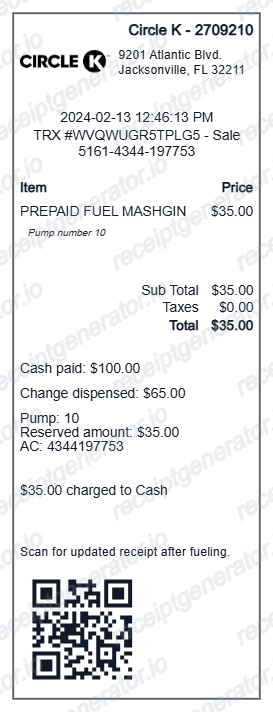
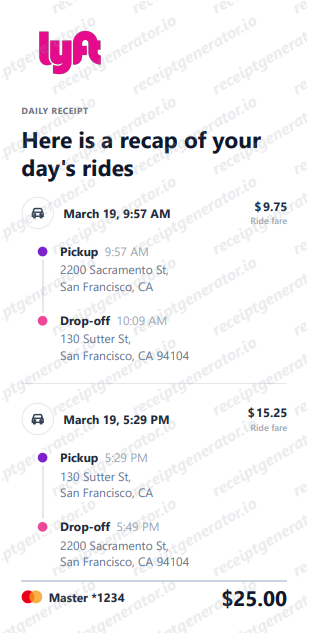
Keep fuel purchases, maintenance work and lodging costs in the appropriate layout; retain the source documents.
For official recordkeeping requirements, read the Internal Revenue Service (IRS) – Business Expense Records.
Sales-tax treatment varies by state, locality and purchase type. Copy the tax amounts from the confirmed transaction and keep the source documents for your records.
Cookie Notice
We use cookies. We use cookies to understand app usage and improve future updates. Read our Privacy Policy.