Bunnings Receipt Generator & Template
Build a Bunnings-style purchase record for hardware, tools or garden supplies. Add known item descriptions, quantities, AUD prices and GST amounts, then review the preview. This independent template does not retrieve or replace a Bunnings-issued receipt.
Edit a Bunnings-style receipt template with hardware items, quantities, AUD totals and GST fields. Preview online and review PDF export plans.

Choose
Bunnings Warehouse Receipt selected

Customize
Fill in your details

Download
Save or share receipt
Edit the details once and the preview updates instantly.
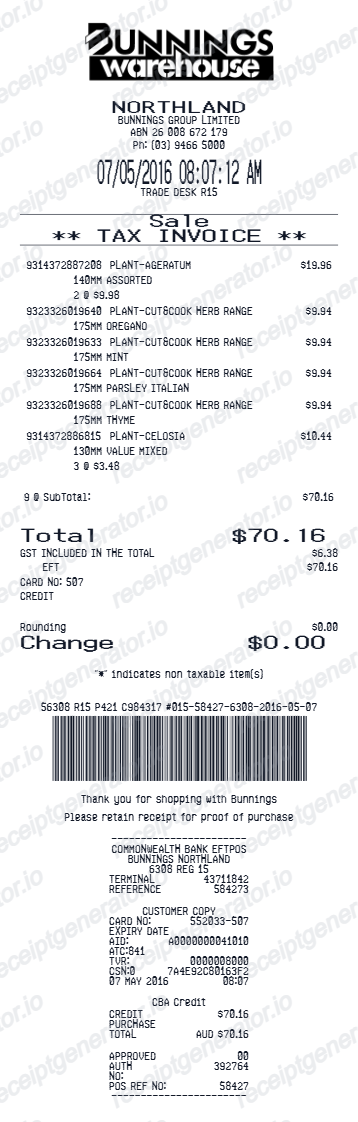
Quick summary
Bunnings Warehouse Receipt template overview
Build a Bunnings-style purchase record for hardware, tools or garden supplies. Add known item descriptions, quantities, AUD prices and GST amounts, then review the preview. This independent template does not retrieve or replace a Bunnings-issued receipt.
Fields in the bunnings warehouse receipt template
Build a Bunnings-style purchase record for hardware, tools or garden supplies. Add known item descriptions, quantities, AUD prices and GST amounts, then review the preview. This independent template does not retrieve or replace a Bunnings-issued receipt.
Hardware and garden item rows
Record each product description, SKU or reference, quantity and price from the transaction. Keep different products on separate rows for a readable purchase record.
AUD totals and GST fields
Use AUD amounts and copy the GST treatment from the original transaction. Editable tax fields alone do not make the generated document a supplier-issued tax invoice.
PowerPass references
Add known PowerPass details when they belong to the purchase. Generated account references or barcodes do not connect to Bunnings systems.
Download an original PowerPass receipt
Bunnings Trade explains that you can open a receipt in the PowerPass app and select Download receipt. Use its official app or support for an original transaction record.
Official guidance
How to use the bunnings warehouse receipt template
Start with confirmed transaction information, then check the preview before export.
- 1
Enter the transaction details
Record each product description, SKU or reference, quantity and price from the transaction. Keep different products on separate rows for a readable purchase record.
- 2
Review the individual charges
Use AUD amounts and copy the GST treatment from the original transaction. Editable tax fields alone do not make the generated document a supplier-issued tax invoice.
- 3
Check the totals and preview
Compare the completed record with the known transaction details and correct any differences.
- 4
Choose your export option
Creating and previewing is free. Review the available plan before downloading a watermark-free PDF.
Create a print-ready Bunnings Warehouse retail receipt
Edit the layout, watch it update live, then print, download PDF, or email.
Live Bunnings Warehouse receipt preview
See the Bunnings Warehouse receipt update instantly as you edit items, totals, GST, and messages.
PDF download
Export a clean Bunnings Warehouse-style receipt PDF for digital or printed records.
Mobile-friendly editor
Create and edit Bunnings Warehouse receipts from desktop, tablet, or phone.
PowerPass and GST support
Customise loyalty text, GST totals, barcode digits, and footer messaging.
Need an original Bunnings receipt rather than a template?
Bunnings Trade explains that you can open a receipt in the PowerPass app and select Download receipt. Use its official app or support for an original transaction record.
Receipt retrieval and source guidance
Confirmed transaction records
Organise purchase or service information you already know.
Personal budgeting and review
Review itemised costs and keep the original document with your records.
Bunnings Warehouse receipt formats for Australian records
Choose from standard retail, PowerPass-aware, and GST record formats according to the confirmed transaction details and the record you need to organise.
Standard Receipt
A Bunnings Warehouse-style receipt with item rows and payment details.
PowerPass Receipt
A Bunnings Warehouse receipt layout with loyalty points and promotional footer messaging.
GST Receipt
A Bunnings Warehouse-style receipt configured with AUD currency and a GST summary for Australia records.
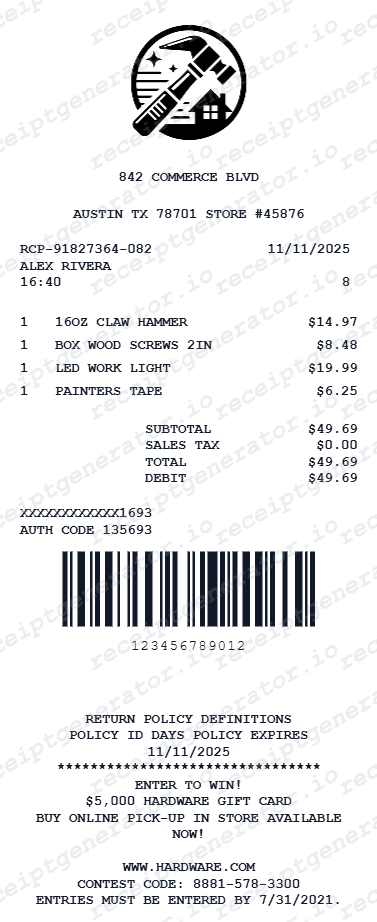
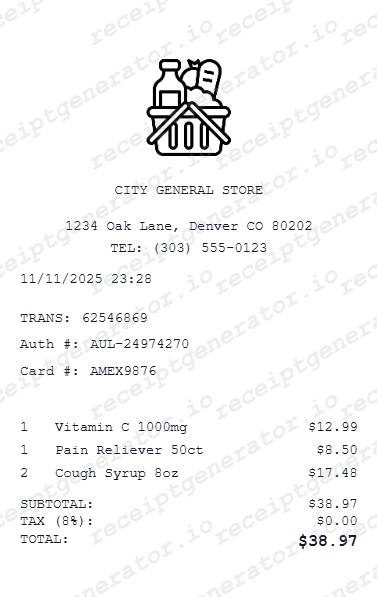
Related hardware and home improvement templates
Explore related receipt layouts for confirmed purchases and personal records.

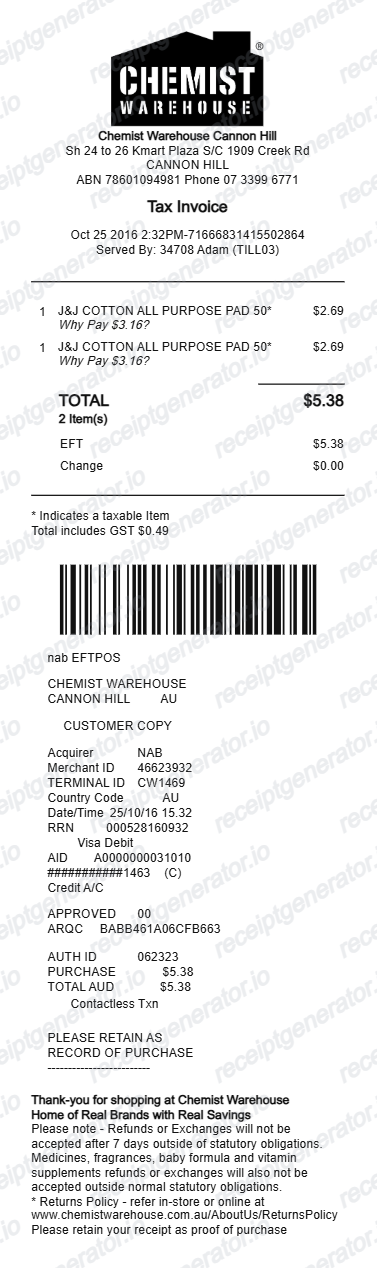
More Australia Receipt Templates
Browse our collection of receipt templates for various purposes.
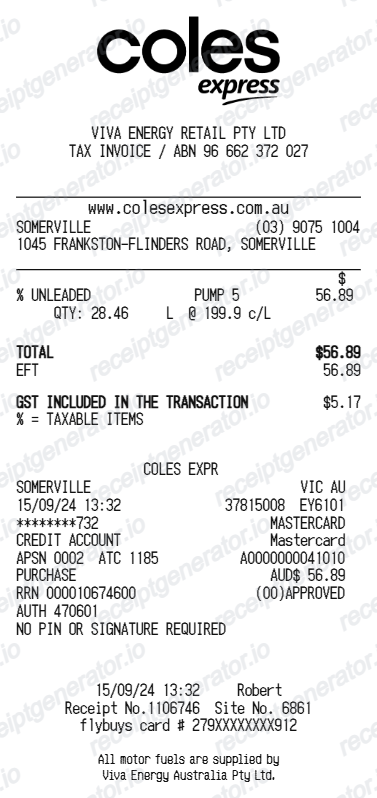
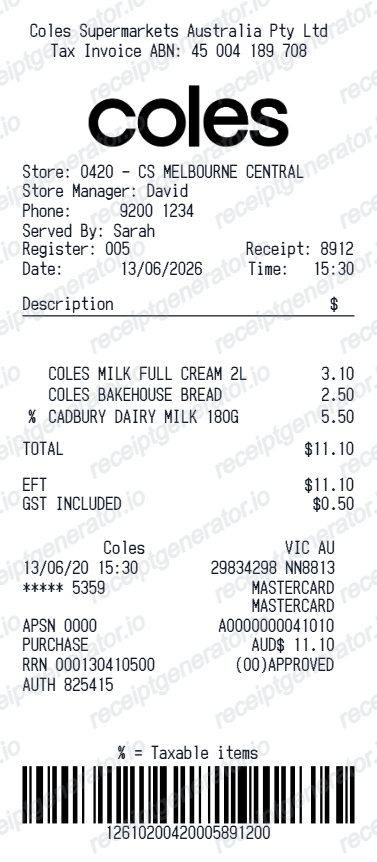
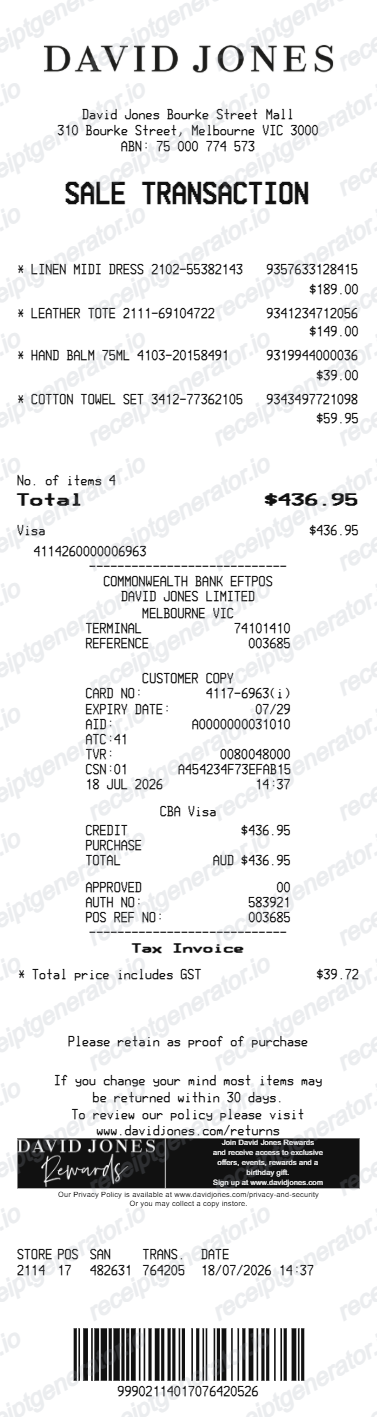
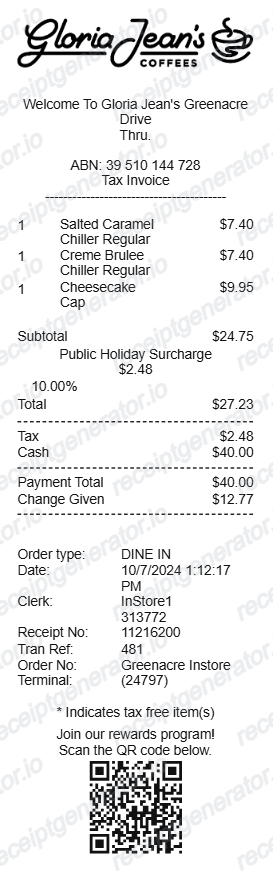
Bunnings Warehouse Receipt FAQ
Questions about editing the bunnings warehouse receipt template, reviewing its fields and obtaining the original transaction record.
Check the purchase email and the retailer account or app used for the transaction, then contact Bunnings Warehouse if the original is unavailable. This editable template is not retailer-issued proof of purchase.
Choose the Bunnings Warehouse receipt template, edit the store header, add items and prices, set the total and GST, then download the receipt as a PDF.
Yes. Store name, items, prices, powerpass, barcode digits, and footer text are all editable in the builder.
Yes. You can create and preview Bunnings Warehouse receipts for free. Watermark-free PDF downloads are available with paid plans.
PowerPass account holders can review past tax invoices in their PowerPass account. For a regular in-store purchase, ask staff to look up the transaction using the card you paid with and the approximate date - Bunnings can often trace it even without the paper copy.
Yes. You can create and preview the layout for free. Watermark-free PDF exports require a paid plan; review pricing before exporting.
Use confirmed transaction information such as hardware or garden products, SKU lines, quantities, PowerPass details, payment, and GST totals. Only include details that match the purchase you are documenting.
Yes. The totals section includes a GST-inclusive total to match the format on Australia Bunnings Warehouse receipts.
Yes. The Bunnings Warehouse receipt template is configured with the $ symbol and GST-style Australia receipt details.
Yes. After editing the details, preview and download the Bunnings Warehouse-style receipt as a clean PDF for records or budgeting.
No. This is an independent editable template for known transaction details. It does not retrieve merchant records or replace merchant-issued evidence.
Receipt Generator · Receipt Maker · 300+ Free Templates
Create your Bunnings Warehouse receipt record
Edit the known details in this bunnings warehouse receipt template and review the preview before choosing a PDF export plan.