Free GOAT Receipt Generator
Create Free GOAT App Purchase Receipts Online - Add Sneaker Details, Order Number & Price. Download PDF Instantly.
Create a GOAT-style sneaker receipt with shoe details, order number, fees, and payment info. Download a PDF for records or purchase documentation.

Choose
GOAT Receipt selected

Customize
Fill in your details

Download
Save or share receipt
Edit the details once and the preview updates instantly.
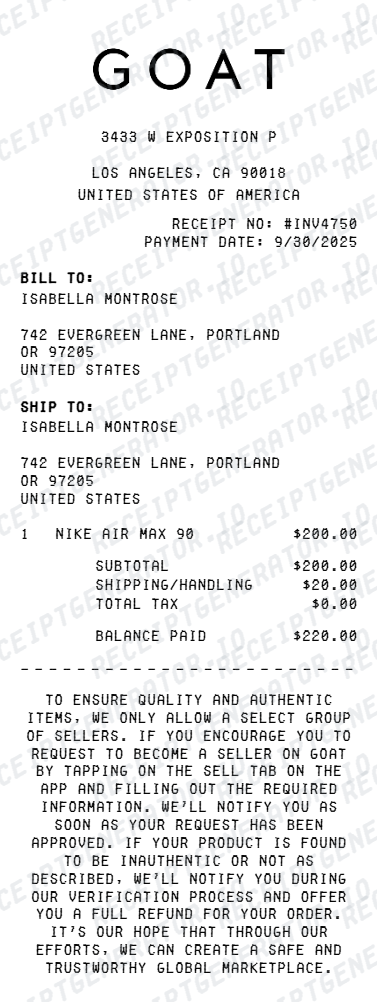
Quick summary
GOAT Receipt template overview
Use this GOAT Receipt template to build a clean, editable receipt record with the merchant, date, line items, tax, totals, and payment details already laid out for faster review.
What Is on a Real GOAT Receipt?
GOAT purchase records are digital, and knowing what a genuine order confirmation contains helps you document your own buys - and recognize weak 'proof' when a secondhand listing leans on GOAT paperwork.
Digital order confirmation is the receipt
Your official record is the confirmation email GOAT sends at purchase plus the order entry in the app under Profile and then Orders. GOAT does not include an itemized paper price invoice in the box.
Order number on every purchase
Each order carries a unique order number, shown in the confirmation email and app history. It is what GOAT support references, and the detail a genuine buyer can always produce together with the account email.
Exact item identifiers
The confirmation lists the sneaker's full name, the manufacturer style code (SKU), the size, and the condition - GOAT sells both new and used pairs, and the condition grade appears on the order. These details should match the physical item exactly.
Price breakdown, not one number
Real GOAT orders itemize the purchase price, shipping, and applicable tax before the total. Sale price varies by size and market at the moment of purchase, so identical pairs bought weeks apart show different prices.
Verification tag and card
Items that pass GOAT's verification ship with a GOAT tag or sticker on the shoe and a card in the box. These travel with the item, not the receipt - and both are copied by counterfeiters, so they support rather than replace inspection.
What it cannot prove
A GOAT confirmation proves someone bought that model once - it does not prove the pair in a secondhand listing is that item. Treat forwarded receipts and screenshots as context, and judge the sneakers themselves.
Print-ready GOAT receipts
Edit the layout, watch it update live, then print, download PDF, or email.
Live GOAT receipt preview
Watch the receipt update instantly as you enter sneaker and fee details.
One-click print
Print your GOAT receipt directly from the browser.
Download as PDF
Export a clean PDF for sneaker purchase or seller payout records.
Mobile-friendly editor
Create GOAT receipts from any device.
Get Your Original GOAT Receipt First
Your real record is already in the app: open GOAT, go to Profile and then Orders, and select the purchase to see the order number and full price breakdown - or search your inbox for the original confirmation email. Guest orders can be looked up with the order number and email. Use this template when the original is unavailable - for example, documenting a purchase for insurance after losing access to the account or email it was placed under.
Sneaker purchase documentation
Record GOAT sneaker purchases with complete order and payment details.
Portfolio tracking
Track your sneaker resale portfolio with organized GOAT purchase receipts.
GOAT Receipt Types
Choose the GOAT receipt format for your sneaker transaction.
Buyer Purchase Receipt
GOAT buyer receipt with sneaker details, fees, and payment summary.
Seller Payout Receipt
GOAT seller receipt with sale price, fee deductions, and net payout.
purchase documentation Receipt
GOAT receipt formatted for secondary personal purchase records or portfolio records.
GOAT Receipt Guides
Use these guides to recover order details, compare marketplace records, and keep your sneaker documentation organized.
GOAT Receipt Guide
Learn what a real GOAT order confirmation includes and how to rebuild a clean personal copy.
Read guideSneaker Receipt Generator Guide
See which sneaker receipt formats work best for Nike, Jordan, Supreme, and marketplace-style layouts.
Read guideStockX Replacement Receipt
Compare GOAT and StockX recordkeeping patterns when you need to recreate a missing marketplace receipt.
Read guideRelated Other Receipt Templates
Browse our collection of receipt templates for various purposes.
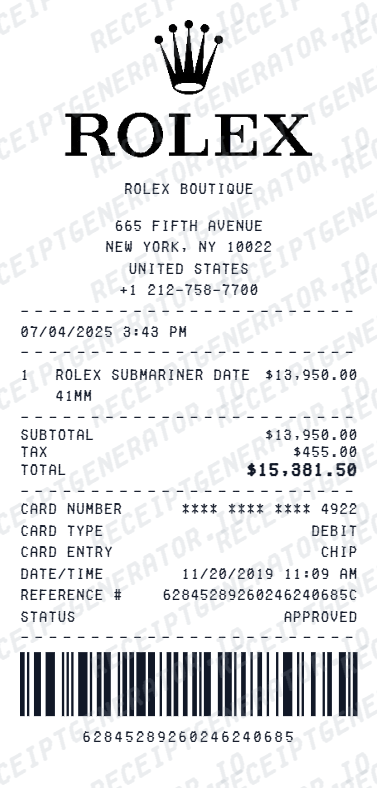
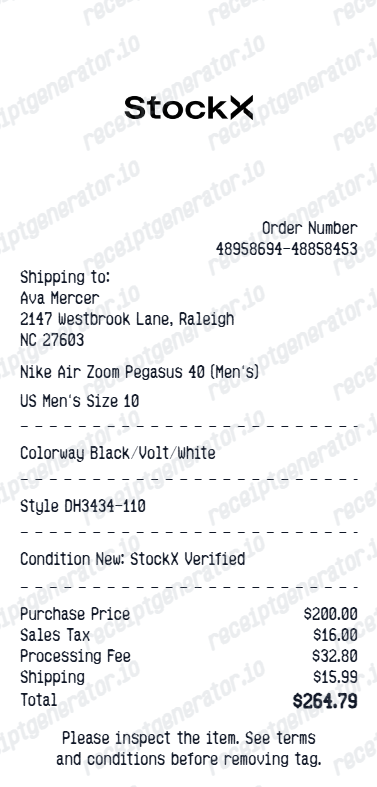
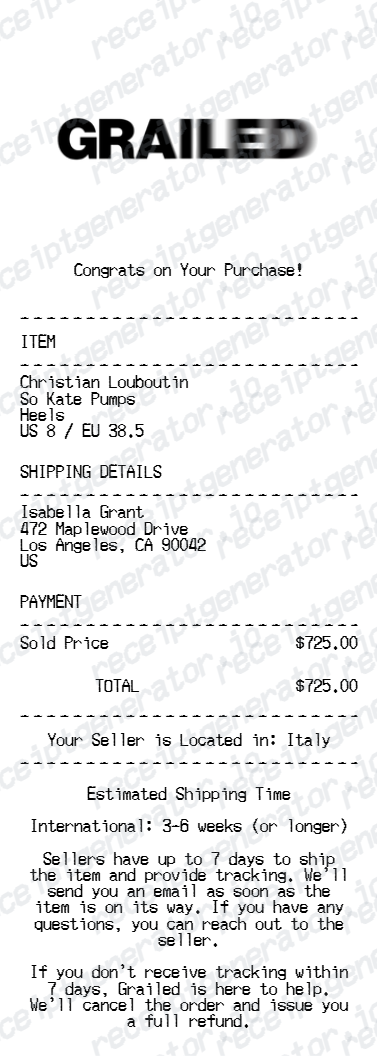
GOAT Receipt FAQ - Sneaker Purchase Documentation & Resale
Learn how to create GOAT app receipts with sneaker details, fees, and PDF export for purchase documentation and purchase records.
Choose the GOAT receipt template, add sneaker name, size, condition, order number, price, GOAT fees, and payment details. Preview and download as PDF in seconds.
GOAT receipts are digital. Open the GOAT app, go to Profile and then Orders to view any past purchase with its full details - or search your email for the order confirmation GOAT sent when you bought. Guest checkout orders can be tracked with the order number and email from that confirmation.
No. Order confirmation screenshots are easy to fabricate, and GOAT tags get moved onto different pairs in resale scams. GOAT's verification covers the specific item they shipped to the original buyer - when buying secondhand, authentication has to rest on the sneakers themselves, not on paperwork passed along with them.
Both. You can use these templates for reimbursements, bookkeeping prep, and internal documentation workflows.
Yes. Include order ID, sneaker name, style code, size, condition (new/used), and listing price for a complete GOAT purchase record.
It is a digital order confirmation showing the order number, the exact item name, style code (SKU), size, and condition (new or used), plus the price breakdown - item price, shipping, tax, and total. Verified items arrive with GOAT's authentication tag or sticker on the shoe and a card in the box.
Add the store name, purchase date, line items, totals, tax, payment method, and any optional notes you need on your Free GOAT template.
This tool creates an editable Free GOAT style layout for documentation. It is not issued by the original merchant or brand system.
Receipt Generator · Receipt Maker · 300+ Free Templates
Create professional receipts online in seconds
Use the Receipt Generator editor with ready-made templates. Compare pricing or start generating print-ready PDF receipts in your browser no account required.