Free Nike SNKRS Receipt Generator
Create Free Nike SNKRS Order Receipts Online - Add Sneaker, Drop & Order Details. Download PDF Instantly.
Create a Nike SNKRS-style order receipt with sneaker details, order number, release info, and payment. Download a PDF for records or purchase documentation.

Choose
Nike SNKRS Receipt selected

Customize
Fill in your details

Download
Save or share receipt
Edit the details once and the preview updates instantly.
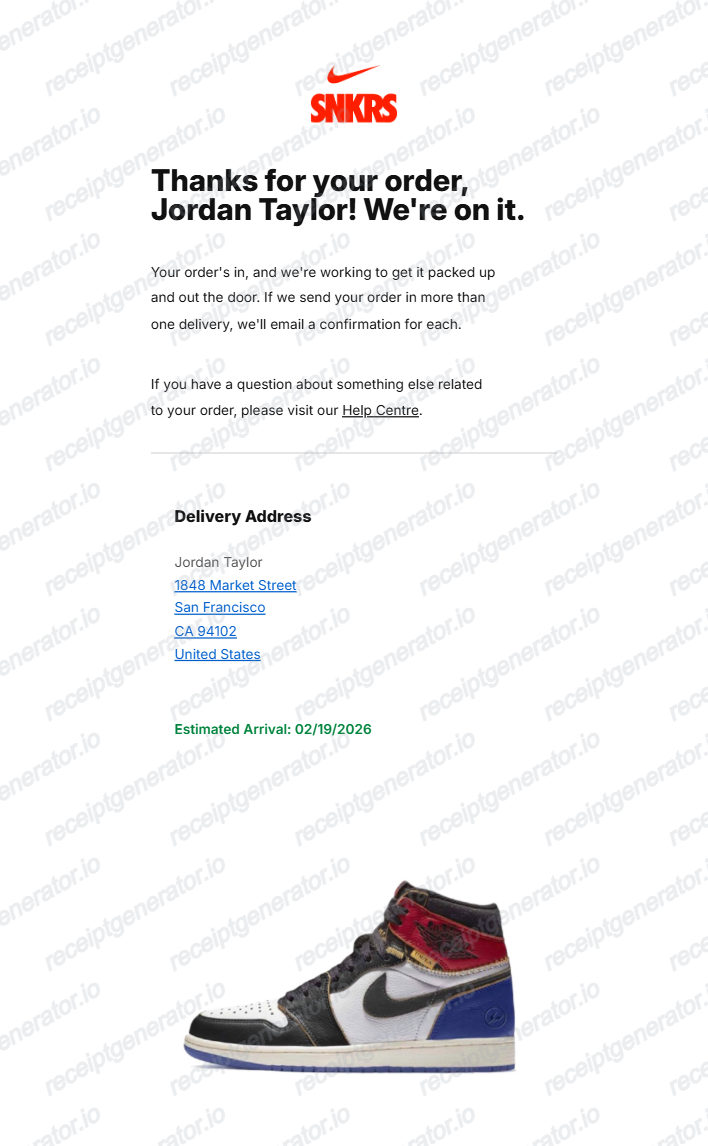
Quick summary
Nike SNKRS Receipt template overview
Use this Nike SNKRS Receipt template to build a clean, editable receipt record with the merchant, date, line items, tax, totals, and payment details already laid out for faster review.
What Is on a Real Nike SNKRS Receipt?
SNKRS is Nike's dedicated drop app, and a win generates a digital order confirmation rather than a store-style itemized receipt. Knowing what a genuine one contains helps you document your own SNKRS purchases accurately.
You're charged only if you win the draw
Entering a SNKRS draw or reservation does not charge your card - you're billed, and only then receive an order confirmation, if you're selected. Winners typically see a 'Got 'Em' notification and receive a confirmation email within about 24 hours of the draw closing.
Digital order confirmation, not a paper invoice
There is no itemized store receipt for a SNKRS purchase - the record is the confirmation email plus the order entry in the SNKRS app or Nike App order history, both tied to a unique order number.
Release name, style code, and colorway on every order
Each SNKRS order lists the shoe's full release name, the manufacturer style code, and colorway - the same identifiers buyers cross-check on resale platforms like StockX or GOAT.
SNKRS and Nike.com orders share one account history
SNKRS purchases appear in the same Nike Member order history as Nike.com and Nike App purchases, and in-store buys scanned to a Nike Pass are recorded there too.
60-day return window for Members
Nike Members get a flat 60-day return window on SNKRS, Nike.com, and Nike App purchases, with a free UPS return label generated from order history.
What it cannot prove
A SNKRS confirmation shows someone won and paid for that release - it does not verify that a specific pair in a resale listing is that exact item. StockX and GOAT authenticate the physical shoes, not the buyer's order confirmation.
Print-ready Nike SNKRS order receipts
Edit the layout, watch it update live, then print, download PDF, or email.
Live SNKRS receipt preview
Watch the receipt update as you enter sneaker and order details.
One-click print
Print your Nike SNKRS receipt from the browser.
Download as PDF
Export a clean sneaker drop receipt PDF.
Mobile-friendly editor
Create Nike SNKRS receipts from any device.
Get Your Original SNKRS Receipt First
If you won a SNKRS draw or bought through the app, sign in and check Orders in the SNKRS app or Nike App, or at nike.com/orders - the same account history covers Nike.com and in-store Nike Pass purchases too. Also search your email for the confirmation sent when you won or checked out. Use this template when the original is unavailable - for example, documenting a purchase for insurance or resale after losing access to the account or email it was placed under.
Nike drop documentation
Record SNKRS purchases with style code, release date, and order details.
Collection tracking
Generate receipts for every Nike SNKRS drop to organize your sneaker collection.
Insurance documentation
Create receipts for high-value Nike collabs and limited drops for insurance purposes.
Nike SNKRS Receipt Types
Choose the Nike SNKRS receipt format for your order type.
SNKRS Drop Order Receipt
Nike SNKRS receipt with order number, sneaker details, release info, and payment.
Nike Limited Release Receipt
Order confirmation for exclusive Nike collabs, Dunk drops, and Air Jordan launches.
Related Other Receipt Templates
Browse our collection of receipt templates for various purposes.
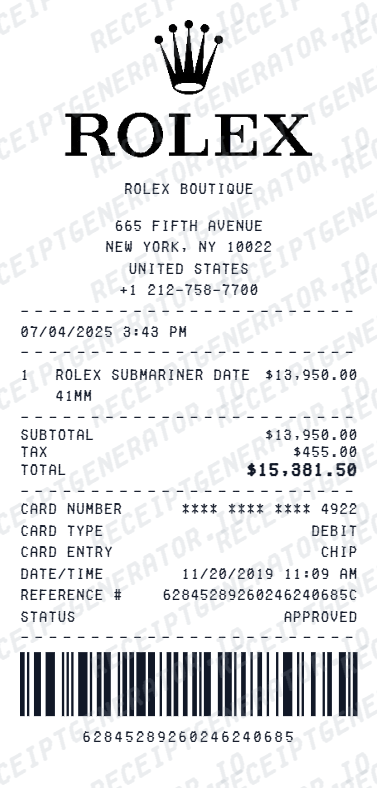
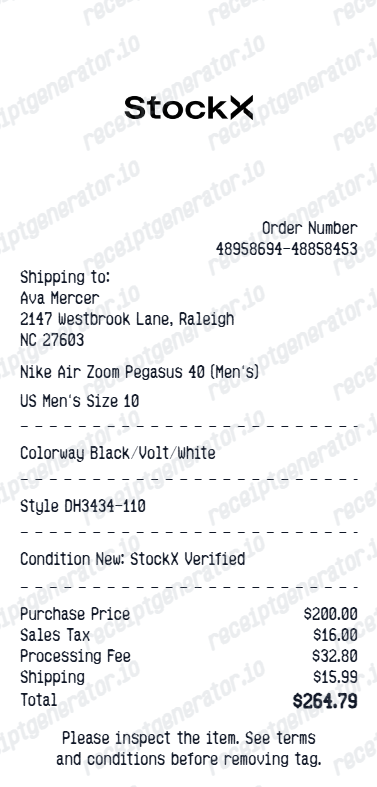

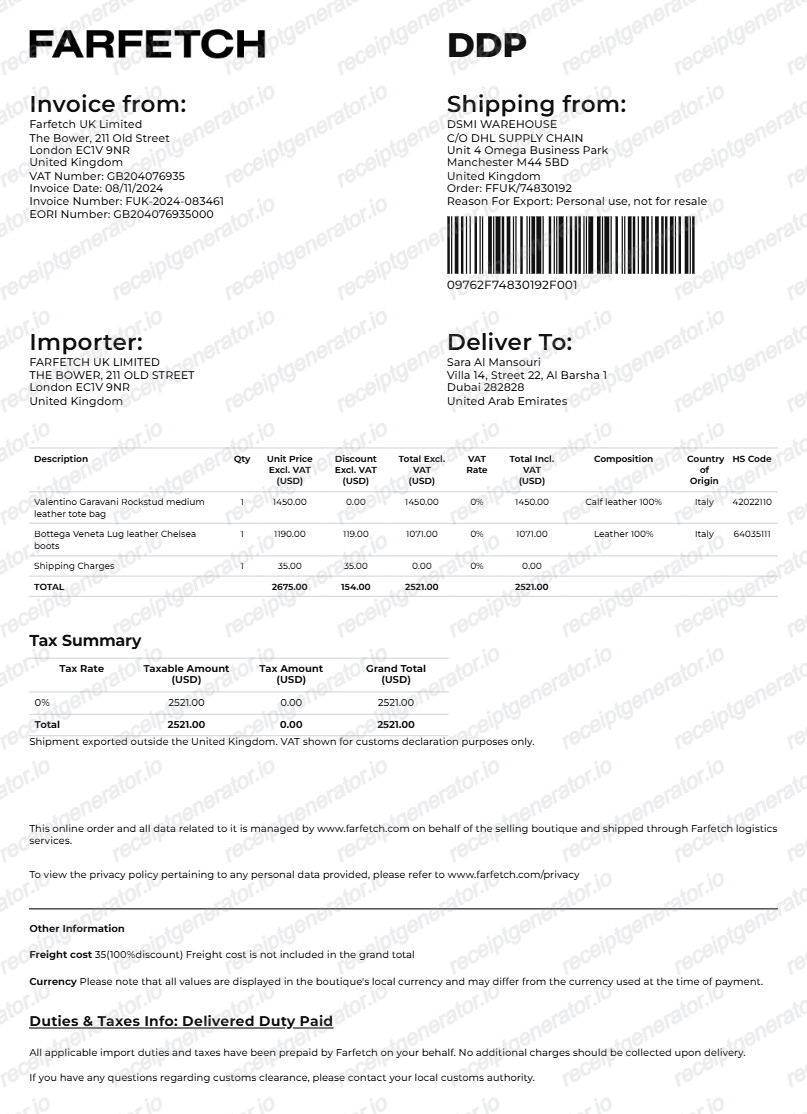
Nike SNKRS Receipt FAQ - Sneaker Drop Documentation & purchase records
Learn how to create Nike SNKRS receipts with order details, style code, release info, and PDF export for sneaker purchase and purchase documentation.
Choose the SNKRS receipt template, add sneaker name, style code, size, colorway, order ID, release date, and payment details. Preview and download as PDF.
Yes. Add item price, shipping fee, sales tax, and total as separate line items — totals update automatically.
SNKRS charges you only if you win a draw - you're never charged for entering, only if selected. Winners get a 'Got 'Em' notification and confirmation email within about 24 hours of the draw closing, and the order appears in the SNKRS app or Nike App order history alongside any Nike.com or in-store purchases tied to the same account.
No. A SNKRS confirmation only shows that someone won and paid for that release - it does not verify that a specific pair in a resale listing is that exact item, and confirmation screenshots are commonly faked or reused. Authentication relies on the item itself: resale platforms like StockX and GOAT physically inspect the shoes, not the buyer's paperwork.
Yes. Include order ID, style code, colorway, release date, and drop method for a complete Nike SNKRS purchase record.
Any Nike SNKRS launch — Air Jordans, Air Force 1s, Air Max, Dunks, and any limited Nike collab or exclusive drop.
It is a digital order confirmation, not a printed store receipt - sent by email and stored in account order history. It shows the shoe's full release name, manufacturer style code, colorway, size, price, tax, and shipping, plus (for draw wins) the 'Got 'Em' notification tied to that specific drop.
Add the store name, purchase date, line items, totals, tax, payment method, and any optional notes you need on your Free Nike SNKRS template.
Receipt Generator · Receipt Maker · 300+ Free Templates
Create professional receipts online in seconds
Use the Receipt Generator editor with ready-made templates. Compare pricing or start generating print-ready PDF receipts in your browser no account required.