Free Flight Club Receipt Generator
Create Free Flight Club Sneaker Receipts Online - Add Sneaker, Consignment & Order Details. Download PDF Instantly.
Create a Flight Club-style receipt with sneaker details, consignment price, order number, and payment. Download a PDF for records or purchase documentation.

Choose
Flight Club Receipt selected

Customize
Fill in your details

Download
Save or share receipt
Edit the details once and the preview updates instantly.
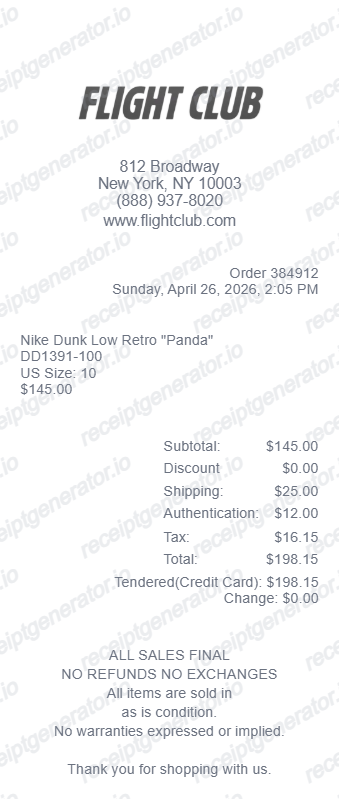
Quick summary
Flight Club Receipt template overview
Use this Flight Club Receipt template to build a clean, editable receipt record with the merchant, date, line items, tax, totals, and payment details already laid out for faster review.
What Is on a Real Flight Club Receipt?
Flight Club sells through consignment, and its buyer and seller paperwork are both fully digital. Knowing what a genuine order confirmation contains helps you document your own transactions and recognize weak 'proof' in a secondhand listing.
Digital order confirmation, not a paper invoice
Flight Club does not print an itemized boutique-style receipt in the box. Your record is the confirmation email sent at purchase, and past orders can be pulled up with the Order Search tool on flightclub.com using the order number and email.
Two buyer price tiers, and a processing fee
Listings show a standard 'lowest price' and a 'fastest to you' option; choosing the faster option adds roughly a 6.5 percent processing fee on top of the item price, shown as a separate line in the order total.
Seller consignment receipt is a different document
When you consign sneakers, Flight Club emails a consignment receipt listing the quantity, description, and consignment price of the items received - separate from the buyer-side order confirmation, and it doesn't reflect the final sale price until the item sells.
Seller fees are itemized at payout
Sellers are charged roughly a 9.5 percent commission plus a flat seller fee and a cash-out fee, all itemized when the consigned item sells and payout is issued - useful for reconciling actual proceeds against the listed consignment price.
Full sneaker identifiers on every order
Confirmations list the sneaker's full name, manufacturer style code, size, and condition grade, since Flight Club consigns both new and worn pairs.
What it cannot prove
An order or consignment confirmation shows a transaction occurred - it does not verify that a specific pair changing hands secondhand is that exact item. Treat forwarded receipts as supporting context, not standalone proof.
Print-ready Flight Club sneaker receipts
Edit the layout, watch it update live, then print, download PDF, or email.
Live Flight Club receipt preview
Watch the receipt update as you enter sneaker and consignment details.
One-click print
Print your Flight Club receipt from the browser.
Download as PDF
Export a clean sneaker consignment receipt PDF.
Mobile-friendly editor
Create Flight Club receipts from any device.
Get Your Original Flight Club Receipt First
Your real record is already digital: use Order Search on flightclub.com with your order number and email, or check the confirmation email sent at purchase. Sellers can reference the separate consignment receipt emailed when items were delivered for sale. Use this template when the original is unavailable - for example, documenting a purchase for insurance after losing access to the account or email it was placed under.
Sneaker consignment records
Document Flight Club purchases with consignment price, authentication, and order details.
Rare sneaker collection documentation
Generate receipts for rare vintage and limited-edition sneakers for collection records.
Insurance documentation
Create receipts for high-value authenticated sneakers for insurance purposes.
Flight Club Receipt Types
Choose the Flight Club receipt format for your purchase type.
Flight Club Purchase Receipt
Sneaker consignment receipt with order ID, authentication status, and payment details.
In-Store Receipt
Flight Club NYC in-store purchase receipt with store details and transaction info.
Online Order Receipt
FlightClub.com order confirmation with order ID, shipping, and delivery details.
Related Other Receipt Templates
Browse our collection of receipt templates for various purposes.
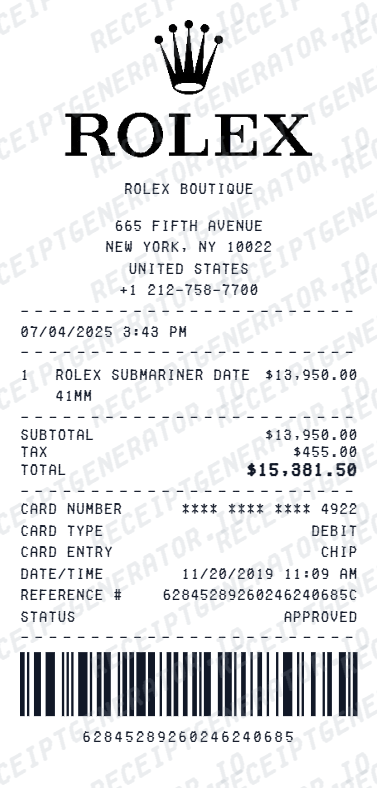
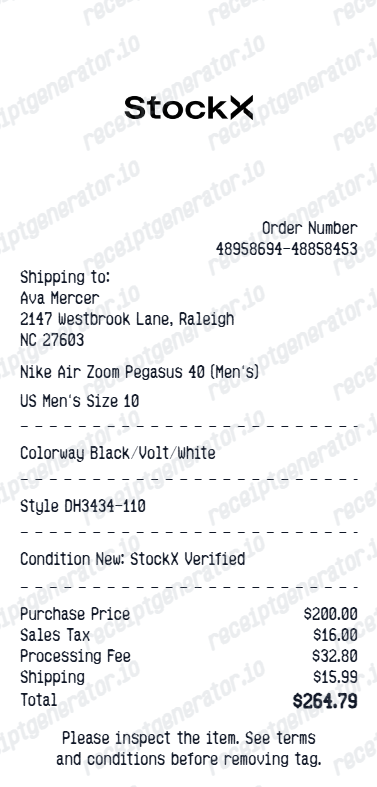
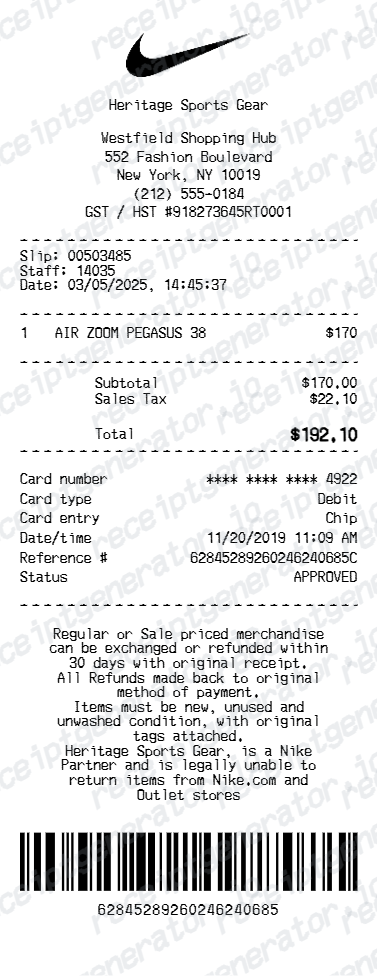
Flight Club Receipt FAQ - Sneaker Consignment Documentation & purchase records
Learn how to create Flight Club receipts with consignment details, authentication info, and PDF export for sneaker purchase and purchase documentation.
Choose the Flight Club receipt template, add sneaker name, style code, size, condition, order ID, consignment price, and payment details. Preview and download as PDF.
Yes. Add consignment price, buyer service fee, sales tax, and total as separate line items — totals update automatically.
Flight Club records are digital. Use the Order Search tool on flightclub.com with your order number and email, or check the confirmation email sent when you purchased. Sellers who consigned sneakers receive a separate consignment receipt by email listing the item description and the agreed consignment price.
No. An order confirmation shows that a purchase happened - it does not verify that a specific pair in someone's hands is that exact item, and screenshots are easy to alter. Flight Club authenticates the physical pair it ships to the original buyer; when buying secondhand, judge the sneakers and their included documentation together, not a forwarded receipt alone.
Yes. Include consignment price, authentication status, condition grade, and Flight Club order number for a complete purchase record.
Any sneaker sold through Flight Club — Air Jordans, Nike SBs, Yeezys, New Balance collabs, and rare vintage sneakers.
It is a digital order confirmation, not a boutique-style paper invoice. It lists the order number, sneaker name, style code, size, condition, the consignment or listing price, and - if you chose the faster fulfillment option - an additional processing fee of about 6.5 percent on top of the item price. Sellers instead get a consignment receipt showing the quantity, description, and agreed price of items delivered for sale.
Add the store name, purchase date, line items, totals, tax, payment method, and any optional notes you need on your Free Flight Club template.
Receipt Generator · Receipt Maker · 300+ Free Templates
Create professional receipts online in seconds
Use the Receipt Generator editor with ready-made templates. Compare pricing or start generating print-ready PDF receipts in your browser no account required.