ALDI Receipt Example
See exactly what an ALDI receipt looks like — store number, ALDI-brand item names, ALDI Finds special buys, no loyalty program, item count, subtotal, tax, total, quarter cart deposit note, and payment summary. Use the editable template to recreate or customize one.
See what a real ALDI receipt looks like with all fields explained — store number, ALDI-brand item names, ALDI Finds special buys, no loyalty program, item count, subtotal, tax, total, quarter cart deposit note, and payment summary. Use the editable template to recreate an ALDI receipt.

Choose
ALDI Receipt Example selected

Customize
Fill in your details

Download
Save or share receipt
Edit the details once and the preview updates instantly.
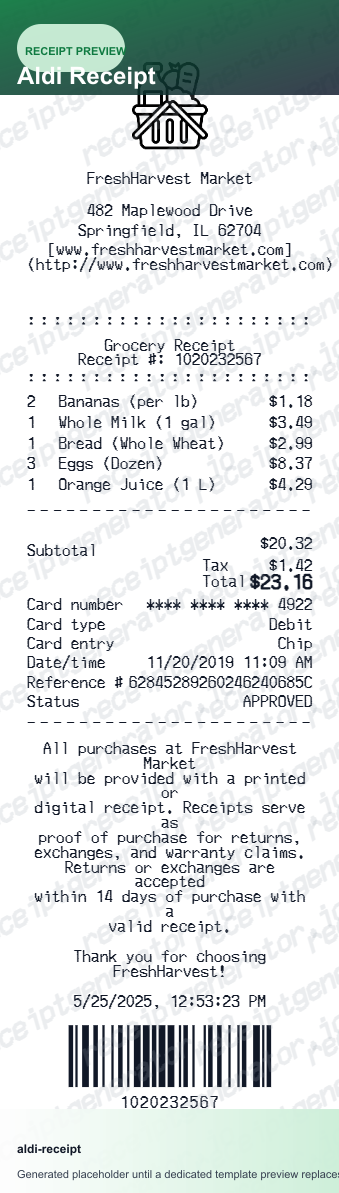
Quick summary
ALDI receipt example overview
A standard ALDI receipt includes the store number, store address, each item with its ALDI private-label brand name and tax code indicator, item count, subtotal, sales tax, total, and payment method. ALDI has no loyalty program, so no points or rewards appear on the receipt.
What's on an ALDI Receipt?
An ALDI grocery receipt contains several key sections. Knowing each field helps you verify your grocery purchase, understand ALDI's private-label brand names, or recreate a receipt when the original is lost.
Store header
ALDI store number, store address, phone number, and the date and time of the transaction. The store number identifies the specific ALDI location.
Item list with ALDI brand names
Each item with its ALDI private-label brand name (Simply Nature, Specially Selected, Kirkwood, Never Any!, Elevation, Clancy's, etc.), quantity, unit price, and a tax code indicator (T for taxable, blank for non-taxable).
ALDI Finds special buys
Limited-time ALDI Finds items appear in the item list with a standard product name and price. No special designation appears on the receipt beyond the item name and price.
Item count
The total number of items purchased appears above the subtotal line, giving a quick count for verification against the items bagged.
Totals and payment
Item subtotal, applicable sales tax (with taxable items indicated by a T code on each line), order total, and payment method. ALDI accepts cash, debit cards, credit cards, and EBT/SNAP. No loyalty points or rewards appear because ALDI has no loyalty program.
See what an ALDI receipt looks like
Edit the layout, watch it update live, then print, download PDF, or email.
See a real ALDI receipt format
Preview a complete ALDI receipt layout with store number, ALDI-brand item names, ALDI Finds, item count, subtotal, tax, total, and payment summary.
Editable field-by-field
Edit any field in the ALDI receipt example — store number, item names, quantities, prices, tax codes, item count, and payment — to match your actual purchase.
Download as PDF
Export the completed ALDI receipt example as a clean PDF for grocery expense records or personal documentation.
Mobile-friendly editor
View and edit the ALDI receipt example from desktop, tablet, or phone without any software to install.
Looking for an ALDI Receipt Example?
This ALDI receipt example shows the standard format — store number, ALDI-brand item names, ALDI Finds, item count, subtotal, tax, total, and payment summary with no loyalty program. Use the generator to build your own editable ALDI receipt.
Verify a grocery purchase
Use this ALDI receipt example to check that item names, prices, tax codes, item count, and total all appear correctly on a receipt.
Understand receipt fields
Learn what each section of an ALDI receipt means — from the store number and ALDI brand names to the tax code indicators, item count, and no-loyalty-program note.
Recreate a lost ALDI receipt
Use the receipt example as a reference to fill in the generator with your store number, ALDI-brand item names, quantities, prices, and payment details when the original paper receipt is lost.
Grocery expense documentation
Use an ALDI receipt example as a reference when documenting grocery purchases for household budgeting, expense reimbursement, or food cost records.
ALDI Receipt Formats
ALDI receipts follow the same simple thermal receipt format for all purchases, with differences in the item list for ALDI Finds and the payment section for EBT/SNAP transactions.
ALDI Standard Grocery Receipt
A typical ALDI receipt with store number, ALDI private-label item names, tax code indicators, item count, subtotal, tax, and payment method.
ALDI Finds Receipt
An ALDI receipt that includes one or more ALDI Finds limited-time special buy items alongside regular ALDI grocery items.
ALDI EBT/SNAP Receipt
An ALDI receipt for an EBT/SNAP transaction, showing eligible food items with no tax and the EBT payment amount applied.
Grocery Receipt Guides
Read supporting guides for grocery receipts, expense documentation, and budget tracking.
Grocery Receipt for Reimbursement
See what expense teams require from a grocery receipt for reimbursement approval.
Read guideLost Grocery Receipt
How to recover or recreate a grocery receipt when the original paper receipt is lost or unavailable.
Read guidePrintable Grocery Receipt PDF
Tips for exporting and using printable grocery receipts for expense records and budget documentation.
Read guideHow to Get a Grocery Receipt
Learn where grocery receipts usually come from and which details matter most for budgeting or reimbursement.
Read guideGrocery Receipt Template
Use the right fields and structure when organizing a cleaner grocery purchase record.
Read guideRelated Other Receipt Templates
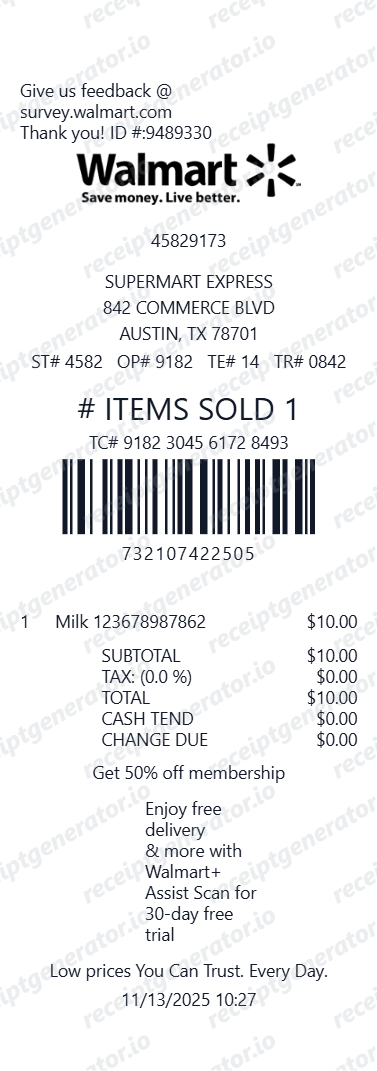
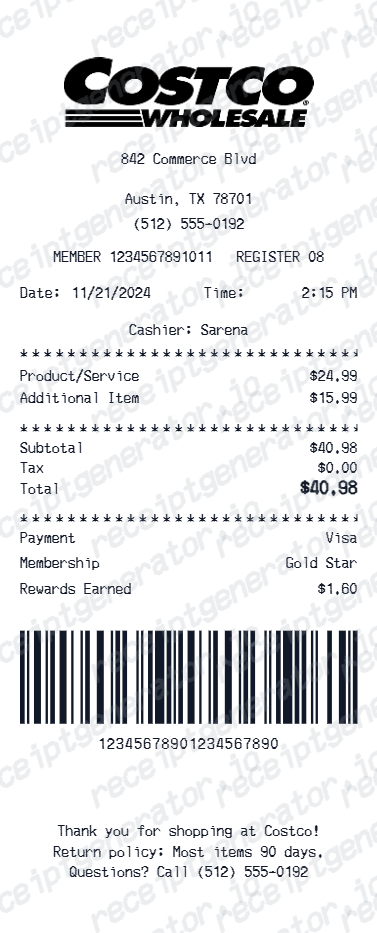
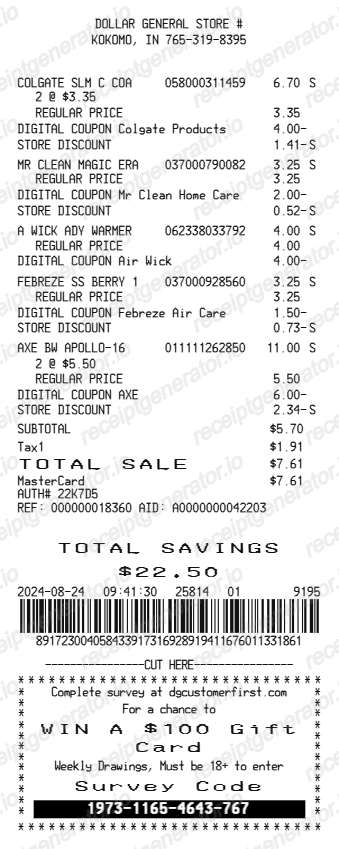
More receipt examples showing the format, fields, and layout of popular grocery and discount retail receipts.
ALDI Receipt Example FAQ
Common questions about what an ALDI receipt looks like, why there is no loyalty program, what ALDI Finds are, and how to download or recreate one.
An ALDI receipt shows the store number and address at the top, followed by each item with the ALDI-brand product name (such as Simply Nature or Kirkwood), the quantity, price per item, and a tax code indicator. The bottom of the receipt shows the item count, subtotal, applicable sales tax, total, and the payment method used. ALDI does not have a loyalty program, so there are no points or rewards printed on the receipt.
ALDI Finds are limited-time special buy items that appear in the middle aisle each week and are available only while supplies last. They appear on the receipt with a standard item name and price, the same as regular ALDI products, with no special designation other than the item name itself.
ALDI sells primarily private-label products under its own brand names, including Simply Nature (organic and natural items), Specially Selected (premium foods), Kirkwood (poultry), Never Any! (antibiotic-free meats), Elevation (nutrition), and Clancy's (snacks). These brand names appear on the receipt instead of national brand names.
Add the store name, purchase date, line items, totals, tax, payment method, and any optional notes you need on your ALDI Receipt Example template.
No. ALDI does not operate a loyalty program, rewards card, or points system, so ALDI receipts have no points earned, rewards balance, or membership number. The simple receipt format reflects ALDI's low-cost business model, which avoids loyalty program overhead to keep prices down.
ALDI uses a quarter cart deposit system — you insert a quarter coin to unlock a cart and retrieve it when you return the cart to the corral. This eliminates the need for dedicated cart-return employees, which helps keep operating costs and prices low. The quarter is fully refundable and does not appear as a charge on the receipt.
Use the ALDI Receipt Generator to enter your store number, item names, quantities, prices, item count, subtotal, tax, and payment method. Preview and export a PDF that matches the standard ALDI grocery receipt format.
Both. You can use these templates for reimbursements, bookkeeping prep, and internal documentation workflows.
Receipt Generator · Receipt Maker · 200+ Free Templates
Need to recreate an ALDI receipt?
Use the editable ALDI Receipt Generator to enter your store number, item names, quantities, prices, tax, and payment information, then export a clean PDF.