Free Grocery Receipt Generator
Create Free Grocery Store Receipts Online - Add Items, Loyalty Savings & EBT. Download PDF Instantly.
Create a grocery receipt with items, savings, tax, and payment details. Download a PDF for budgeting, records, or reimbursement support.

Choose
Grocery Receipt selected

Customize
Fill in your details

Download
Save or share receipt
Edit the details once and the preview updates instantly.

Quick summary
Grocery Receipt template overview
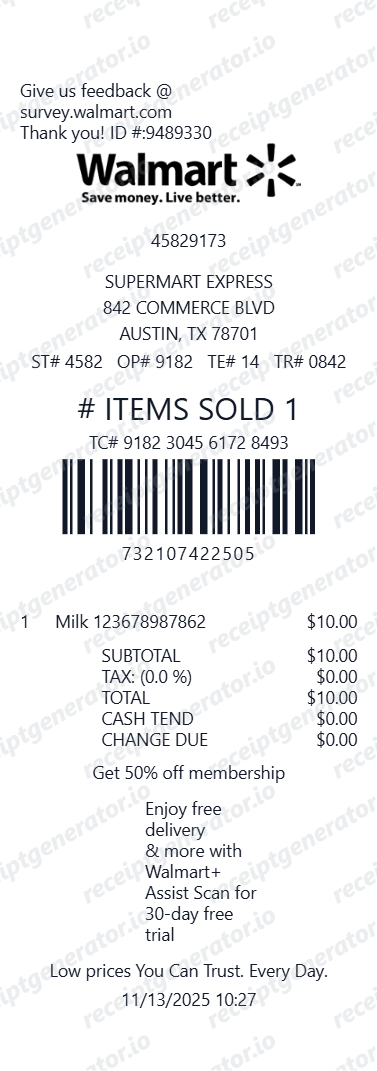
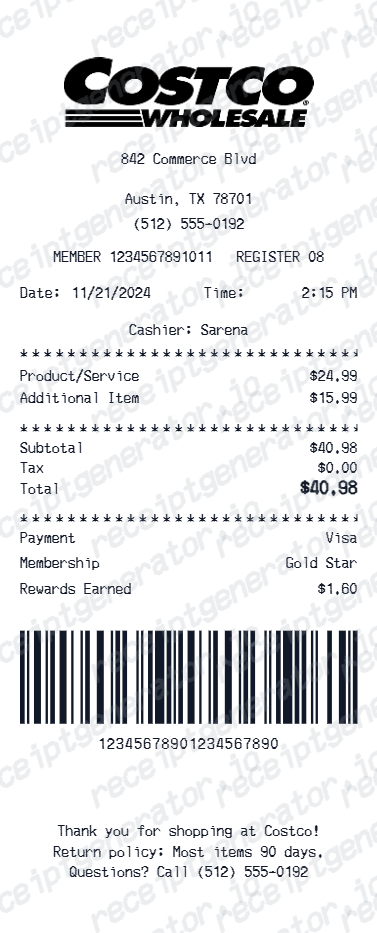
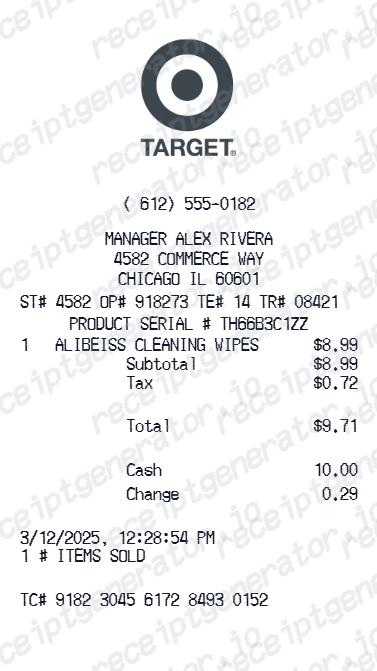
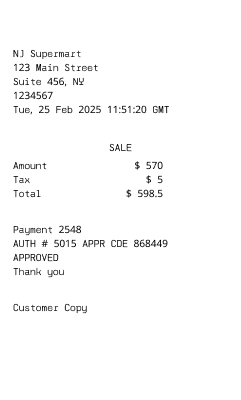
Use this Grocery Receipt template to build a clean, editable receipt record with the merchant, date, line items, tax, totals, and payment details already laid out for faster review.
What Is on a Real Grocery Store Receipt?
Before you rebuild a grocery receipt, it helps to know what supermarket registers actually print. Grocery receipts share a common anatomy across chains, and a credible replacement copy should match it field for field.
PLU codes on weighed produce
Loose fruits and vegetables ring up under 4- or 5-digit PLU codes - the same numbering system across stores - and organic produce uses a 5-digit code starting with 9. The line prints the weight and the price per pound alongside the total.
Per-item tax flags
Most registers print a letter or symbol next to each price marking it taxable or exempt, because many states exempt basic groceries while taxing prepared food and non-food items. The tax line at the bottom only covers the flagged items.
Loyalty savings as negative lines
Card and digital coupon discounts print as negative amounts directly under the item they apply to, and many chains total them in a 'you saved' summary near the bottom of the receipt.
EBT/SNAP split payments
When EBT pays part of the order, the receipt separates SNAP-eligible items from the rest, shows the EBT amount as its own payment line, and prints the remaining balance charged to cash or card.
Abbreviated item descriptions
Register systems truncate product names to fit the tape, so real grocery receipts read as short uppercase abbreviations rather than full product titles.
Store, lane, and transaction footer
The bottom of the receipt identifies the store number, checkout lane or register, cashier, and a transaction number, often followed by a survey invitation - the details service desks use to find the purchase again.
Print-ready grocery receipts
Edit the layout, watch it update live, then print, download PDF, or email.
Live grocery receipt preview
Watch the receipt update as you add items and savings.
One-click print
Print your grocery receipt from the browser.
Download as PDF
Export a clean grocery receipt PDF for records.
Mobile-friendly editor
Create grocery receipts from any device.
Get Your Original Grocery Receipt First
Check the store's app or loyalty account first - most major supermarket chains store digital receipts for purchases made while signed in or identified at checkout. If there is no loyalty link, take the payment card to the customer service desk with the approximate date and time, and many stores can locate the card transaction and reprint the receipt. Use this template when the original is unavailable - a cash purchase, no loyalty account, or a store that cannot retrieve the transaction.
Monthly grocery budget tracking
Track grocery purchases and loyalty savings with itemized receipts.
Food donation documentation
Create grocery receipts for charitable food donation tax deduction records.
Insurance food spoilage claim
Create grocery receipts for food spoilage insurance claim submissions.
Household expense reporting
Submit grocery receipts for household or business food expense reimbursement.
Grocery Receipt Types
Choose the grocery receipt format for your supermarket shopping.
Standard Grocery Receipt
Grocery store receipt for a full shopping cart with food and non-food items.
EBT/SNAP Grocery Receipt
Grocery receipt with EBT-eligible items and SNAP payment.
Organic & Natural Food Receipt
Grocery receipt for organic, natural, and specialty food items.
Receipt Guides
Read the supporting grocery guides to recover receipts, handle reimbursement records, and create cleaner supermarket purchase documentation.
Related Templates
Browse our collection of receipt templates for various purposes.
Grocery Receipt FAQ - Supermarket & Food Store Documentation
Learn how to create grocery store receipts with food items, loyalty savings, EBT, and PDF export for expense tracking and grocery documentation.
Choose the grocery receipt template, add store name, grocery items, quantities, prices, loyalty savings, coupons, taxes, and payment method. Preview and download as PDF instantly.
Yes. Mark individual food items as tax-exempt (food) or taxable (prepared food, non-food items) - tax calculates accurately based on your settings.
Yes. Download a clean grocery receipt PDF for expense reporting, insurance claims, donation records, or personal budget tracking.
A real supermarket receipt shows the store name, address, and phone at the top, item lines with abbreviated names, weighed produce printed with the weight and price per pound rung up under a 4- or 5-digit PLU code, per-item tax flags marking taxable versus tax-exempt food, loyalty and coupon savings as negative lines often with a total savings summary, the payment method including any EBT/SNAP split, and store, lane, cashier, and transaction numbers in the footer.
Add the store name, purchase date, line items, totals, tax, payment method, and any optional notes you need on your Free Grocery template.
Yes. Add store loyalty card discount, digital coupon savings, and manufacturer coupons as deduction line items.
Yes. Add EBT/SNAP eligible items and show EBT payment as a separate payment line - matching standard grocery store receipt format.
Start with the store's loyalty app or account - most major chains keep digital receipts there for purchases made while signed in or identified at checkout. Otherwise, visit the customer service desk with the payment card and the approximate date and time; many supermarket POS systems can locate a card transaction and reprint the receipt. Cash purchases without a loyalty ID usually cannot be recovered. See our full guide for a complete step-by-step walkthrough.
Policies vary by chain, but most grocery stores can look up the purchase through your loyalty account or the payment card, and many will offer an exchange or store credit for no-receipt returns. Perishable items are often refunded under satisfaction guarantees without the item being restocked. Check the specific store's policy, since limits and ID requirements differ.
Receipt Generator · Receipt Maker · 300+ Free Templates
Create professional receipts online in seconds
Use the Receipt Generator editor with ready-made templates. Compare pricing or start generating print-ready PDF receipts in your browser no account required.