Avis Receipt Example
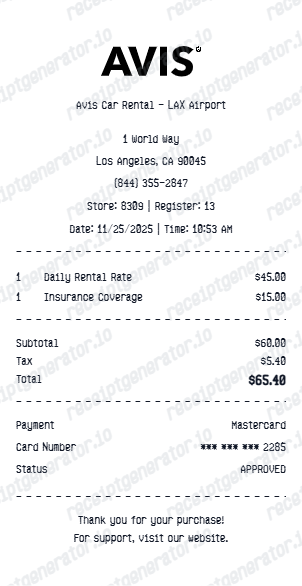
See exactly what an Avis receipt looks like — rental agreement number, pickup and return location, vehicle class, rental days, base rate, additional driver fee, GPS or child seat add-ons, fuel service charge, Avis Preferred points, tax, and total. Use the editable template to recreate or customize one.
See what a real Avis receipt looks like with all fields explained — rental agreement number, pickup and return location, vehicle class, rental days, base rate, additional driver fee, GPS or child seat add-ons, fuel service charge, Avis Preferred points earned, tax, and total. Use the editable template to recreate an Avis receipt.

Choose
Avis Receipt Example selected

Customize
Fill in your details

Download
Save or share receipt
Edit the details once and the preview updates instantly.
Quick summary
Avis receipt example overview
A standard Avis rental receipt includes the rental agreement number, pickup and return location and dates, vehicle class and model, odometer readings, daily base rate and add-on charges, fuel service charge, taxes, total, Avis Preferred points, and payment method.
What's on an Avis Receipt?
An Avis rental car receipt is a detailed itemized document covering all charges for the rental period. Understanding each section helps you verify daily rates, add-on fees, and taxes or recreate a receipt when the original is missing.
Rental header
Avis logo, rental agreement number, renter name, pickup and return branch location, and branch address and phone number.
Rental period and vehicle
Pickup and return dates and times, total rental days, vehicle class (economy, midsize, full-size, SUV), make and model, license plate, and odometer in and out readings.
Base rate and optional add-ons
Daily base rate multiplied by rental days, collision damage waiver (CDW), personal accident and effects insurance (PAE), additional driver fee per day, GPS navigator rental, and child or infant seat rental.
Fuel and recovery fees
Fuel service charge per gallon if vehicle returned without a full tank, airport concession recovery fee (percentage of time and mileage charges), and vehicle license cost recovery fee.
Taxes, total, and Avis Preferred points
State and local taxes itemized, grand total, payment method with masked card number, and Avis Preferred points earned on qualifying rental charges.
See what an Avis receipt looks like
Edit the layout, watch it update live, then print, download PDF, or email.
See a real Avis receipt format
Preview a complete Avis rental receipt with rental agreement number, vehicle class, itemized add-ons, fuel service charge, taxes, Avis Preferred points, and payment.
Editable field-by-field
Edit any field in the Avis receipt example — rental agreement number, vehicle, dates, daily rate, add-on charges, fuel service charge, taxes, and payment — to match your actual rental.
Download as PDF
Export the completed Avis receipt example as a clean PDF for travel expense records, corporate reimbursement, or personal records.
Mobile-friendly editor
View and edit the Avis receipt example from desktop, tablet, or phone without installing any software.
Looking for an Avis Receipt Example?
This Avis receipt example shows the standard format — rental agreement number, vehicle details, daily base rate, optional add-ons, fuel service charge, taxes, Avis Preferred points, and payment. Use the generator to build your own.
Verify a receipt format
Use this Avis receipt example to check that a rental receipt has the correct rental agreement number, daily rate, add-on charges, and tax breakdown.
Understand receipt fields
Learn what the CDW charge, additional driver fee, airport concession recovery fee, fuel service charge, and Avis Preferred points mean on an Avis receipt.
Recreate a lost Avis receipt
Use the receipt example as a reference to fill in the generator with your rental agreement number, vehicle details, add-on charges, fuel charges, and taxes when the original is missing.
Business travel expense records
Use an Avis receipt example as a reference when documenting car rental charges for corporate travel reimbursement or tax deduction records.
Avis Receipt Formats
Avis rental receipts follow the same detailed itemized format across all vehicle classes, with loyalty points and corporate account details added for qualifying rentals.
Standard Avis Rental Receipt
An Avis receipt with rental agreement number, vehicle class and model, rental period, daily base rate, optional add-on charges, fuel service charge, taxes, and total.
Avis Preferred Member Receipt
An Avis receipt for Preferred loyalty members showing Avis Preferred points earned on qualifying rental charges and accumulated points balance.
Avis Corporate Account Receipt
An Avis receipt for corporate rental accounts showing negotiated contract rate, business account number, and any corporate discount applied.
Rental Car Receipt Guides
Read supporting guides for rental car receipts, travel reimbursement records, and expense documentation.
Restaurant Receipt for Reimbursement
See what expense teams require from travel receipts for reimbursement approval and which fields must be present.
Read guideLost Restaurant Receipt
How to recover or recreate a receipt when the original is lost or was never saved.
Read guideRestaurant Receipt for Taxes
Review what receipt fields are needed for business travel and vehicle expense tax deductions.
Read guideRental Car Receipt Lookup
Learn where rental-car receipts usually come from and which billing details matter most.
Read guideRental Car Receipt for Reimbursement
See what finance teams usually need from a rental-car receipt.
Read guideRental Car Receipt vs Invoice
Understand when a rental-car invoice is more useful than a receipt and vice versa.
Read guideRelated Other Receipt Templates
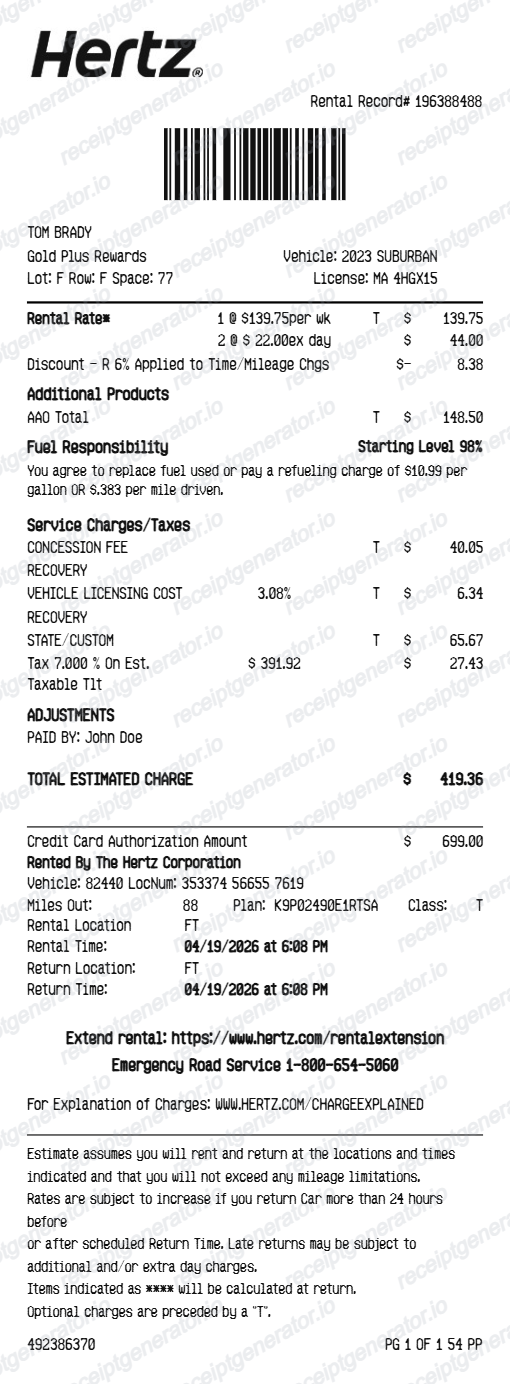
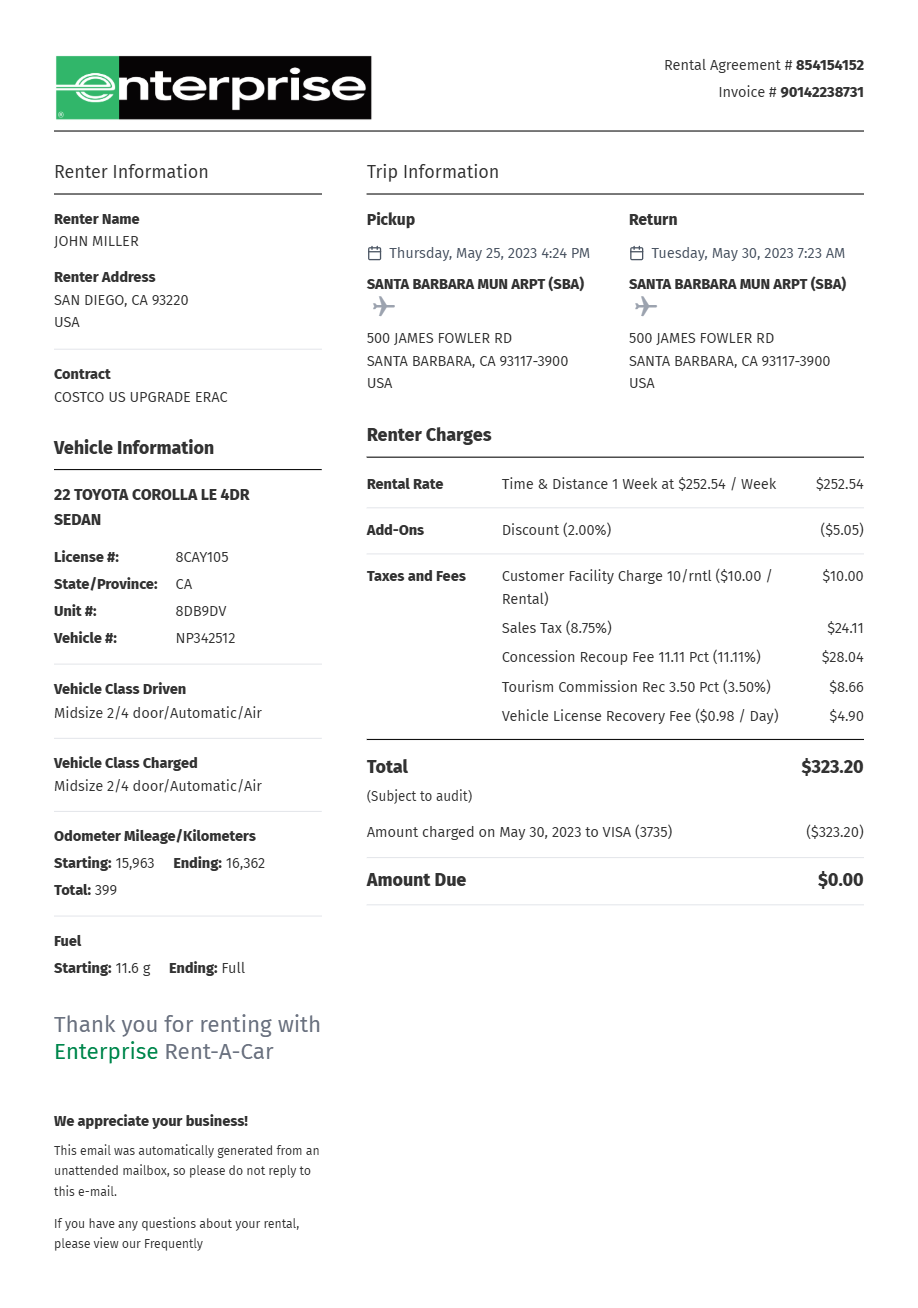
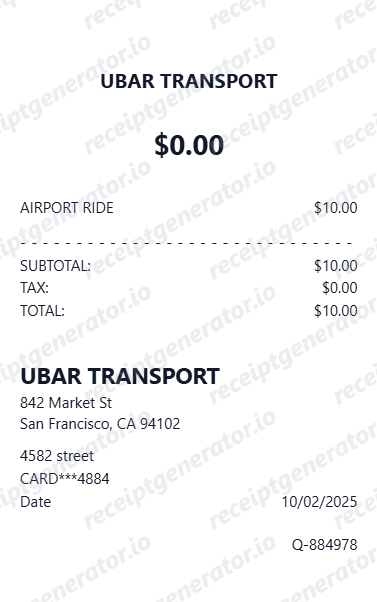
More receipt examples showing the format, fields, and layout of popular rental car and rideshare receipts.
Avis Receipt Example FAQ
Common questions about what an Avis receipt looks like, what the rental agreement number and fuel service charge mean, what Avis Preferred points are, and how to recover or recreate one.
An Avis receipt shows the rental agreement number, pickup and return branch location and dates and times, vehicle class and model, odometer readings, daily base rate and total rental days charge, optional add-ons (collision damage waiver, personal accident and effects insurance, additional driver fee, GPS, child seat), fuel service charge if applicable, airport or concession recovery fee, taxes, total, Avis Preferred points earned, and payment method.
An Avis receipt includes the rental agreement number, branch location, renter name, pickup and return dates and times, vehicle make, model, and class, odometer in and out, daily rental rate and number of days, all add-on charges itemized (CDW, additional driver, GPS, child seat), fuel service charge, airport concession fee, vehicle license cost recovery, taxes, grand total, Avis Preferred points earned, and payment method with last four digits.
Yes. Avis emails rental receipts to the account email address after each return. Avis Preferred members can log in to avis.com and view past rental receipts under Rental Activity. Contact your return branch or Avis customer service with your rental agreement number and return date to request a receipt reprint.
Add the store name, purchase date, line items, totals, tax, payment method, and any optional notes you need on your Avis Receipt Example template.
The Avis rental agreement number is the unique identifier for your rental contract, printed at the top of the receipt and on the key envelope at pickup. It is the primary reference for any post-return charges, billing disputes, or receipt reprints. Avis Preferred members can use it to look up the rental in their account history.
The Avis fuel service charge applies when the vehicle is not returned with a full tank and the renter did not prepay for a full tank of fuel. It is calculated per gallon needed to refuel the vehicle at a rate higher than the local pump price. Returning the car with a full tank eliminates this charge entirely.
Use the Avis Receipt Generator to enter the rental agreement number, pickup and return location, vehicle class, rental period, daily rate, add-on charges, fuel service charge, taxes, and Avis Preferred points. Preview and export a PDF that matches the standard Avis rental receipt format.
Both. You can use these templates for reimbursements, bookkeeping prep, and internal documentation workflows.
Receipt Generator · Receipt Maker · 200+ Free Templates
Need to recreate an Avis receipt?
Use the editable Avis Receipt Generator to enter rental agreement number, vehicle details, add-on charges, fuel service charge, taxes, and payment, then export a clean PDF.