Zepto Bill Generator
Create a Zepto-style quick-commerce grocery bill with store details and GSTIN, FSSAI licence, itemised goods, handling and delivery fees, GST, and total to pay. Preview live and download a PDF.
Create a Zepto-style grocery bill with store details, GSTIN, FSSAI, itemised goods, handling fee, delivery fee, GST, and total. Download a print-ready PDF.

Choose
Zepto Bill selected

Customize
Fill in your details

Download
Save or share receipt
Edit the details once and the preview updates instantly.
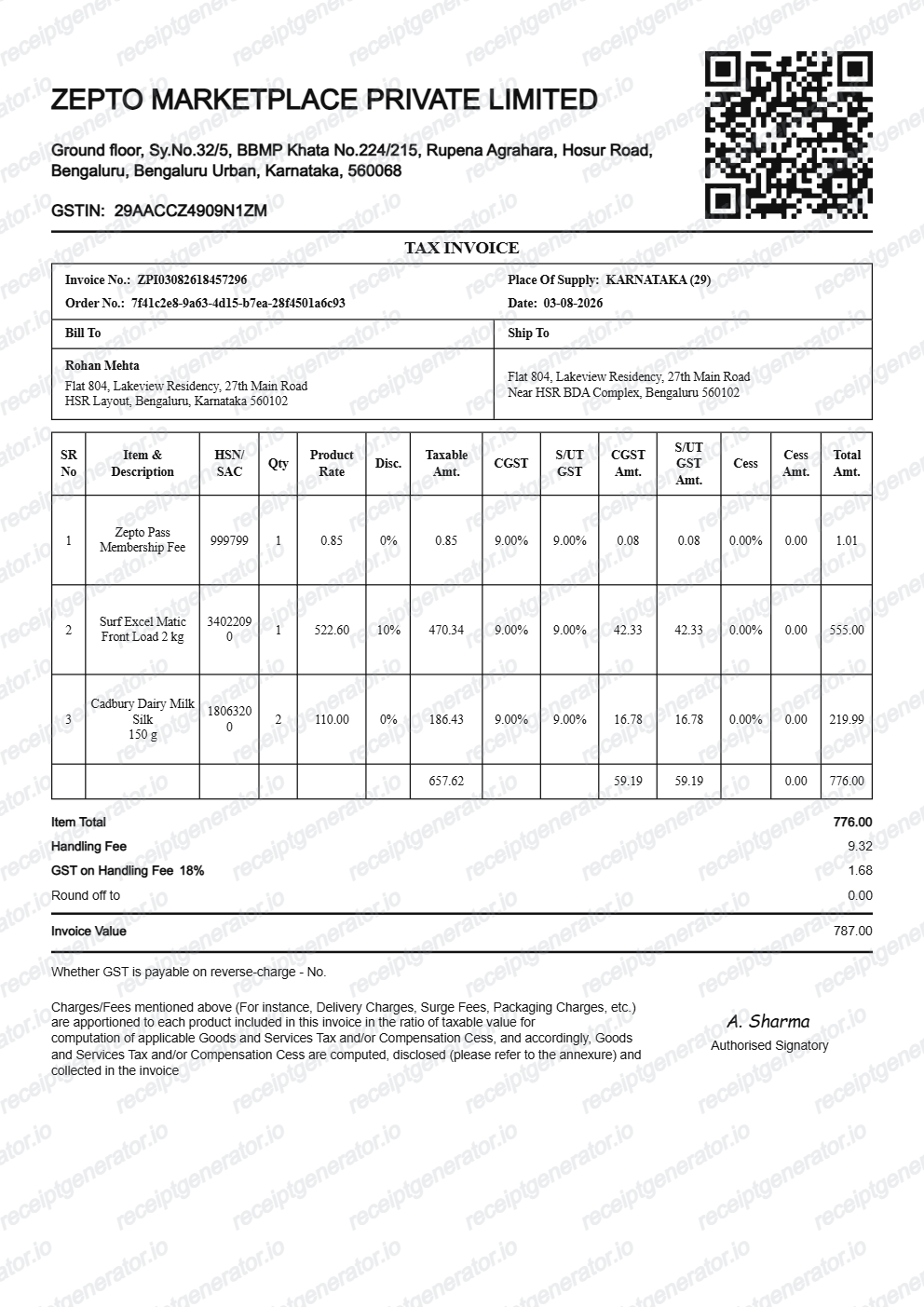
Quick summary
Zepto grocery bill template overview
Use this Zepto bill generator to create clean Indian quick-commerce receipts with editable items, handling fees, CGST/SGST splits, and order IDs.
What Is on a Real Zepto Bill?
Zepto operates as a marketplace built on 10-15 minute dark-store delivery, so its tax invoices carry a licensee seller entity, GST split, and delivery fee lines that differ from a typical supermarket receipt. These are the details that make a Zepto-style bill read as authentic.
Licensee seller entity, not Zepto
The invoice names the local dark-store licensee - names like Geddit Convenience, Drogheria Sellers, or Commodum Groceries - as the selling entity rather than Zepto itself, since Zepto operates as a marketplace connecting these licensee companies to customers.
GSTIN and FSSAI licence number
Each seller entity carries its own 15-character GSTIN and an FSSAI licence number for food safety compliance, both printed near the header - required for any registered food and grocery seller operating in India.
GST split as CGST and SGST
Tax on taxable items is shown as two equal halves - Central GST (CGST) and State GST (SGST) - rather than one combined GST line, matching the standard intra-state GST invoice format used across Indian e-commerce and quick-commerce.
Handling and delivery fee lines
Beyond the item MRP and discounts, Zepto bills commonly show separate handling fee and delivery fee lines, and sometimes a surge or peak-time delivery fee during high-demand windows - each itemised rather than folded into the item prices.
Quick-commerce delivery context
Zepto's core promise is 10-15 minute delivery from a nearby dark store, so the bill reflects a single small-basket order placed and fulfilled quickly, rather than a scheduled or bulk grocery delivery slot.
Order ID ties the bill to the app
The bill carries an order ID that matches the order shown in the Zepto app's order history, letting the bill be cross-referenced with the in-app tracking and payment record even though the seller name differs from Zepto.
Create a print-ready Zepto grocery bill
Edit the layout, watch it update live, then print, download PDF, or email.
Live quick-commerce bill preview
See the Zepto bill update in real time as you edit grocery items, handling fees, and GST rates.
Print-ready PDF export
Download an authentic Zepto order bill with Rupee (₹) amounts, licensee seller names, and FSSAI licence.
CGST / SGST intra-state split
Calculates zero-rated essential items and 5%/12%/18% tax splits for packaged goods.
Handling fee & surge pricing
Include dark-store handling fees, rain/peak delivery surcharges, and discount voucher totals.
Get Your Original Zepto Bill First
Open the Zepto app, go to Orders in your profile, and use the invoice download option on the delivered order to save the original tax invoice PDF - this preserves the correct licensee seller name, GSTIN, and GST split. Use this template only when the original is unavailable, such as a deleted account or an order placed by someone else.
Late-night pantry & office snack reimbursement
Reimburse quick-delivery food, drinks, and office supplies with an itemised bill.
Lost quick-commerce bill replacement
Recreate a Zepto bill from your UPI, GPay, or credit card payment notification.
Household grocery expense tracking
Maintain accurate itemised records of weekly and monthly 10-minute grocery runs.
Zepto Bill Formats
Choose the Zepto-style bill layout that best suits your recordkeeping or expense requirements.
Standard Quick Delivery Bill
A Zepto bill layout with grocery items, dark-store handling fee, and delivery charge.
Zepto Pass Member Bill
A bill layout showing free delivery benefits and Zepto Pass member discounts.
Tax Invoice with CGST & SGST
A formal invoice breakdown showing licensee seller GSTIN, FSSAI licence number, and tax splits.
Related Guides
Helpful guides on creating and using these invoices and bills.
Receipt guide
GST Invoice Format
The mandatory fields a GST-compliant tax invoice needs in India.
Explore GST Invoice FormatReceipt guide
How to Get a Grocery Receipt
Learn where grocery receipts usually come from and which details matter most for budgeting or reimbursement.
Explore How to Get a Grocery ReceiptRelated Templates
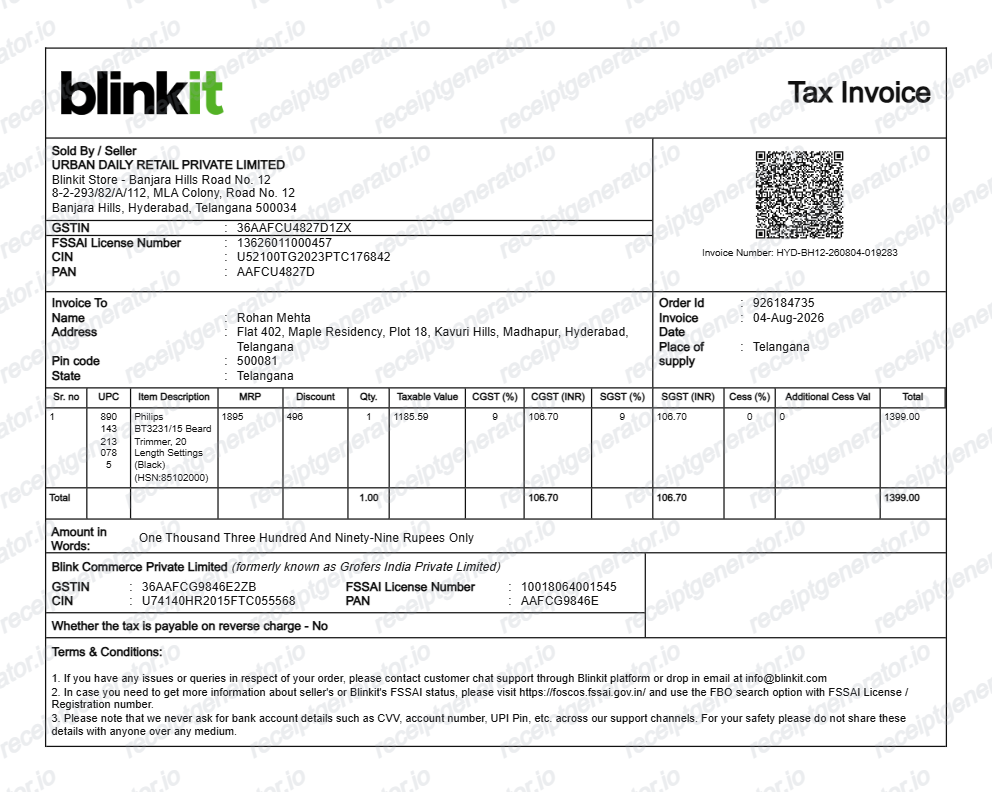
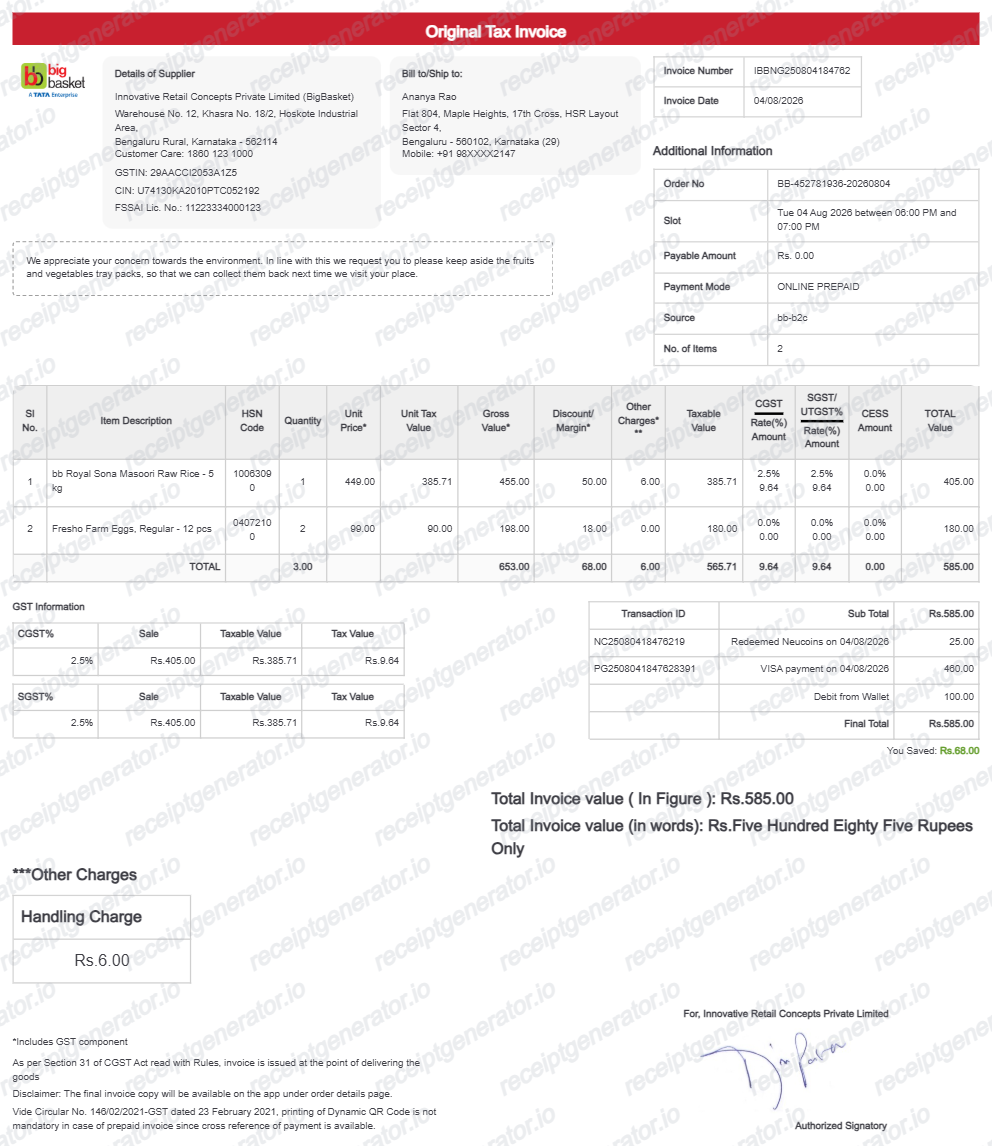
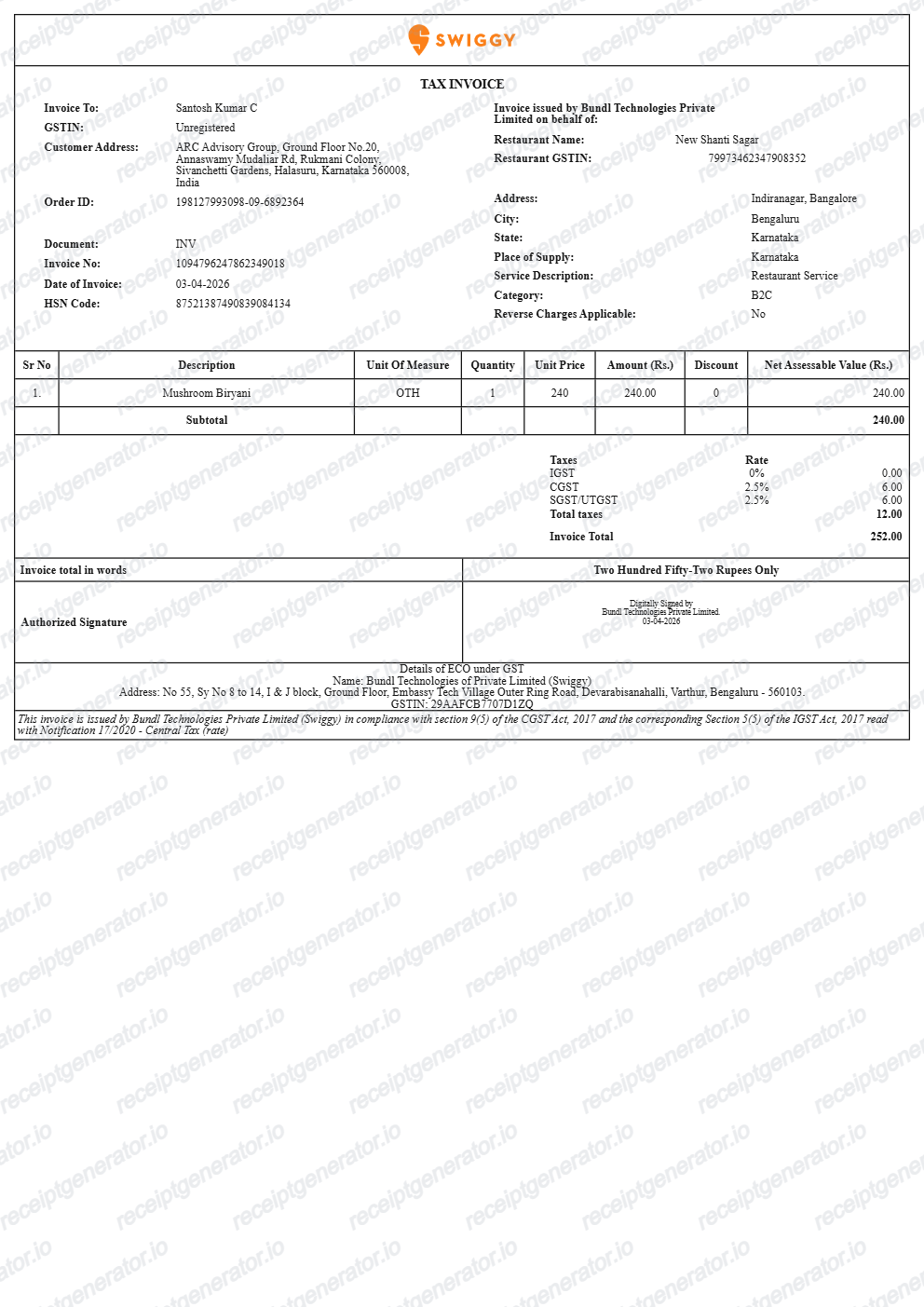
More free invoice and bill templates for Indian quick-commerce and online delivery platforms.
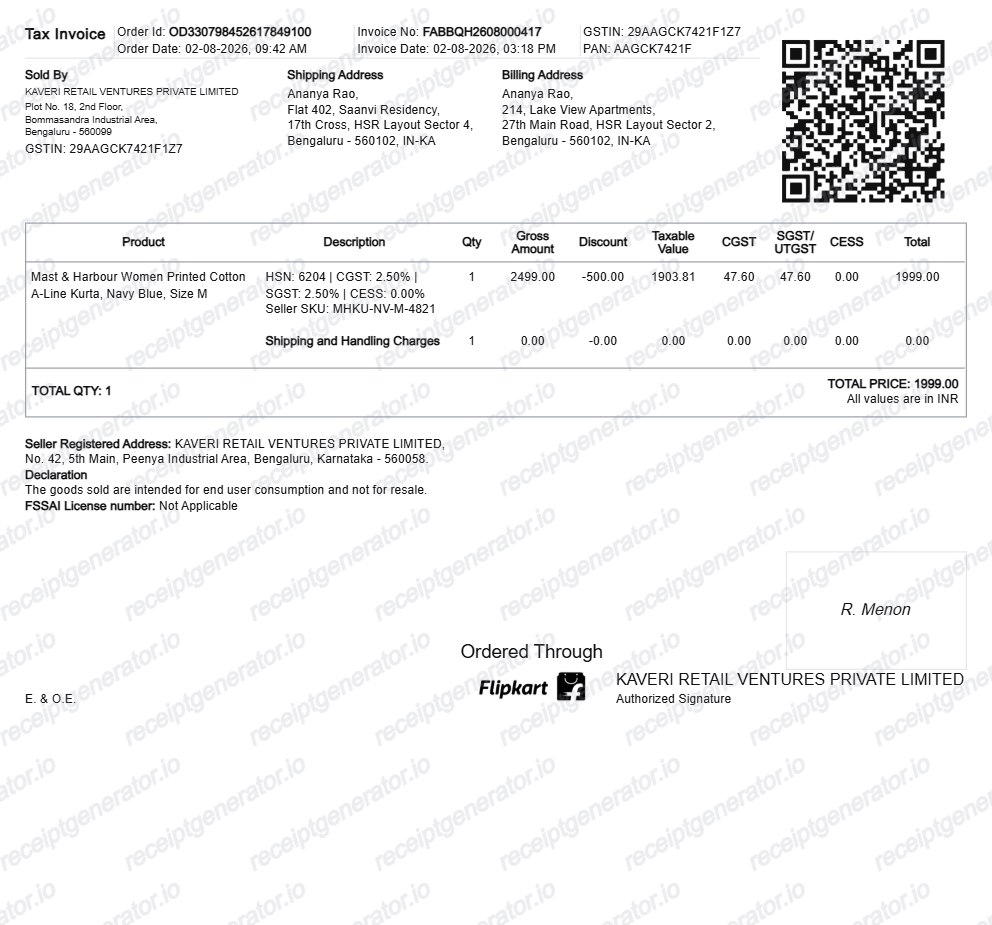
More India Receipt Templates
Browse our collection of receipt templates for various purposes.
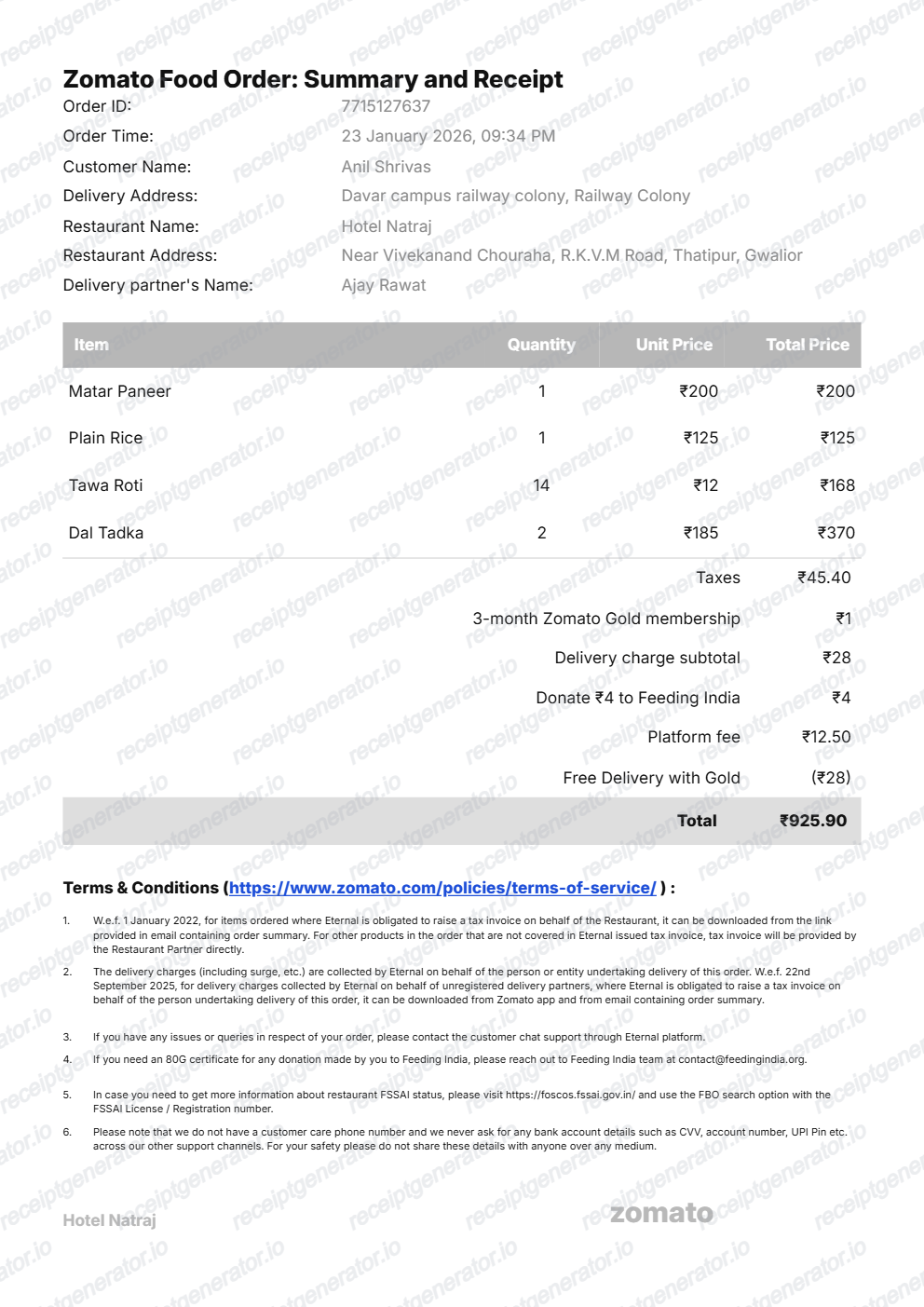
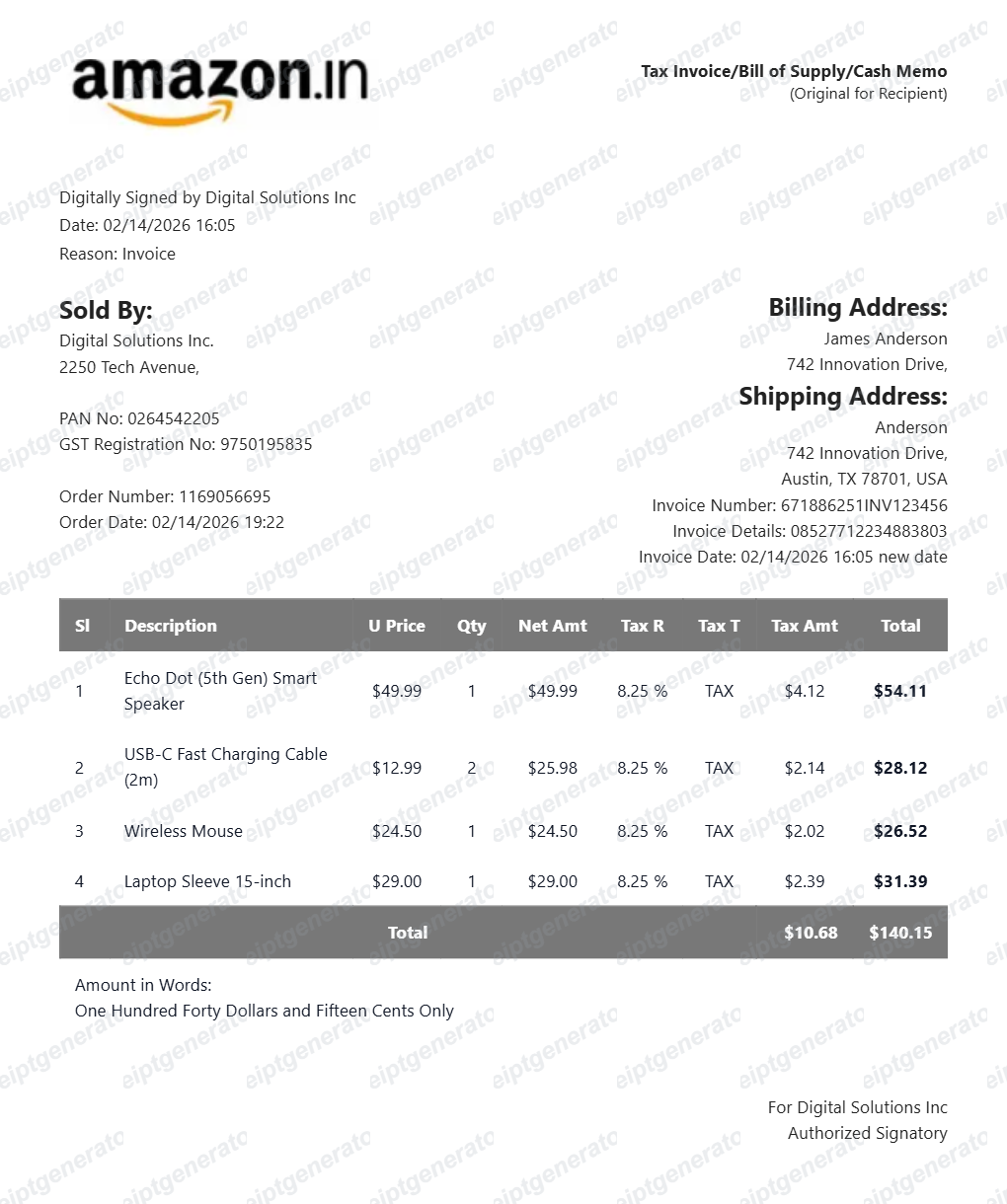

Zepto Grocery Bill FAQ
Common questions about creating and downloading a Zepto-style grocery bill.
Open the Zepto generator, edit the details, line items, charges, taxes, and total, then preview and download as a PDF.
Yes — the bill includes the GST breakdown in rupees with item MRP, discounts, and delivery/handling fees, matching Zepto's invoice layout.
Yes — one-click PDF export, free, no account needed.
A real Zepto tax invoice is issued by the licensee seller entity that runs the dark store - names like Geddit Convenience, Drogheria Sellers, or Commodum Groceries appear as the seller with a 15-character GSTIN and FSSAI licence number. Items list MRP and discounted prices with pack sizes, followed by any delivery or fee lines, a GST breakdown split as CGST and SGST, the order ID, and the total paid in rupees.
Yes. Every field — line items, charges, taxes, and totals — is editable so the document matches your order.
Yes — itemized quick-commerce bills work for household budgets and office pantry claims when the date and total match your payment record.
Open the Zepto app, go to Orders in your profile, select the delivered order, and use the invoice download option to save the tax invoice PDF. The invoice is generated per order and stays available in your order history, so even older orders can usually be retrieved as long as the account is active.
Zepto operates as a marketplace: the products are sold by licensee companies that stock the local dark store, so the invoice names that seller entity and its GSTIN rather than Zepto itself. This is normal for Indian quick-commerce - Blinkit bills work the same way - and the order ID on the bill still matches the order in your Zepto app.
Receipt Generator · Receipt Maker · 300+ Free Templates
Create your Zepto bill
Use the editable Zepto bill generator to add items, handling fees, GST rates, and delivery details, then export a clean PDF.