Sobeys Receipt Generator
Create a Sobeys-style grocery receipt with editable item rows, GST/HST summary, Scene+, and payment details. Export a clean PDF in minutes.
Create a Sobeys-style receipt with grocery items, GST/HST-inclusive totals, Scene+, payment, and footer text. Download a PDF for records.

Choose
Sobeys Receipt selected

Customize
Fill in your details

Download
Save or share receipt
Edit the details once and the preview updates instantly.
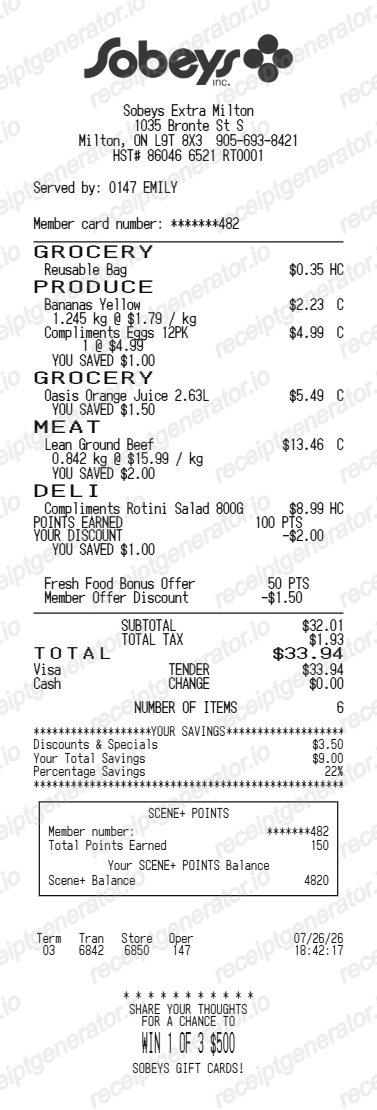
Quick summary
Sobeys receipt template overview
Use this Sobeys-style receipt template to build a compact Canada receipt with editable items, GST/HST-inclusive totals, Scene+, barcode, and footer text.
What Is on a Real Sobeys Receipt?
Sobeys receipts follow Canada's GST/HST grocery rules and carry the Scene+ loyalty program. A credible recreation should match the tax split and points format a real till slip shows.
Zero-rated basic groceries
Most basic groceries are zero-rated for GST/HST across Canada, so bread, milk, produce, and most packaged foods print with no tax. Carbonated drinks, candy, snack foods, and hot prepared or heated items are taxable and appear as separate taxed lines.
GST/HST rate by province
The tax rate on taxable items depends on the province - HST in Ontario and Atlantic Canada, GST plus provincial sales tax elsewhere - so the receipt's tax summary line reflects the store's home province rather than one national rate.
Scene+ points earned and balance
Scanning a Scene+ card or app barcode prints points earned on the visit and the updated running balance at the bottom of the receipt, alongside any Scene+ offers redeemed that trip.
Store banner and address in the header
Sobeys operates several regional banners (Sobeys, Safeway, IGA, Foodland) under one parent company, so the header names the specific store banner and address rather than a single generic head-office line.
Voila online orders get emailed receipts
In-store purchases print a paper till receipt, but Voila by Sobeys online grocery delivery orders generate an emailed order summary stored in the customer's Voila account, distinct from the in-store format.
Till metadata in the footer
The footer carries the date, time, register or till number, and a transaction reference - the details staff use to trace a sale in the till journal for a return or reprint request.
Create a print-ready Sobeys grocery receipt
Edit the layout, watch it update live, then print, download PDF, or email.
Live Sobeys receipt preview
See the Sobeys receipt update instantly as you edit items, totals, GST/HST, and messages.
PDF download
Export a clean Sobeys-style receipt PDF for digital or printed records.
Mobile-friendly editor
Create and edit Sobeys receipts from desktop, tablet, or phone.
Scene+ and GST/HST support
Customise loyalty text, GST/HST totals, barcode digits, and footer messaging.
Get Your Original Sobeys Receipt First
For in-store purchases, return to the Sobeys location with the date, time, and your card statement, and staff can usually trace the transaction in the till journal. Voila by Sobeys online orders are emailed and stored in your Voila account order history, and Scene+ points and offers are visible in the Scene+ app. Use this template when the original is unavailable - a faded thermal slip, a cash purchase, or a receipt that never made it home.
Budget tracking
Keep a clear itemised record of Sobeys spending.
Lost receipt recreation
Recreate a Sobeys receipt-style document from your purchase details.
GST/HST expense documentation
Prepare a receipt record with GST/HST for reimbursement or bookkeeping.
Sobeys Receipt Formats
Use the Sobeys-style format that best matches your recordkeeping needs.
Standard Receipt
A Sobeys-style receipt with item rows and payment details.
Scene+ Receipt
A Sobeys receipt layout with loyalty points and promotional footer messaging.
GST/HST Receipt
A Sobeys-style receipt configured with CAD currency and a GST/HST summary for Canada records.
Related Guides
Explore related guides to understand the receipt details, lookup steps, and documentation workflows.
More free receipt templates for Canada grocery shopping and retail expense records.
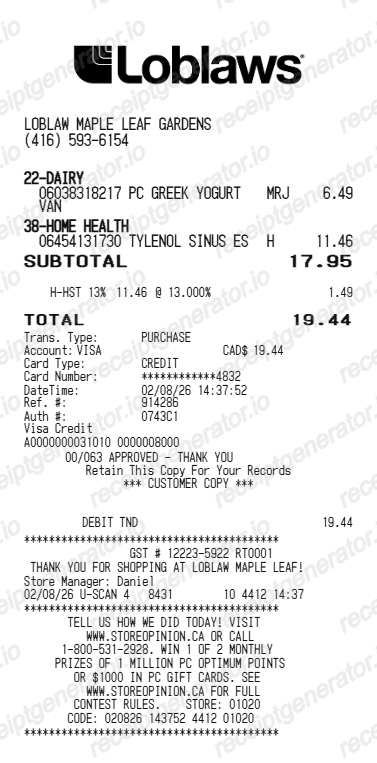
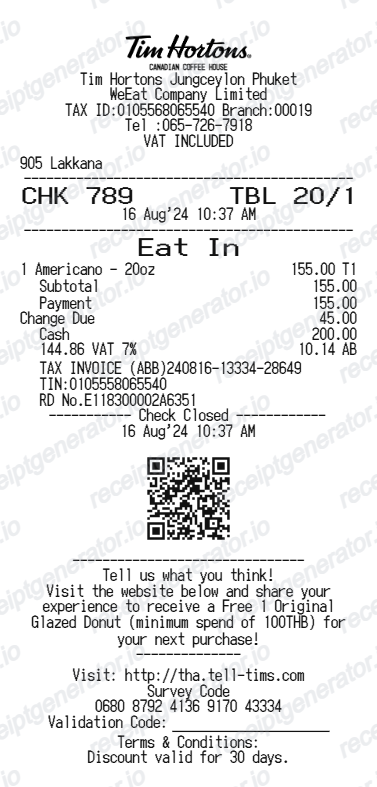
More Canada Receipt Templates
Browse our collection of receipt templates for various purposes.
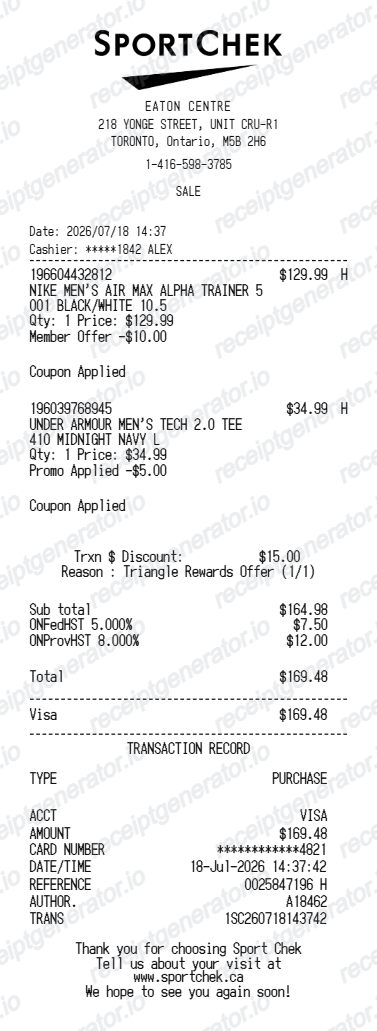
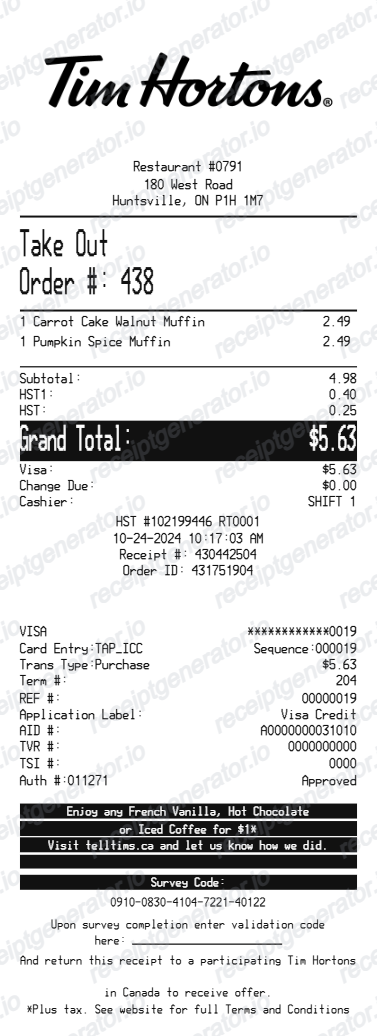
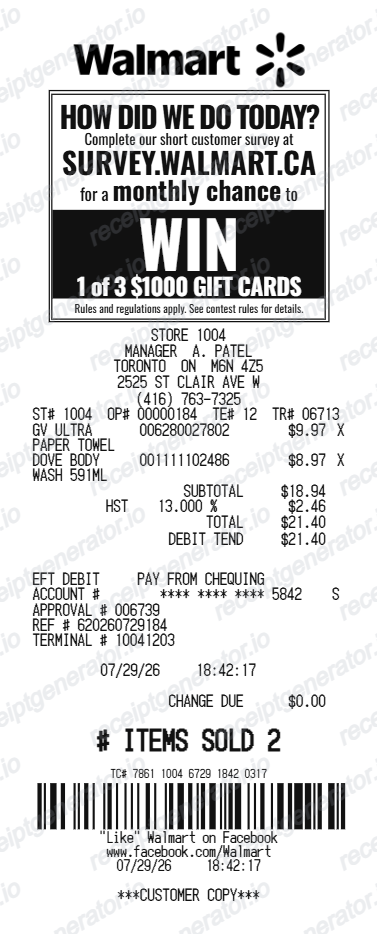
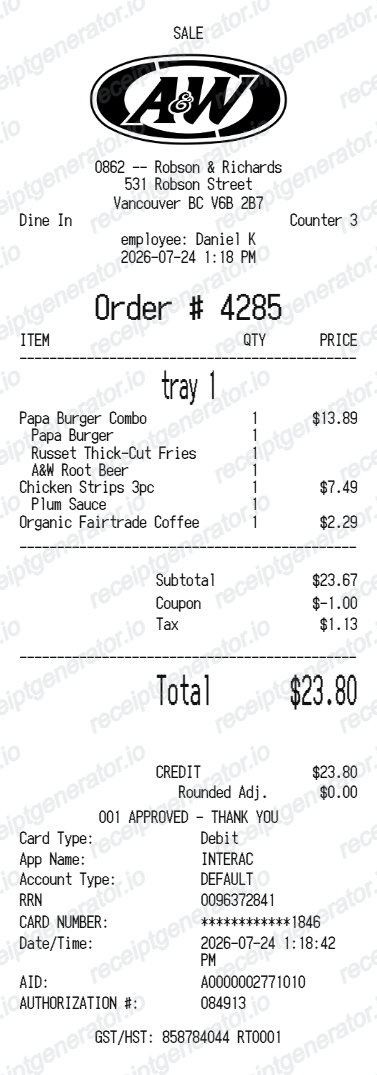
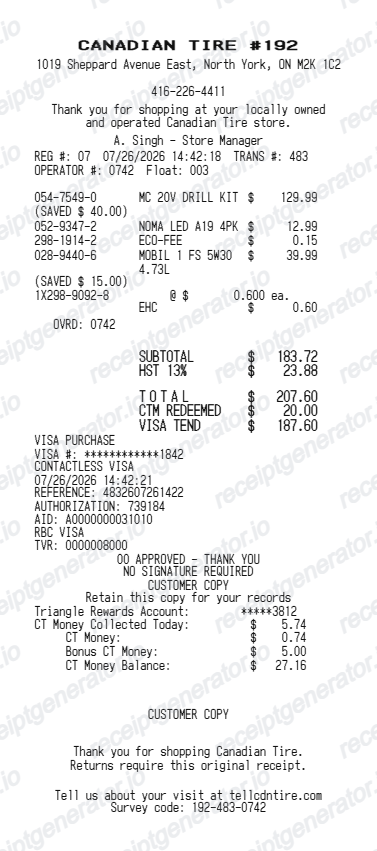
Sobeys Receipt FAQ
Common questions about creating Sobeys grocery receipts for personal records, budgeting, and GST/HST documentation in Canada.
Choose the Sobeys receipt template, edit the store header, add items and prices, set the total and GST/HST, then download the receipt as a PDF.
Yes. Store name, items, prices, scene+, barcode digits, and footer text are all editable in the builder.
Yes. You can create and preview Sobeys receipts for free. Watermark-free PDF downloads are available with paid plans.
Sobeys does not offer a central online archive for in-store till receipts - return to the store with the date, time, and your card statement, and staff can usually trace the transaction. Voila by Sobeys online grocery orders are different: the receipt-style order summary is emailed and stored in your Voila account order history, and Scene+ points earned on a purchase are also visible in the Scene+ app.
Most basic groceries are zero-rated for GST/HST in Canada, meaning no tax applies - but carbonated drinks, candy, snack foods, and hot prepared items are taxable. A real Sobeys receipt reflects this split, so the GST/HST total is usually a small fraction of the basket rather than tax on every line.
Yes. The totals section includes a GST/HST-inclusive total to match the format on Canada Sobeys receipts.
Yes. The Sobeys receipt template is configured with the $ symbol and GST/HST-style Canada receipt details.
Yes. After editing the details, preview and download the Sobeys-style receipt as a clean PDF for records or budgeting.
A real Sobeys receipt shows the specific store location and address, item lines with prices, a GST/HST summary (zero-rated basic groceries are marked separately from taxable items like snack foods, candy, and prepared hot food), the payment method, and a Scene+ section showing points earned and the running points balance.
Receipt Generator · Receipt Maker · 300+ Free Templates
Create your Sobeys receipt
Use the editable Sobeys receipt generator to add items, GST/HST totals, loyalty text, and barcode details, then export a clean PDF.