Loblaws Receipt Generator
Create a Loblaws-style grocery receipt with editable item rows, GST/HST summary, PC Optimum, and payment details. Export a clean PDF in minutes.
Create a Loblaws-style receipt with grocery items, GST/HST-inclusive totals, PC Optimum, payment, and footer text. Download a PDF for records.

Choose
Loblaws Receipt selected

Customize
Fill in your details

Download
Save or share receipt
Edit the details once and the preview updates instantly.
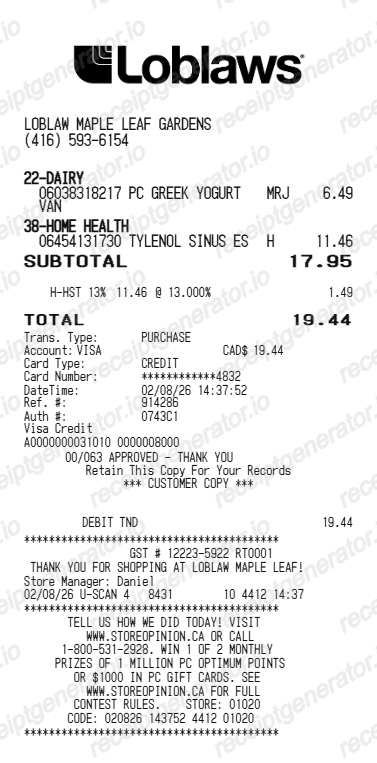
Quick summary
Loblaws receipt template overview
Use this Loblaws-style receipt template to build a compact Canada receipt with editable items, GST/HST-inclusive totals, PC Optimum, barcode, and footer text.
What Is on a Real Loblaws Receipt?
Loblaws receipts combine Canada's grocery tax rules with the PC Optimum loyalty program, and both leave visible marks on the printout. Here is what the original contains.
PC Optimum points at the bottom
When a PC Optimum card or app is scanned, the receipt footer summarizes the points earned on the trip - from base offers, personalized offers, and in-store promotions - so shoppers can check their earn without opening the app. Points are worth $10 per 10,000 when redeemed.
Basic groceries are tax-free
Canada zero-rates basic groceries for GST/HST, so milk, bread, produce, and most staples carry no tax. Taxable items like snack foods, soft drinks, and prepared meals are flagged with a tax code letter on the item line, and only those items feed the tax total.
GST/HST by province
The tax line depends on the province: HST in Ontario and the Atlantic provinces, GST plus PST in provinces like BC and Saskatchewan, and GST only in Alberta. Receipts for taxable sales also show the company's GST/HST registration number.
Deposit and enviro fee lines
Provincial container deposits on drinks, recycling or enviro fees on certain products, and charges for shopping bags print as separate lines outside the item prices, and they differ from province to province.
Weighted produce with unit pricing
Produce sold by weight prints the weight and price per kilogram or pound on the line, so fresh items look different from fixed-price grocery rows.
Store and lane footer
The footer identifies the store number and location, the lane (register), cashier, date and time, and a transaction number with a barcode used at customer service for returns and price adjustments.
Create a print-ready Loblaws grocery receipt
Edit the layout, watch it update live, then print, download PDF, or email.
Live Loblaws receipt preview
See the Loblaws receipt update instantly as you edit items, totals, GST/HST, and messages.
PDF download
Export a clean Loblaws-style receipt PDF for digital or printed records.
Mobile-friendly editor
Create and edit Loblaws receipts from desktop, tablet, or phone.
PC Optimum and GST/HST support
Customise loyalty text, GST/HST totals, barcode digits, and footer messaging.
Get Your Original Loblaws Receipt First
If you scanned your PC Optimum card at checkout, open the PC Optimum app or website and check your account activity - point-earning transactions are recorded there, and stores that offer digital receipts store the full receipt against your account. Customer service at the store can also help trace a recent purchase with the date, lane, and payment card. Use this template when the original is unavailable - no loyalty card was scanned, the paper receipt is lost, or the thermal print has faded.
Budget tracking
Keep a clear itemised record of Loblaws spending.
Lost receipt recreation
Recreate a Loblaws receipt-style document from your purchase details.
GST/HST expense documentation
Prepare a receipt record with GST/HST for reimbursement or bookkeeping.
Loblaws Receipt Formats
Use the Loblaws-style format that best matches your recordkeeping needs.
Standard Receipt
A Loblaws-style receipt with item rows and payment details.
PC Optimum Receipt
A Loblaws receipt layout with loyalty points and promotional footer messaging.
GST/HST Receipt
A Loblaws-style receipt configured with CAD currency and a GST/HST summary for Canada records.
Related Guides
Explore related guides to understand the receipt details, lookup steps, and documentation workflows.
More free receipt templates for Canada grocery shopping and retail expense records.
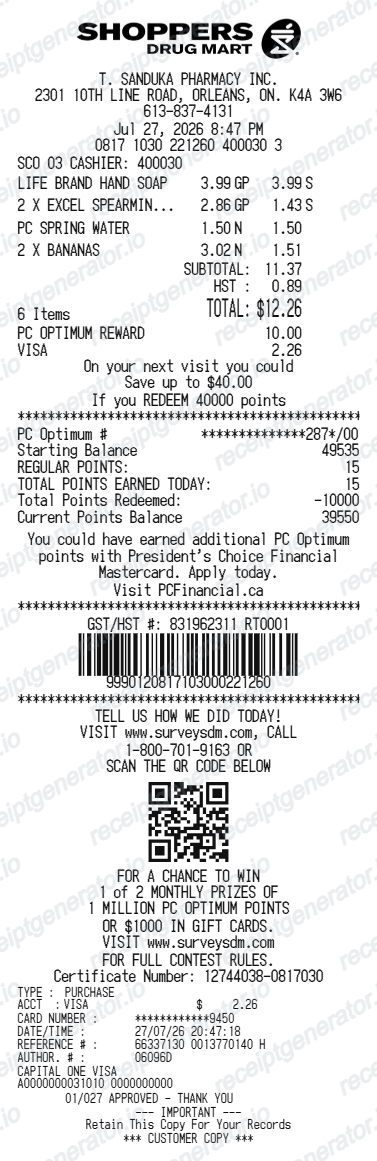
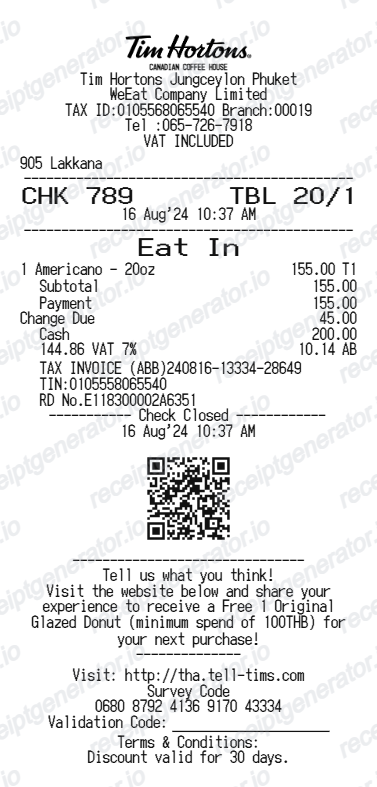
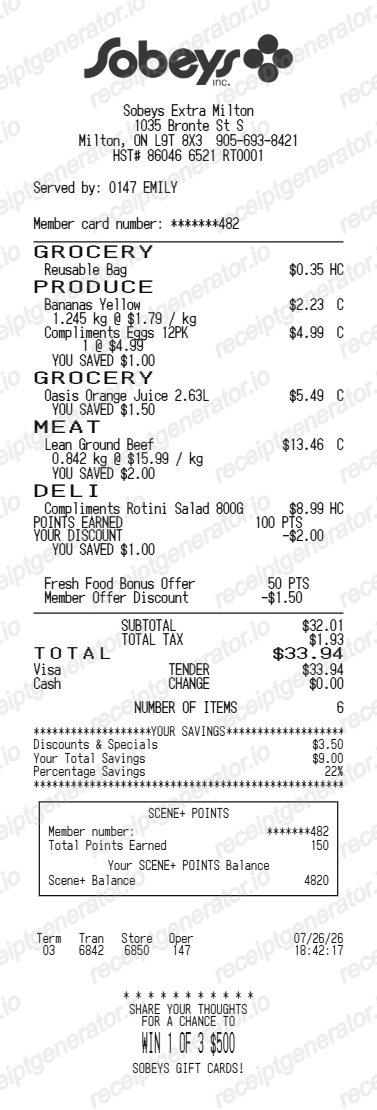
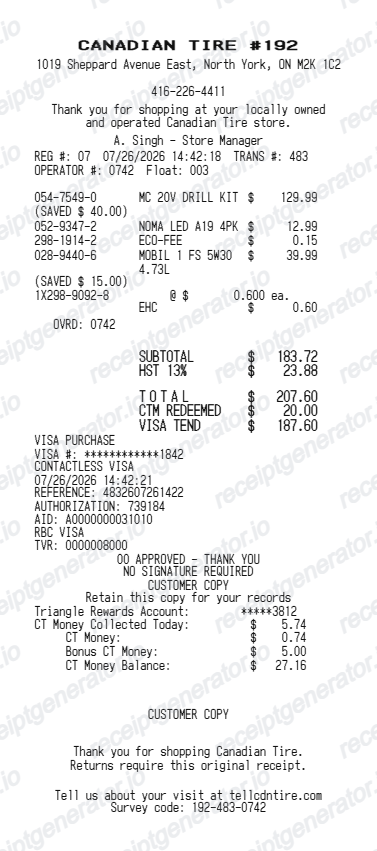
More Canada Receipt Templates
Browse our collection of receipt templates for various purposes.
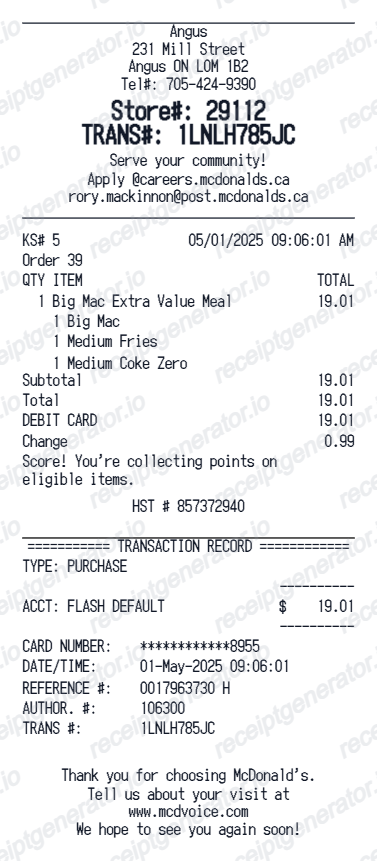
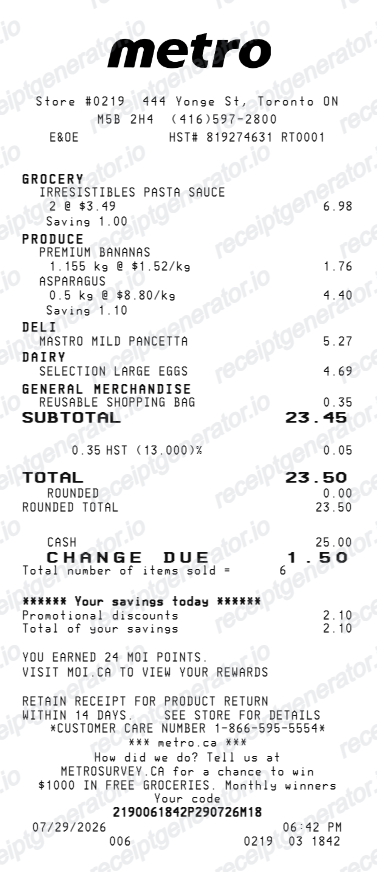
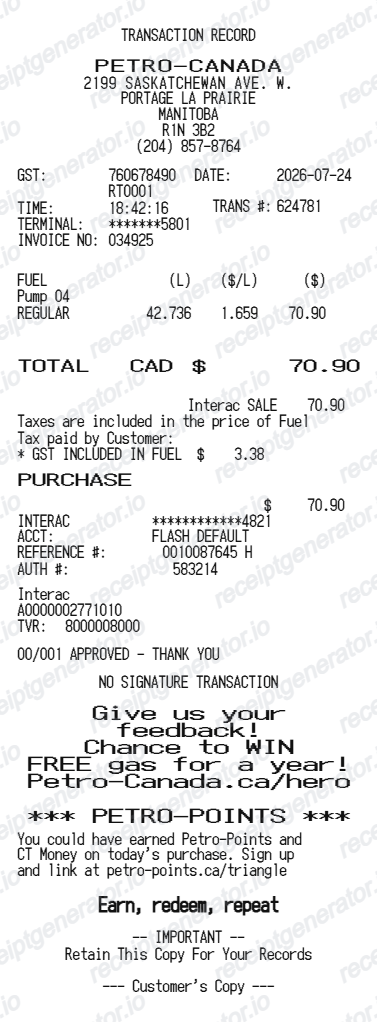
Loblaws Receipt FAQ
Common questions about creating Loblaws grocery receipts for personal records, budgeting, and GST/HST documentation in Canada.
Choose the Loblaws receipt template, edit the store header, add items and prices, set the total and GST/HST, then download the receipt as a PDF.
Yes. You can create and preview Loblaws receipts for free. Watermark-free PDF downloads are available with paid plans.
If you scanned your PC Optimum card, sign in to the PC Optimum app or website and review your account activity - transactions that earned points are recorded there, and stores with digital receipts keep the itemized copy against your account. Otherwise, visit the store's customer service desk with the purchase date and the card you paid with so staff can look up the transaction.
Because Canada zero-rates basic groceries for GST/HST. Staples like milk, bread, eggs, meat, and produce are tax-free nationwide, so tax only applies to items like snack foods, soft drinks, prepared meals, and non-food products - the ones flagged with a tax code on the receipt. That is why a large grocery order can show only a small tax amount.
Yes. The totals section includes a GST/HST-inclusive total to match the format on Canada Loblaws receipts.
Yes. After editing the details, preview and download the Loblaws-style receipt as a clean PDF for records or budgeting.
A real Loblaws receipt shows the store location, item lines with tax code flags on taxable products, weighted produce with unit pricing, any deposit or enviro fee lines, a GST/HST line that reflects the province (with the GST/HST registration number on taxable sales), the payment method, and a footer with the lane, cashier, transaction number, barcode, and a PC Optimum points summary.
Receipt Generator · Receipt Maker · 300+ Free Templates
Create your Loblaws receipt
Use the editable Loblaws receipt generator to add items, GST/HST totals, loyalty text, and barcode details, then export a clean PDF.