Equinox Receipt Generator
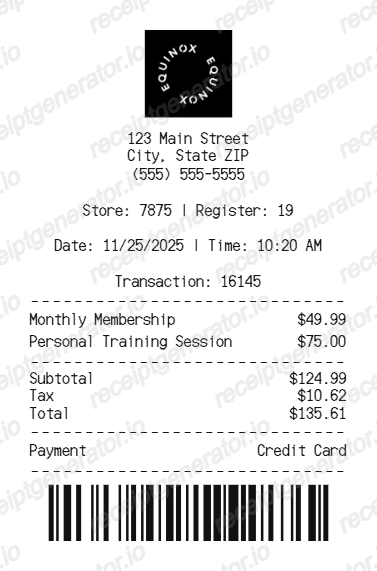
Create an Equinox-style receipt with logo, store details, membership services, totals, payment method, and barcode.
Create an editable Equinox-style receipt with club details, service rows, subtotal, tax, total, payment method, and barcode.

Choose
Equinox Receipt selected

Customize
Fill in your details

Download
Save or share receipt
Edit the details once and the preview updates instantly.
Quick summary
Equinox Receipt template overview
Use this Equinox Receipt template to build a clean, editable receipt record with the merchant, date, line items, tax, totals, and payment details already laid out for faster review.
What Is on a Real Equinox Receipt?
Equinox bills membership dues and initiation as separate charges from personal training, and pricing varies significantly by club and tier. Here is what a real Equinox receipt or statement typically shows.
Initiation fee billed once, separately
Equinox typically charges a one-time initiation fee of $100-$500 (sometimes $0 during promotions, occasionally paired with a signup credit) shown as its own line, distinct from recurring dues.
Monthly dues tied to access tier
Monthly membership dues generally range from about $205 for single-club access up to $395+ for all-access, multi-city club tiers. The receipt reflects the specific tier and home club, not a flat rate.
Personal training billed per session or package
Personal training is invoiced separately from membership dues, typically $100-$200 per session depending on trainer tier, with discounted per-session rates when sold as a 5, 10, or 20-session package.
Trainer tier affects the rate
Equinox tiers trainers by experience and certification, so two personal training line items at the same club can carry different per-session prices depending on which tier trained the member.
Recurring billing statement, not a single transaction
Because dues renew monthly, an Equinox billing record is really a recurring statement - it typically shows the billing cycle date alongside the charge, not just a one-time purchase timestamp.
Club location and register/transaction ID
In-club purchases (retail, spa, cafe add-ons) print with the specific club address and a transaction ID, separate from the membership billing statement.
Create a print-ready Equinox receipt
Edit the layout, watch it update live, then print, download PDF, or email.
Live Equinox receipt preview
Watch the receipt update as you edit club details, service rows, totals, payment, and barcode.
Editable thermal layout
Use a compact receipt format with dividers, item rows, totals, payment line, and barcode.
Download as PDF
Export a clean Equinox-style receipt PDF for records, examples, demos, or mockups.
Mobile-friendly editor
Create and edit Equinox-style receipts from desktop, tablet, or phone.
Get Your Original Equinox Receipt First
If you are an active or former member, sign in to the Equinox app or member portal and check Billing History for itemized statements, or ask your home club's front desk to email a copy - Equinox keeps billing records tied to the account. Use this template when the original is unavailable - a cancelled account, an emailed receipt you cannot locate, or a mockup for design and testing purposes.
Membership receipt examples
Create a receipt example for fitness club membership charges.
Training service records
Generate service receipt mockups for personal training sessions and club services.
Receipt mockups
Use the Equinox-style format for demos, testing, examples, or UI mockups.
Equinox Receipt Template Types
Create Equinox-style receipts for membership payments, personal training services, and fitness club payment examples.
Membership receipt
A receipt for monthly membership and club charges.
Personal training receipt
A fitness service receipt with personal training rows and totals.
Fitness club payment receipt
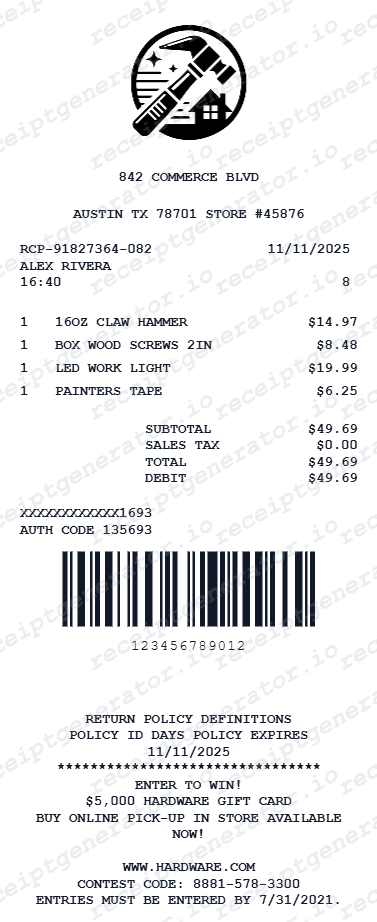
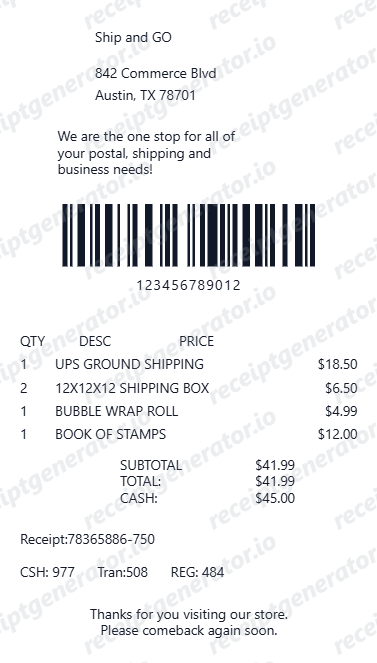
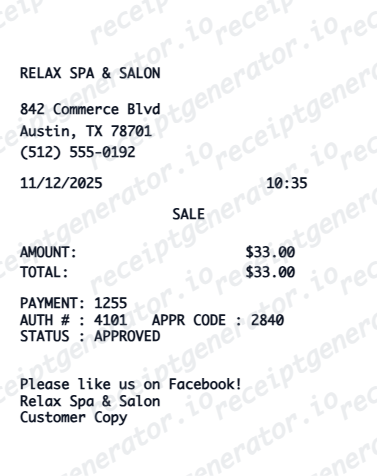
A compact receipt with payment method, service charges, tax, total, and barcode.
Related Guides
Explore related guides to understand the receipt details, lookup steps, and documentation workflows.
Related Other Receipt Templates
Browse our collection of receipt templates for various purposes.
Equinox Receipt FAQ
Common questions about creating, editing, and downloading an Equinox-style receipt.
Open the Equinox receipt generator, edit the club details, service rows, totals, payment method, and barcode, then preview and download as a PDF.
Yes. The receipt includes editable logo, address, phone, store, register, date, time, and transaction fields.
Sign in to the Equinox member app or website and open Billing History, where itemized monthly statements and personal training charges are listed by date. If the account is closed, contact your former home club's front desk or membership services directly with the approximate billing date - they can look up and resend past statements.
Equinox memberships typically run on fixed-term contracts with cancellation notice requirements, so disputing a dues charge usually means contacting membership services or your bank with the specific billing statement in hand, not just the amount. Keep itemized statements since Equinox and card issuers both expect the charge breakdown when reviewing a dispute.
Yes. You can edit service rows such as monthly membership, personal training sessions, and other club charges.
Yes. The totals section supports editable subtotal, tax, and final total rows.
A real Equinox billing statement separates the one-time initiation fee from recurring monthly dues, lists personal training sessions as their own line items priced by trainer tier, and shows the home club and billing cycle date. In-club retail or spa purchases print separately with a club address and transaction ID.
Add the store name, purchase date, line items, totals, tax, payment method, and any optional notes you need on your Equinox template.
Receipt Generator · Receipt Maker · 300+ Free Templates
Create professional receipts online in seconds
Use the Receipt Generator editor with ready-made templates. Compare pricing or start generating print-ready PDF receipts in your browser no account required.