Grubhub Receipt Example
See exactly what a Grubhub order receipt looks like — order ID, restaurant name, item list with modifiers, delivery fee, service fee, Grubhub+ discount, tip, tax, total, estimated delivery time, and payment summary. Use the editable template to recreate or customize one.
See what a real Grubhub receipt looks like with all fields explained — order ID, restaurant name, item list with modifiers, delivery fee, service fee, Grubhub+ membership discount, tip, tax, total, estimated delivery time, and payment summary. Use the editable template to recreate a Grubhub receipt.

Choose
Grubhub Receipt Example selected

Customize
Fill in your details

Download
Save or share receipt
Edit the details once and the preview updates instantly.
Quick summary
Grubhub receipt example overview
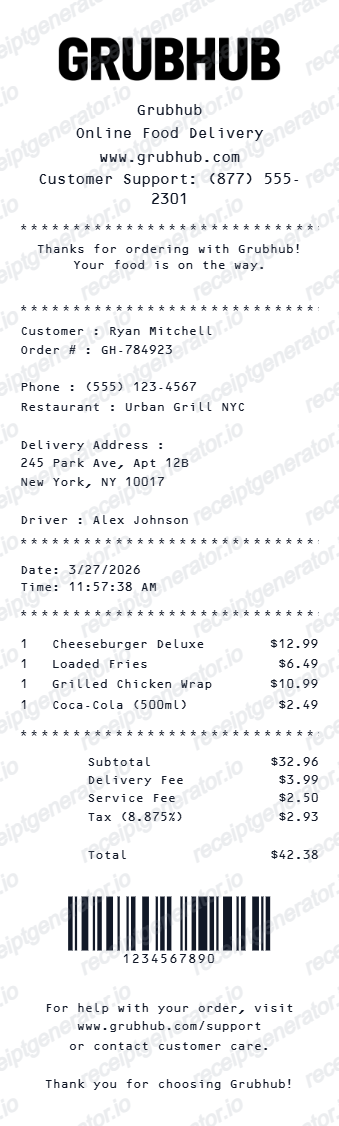
A standard Grubhub receipt includes the order ID, order date and time, restaurant name, item list with modifiers, delivery fee, service fee, Grubhub+ discount (if applicable), tip, sales tax, order total, estimated delivery time, and payment method.
What's on a Grubhub Receipt?
A Grubhub order receipt contains several key sections. Knowing each field helps you verify a delivery charge, understand the fee breakdown, or recreate a receipt when the original confirmation is unavailable.
Order header
Order ID, order date and time, restaurant name and address, and estimated or actual delivery time. The order ID links to delivery tracking and Grubhub support.
Item list with modifiers
Each menu item with its name, quantity, and price. Selected modifiers — such as add-ons, protein swaps, sauce choices, or special instructions — appear as indented lines beneath each item with any upcharge noted.
Fees and Grubhub+ discount
Delivery fee (waived to $0.00 for Grubhub+ members on eligible orders), service fee as a percentage of the subtotal, and any Grubhub+ savings line showing the discount applied.
Tip
The tip amount selected at checkout, which goes directly to the delivery driver. Grubhub allows tip adjustments after delivery within a short window.
Totals and payment
Item subtotal, delivery fee, service fee, tip, applicable sales tax, order total, and the payment method used with a masked card number or digital wallet identifier.
See what a Grubhub receipt looks like
Edit the layout, watch it update live, then print, download PDF, or email.
See a real Grubhub receipt format
Preview a complete Grubhub receipt layout with order ID, restaurant name, item list with modifiers, delivery fee, service fee, Grubhub+ discount, tip, tax, and payment summary.
Editable field-by-field
Edit any field in the Grubhub receipt example — order ID, item rows, modifiers, delivery fee, service fee, tip, tax, and payment — to match your actual order.
Download as PDF
Export the completed Grubhub receipt example as a clean PDF for meal expense reimbursement or personal records.
Mobile-friendly editor
View and edit the Grubhub receipt example from desktop, tablet, or phone without any software to install.
Looking for a Grubhub Receipt Example?
This Grubhub receipt example shows the standard format — order ID, restaurant name, item list with modifiers, delivery fee, service fee, Grubhub+ discount, tip, tax, and payment summary. Use the generator to build your own editable Grubhub receipt.
Verify a delivery charge
Use this Grubhub receipt example to check that the delivery fee, service fee, tip, and tax all appear correctly and match what was charged to your payment method.
Understand receipt fields
Learn what each section of a Grubhub receipt means — from the order ID and item modifiers to the fee breakdown, Grubhub+ discount, and estimated delivery time.
Recreate a lost Grubhub receipt
Use the receipt example as a reference to fill in the generator with your order ID, restaurant name, items, fees, tip, and payment details when the original email is unavailable.
Meal expense documentation
Use a Grubhub receipt example as a reference when documenting food delivery orders for business meal reimbursement or tax deductions.
Grubhub Receipt Formats
Grubhub receipts follow the same order confirmation format for delivery and pickup, with differences in the delivery fee line, Grubhub+ discount, and estimated time section.
Grubhub Standard Delivery Receipt
A typical Grubhub receipt with order ID, item list, delivery fee, service fee, tip, sales tax, and payment method.
Grubhub+ Member Receipt
A Grubhub receipt for Grubhub+ subscribers, showing a $0.00 delivery fee on eligible orders and a savings line reflecting the waived delivery charge.
Grubhub Pickup Receipt
A Grubhub receipt for a pickup order, showing no delivery fee and the pickup time confirmed by the restaurant.
Food Delivery Receipt Guides
Read supporting guides for food delivery receipts, meal expense reimbursement, and delivery fee documentation.
Grocery Receipt for Reimbursement
See what expense teams require from a delivery receipt for meal reimbursement approval.
Read guideLost Grocery Receipt
How to recover or recreate a purchase receipt when the original delivery confirmation email is lost or unavailable.
Read guidePrintable Grocery Receipt PDF
Tips for exporting and using printable receipts for meal expense records and reimbursement reports.
Read guideRestaurant Receipt for Reimbursement
Learn which meal details usually matter most for expense review.
Read guideRestaurant Receipt for Taxes
Review the restaurant receipt fields that matter most for business meal documentation.
Read guideRestaurant Receipt vs Invoice
Understand which restaurant document is stronger for billing and expense records.
Read guideRelated Other Receipt Templates
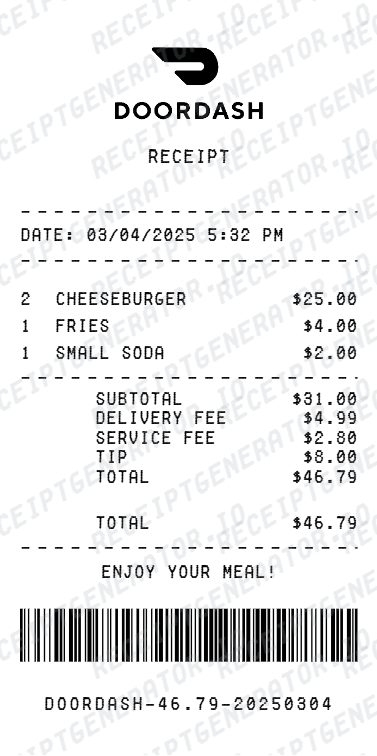
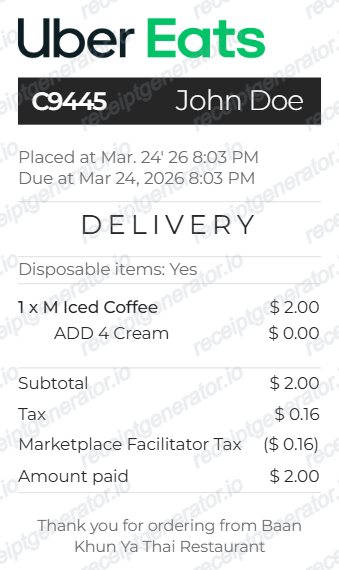
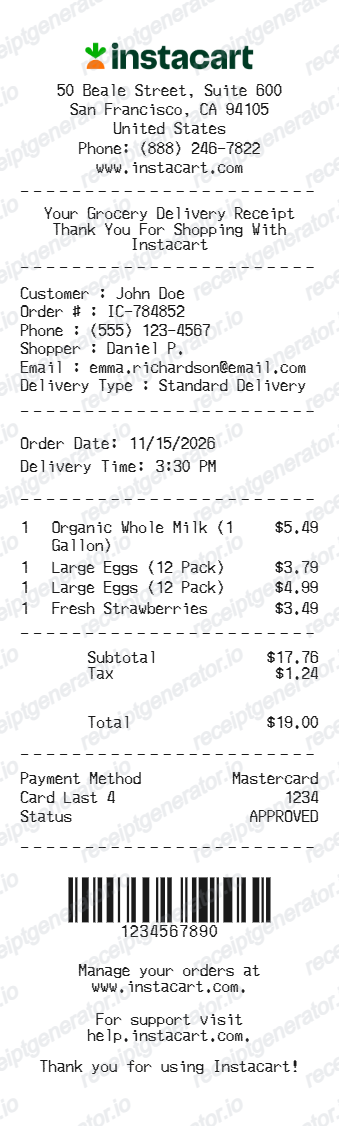
More receipt examples showing the format, fields, and fee breakdown of popular food delivery and grocery delivery receipts.
Grubhub Receipt Example FAQ
Common questions about what a Grubhub receipt looks like, what fees appear on it, how Grubhub+ discounts are shown, and how to download or recreate one.
A Grubhub receipt shows the order ID at the top, followed by the restaurant name, each menu item with selected modifiers (such as add-ons or substitutions), delivery fee, service fee, any Grubhub+ membership discount, tip, applicable tax, and the total charged to your payment method. The estimated or actual delivery time also appears on the receipt.
A Grubhub receipt typically shows a delivery fee charged by the platform or restaurant, a service fee (a percentage of the order subtotal), and the tip amount. Grubhub+ members may see a $0.00 delivery fee on eligible orders, and a Grubhub+ savings line reflecting the delivery fee waiver.
Grubhub+ is Grubhub's subscription membership that waives delivery fees on eligible orders. On the receipt, the delivery fee appears as $0.00 for Grubhub+ orders, and a savings line may show the amount saved compared to the standard delivery fee.
Add the store name, purchase date, line items, totals, tax, payment method, and any optional notes you need on your Grubhub Receipt Example template.
The Grubhub order ID is a unique alphanumeric identifier assigned at checkout. It is used to track the delivery, contact Grubhub support, and reference the order in your order history. You can find it in the Grubhub app under Past Orders or in the order confirmation email.
Yes. Each menu item on a Grubhub receipt lists the modifiers selected at checkout, such as sauce choices, protein substitutions, extra toppings, or special instructions. These appear as indented lines beneath the parent menu item.
Use the Grubhub Receipt Generator to enter your order ID, restaurant name, item list with modifiers, delivery fee, service fee, tip, tax, and payment details. Preview and export a PDF that matches the standard Grubhub order receipt format.
Both. You can use these templates for reimbursements, bookkeeping prep, and internal documentation workflows.
Receipt Generator · Receipt Maker · 200+ Free Templates
Need to recreate a Grubhub receipt?
Use the editable Grubhub Receipt Generator to enter your order ID, restaurant name, item list, delivery fee, service fee, tip, and payment information, then export a clean PDF.