Instacart Receipt Generator
Create an Instacart-style grocery delivery receipt with store details, shopper info, substitutions, fees, tax, and tip. Export a clean PDF quickly.
Create an Instacart receipt with substitutions, fees, taxes, tip, and grocery details. Download a PDF for household or expense records.

Choose
Instacart Receipt selected

Customize
Fill in your details

Download
Save or share receipt
Edit the details once and the preview updates instantly.
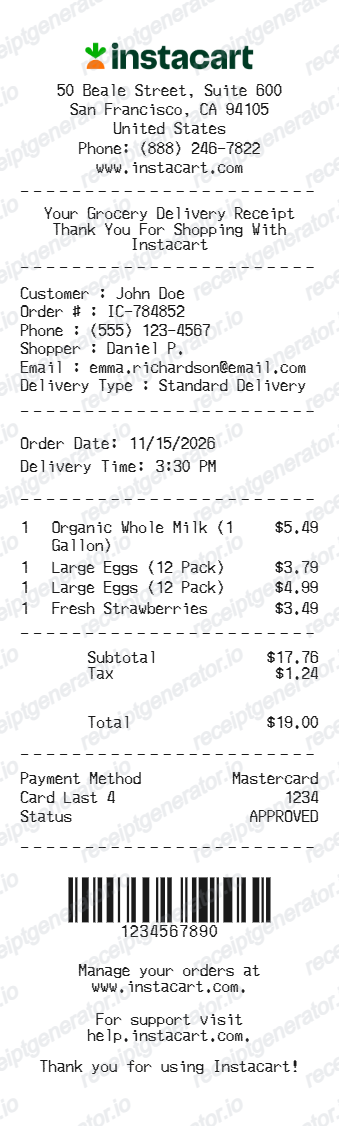
Quick summary
Instacart Receipt template overview
Use this Instacart Receipt template to build a clean, editable receipt record with the merchant, date, line items, tax, totals, and payment details already laid out for faster review.
What Is on a Real Instacart Receipt?
Instacart receipts are digital-only and differ from a store receipt in important ways - marked-up item prices, a stack of fees, and post-delivery adjustments. These are the details that make an Instacart-style receipt accurate.
Final receipt issued after delivery
Instacart finalizes the receipt only after your shopper checks out, because substitutions, refunded out-of-stock items, and weight-adjusted produce change the total. The final charge often differs from the checkout estimate, and the receipt lives in the app under Orders.
Item prices may be higher than in-store
Unless a retailer has committed to in-store pricing, Instacart item prices carry a markup - investigations have measured roughly 15% at many retailers - and Instacart discloses that prices may be higher than in-store. Your receipt shows Instacart's prices, not the shelf prices on the store's own receipt.
Delivery and service fees itemized
Below the item subtotal, the receipt itemizes the delivery fee, a service fee calculated as a percentage of the order, and situational extras like heavy order fees, priority delivery fees, alcohol service fees, and bottle deposits where they apply.
Instacart+ changes the fee lines
Instacart+ members get a $0 delivery fee on eligible orders over the minimum and reduced service fees, so a real member receipt shows the delivery line zeroed out while the service fee remains.
Substitutions and refunds on the receipt
Replaced items show what was picked instead of what you ordered, and refunded items appear as credits. Weighed items show the actual weight charged, which is why final totals move after delivery.
Tip listed separately and adjustable
The shopper tip is its own line, separate from fees, and can be adjusted for a window after delivery - so the receipt in your Orders history reflects the final tip, not necessarily what you set at checkout.
Create a print-ready Instacart delivery receipt
Edit the layout, watch it update live, then print, download PDF, or email.
Real-time receipt preview
See your Instacart receipt update instantly as you edit store details, items, fees, and tax.
Instacart-style layout
Use a grocery delivery format with item rows, substitutions, and fee sections arranged like a real order summary.
Print-ready PDF export
Export a clean receipt for grocery spending records, reimbursement, or bookkeeping.
Mobile-friendly editor
Build Instacart receipts from desktop or mobile without losing the receipt layout.
Get Your Original Instacart Receipt First
Open the Instacart app or instacart.com, go to Orders, and select the order to view its final receipt - Instacart also emails a receipt once the order is delivered and adjustments settle. The in-store register receipt stays with the shopper or retailer; your record is the Instacart digital receipt. Use this template when the original is unavailable - a closed account, a deleted email, or an order placed under someone else's login.
Business grocery expense
Generate receipts for office snack or supply deliveries for company reimbursement.
Household budget tracking
Keep accurate records of grocery delivery spending and service fee totals.
Missing receipt replacement
Recreate lost grocery delivery documentation for personal records or reimbursement workflows.
Subscription and recurring delivery records
Document recurring Instacart orders so monthly grocery spending is easier to review and categorize.
Instacart Receipt Formats
Choose the correct delivery or pickup format for your specific Instacart transaction.
Standard Delivery Receipt
The classic Instacart order summary with itemized goods and fees.
Pickup Order Receipt
Modified format for Instacart pickup orders at participating grocers.
Substitution & Weighted Item Receipt
Instacart receipt format for orders with replaced products, produce-by-weight, and adjusted totals.
Related Guides
Explore related guides to understand the receipt details, lookup steps, and documentation workflows.
More grocery and delivery receipt templates
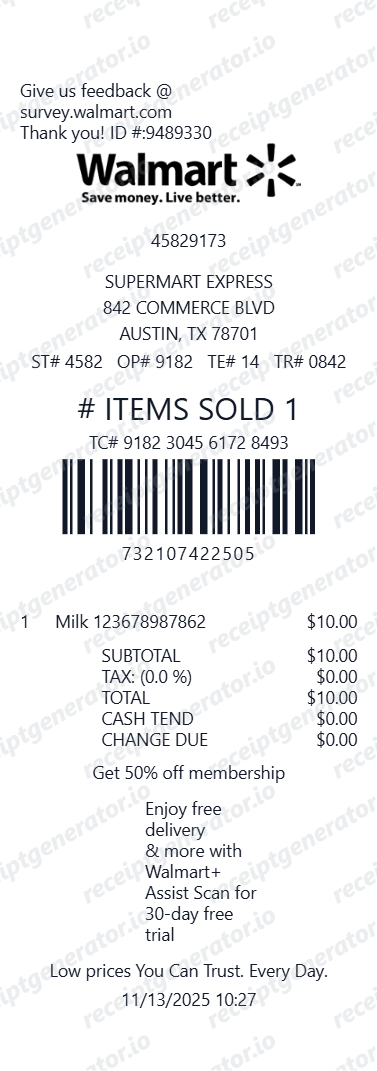
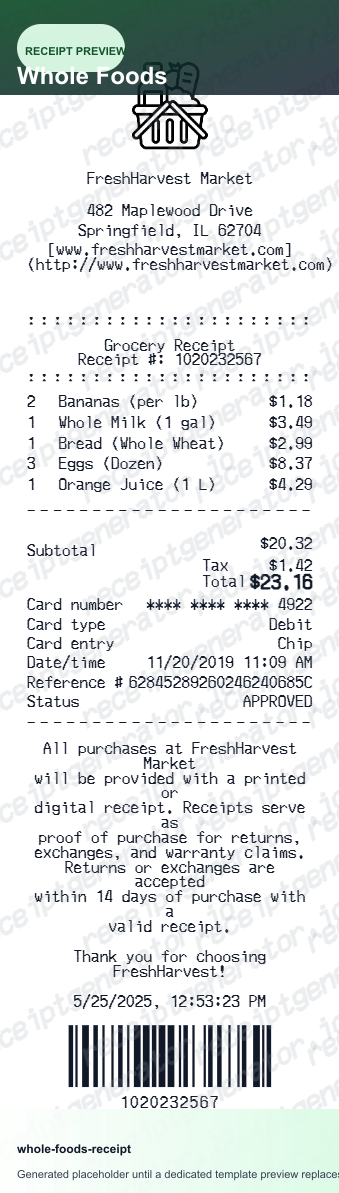
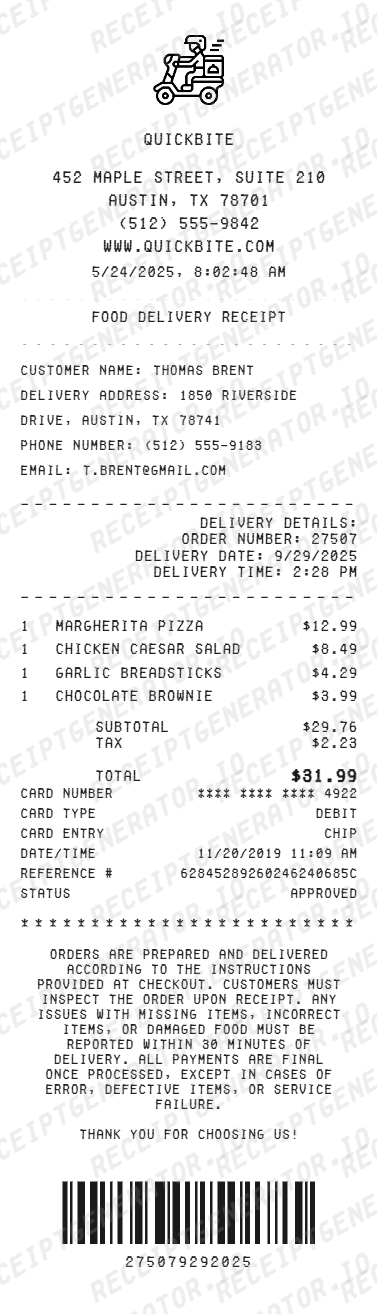
Use these related templates for grocery store, Whole Foods, Walmart, and general food delivery receipt workflows.

Instacart Receipt FAQ
Common questions about creating an Instacart-style delivery receipt for household records, grocery tracking, and reimbursement support.
Use our Instacart receipt template, enter the customer and shopper information, add the grocery items with quantities and prices, and include any delivery or service fees. You can then download the result as a PDF.
Yes. Add substitute items, produce sold by weight, and adjusted totals so the receipt matches a real grocery delivery order summary.
It works for standard grocery deliveries, same-day household item orders, pickup orders, and mixed carts with groceries, pharmacy items, and household supplies.
A real Instacart receipt lists each item at Instacart's price (which may be marked up versus in-store), notes substitutions and refunded items, shows weight-adjusted charges for produce, then itemizes the delivery fee, service fee, any heavy order or alcohol fees, bottle deposits, taxes, and the shopper tip as its own line, ending with the payment method charged after any credits.
Add the store name, purchase date, line items, totals, tax, payment method, and any optional notes you need on your Instacart template.
Yes. You can customize the shopper name, customer details, store details, and order number fields for complete grocery delivery documentation.
Yes. If you lost your Instacart receipt, you can rebuild the grocery list, fees, taxes, and total to create a replacement-style copy for expense or household records.
Sign in to the Instacart app or website, open your account's Orders section, and select the order - the full final receipt, including substitutions, refunds, fees, and tip, is available there and can be viewed or shared. Instacart also emails the receipt after delivery once adjustments are finalized, so check the inbox tied to your account.
Two reasons: unless the retailer guarantees in-store pricing on Instacart, item prices include a markup that has been measured around 15% at many chains, and the platform adds delivery, service, and situational fees plus tip on top. Your Instacart receipt is the accurate record of what you paid - the store's own register receipt will not match it.
Receipt Generator · Receipt Maker · 300+ Free Templates
Create professional receipts online in seconds
Use the Receipt Generator editor with ready-made templates. Compare pricing or start generating print-ready PDF receipts in your browser no account required.