Nike Receipt Template & Generator
Edit a Nike receipt template with sneaker item details, transaction references, tax and payment. Preview free; PDF export requires a paid plan.
Nike receipt template for confirmed transaction details. Review the store information and transaction/date references in the receipt layout. Preview the editable layout free; watermark-free PDF export requires a paid plan.

Choose
Nike Receipt selected

Customize
Fill in your details

Download
Save or share receipt
Edit the details once and the preview updates instantly.
Quick summary
Nike receipt template: what can I edit?
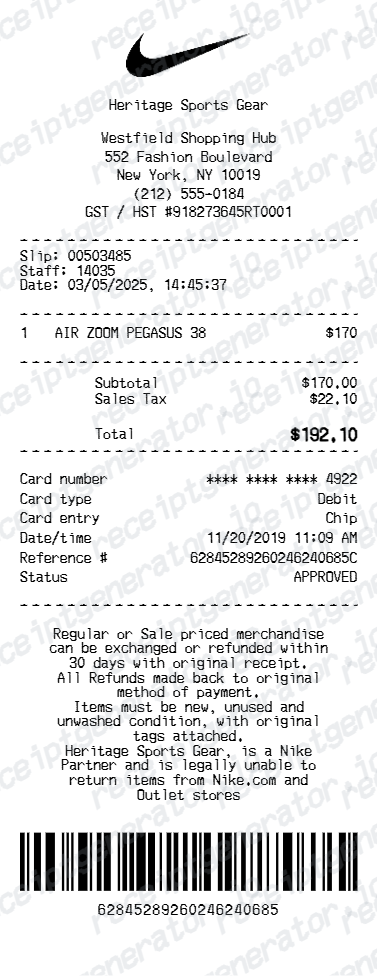
Review the store information and transaction/date references in the receipt layout. Enter the actual product descriptions, prices and any size/style information you need in the item rows.
Editable fields in the Nike receipt template
Review these fields against the source transaction before exporting your personal record.
Store and transaction header
Review the store information and transaction/date references in the receipt layout.
Sneaker and apparel rows
Enter the actual product descriptions, prices and any size/style information you need in the item rows.
Tax and payment block
Check subtotal, sales tax and total alongside the masked card, entry method and reference details.
Policy and barcode text
Policy text and barcode values are editable fields, not current return rules or evidence that Nike issued the document.
Print-ready Nike receipts
Edit the layout, watch it update live, then print, download PDF, or email.
Nike live preview
Review the store information and transaction/date references in the receipt layout.
Review the editable fields
Enter the actual product descriptions, prices and any size/style information you need in the item rows.
PDF export plans
Preview the layout free; watermark-free PDF export requires a paid plan.
Mobile and desktop editing
Open the same receipt layout on mobile or desktop and check the preview before exporting.
Original Nike records and this editable template
Use Nike’s order details or customer support to obtain original purchase documentation. For returns, consult Nike’s current country-specific return instructions rather than relying on sample policy text.
Receipt retrieval and source guidance
Reconcile confirmed details
Check subtotal, sales tax and total alongside the masked card, entry method and reference details.
Review the layout
Policy text and barcode values are editable fields, not current return rules or evidence that Nike issued the document.
Nike Receipt Types
Compare this editable layout with the original transaction record.
Nike editable purchase record
Enter the actual product descriptions, prices and any size/style information you need in the item rows.
Original records and related layouts
Use the merchant’s guidance for original documentation and the templates for editable records.
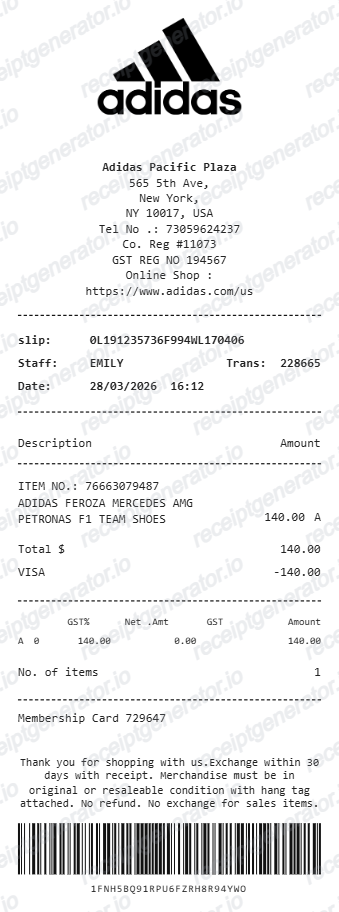
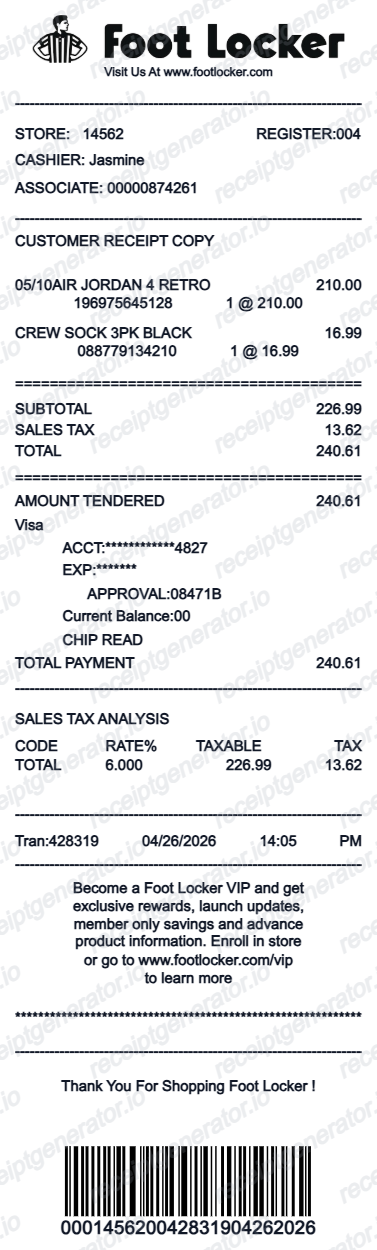
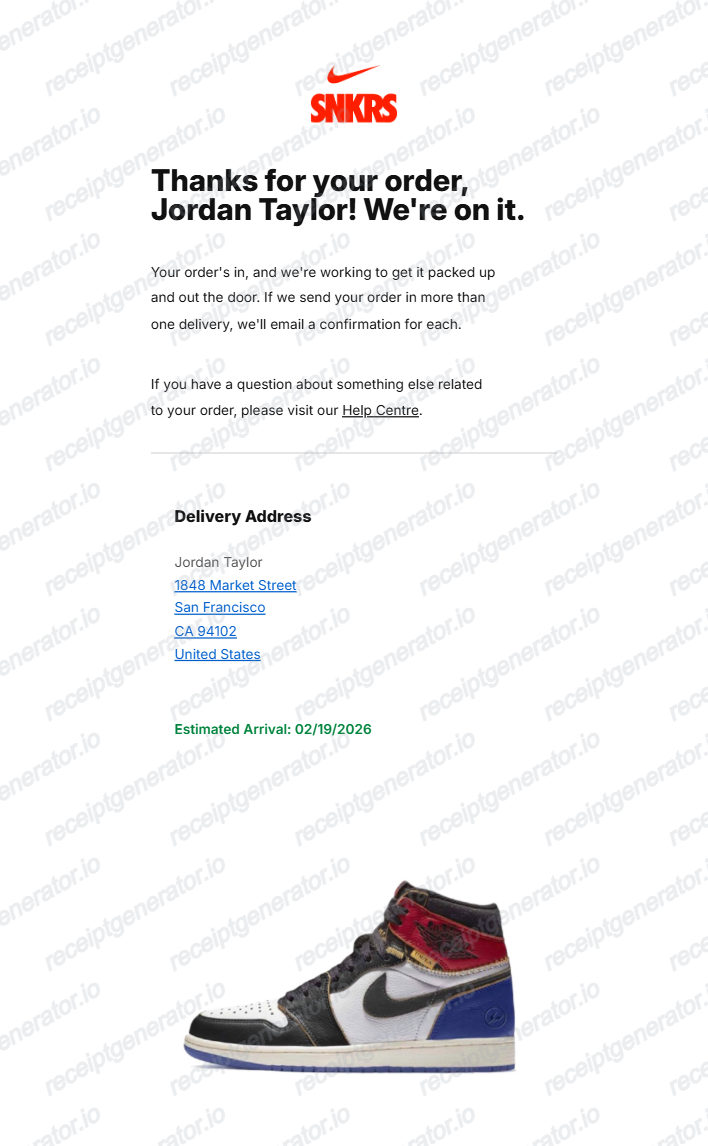
Compare related receipt layouts and their editable fields.
Nike Receipt Template: Fields and Original Records
Answers about this layout, confirmed transaction details and the original purchase record.
Open the editor, enter the confirmed transaction details, review sneaker and apparel rows and check the totals in the live preview. Watermark-free PDF export requires a paid plan.
Use Nike’s order details or customer support to obtain original purchase documentation. For returns, consult Nike’s current country-specific return instructions rather than relying on sample policy text.
No. It is an editable purchase-record layout. A receipt image alone cannot authenticate a shoe; keep the original purchase record and use the seller’s or platform’s verification process.
Receipt Generator · Receipt Maker · 300+ Free Templates
Edit the Nike receipt template
Enter confirmed details, check the free preview and review paid PDF export plans.