How to Replace a Lost Tim Hortons Receipt (Canada)

Ready to create your own? Use our free receipt generator — no account needed.
Generate Tim Hortons Receipt →On this page
Need a Tim Hortons receipt you no longer have, for an expense report or your records? Here are your options.
Quick Answer
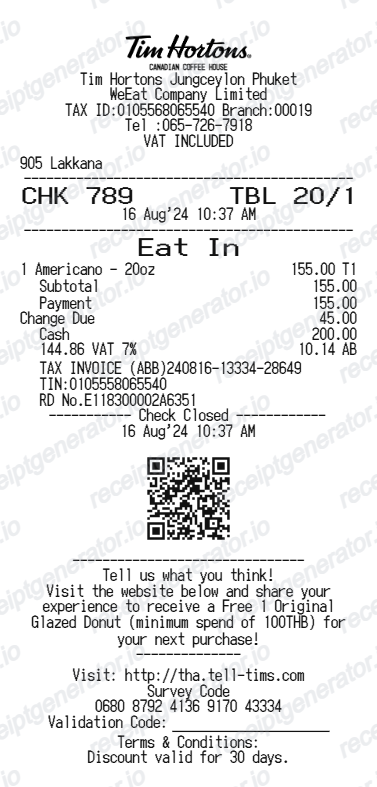
Check the Tims Rewards app order history, your bank or card statement, or ask the restaurant. If you only need a record, recreate a Tim Hortons-style receipt with the items and HST.
Where to find a copy
The Tims Rewards app keeps a history of mobile and scanned orders. Your card statement confirms the amount and date. For in-restaurant purchases, staff may be able to reprint a recent transaction.
Recreate a Tims receipt
Use the Tim Hortons receipt generator to rebuild an itemised receipt with GST/HST. See more Canada receipt templates such as Loblaws and Canadian Tire.
Recreate your Tim Hortons receipt
Add the verified details from your order and download a clean PDF.
FAQ
Yes, orders placed or scanned through Tims Rewards appear in the app’s order history.
GST or HST depending on the province, for example 13% HST in Ontario.