Tim Hortons Receipt Template & Generator
Organise a confirmed Tim Hortons order with drink sizes, food items, customisations, order details, CAD totals and payment information. Copy the tax amounts from the source transaction; this template is not issued by Tim Hortons.
Create a Tim Hortons-style receipt with coffee, food, order details and CAD totals. Edit known tax amounts, preview online and review PDF export plans.

Choose
Tim Hortons Receipt selected

Customize
Fill in your details

Download
Save or share receipt
Edit the details once and the preview updates instantly.
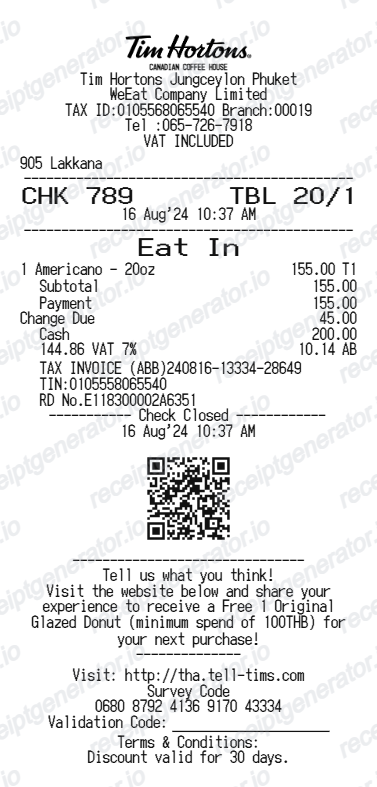
Quick summary
Tim Hortons Receipt template overview
Organise a confirmed Tim Hortons order with drink sizes, food items, customisations, order details, CAD totals and payment information. Copy the tax amounts from the source transaction; this template is not issued by Tim Hortons.
Fields in the tim hortons receipt template
Organise a confirmed Tim Hortons order with drink sizes, food items, customisations, order details, CAD totals and payment information. Copy the tax amounts from the source transaction; this template is not issued by Tim Hortons.
Coffee and food line items
List each drink size, food item and known customisation on the matching order line. Review quantities and prices before calculating totals.
Location, time and order number
Record the restaurant location, transaction date and order reference you already know. These fields help keep your personal records organised.
CAD totals and source tax amounts
Use Canadian dollars and the tax amounts shown on your purchase. The applicable treatment depends on the transaction; avoid assuming one rate for every order.
Original order receipt
For an original receipt or an order issue, use the order confirmation or contact the restaurant or official Tim Hortons support. This editor cannot retrieve an order from their systems.
How to use the tim hortons receipt template
Start with confirmed transaction information, then check the preview before export.
- 1
Enter the transaction details
List each drink size, food item and known customisation on the matching order line. Review quantities and prices before calculating totals.
- 2
Review the individual charges
Record the restaurant location, transaction date and order reference you already know. These fields help keep your personal records organised.
- 3
Check the totals and preview
Compare the completed record with the known transaction details and correct any differences.
- 4
Choose your export option
Creating and previewing is free. Review the available plan before downloading a watermark-free PDF.
Print-ready Tim Hortons coffee purchase receipts
Edit the layout, watch it update live, then print, download PDF, or email.
Live Tim Hortons receipt preview
Watch your receipt update as you enter coffee and store details.
One-click print
Print your Tim Hortons receipt directly from the browser.
Download as PDF
Export a clean Tim Hortons receipt PDF.
Mobile-friendly editor
Create Tim Hortons receipts from any device.
Get Your Original Tim Hortons Receipt First
For an original receipt or an order issue, use the order confirmation or contact the restaurant or official Tim Hortons support. This editor cannot retrieve an order from their systems.
Confirmed transaction records
Organise purchase or service information you already know.
Personal budgeting and review
Review itemised costs and keep the original document with your records.
Tim Hortons Receipt Types
Choose the Tim Hortons receipt format for your coffee purchase.
In-Store Purchase Receipt
Tim Hortons café receipt with drink items, Tims Rewards, and payment.
Drive-Thru Receipt
Tim Hortons drive-thru receipt with order number, cashier, and items.
Mobile Order Receipt
Tim Hortons app order receipt with order number and pickup location.
Related Guides
Explore related guides to understand the receipt details, lookup steps, and documentation workflows.
Receipt guide
How to Replace a Lost Tim Hortons Receipt (Canada)
Lost your Tim Hortons receipt? Learn how to recover a copy via the app or card records, and how to recreate one with HST.
Explore How to Replace a Lost Tim Hortons Receipt (Canada)Editable template
Restaurant Receipt Generator template
Explore this editable receipt layout and its fields before opening the editor.
Explore Restaurant Receipt Generator templateReceipt guide
Restaurant Receipt for Taxes
Review the restaurant receipt fields that matter most for business meal documentation.
Explore Restaurant Receipt for TaxesRelated coffee and café orders templates
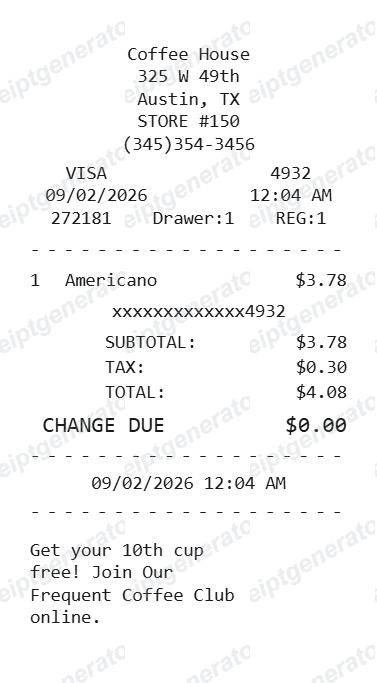
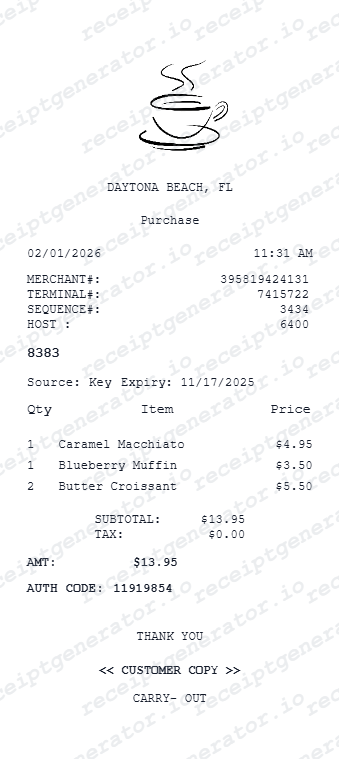
Explore related receipt layouts for confirmed purchases and personal records.
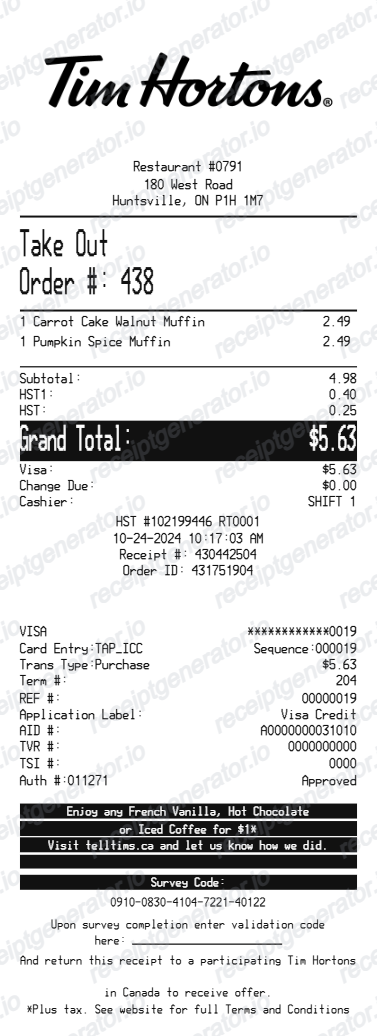
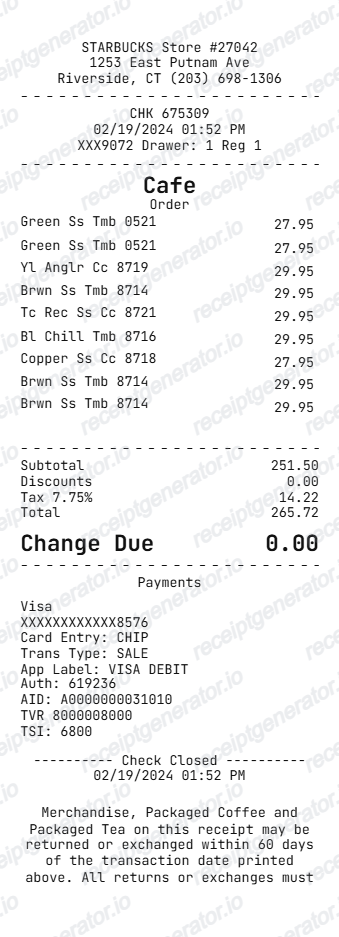
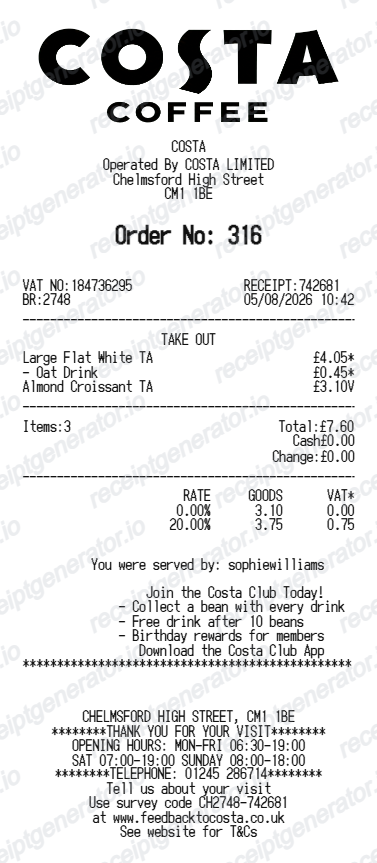
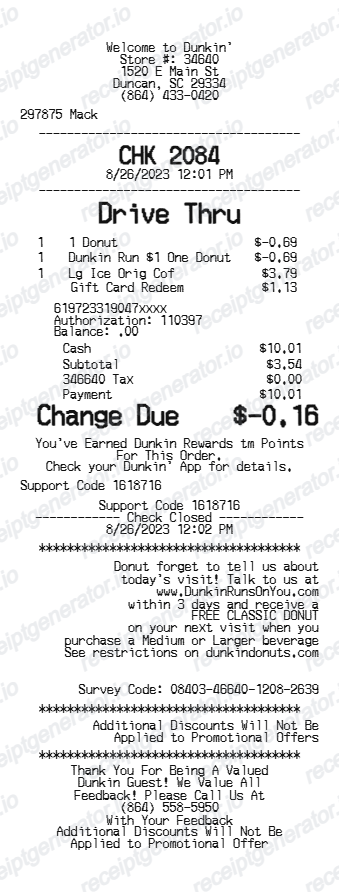
Tim Hortons Receipt Generator FAQ - Coffee Purchase Documentation
Questions about editing the tim hortons receipt template, reviewing its fields and obtaining the original transaction record.
Yes. Create mobile order receipts with order number, pickup location, and items.
If you paid with the Tim Hortons app or a Tims Rewards card, open the app and check Order History for a digital record of the order and points earned. For cash or card purchases without the app, ask the store for a reprint - most locations can look up a recent transaction on the POS terminal.
No. This is an independent editable template for known transaction details. It does not retrieve merchant records or replace merchant-issued evidence.
Yes. Add Canadian HST, GST, or PST with the applicable rate and amount for accurate Canadian tax documentation.
No. Tax depends on the province and sometimes the order total - Ontario applies only the 5% federal portion of HST on prepared food and drinks under $4, while other provinces charge their full HST, GST, or combined GST+PST rate regardless of order size.
Yes. You can create and preview the layout for free. Watermark-free PDF exports require a paid plan; review pricing before exporting.
Receipt Generator · Receipt Maker · 300+ Free Templates
Create your Tim Hortons receipt
Edit the known details in this tim hortons receipt template and review the preview before choosing a PDF export plan.