Samsung Receipt Generator
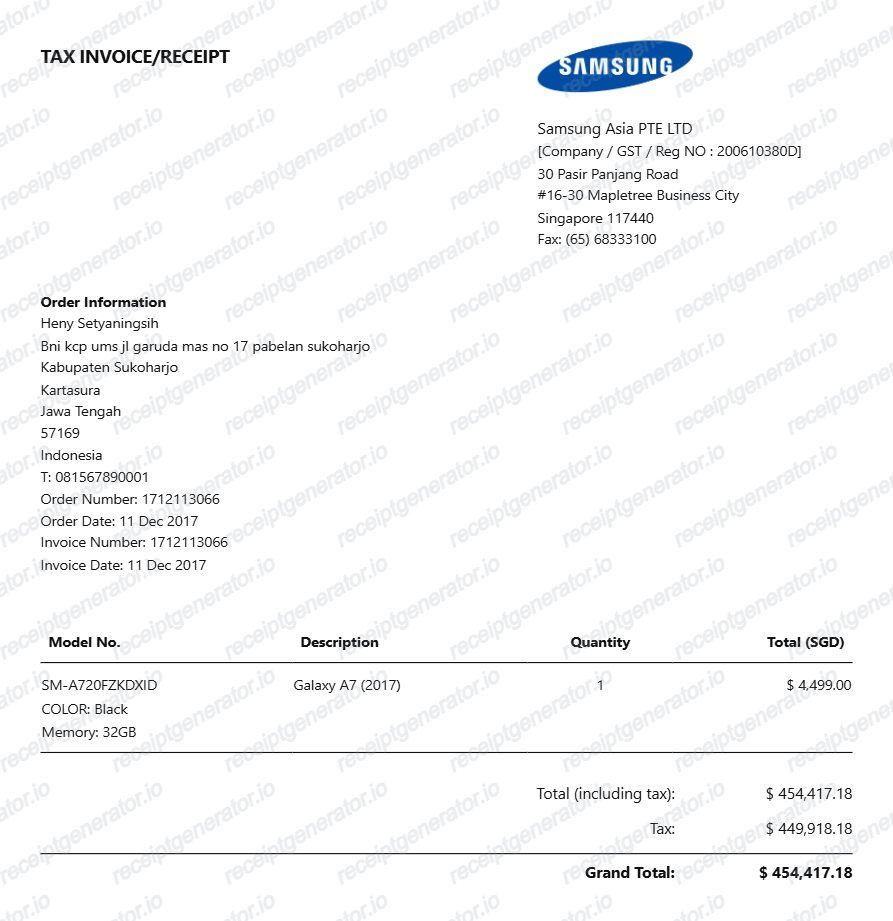
Create a Samsung-style tax invoice with buyer details, device information, tax totals, and payment summary. Export a clean PDF quickly.
Create a Samsung-style receipt with buyer details, device info, tax amounts, and payment totals. Download a PDF for device or expense records.

Choose
Samsung Receipt selected

Customize
Fill in your details

Download
Save or share receipt
Edit the details once and the preview updates instantly.
Quick summary
Samsung Receipt template overview
Use this Samsung Receipt template to build a clean, editable receipt record with the merchant, date, line items, tax, totals, and payment details already laid out for faster review.
What Is on a Real Samsung Receipt?
Samsung device purchases produce different documents depending on where you buy - a Samsung.com invoice, a carrier store receipt, or a retail till slip - but the core fields are consistent. Here is what the real thing includes.
Order number with a regional prefix
Samsung.com order numbers carry a country or region code in many markets - UK orders begin with UK, for example - and in some markets the order number doubles as the invoice number on the emailed tax invoice.
Invoice generated around shipment
Samsung makes the invoice downloadable from the order details page in your Samsung account once the order ships, and in some markets a printed invoice also arrives with the package.
Model codes on every device line
Samsung identifies devices by model code, like the SM-prefixed codes on Galaxy phones, alongside the marketing name, color, and storage - the code pins down the exact regional variant.
IMEI on the box, not always on the invoice
Samsung.com invoices often omit the IMEI; it lives on the retail box label and in the device settings. Carrier and store receipts for phone sales, by contrast, usually record the IMEI at the point of sale.
Trade-in and discount lines
Trade-in credit, instant discounts, and bundle offers appear as their own negative lines on Samsung order invoices rather than silently lowering the device price.
Proof of purchase drives the warranty
Samsung asks for the invoice or delivery order to verify the purchase date for in-warranty service, so the document must show the product, date, and seller clearly.
Create a print-ready Samsung tax invoice
Edit the layout, watch it update live, then print, download PDF, or email.
Live Samsung invoice preview
See the invoice update as you edit device and order details.
One-click print
Print the Samsung invoice directly from the browser.
PDF export
Download a clean PDF for records or reimbursement.
Get Your Original Samsung Receipt First
Sign in at Samsung.com and open My Orders in your Samsung account to download the invoice from the order details page, or use the guest order lookup with your order ID and checkout email. If the download link is missing, Samsung support can email an invoice copy against the order ID, usually within about 24 hours. Use this template when the original is unavailable - a carrier-store purchase, a deleted Samsung account, or an invoice email you can no longer find.
Purchase records
Keep a Samsung-style invoice for device purchase history.
Expense documentation
Use the invoice as a reference for electronics reimbursements.
Resale proof
Document a Samsung phone purchase with model and invoice numbers.
Samsung Receipt Formats
Choose the Samsung-style invoice layout that best matches your device purchase and documentation needs.
Single Device Invoice
Samsung invoice for one phone or accessory purchase.
Tax Invoice
Samsung-style invoice showing tax and grand total summary.
Related Guides
Explore related guides to understand the receipt details, lookup steps, and documentation workflows.
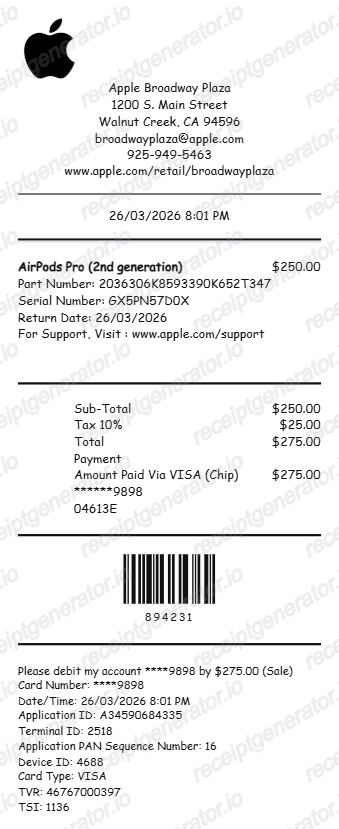
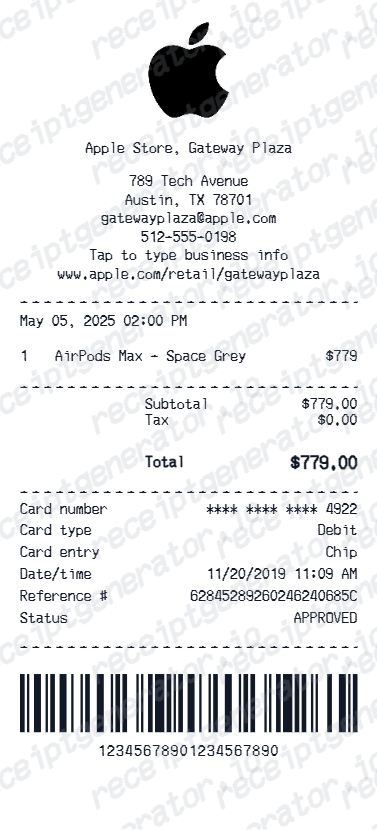
How to Find an Apple Receipt
Learn where Apple order and store receipts usually come from and which device details matter most.
Read guideiPhone Receipt Template
Review which device, serial, and payment fields belong on an Apple-style phone receipt record.
Read guideMac Receipt Template
See which product and payment details make a device purchase record easier to review later.
Read guideRelated Other Receipt Templates
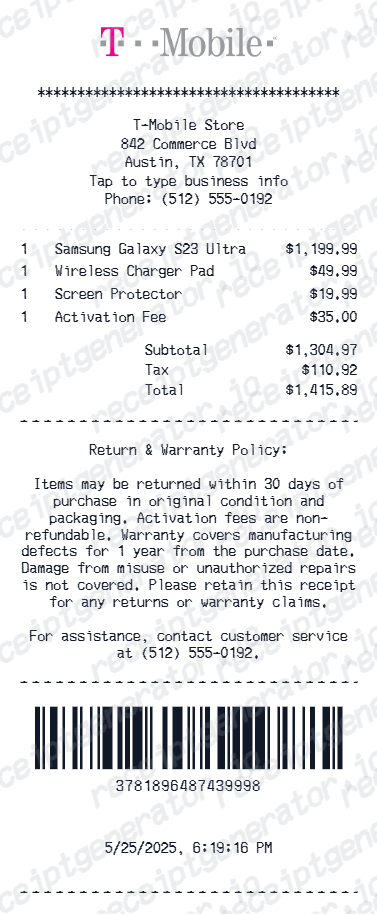
Browse our collection of receipt templates for various purposes.


Samsung Receipt FAQ
Common questions about creating a Samsung-style tax invoice for electronics records, reimbursement support, and documentation.
Choose the Samsung receipt template, add the company block, buyer information, invoice numbers, Samsung device details, and tax amount. Preview and download it as a PDF.
Yes. The template lets you edit the tax amount directly and recalculates the grand total from the line total plus tax.
Sign in at Samsung.com, open My Orders in your Samsung account, select the order, and download the invoice from the order details page - or use the guest order lookup with your order ID and the email used at checkout. If no download link appears, Samsung support can email an invoice copy against your order ID, usually within about 24 hours.
Not always, and Samsung.com invoices often do not print the IMEI - it appears on the device box label and in the phone's settings instead. Warranty service relies on proof of purchase showing the date and product, while insurers usually ask for the IMEI separately, so keep the invoice and the box label together.
Yes. Add the model number, device description, quantity, and spec lines such as color or storage.
Yes. Samsung-style invoices can be used for purchase records, resale documentation, and business expense references.
A real Samsung.com invoice shows the order number (with a country or region prefix in many markets), the order and shipping dates, each device by its full name and Samsung model code (such as SM-prefixed codes for Galaxy devices), any trade-in credit or instant discount as separate lines, tax based on the delivery destination, the payment method, and the total.
Add the store name, purchase date, line items, totals, tax, payment method, and any optional notes you need on your Samsung template.
Receipt Generator · Receipt Maker · 300+ Free Templates
Create professional receipts online in seconds
Use the Receipt Generator editor with ready-made templates. Compare pricing or start generating print-ready PDF receipts in your browser no account required.