How to Find an Apple Receipt
Ready to create your own? Use our free receipt generator — no account needed.
Browse Receipt Templates →On this page
An Apple receipt can live in several places because Apple Store hardware orders and Apple media purchases use different systems. The fastest method is to identify what you bought before searching. An App Store subscription belongs in Apple purchase history; an iPhone bought from apple.com belongs with the Apple Store order; and a device bought from a carrier or retailer belongs in that seller's account.
Quick answer
For apps, subscriptions, music, and other Apple media, sign in at reportaproblem.apple.com or open Purchase History on your device. For an iPhone, Mac, iPad, AirPods, accessory, or other Apple Store order, search the purchaser's email for the order confirmation and receipt. If another retailer sold the product, retrieve the receipt from that retailer instead.
Use the merchant-issued record when it matters
A recreated document can help you organize verified details for personal records, but it is not an Apple-issued receipt. Use the original merchant record for returns, reimbursement, tax documentation, insurance, or a request to correct a device purchase date.
1. Identify which kind of Apple purchase you made
Start here because the wrong recovery path wastes time.
Where to look for each Apple purchase
| Feature |
|---|
This distinction also prevents a common mistake: Apple media purchase history is not a list of every physical Apple product you have bought. It is designed for apps, subscriptions, music, and other content purchased through Apple media services.
2. Find an App Store or Apple subscription receipt online
Apple's current purchase-history instructions recommend the online route first:
- Go to reportaproblem.apple.com.
- Sign in with the Apple Account used for the purchase.
- Review the list of purchases.
- If you know the charge but not the item, search by the amount.
This route is useful for App Store purchases, subscriptions, music, and other Apple media. It can also help explain a charge that appears on a bank or card statement.
If the item is not visible, do not immediately assume the receipt is gone. Apple notes several reasons a charge may be hard to match:
- You may have used a different Apple Account.
- A family member may have made the purchase.
- Multiple purchases or subscriptions may be grouped into one bill.
- The bank statement description may not match the product name.
Check the exact date and amount on the financial statement, then compare that information with each Apple Account you legitimately control. If a purchase is unfamiliar, follow Apple's billing-support route instead of recreating a document.
3. View Apple purchase history on an iPhone, iPad, or Mac
You can also reach purchase history from a device signed in to the relevant Apple Account. Menu labels can change with operating-system updates, so Apple's official support page should remain the source of truth.
On an iPhone or iPad, open the App Store, open your account, and choose Purchase History. On a Mac, open the App Store, select your name, open Account Settings, and choose Purchase History. Apple lets you change the default time filter when you need an older purchase.
The device view is helpful when you are already signed in and want to confirm which account made the purchase. The web view is often easier when you know only the amount or need to compare several charges.
4. Recover a receipt for an iPhone, Mac, or other Apple Store order
A physical Apple Store purchase follows the retail-order path, not the App Store media path. Search the email address used at checkout for terms such as:
Apple orderApple receipt- the product name, such as
MacBookorAirPods - the approximate purchase month
Check archived mail, spam, and any shared inbox used for family or business purchasing. If the product was ordered by another person, the confirmation and receipt may be in that person's email or Apple Store order history.
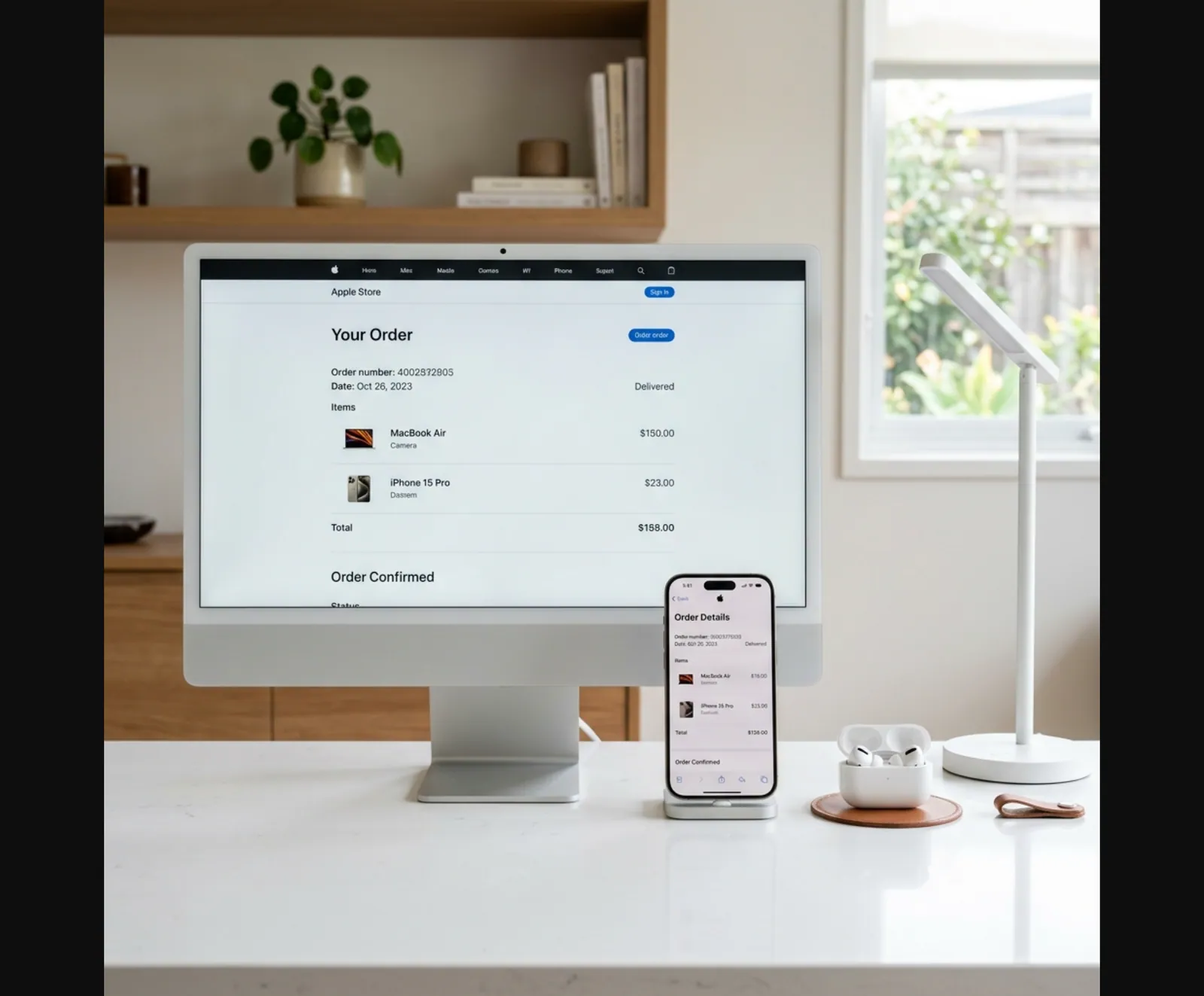
For an online Apple Store order, use the order-status link from the confirmation email or sign in to the Apple Store with the account used at checkout. Keep the order number private; it is an identifier for your purchase and does not belong in a public document.
For an in-store Apple purchase, contact the store or Apple Support with the information you can verify: approximate date, location, product, total, and payment method. Apple determines what can be retrieved. Do not publish full card details or a device serial number while asking for help.
5. Find a receipt when another retailer sold the Apple product
The receipt comes from the seller that accepted payment. If you bought an iPhone from a carrier, a Mac from an electronics retailer, or an accessory through a marketplace, look in that seller's order history and email first.
Use a simple recovery checklist:
- Identify the merchant name on the card statement.
- Sign in to the merchant account used at checkout.
- Open Orders, Purchases, or Order History.
- Download the invoice or receipt offered by the merchant.
- Contact the merchant if the order is missing.
Apple cannot turn a third-party transaction into an Apple Store receipt. The authorized-retailer document is the original proof of that sale.
6. Apple receipt, Apple Pay transaction, and bank statement
These records serve different purposes.
- Apple or retailer receipt: identifies the merchant, items, purchase date, total, and transaction details.
- Apple purchase history: identifies digital content and subscriptions billed through an Apple Account.
- Wallet transaction: helps locate a recent Apple Pay payment but does not replace the merchant's itemized receipt.
- Bank or card statement: confirms merchant, date, and amount but usually does not show the purchased items.
Use the bank statement as a cross-check. It is valuable when searching email by date or amount, but it is rarely enough for an itemized expense report or product return by itself.
7. Proof of purchase for Apple warranty or purchase-date corrections
Apple coverage is associated with the device and its serial number. Check the status through Apple's coverage tool. If Apple's estimated purchase date is incorrect, Apple Support may ask for an original sales receipt from Apple or an authorized reseller.
Keep the full merchant-issued receipt unedited. A useful original record normally shows the seller, transaction date, product description, and amount paid. Requirements can vary by case and region, so follow the instructions Apple Support gives for the specific device.
A bank statement or personal reconstruction may help you remember the purchase, but neither should be presented as an Apple-issued proof of purchase.
8. What to do when the original cannot be recovered
First, document the recovery attempts: which Apple Account you checked, which email inbox you searched, which retailer account you opened, and whether you contacted support. That record can help a finance team understand why the original is unavailable.
Then collect only facts you can verify:
- merchant or store location
- actual purchase date
- product and model
- amount paid and tax
- payment method with only the safe last four digits, if needed
- order or transaction reference kept privately
If you create a personal backup, label it clearly as a reconstructed record and attach the bank statement, order email, or other supporting evidence separately. Never use a recreated receipt to obtain a refund, warranty service, reimbursement, insurance payment, or tax benefit for a purchase that did not occur.
The Apple-branded tools on this site are intended for organizing real purchase information and layout testing. They do not connect to Apple, verify a transaction, or issue an official Apple receipt.
9. Store Apple receipts so they are easier to find next time
A small filing routine prevents most recovery problems:
- Create an email folder for Apple and electronics receipts.
- Save hardware order confirmations as PDFs after delivery.
- Keep business purchases in the same expense system used for the card charge.
- Record which Apple Account made a digital purchase.
- Store serial numbers separately from public-facing expense files.
- Preserve the original file instead of editing it.
For shared family or business purchases, record the purchaser and account owner. That makes it clear who can retrieve the official receipt later.
Related receipt tools and guides
- iPhone Receipt Template
- Mac Receipt Template
- iPad Receipt Template
- Best Buy Receipt Template
- Amazon Receipt Recovery Guide
- All Electronics Receipt Templates
Official Apple references
FAQ
Sign in at reportaproblem.apple.com to see apps, subscriptions, music, and other Apple media purchases.
You can also open Purchase History from your Apple Account settings on an iPhone, iPad, or Mac.
No. Apple media purchase history covers apps, subscriptions, music, and other digital content.
For an iPhone, Mac, iPad, accessory, or other hardware order, use the Apple Store order email, order status, or Apple Support.
Check whether you used a different Apple Account and remember that multiple purchases can be grouped into one bill.
Match the amount and date against your bank statement, then use Apple's billing support if the charge is still unclear.
No. A personal backup can organize verified details, but it is not an Apple-issued receipt.
Use the original Apple or authorized-retailer record for returns, warranty corrections, reimbursement, or tax documentation.
The receipt normally belongs to the Apple Account, email address, or retailer account used for the purchase.
Ask the purchaser to retrieve the merchant-issued record instead of creating a substitute.