MediaMarkt NL Receipt Generator (kassabon)
Create a MediaMarkt NL-style electronics receipt with editable item rows, BTW summary, MyMediaMarkt, and payment details. Export a clean PDF in minutes.
Create a MediaMarkt NL-style receipt with electronics items, BTW-inclusive totals, MyMediaMarkt, payment, and footer text. Download a PDF for records.

Choose
MediaMarkt NL Receipt selected

Customize
Fill in your details

Download
Save or share receipt
Edit the details once and the preview updates instantly.

Quick summary
MediaMarkt NL receipt template overview
Use this MediaMarkt NL-style receipt template to build a compact Netherlands receipt with editable items, BTW-inclusive totals, MyMediaMarkt, barcode, and footer text.
What Is on a Real MediaMarkt Netherlands Kassabon?
Dutch MediaMarkt purchases produce a kassabon in store and a factuur for online orders, and both follow Netherlands BTW rules. Here is what the real documents contain.
21% BTW on electronics
Electronics carry the Netherlands' standard 21% BTW rate. The kassabon shows BTW-inclusive prices with the tax amount broken out, which is what Dutch bookkeepers and expense tools expect.
Factuur emailed at dispatch
For online orders, MediaMarkt emails the factuur automatically as soon as the order leaves the warehouse, and the same invoice can be downloaded again from your account under Mijn bestellingen.
Digital kassabon in myMediaMarkt
Store purchases appear as a digital kassabon in the myMediaMarkt account and app under Mijn Bestellingen, and a paper bon can be added manually via the Kassabon registreren option.
BTW-factuur on request at the register
Business buyers can ask the register staff for a BTW-factuur when paying in a physical MediaMarkt - a full invoice with business details, which larger BTW deductions require.
Aankoopbewijs for returns and garantie
The kassabon or factuur is your aankoopbewijs: MediaMarkt uses it to process returns and legal warranty (garantie) claims, so the purchase date and product line must be readable.
Store, register, and transaction identifiers
Each kassabon names the MediaMarkt location and prints register and transaction numbers with date and time - the references staff use to find the sale again at the service desk.
Create a print-ready MediaMarkt NL electronics receipt
Edit the layout, watch it update live, then print, download PDF, or email.
Live MediaMarkt NL receipt preview
See the MediaMarkt NL receipt update instantly as you edit items, totals, BTW, and messages.
PDF download
Export a clean MediaMarkt NL-style receipt PDF for digital or printed records.
Mobile-friendly editor
Create and edit MediaMarkt NL receipts from desktop, tablet, or phone.
MyMediaMarkt and BTW support
Customise loyalty text, BTW totals, barcode digits, and footer messaging.
Get Your Original MediaMarkt NL Receipt First
MediaMarkt emails the factuur for online orders automatically at dispatch and keeps it downloadable under Mijn bestellingen, while store purchases show up as a digital kassabon in your myMediaMarkt account or app - paper bons can be added via Kassabon registreren. Use this template when the original is unavailable - a guest purchase never linked to an account, a lost paper bon, or a purchase made by someone else.
Budget tracking
Keep a clear itemised record of MediaMarkt NL spending.
Lost receipt recreation
Recreate a MediaMarkt NL receipt-style document from your purchase details.
BTW expense documentation
Prepare a receipt record with BTW for reimbursement or bookkeeping.
MediaMarkt NL Receipt Formats
Use the MediaMarkt NL-style format that best matches your recordkeeping needs.
Standard Receipt
A MediaMarkt NL-style receipt with item rows and payment details.
MyMediaMarkt Receipt
A MediaMarkt NL receipt layout with loyalty points and promotional footer messaging.
BTW Receipt
A MediaMarkt NL-style receipt configured with EUR currency and a BTW summary for Netherlands records.
Related Guides
Explore related guides to understand the receipt details, lookup steps, and documentation workflows.
Receipt guide
How to Find an Apple Receipt
Learn where Apple order and store receipts usually come from and which device details matter most.
Explore How to Find an Apple ReceiptReceipt guide
iPhone Receipt Template
Review which device, serial, and payment fields belong on an Apple-style phone receipt record.
Explore iPhone Receipt TemplateEditable template
Mac Receipt template
Explore this editable receipt layout and its fields before opening the editor.
Explore Mac Receipt templateMore free receipt templates for Netherlands electronics shopping and retail expense records.
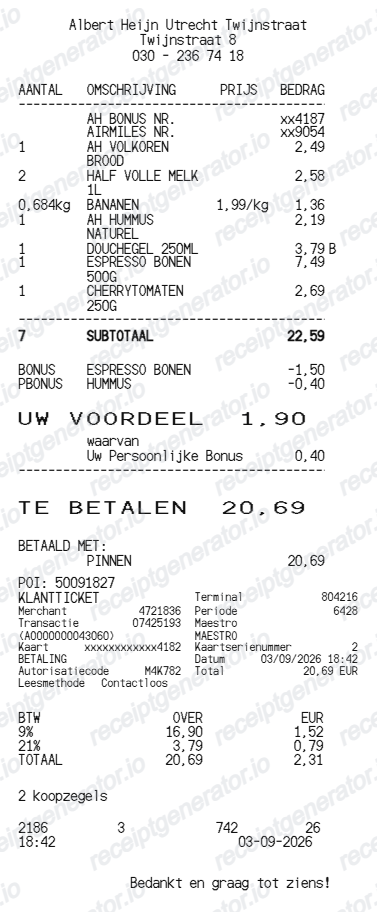
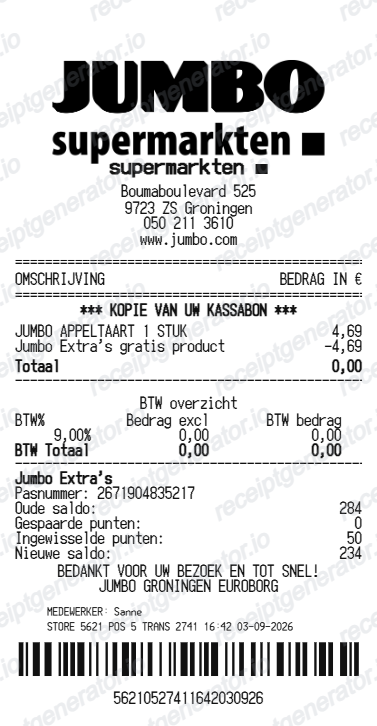
More Netherlands Receipt Templates
Browse our collection of receipt templates for various purposes.
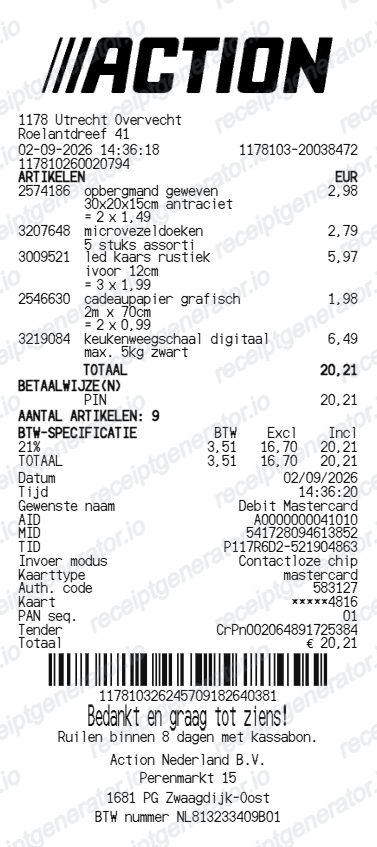
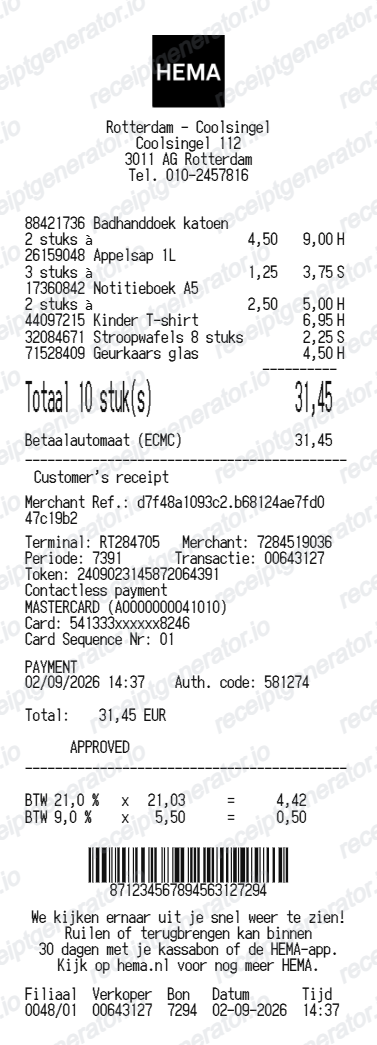
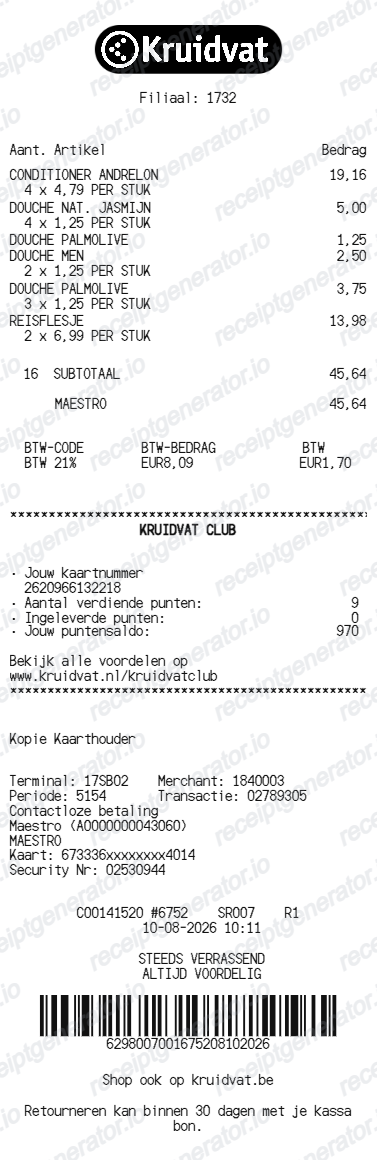
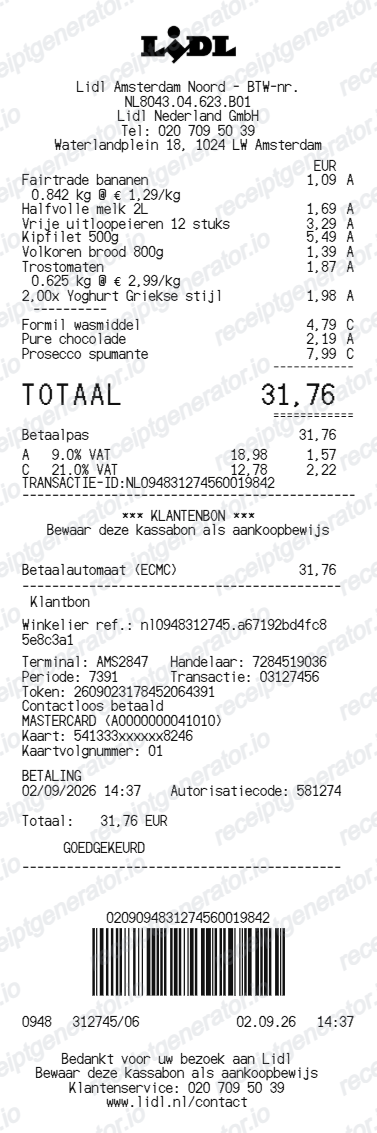
MediaMarkt NL Receipt FAQ
Common questions about creating MediaMarkt NL electronics receipts for personal records, budgeting, and BTW documentation in Netherlands.
Choose the MediaMarkt NL receipt template, edit the store header, add items and prices, set the total and BTW, then download the receipt as a PDF.
Yes. You can create and preview MediaMarkt NL receipts for free. Watermark-free PDF downloads are available with paid plans.
For online orders, MediaMarkt emails the factuur automatically once the order leaves the warehouse, and you can download it again from your account under Mijn bestellingen. Store purchases appear as a digital kassabon in your myMediaMarkt account or app, and you can add a paper bon manually via Kassabon registreren. For an older lost store receipt, contact MediaMarkt customer service.
For small amounts, yes - Dutch rules accept a simplified invoice such as a kassabon for purchases up to 100 EUR. Above that, a BTW deduction requires a full factuur with your business details, so ask the register staff for a BTW-factuur in store or download the factuur from your online order history.
Yes. The totals section includes a BTW-inclusive total to match the format on Netherlands MediaMarkt NL receipts.
Yes. After editing the details, preview and download the MediaMarkt NL-style receipt as a clean PDF for records or budgeting.
A real Dutch MediaMarkt kassabon is a narrow thermal receipt showing the store location, each product with its price, a BTW breakdown at the 21% standard rate, the payment method (often PIN), the date and time, and a barcode with register and transaction numbers at the bottom.
Receipt Generator · Receipt Maker · 300+ Free Templates
Create your MediaMarkt NL receipt
Use the editable MediaMarkt NL receipt generator to add items, BTW totals, loyalty text, and barcode details, then export a clean PDF.