Swiggy & Zomato Bill for Reimbursement: What to Include
Ready to create your own? Use our free receipt generator — no account needed.
Browse Receipt Templates →On this page
When you expense a meal ordered through Swiggy or Zomato, the bill needs to make the full charge breakdown clear. A screenshot of just the total often isn't enough for reimbursement.
Quick Answer
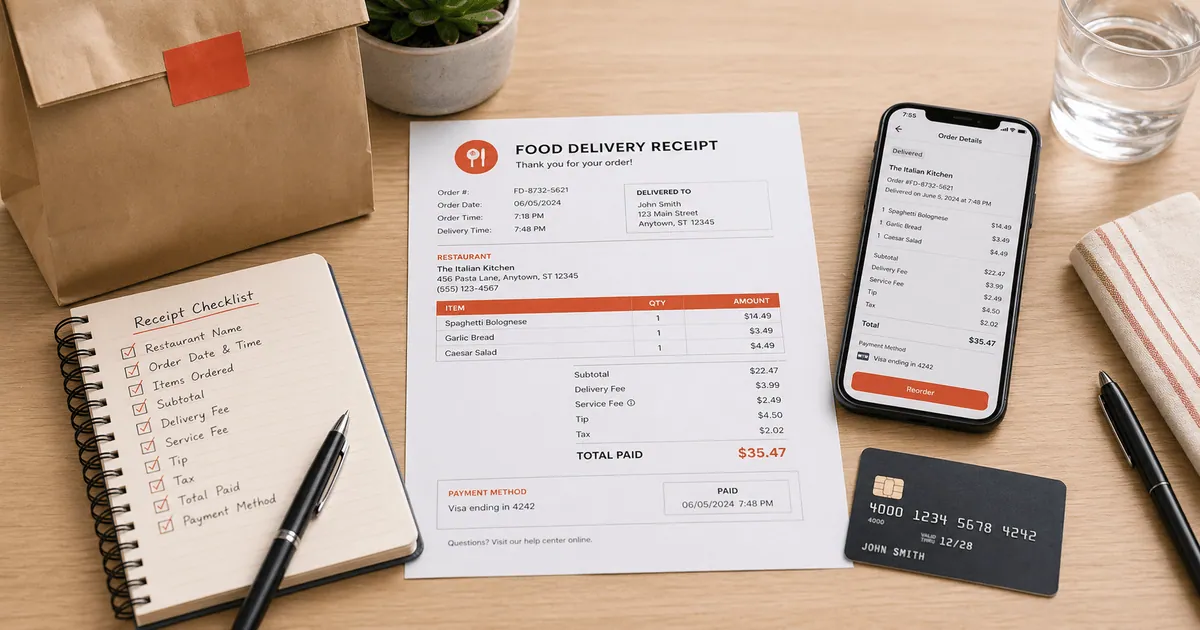
A reimbursement-ready food delivery bill shows the restaurant, order ID, itemised dishes, the fee breakdown (packaging, delivery, platform fee), GST, and the final amount paid.
Fields a food delivery bill should include
- restaurant name and outlet area
- order ID and order date/time
- itemised dishes with quantity and price
- item total
- packaging charges
- delivery fee
- platform fee
- GST and restaurant charges
- discounts or coupons applied
- the final amount paid and payment method
Why the breakdown matters
For a reimbursable meal, the bill should answer three questions: where the food came from, what charges were included, and how the total was reached. A combined GST line is fine for a consumer bill — the key is that the item total and fees are visible.
Create a food delivery bill
If you need a cleaner record than the app screenshot, rebuild the details with the free Swiggy bill generator or Zomato bill generator. Both let you edit the restaurant, items, fees, GST, and total in rupees, then export a print-ready PDF for your expense file.
FAQ
It should show the restaurant name, order ID and date, itemised dishes with prices, the fee breakdown (packaging, delivery, platform fee), GST, and the final amount paid, along with the payment method.
Open the app, go to your past orders, select the order, and look for the bill or invoice summary. Most apps let you view the full charge breakdown there.
Finance teams usually want to see how the total was reached — item total, packaging, delivery fee, platform fee, and GST — so the reimbursable amount is clear.